No-go zones on a robot vacuum are mapped areas the device is programmed to avoid during cleaning. They are usually set in the companion app after the home layout is created, giving users control over spaces like pet bowls, cables, or delicate furniture. The system relies on stored map data and navigation sensors to stay clear of these boundaries, but the setup and behavior can vary in ways that are not always obvious.
What Are No-Go Zones on a Robot Vacuum?
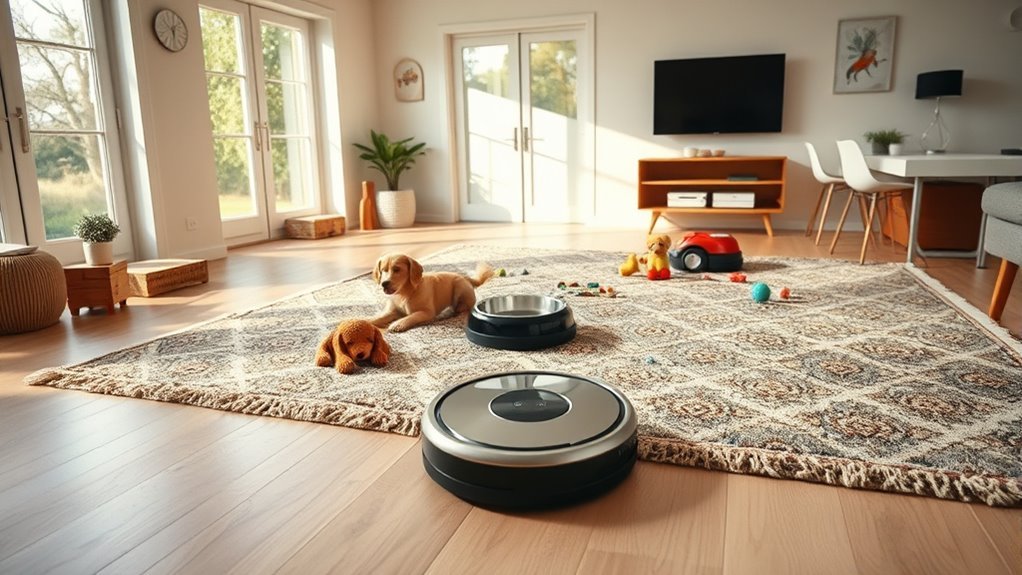
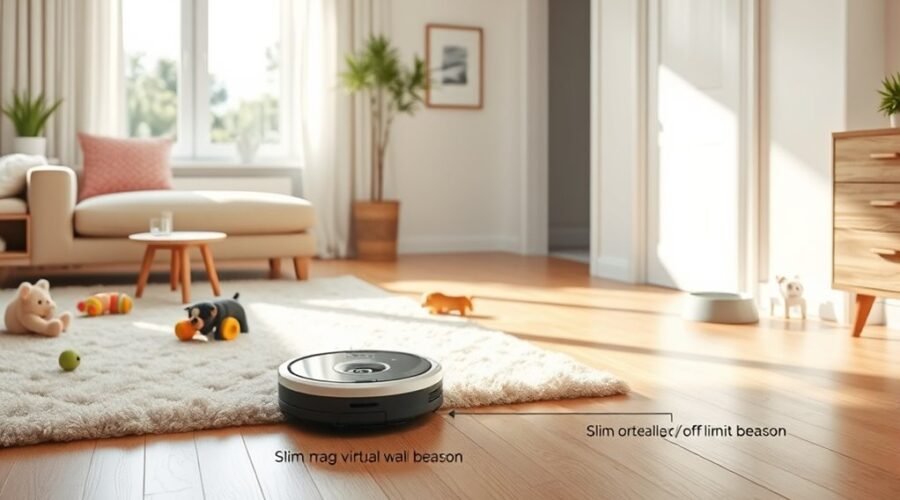
No-Go Zones on a robot vacuum are mapped-off areas the device is programmed to avoid, such as pet spaces or areas around fragile furniture. They function as virtual boundaries that protect specific areas while preserving cleaning efficiency.
Using the robot vacuum cleaner’s mapping features, the system records restricted sections of a home and applies obstacle avoidance to keep the machine out of limits. These zones are practical when a room contains cords, bowls, rugs, or other hazards that can disrupt operation.
A mobile app is typically used to set boundaries on the map, giving direct control over where the vacuum may travel. On many models, up to 10 No-Go Zones can be stored on one map.
How No-Go Zones Work in the App
Within the mapping app, designated no-go areas are set after the home layout is created, allowing the robot vacuum to avoid selected spaces during cleaning. No-Go Zones function as virtual walls inside the app, giving users control without physical barriers.
The app stores these limits across cleaning modes, so the robot keeps its path discipline whether running a full cycle or targeted pass. Users can customize areas as household needs change, preserving a flexible, liberated routine.
The app remembers each zone, keeping avoidance consistent across every cleaning session and reducing manual intervention.
- The app can send notifications when the robot repeatedly encounters trouble spots, helping identify where to set new No-Go Zones.
- Existing zones may be adjusted or removed at any time, supporting rapid changes in furniture placement and cleaning strategies.
- Because the app remembers each zone, avoidance stays consistent during every cleaning session, reducing manual intervention and wasted effort.
How to Set Up No-Go Zones
Before setting No-Go Zones, the robot vacuum should be fully charged and linked to its mobile app so mapping features are available.
Once the home is mapped, the user opens the boundary-setting feature and selects the areas to restrict. On the digital map, rectangular or custom-shaped zones can be drawn to mark restricted areas such as cords, pet bowls, or fragile spaces.
After saving the settings, a cleaning cycle should be started to verify that the robot vacuum respects the limits and avoids the marked sections. If the route crosses a boundary, the app should be checked for map errors or placement issues.
For sustained cleaning efficiency, update zones whenever furniture moves or room use changes. Regular edits keep the system aligned with the home layout and preserve control without physical barriers.
Proper setup lets the device clean freely while staying out of places that should remain untouched.
Why No-Go Zones Stop Saving
Even after No-Go Zones are configured correctly, they may fail to persist if the app has glitches or cannot sync with cloud services, which interrupts saving and causes the map data to revert. This is often tied to a software bug, weak data synchronization, or connectivity issues that block the robot from storing the settings. Outdated versions can worsen the problem, so regular updates matter.
No-Go Zones may revert if app glitches or cloud sync issues interrupt saving.
- Check whether the No-Go Zones return to default settings after closing the app.
- Verify app glitches are not paired with cloud sync failures or unstable Wi‑Fi.
- If mapping accuracy is poor, the system may require users to remap the space.
Temporary workarounds, such as changing floor type or layout, may keep settings in place, but they do not fix the root cause.
Stable firmware and current app builds give users greater control over their space.
How to Map No-Go Zones Better
A fully charged robot vacuum connected to the mobile app generally maps no-go zones more accurately, because setup and calibration can complete without interruption.
The app to set no-go zones should be used before the first cleaning routine, while mapping technology scans the areas in your home. Custom shapes can then be drawn around pet bowls, cables, delicate furniture, and other physical objects to prevent the robot vacuum from crossing those limits.
A virtual wall is useful, but app-based boundaries usually give finer control over the cleaning path. After any major furniture move, the map should be updated and the restricted zones remapped.
Frequent test runs help confirm that the robot vacuum respects each boundary. If the app reports repeated collisions or entries into blocked spaces, those alerts should guide new no-go zones and improve navigation.
This approach keeps access open while preserving control.
Frequently Asked Questions
Can You Tell Robot Vacuum Areas Not to Go To?
Yes; smart mapping technology lets a robot vacuum avoid areas via virtual barriers for effectiveness. Through app integration and a user interface, boundary setup supports cleaning preferences, home layout optimization, obstacle detection sensors, floor types compatibility, maintenance tips.
Which Robot Vacuum Has the Best No-Go Zones?
Best Models for no-go zones include DEEBOT X2 OMNI, T20 OMNI, and Narwal Freo Z Ultra; User Reviews and Feature Comparison favor Navigation Technology, Battery Life, Cleaning Performance, Brand Reliability, Price Analysis, Maintenance Tips, Customer Support.
What Are the Downsides of Using a Robotic Vacuum Cleaner?
A busy apartment may reveal robot vacuum limitations: noise level concerns, battery life issues, maintenance requirements, reduced cleaning efficiency, mapping accuracy errors, obstacle navigation failures, floor compatibility limits, price considerations, and inconsistent user experience.
Why Does My Shark Robot Go Into No-Go Zones?
It usually enters restricted areas because robot vacuum navigation fails from mapping accuracy issues, sensor limitations, or corrupted no go zone technology. User defined boundaries may be ignored without app management features, firmware updates, or obstacle detection methods.
Conclusion
In the landscape of robotic cleaning, no-go zones act like invisible fences, steering the vacuum away from trouble spots with quiet precision. When mapped correctly in the app, these digital barriers help the machine move like a guided compass, avoiding pet bowls, cables, and delicate furniture. If zones fail to save, the map or app settings often need attention. With careful setup, the vacuum cleans efficiently, like a worker following a well-marked blueprint.