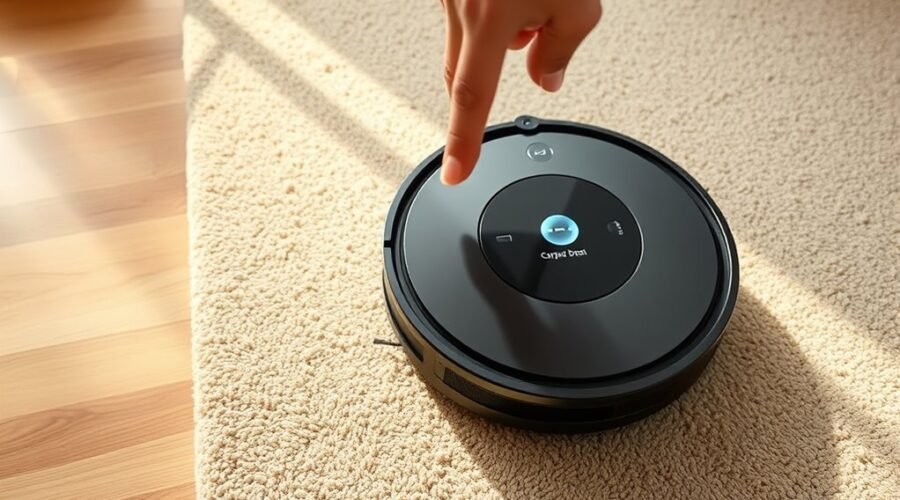
Carpet Boost can improve cleaning on rugs and carpet, but it only works when the vacuum can detect the surface correctly. The feature usually must be enabled in the app before a run, and some models need updated firmware to respond as expected. Rug color, thickness, and edge definition can all affect activation. The next step is to check whether the robot is actually switching modes when it reaches carpet.
Do Robot Vacuums Work on Rugs?
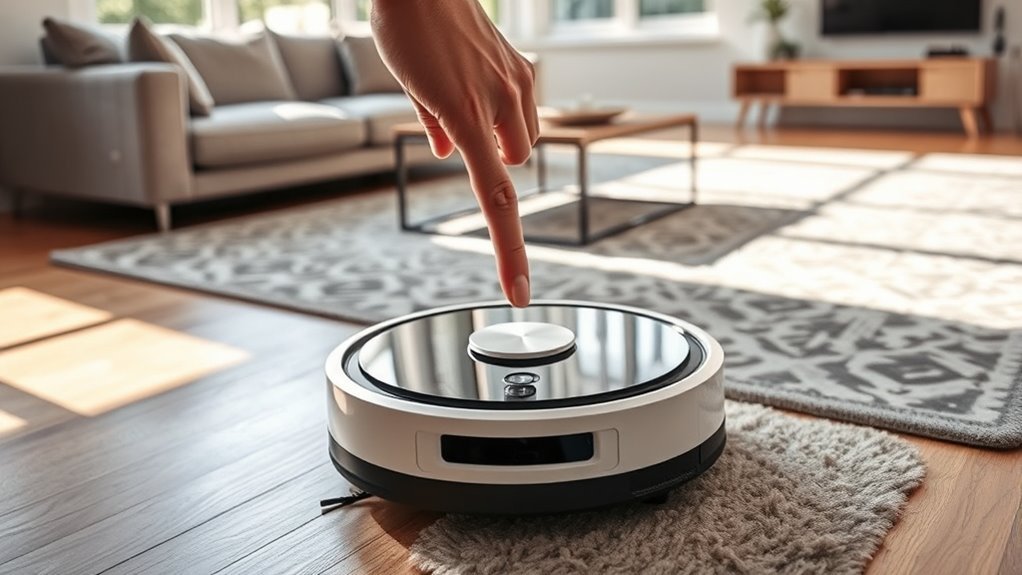
Robot vacuums generally work well on low-pile rugs, but performance drops on high-pile and shag surfaces, where thicker fibers can interfere with navigation, trigger false obstacle detection, and reduce suction efficiency.
On thick rugs, many robot vacuums lose traction or misread the surface as an obstruction. Models with limited ground clearance may stall, reverse, or return to base when pile height exceeds 15–20 mm.
Low-pile rugs are typically manageable because their dense but short fibers allow stable movement and consistent debris pickup.
For users seeking cleaner floors with less manual labor, the practical check is compatibility: verify the maximum pile height before purchase, especially for rooms with mixed textiles.
Combined vacuum-and-mop units also require automatic mop lifting to avoid dampening rugs.
Carpet Boost can improve agitation on acceptable carpet, but it cannot compensate for incompatible rug height or poor navigation on dense surfaces.
How Carpet Boost Helps on Rugs
Carpet Boost automatically raises suction when a robot vacuum detects carpeted flooring, improving debris removal on textile surfaces. On rugs, this extra suction power supports deep cleaning by lifting embedded dust, crumbs, and pet hair that standard modes may leave behind. The feature is most useful on high-pile and shag rugs, where fibers trap contaminants and resist ordinary airflow. It also helps preserve fiber texture by concentrating power only where needed, rather than overworking the entire floor.
| Rug type | Benefit | Result |
|---|---|---|
| Low-pile | Higher pickup | Cleaner surface |
| Medium-pile | Better penetration | Less residual dirt |
| High-pile | Stronger extraction | Improved deep cleaning |
| Shag | Hair removal | Reduced buildup |
| Mixed flooring | Targeted suction | Efficient coverage |
Regular Carpet Boost use can extend rug life by removing abrasive grit without excessive wear. For liberation from hidden debris, this function offers practical, controlled performance.
Turn On Carpet Boost in the App
Within the companion app, the Carpet Boost setting is typically found in the settings menu and should be toggled on before a cleaning session begins. This app control gives the robot permission to increase suction on carpeted surfaces, without altering standard cleaning modes for hard floors.
For reliable operation, the feature should remain enabled and the device firmware should be current.
- Open the app and locate Carpet Boost in settings.
- Switch the control to the on position.
- Confirm the status before saving the cleaning mode.
- Review the model-specific user guide if labels differ.
Enabling Carpet Boost in advance reduces manual intervention and preserves autonomous cleaning performance. If the app offers multiple profiles, the chosen profile should also show Carpet Boost as active.
That confirmation prevents inconsistent behavior and supports a more liberated, hands-off workflow. Model variations may change menu names, so the app guide remains the authoritative reference for exact steps.
Start a Clean and Test Rug Detection
A cleaning cycle should be started with Carpet Boost enabled so the robot vacuum can evaluate rug surfaces during operation.
The unit should first traverse a standard carpet, then shift from hard flooring to rug material, where suction is expected to increase automatically upon detection.
Different carpet types, including thin and high-pile rugs, should be tested to verify recognition accuracy and boost activation.
Start the Clean
Before the cleaning run begins, the Carpet Boost feature should be enabled in the robot vacuum’s app settings so the unit can increase suction on carpeted surfaces as needed.
The operator then selects the room or zone for the cleaning cycle, giving the robot a defined path and reducing wasted motion.
During operation, the machine should be observed for automatic suction changes on carpet areas. This confirms Boost behavior without interrupting the session. Practical checks support cleaner results and greater autonomy.
- Choose the target area in the app.
- Confirm Carpet Boost remains active.
- Watch for suction increases on rugs.
- Note any missed carpet shifts.
If recognition is inconsistent, the robot may be encountering a rug that is too thin or too small for reliable detection.
Test Rug Detection
With Carpet Boost activated in the robot vacuum’s settings, a cleaning cycle should be started and the shift from hard floor to rug closely monitored to verify automatic suction increase.
During this pass, the unit’s carpet detection should be observed in real time as it approaches rugs and responds without manual intervention. A clear rise in suction indicates that Carpet Boost is working as intended.
If the machine hesitates on small rugs, securing the corners with tape can improve recognition and reduce lift or slippage.
Performance data in the app should be reviewed after the cycle to confirm where suction changed and whether carpet detection remained consistent.
This process gives users practical control over floor care while reducing dependence on constant supervision.
Check Rug Size, Color, and Edges
Rug size should be verified first, with pile height kept within the robot vacuum’s operating range, typically no more than 15–20 mm.
Color and edge condition also affect detection, as dark rugs can be misread by sensors and frayed or lightweight edges may interfere with Carpet Boost activation.
Lightweight rugs should be secured, and thin or small rugs should be tested to confirm that carpet boundaries are recognized correctly.
Rug Size Check
A proper rug check starts with confirming that pile height stays within the robot vacuum’s supported range, typically about 15–20 mm, so the machine can move without false carpet detections or navigation errors.
This rug size compatibility review also clarifies whether the rug can be crossed cleanly from hard floors and whether threshold awareness is needed at room shifts.
- Measure pile height precisely.
- Verify clearance at all edges.
- Confirm stability under suction.
- Map any shift points.
If the rug exceeds the limit, carpet boost may overwork the unit or miss the area entirely.
If it is too thin, the robot may treat it like bare flooring.
Careful sizing preserves autonomous operation and keeps cleaning decisions under control.
Edge And Color Issues
Dark rugs can confuse the robot vacuum’s obstacle sensors, preventing Carpet Boost from engaging when it is needed, so surface color should be checked alongside pile height and layout. A carpet with dark dye or high contrast edges may block detection, while a rug above 15–20mm can force a return to base. On hard floor changes, confirm the robot reads the boundary cleanly.
| Check | Action |
|---|---|
| Color | Avoid dark or reflective carpet |
| Height | Keep pile within 15–20mm |
| Edges | Tuck tassels under |
| Stability | Add non-slip pads |
| Sensors | Verify boost activation |
Lightweight rugs should remain fixed so suction does not bunch them. If detection remains unreliable, set no-go zones and rerun Boost Mode for cleaner, freer navigation.
Use Tape on Small or Thin Rugs
Taping down the corners of small or thin rugs can help a robot vacuum distinguish carpeted areas more reliably and reduce the chance of missed cleaning zones. A narrow strip of tape stabilizes the rug edge, improves recognition, and gives the machine a clearer boundary to interpret.
When carpet boost is enabled, the vacuum can respond with stronger suction as soon as the taped area is identified as carpet. This simple correction is useful where lightweight rugs shift, curl, or confuse floor sensors.
- Secure only the corners or edges.
- Use low-residue tape to protect fibers.
- Verify carpet boost is active before cleaning.
- Remove tape if the rug’s texture changes.
This method supports practical autonomy: fewer interruptions, less manual intervention, and more consistent coverage.
It also helps prevent the vacuum from getting stuck or misclassifying the surface, while preserving the rug’s texture and keeping the cleaning process efficient.
Raise Suction for Deep-Pile Rugs
For deep-pile rugs, carpet boost should be enabled in the robot vacuum’s app so the machine can increase suction on demand and pull embedded dust from dense fibers. This Carpet Boost setting raises suction for deep-pile rugs and helps the robot work with greater force where ordinary passes fail.
For dedicated cleaning sessions, Max or Max+ modes are preferable because they deliver the strongest pickup of fine debris, pet dander, and trapped grit. A schedule with Carpet Boost activated keeps high-pile surfaces consistently clear and supports cleaner indoor air.
Max or Max+ modes deliver the strongest pickup, while Carpet Boost helps keep high-pile carpets consistently clear.
Selecting Multi Pass or Deep Clean increases agitation, which improves debris removal from plush carpet stacks. Regular maintenance matters as well: brushes and filters should be checked often so suction does not drop during operation.
When these controls are used together, the robot vacuum gains the power needed to serve busy homes with less manual effort and more reliable freedom from entrenched dirt.
Lift Mop Pads and Avoid Rugs
When carpet boost is enabled on a robot vacuum with mop capability, the mop pads should lift automatically so rugs and carpets remain dry during cleaning cycles. This mop lifting action usually raises the pads 10-12 mm, creating clearance for textile surfaces while preserving cleaning momentum.
During carpet boost, onboard sensors detect carpet fibers and disengage wetting functions where needed, which helps protect fibers from moisture transfer and keeps the route efficient.
- Verify carpet boost is active in the app.
- Confirm mop lifting occurs before carpet contact.
- Mark sensitive areas with no-go zones.
- Recheck maps so rugs are classified correctly.
This setup gives the machine operational freedom: it can clean hard floors, shift to carpet, and avoid wetting rugs without manual intervention.
If the mapping is accurate, carpet boost remains precise, and no-go zones prevent accidental passage over delicate surfaces.
Fix Carpet Boost When It Won’t Trigger
A robot vacuum’s carpet boost may fail to engage if the setting is disabled in the app, so the first check is to confirm the switch is active. After that, troubleshooting should move to carpet type: thin or small rugs may not present enough height for the sensor to recognize them, preventing carpet boost from activating. Securing rug corners with tape can define boundaries and help the machine respond with greater freedom.
| Check | Action |
|---|---|
| App setting | Activate carpet boost |
| Rug size | Test larger carpets |
| Rug edges | Tape corners for detection |
| Hardware | Inspect extractor frame and treads |
Misalignment of the extractor frame or worn treads can also block power boost. These parts should be examined regularly and replaced when degraded. If the feature still will not trigger, consult the manual for model-specific troubleshooting steps or firmware updates.
Frequently Asked Questions
What Setting Should My Vacuum Be on for Carpet?
For carpet, the vacuum should be set to Carpet Boost or Max suction, matched to carpet types. Adjust vacuum settings for pile depth and cleaning frequency; dense, high-traffic carpets benefit from Deep Clean or Multi Pass.
Why Won’t My Roomba Go Over My Carpet?
The Roomba may refuse carpets because carpet types confuse robot sensors, pile height exceeds limits, or cleaning modes restrict entry. Dark rugs, worn treads, misaligned extractors, or disabled Carpet Boost can also prevent crossing.
Should You Run Your Robot Vacuum Every Day?
Yes—most households benefit from daily robot vacuuming; one study found it reduces floor dust significantly within a week. Daily vacuuming benefits include fewer allergens, better carpet care tips, and an ideal cleaning schedule.
Why Does My Carpet Still Look Dusty Even After I Vacuum It?
Dust remains visible because particles settle deep in fibers, suction may be insufficient, and brushes may not agitate effectively. Better dust removal tips, disciplined carpet maintenance, and improved vacuuming techniques reduce embedded debris and restore cleaner appearance.
Conclusion
Carpet Boost can greatly improve cleaning on rugs, with many modern robot vacuums increasing suction by up to 200% when carpet is detected. In practice, performance depends on correct app settings, updated firmware, and reliable rug recognition. Users should verify Carpet Boost is enabled before each run, test detection on different rug types, and adjust suction or barrier placement if needed. Proper setup helps the robot maintain stronger pickup and more consistent carpet results.