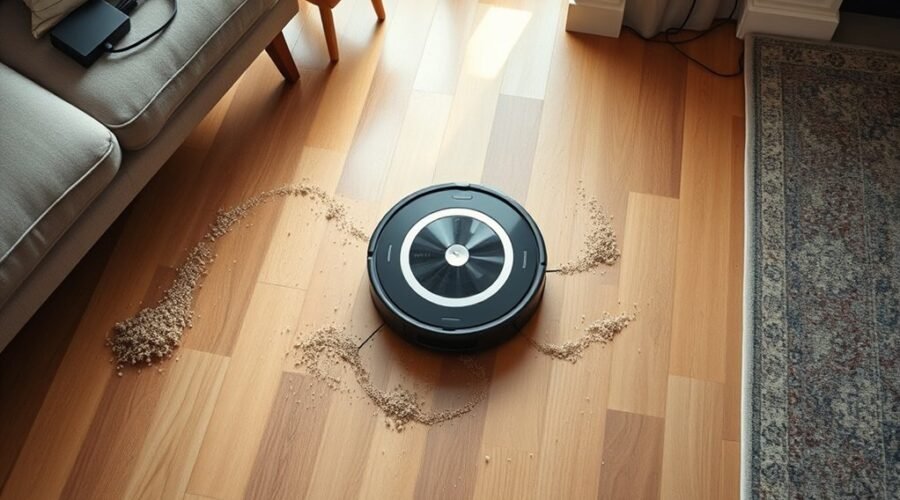
Robot vacuums often miss spots because the route is blocked, the map is outdated, or key parts need attention. Tight passages, hidden no-go zones, dirty sensors, and a full bin can all reduce coverage. In some cases, furniture changes leave the robot confused until the map is updated or reset. A few simple checks can restore performance, but the most common failure points are not always obvious.
Why Your Robot Vacuum Misses Spots
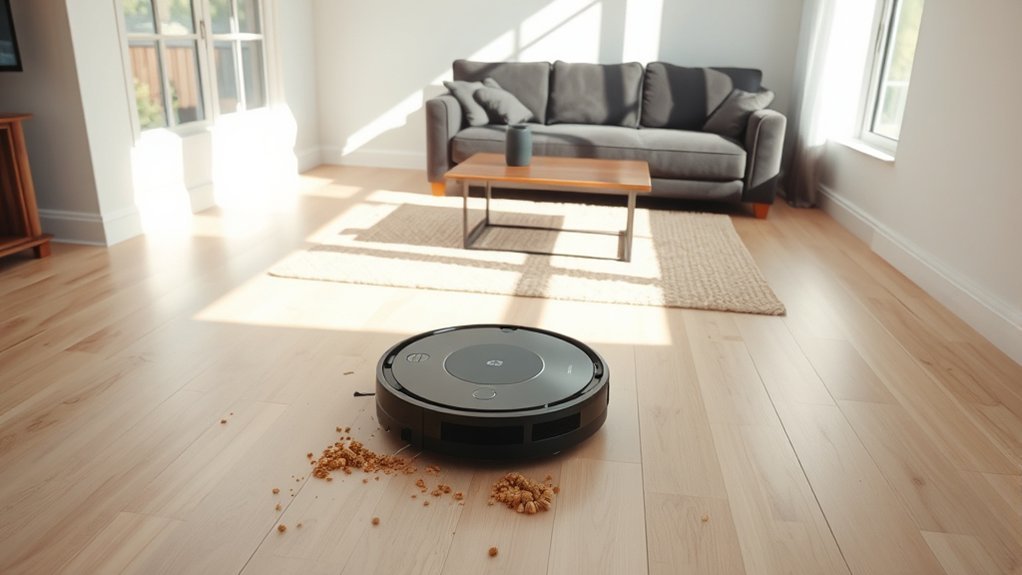
Robot vacuums often miss spots because their navigation systems are limited, especially in bump-and-go models that move without precise mapping and can leave areas uncleaned.
In practice, robot vacuums need reliable obstacle recognition to reduce missed spots and cover the floor systematically. When furniture, cords, or debris crowd the path, they require clear navigable space; about 15 inches of clearance helps preserve access to dirty zones.
Machines without Recharge-and-resume technology may return to the dock and restart from the beginning, leaving far sections untouched in larger homes.
Regular maintenance also matters: brushes, wheels, and sensors collect dust that degrades movement and detection. Dirty components can cause repeated collisions and incomplete passes.
Virtual walls or no-go devices can also create ghost barriers if set too broadly, cutting off usable floor area.
For liberating, consistent cleaning, the system must remain unobstructed, maintained, and configured to reach every exposed surface.
Check the Map and No-Go Zones
A quick review of the vacuum’s cleaned-area map can reveal why certain spots remain untouched, especially when the app’s layout no longer matches the home’s current arrangement.
The operator should check the map for gaps, repeated skips, or areas blocked by virtual walls. When missed spots appear in the same locations, the cause is often oversized or outdated no-go zones. Those settings may protect spaces no longer occupied or exclude zones that should now be reachable after furniture rearrangement.
Check the map for gaps or repeated skips; oversized, outdated no-go zones often block newly reachable areas.
The app’s digital plan should be compared with the real floor layout, since inaccurate mapping can create ghost obstacles and reduce cleaning performance. If boundaries are too broad, resize them; if they are obsolete, delete them.
After adjusting no-go zones, remapping the area can restore full coverage and improve reliability. Regular review keeps the system aligned with changing room conditions and helps preserve efficient, independent operation.
Clear Clutter and Tight Passages
When clutter fills hallways or room entrances, the vacuum’s path becomes restricted and coverage drops. To maintain performance, it is essential to clear clutter and preserve at least 15 inches of navigable space wherever possible.
Shoes, cords, and small items create obstacles that can divert the robot, slow it down, or stop it entirely. In tight spaces, the unit may mark the passage as impassable, leaving missed areas behind.
A decluttered environment supports cleaner routing between rooms and reduces repeated scans. Regular removal of obstacles improves cleaning efficiency by allowing the machine to move without interruption and complete more of its planned route.
Wider passages also help the robot approach edges and thresholds with greater consistency. By keeping routes open, the system can travel freely, cover more floor, and deliver more complete results with less constraint.
Clean the Bin and Brush Roll
Emptying the dust bin on a regular schedule helps preserve suction power and prevents clogging that can reduce cleaning efficiency. A Robot vacuum with a full dust bin loses airflow, lowers performance, and leaves missed spots during cleaning.
The dust bin should be cleared before each run in heavy use, and inspected for packed debris that may block intake channels. The brush roll also needs frequent attention. Hair, string, and lint wrapped around the brush roll can stop it from sweeping dirt into the vacuum path, which weakens pickup.
Detach the roller, remove debris, and verify that it spins freely. Filters should be checked at the same time; dust buildup restricts airflow and compounds loss of suction. Worn brushes or filters should be replaced according to the manufacturer schedule.
Routine maintenance keeps the Robot operating with minimal friction, restores reliable cleaning, and supports consistent coverage across floors without avoidable gaps.
Remap After Moving Furniture
Furniture changes can cause map drift, leaving the robot vacuum with outdated floor plans and missed areas.
Deleting obsolete maps helps reset navigation data after a room layout change. A fresh mapping cycle then restores accurate coverage and preserves virtual boundaries.
Map Drift After Changes
After furniture is moved, a robot vacuum’s saved map can drift from the room’s actual layout, causing missed spots, ghost obstacles, and inconsistent coverage. This map drift reduces cleaning efficiency because navigation systems still follow outdated boundaries.
When furniture is moved, remapping becomes necessary so the unit can rebuild a real-time floor plan and avoid false blockages. A clear floor and adequate lighting help sensors detect edges, open paths, and new obstacles with precision.
Regular map checks after room changes keep the machine aligned with current conditions and prevent repeated passes over unchanged areas. For users seeking liberation from manual cleanup, timely remapping preserves autonomy, limits gaps, and supports dependable whole-room coverage without constant supervision.
Delete Outdated Floor Plans
Deleting outdated floor plans helps restore accurate navigation when a room’s layout has changed. When furniture shifts, robot vacuums may follow old routes, create missed spots, or avoid open space unnecessarily.
To delete outdated floor plans and support remapping, the area should be cleared of clutter and lit well for reliable sensor reading.
- Remove obstacles before mapping
- Keep lighting consistent
- Verify no-go zones in the app
- Check coverage after remapping
This reset improves cleaning efficiency and reduces map drift that can trap the machine in obsolete patterns.
After remapping, the app should be used to confirm no-go zones still protect the right areas and do not block needed cleaning. A fresh floor plan gives robot vacuums a more liberated path through the home.
Run Fresh Mapping Cycle
Once old floor plans are removed, a fresh mapping cycle can be started so the robot vacuum can build an updated layout that matches the room’s current arrangement.
Before the run fresh mapping cycle begins, floors should be clear, bright, and free of loose obstacles, allowing sensors to detect boundaries accurately. This reset lets navigation systems replace ghost walls and outdated routes with a reliable updated map.
With the new layout stored, the robot can cover open areas without drifting into dead zones or leaving missed spots. The full cleaning cycle should be completed without interruption, since pauses can corrupt the learning process.
Regular remapping after furniture changes supports efficient cleaning and helps the machine move with greater independence, using current spatial data instead of stale assumptions.
Remap or Contact Support
If a robot vacuum continues to miss the same areas, remapping the space can refresh its digital layout and improve coverage, especially after furniture has been moved or no-go zones have changed. This process lets navigation systems rebuild routes, align cleaning patterns, and reduce blind spots.
Before remapping, verify virtual walls and no-go zones are not blocking open floors. Update software first, since new software updates often improve path planning and obstacle handling.
- Recreate the map after layout changes.
- Resize or delete outdated no-go zones.
- Check for virtual walls near missed areas.
- Save cleaned-area maps and error codes.
If the robot still skips sections, contact customer support with those records. Persistent misses may indicate sensor faults, wheel issues, or map corruption.
Clear documentation speeds diagnosis and keeps the machine working with less dependence on guesswork.
Frequently Asked Questions
What Are the Most Common Problems With Robot Vacuums?
Common problems include sensor issues, battery performance decline, navigation problems, dustbin capacity limits, brush maintenance neglect, floor compatibility mismatches, and software updates that lag. These failures reduce autonomy, coverage, and reliable cleaning efficiency.
What Is the Average Lifespan of a Robot Vacuum?
Typically, a robot vacuum lasts 3–5 years; superb service depends on robot vacuum maintenance, battery replacement tips, floor type compatibility, navigation technology differences, cleaning schedule optimization, smart home integration, and a troubleshooting guide.
Which Robot Vacuum Brand Is the Most Reliable?
iRobot Roomba is often judged most reliable overall, with Roborock S7 close behind. Ecovacs Deebot, Neato Botvac, Shark IQ, Eufy BoostIQ, and Samsung Jetbot offer capable alternatives, but reliability varies by maintenance and software maturity.
What Are the Downsides of Using a Robotic Vacuum Cleaner?
About 30% of households report uneven robotic vacuum results. Downsides include limited suction power, short battery life, navigation issues, higher noise levels, reduced cleaning efficiency on edges, recurring maintenance costs, and inconsistent pet hair pickup.
Conclusion
In the end, a robot vacuum’s missed patches often trace back to a few quiet conditions: an unsettled map, narrow passages, crowded floors, or parts that need attention. When pathways offer at least 15 inches of open travel and the bin, brush roll, sensors, and wheels remain in sound order, coverage improves. If the pattern still wanders, a fresh map or support review can gently bring the machine back into alignment with its room.