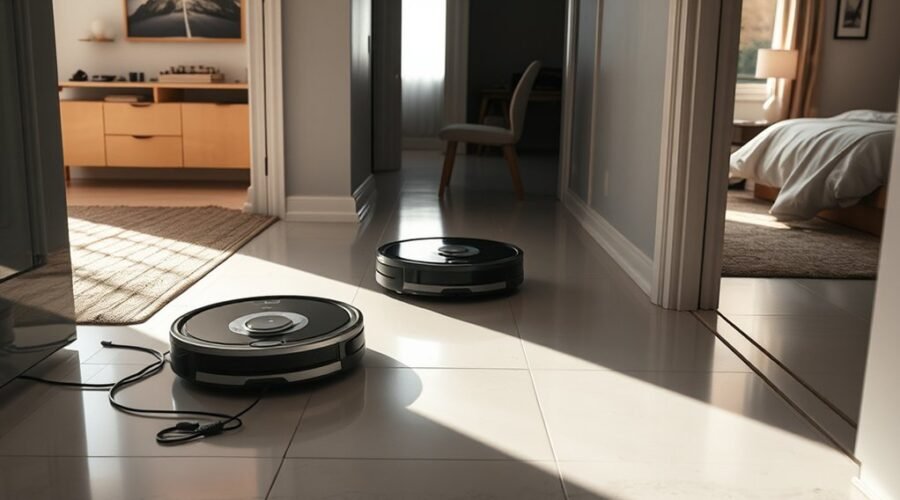
Robot vacuums can miss rooms for reasons that are often easy to overlook. A bad map, blocked path, dirty sensors, or a weak battery can all leave part of a home untouched. Floor type, furniture placement, and overzealous no-go zones may add to the problem. The cause is not always obvious, which makes the next step worth a closer look.
Why Is Your Robot Vacuum Missing Rooms?
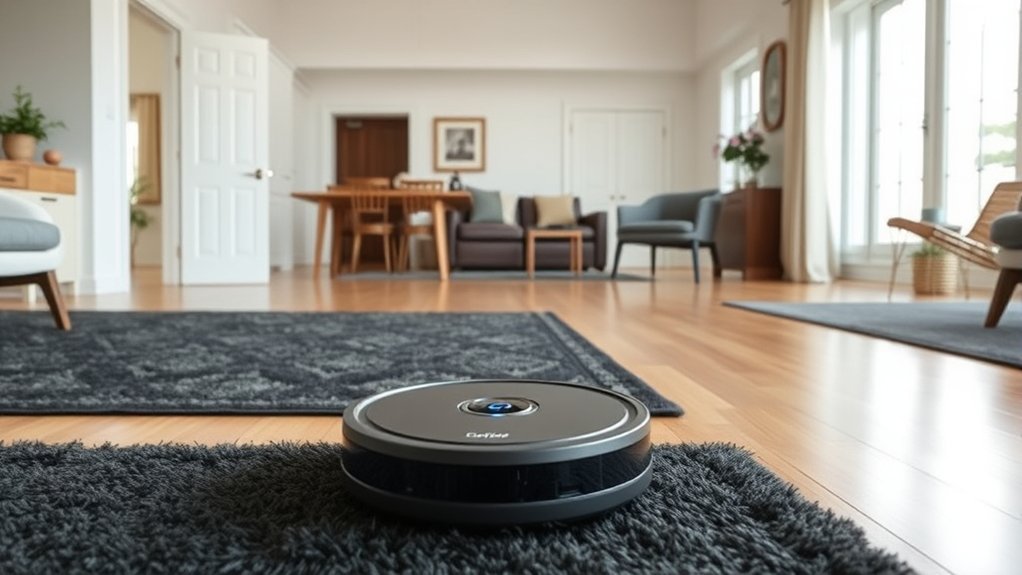
A robot vacuum may miss rooms for several practical reasons, including corrupted maps that cause repeated navigation patterns and skipped areas, physical obstructions such as closed doors or low furniture, and sensor issues that interfere with accurate movement.
In many cases, robot vacuum missing spaces reflects problems in navigation rather than a single fault. If mapping data is damaged or outdated, the unit may avoid sections it should clean. When the battery runs low, the vacuum may stop before completing the layout, leaving rooms untouched.
Dirt on sensors can also confuse obstacle detection, causing cautious turns or dead ends. Clutter, rugs, and narrow passages may further limit access.
Regular maintenance, clear pathways, updated firmware, and clean sensors help restore reliable coverage. A disciplined setup supports more complete cleaning and less wasted effort.
How Bad Maps Make Robot Vacuums Miss Rooms
Bad maps are a common reason a robot vacuum skips rooms, especially when corrupted data sends it into the same paths repeatedly instead of covering the full floor plan.
In Robot Vacuum Navigation, the mapping process must build an accurate map, or missed spots usually appear in the same areas. Furniture moved after the last run can distort boundaries, while an old map can still guide the machine toward outdated routes.
If the battery drops too low before the scan finishes, the map may stay incomplete and later sessions inherit those gaps. Closed doors or low-clearance furniture can also interrupt access, but the map problem often hides the real cause.
Clearing old maps and starting fresh in stable conditions gives the vacuum a better chance to learn the space correctly. With a clean record, coverage improves and rooms are less likely to be left behind.
How No-Go Zones Cut Off Coverage
No-go zones can also leave a robot vacuum missing rooms or sections of a room when the virtual barriers are set too broadly or placed in the wrong spot. These no-go zones are useful, but they can quietly reduce cleaning coverage when they do not match the accurate floor plan. The result is often missed spots, repeated passes, and an unfinished room.
- A large barrier can block half a room.
- A misplaced line can trap the robot outside key areas.
- Repeated routes may signal poor navigation systems settings.
- Small changes can restore full coverage fast.
- Regular checks protect the space without sacrificing freedom.
When consistent gaps appear, the no-go zones should be reviewed and adjusted. Proper setup keeps delicate items protected while allowing the robot to clean the remaining floor efficiently.
How Dirty Sensors Make Robot Vacuums Skip Areas
Dirty sensors can misread floors and edges, causing a robot vacuum to skip areas or avoid them as if they were blocked.
Dust on cliff sensors or LiDAR units can create false no-go zones and reduce mapping range, which leads to missed spots.
Regular cleaning with compressed air and a microfiber cloth helps restore accurate navigation and fuller coverage.
Sensor Dirt And Errors
Accumulated dust on a robot vacuum’s sensors can disrupt navigation and cause it to skip sections of floor.
Sensor dirt weakens the navigation system, so an accurate floor plan is no longer built during the cleaning cycle. Cliff sensors may trigger false no-go zones, while LiDAR can lose range and miss spots.
Obstacle avoidance then becomes unreliable, and coverage suffers.
- Missed rooms feel frustrating
- Clean floors may be wrongly avoided
- Mapping gaps waste time
- Dirt hides in plain sight
- Control can slip away
Regular sensor checks help restore freedom from repeated cleaning.
Compressed air and a microfiber cloth can remove buildup, and the app can test individual sensors after cleaning.
That quick verification shows whether faults remain and keeps the robot moving with confidence.
Cleaning Sensors For Coverage
When sensors are coated with dust, a robot vacuum can misread its surroundings, trigger false cliff warnings, and leave sections of floor untouched. Regular cleaning sensors restores accurate navigation and helps the machine complete a full cycle without skipping rooms.
Cliff sensors and LiDAR units are especially important, since dust and debris can block readings and weaken mapping. A monthly wipe is usually enough, but homes with pets may need weekly care.
After cleaning, the app can test individual sensors to confirm they are responding correctly. This simple check helps identify lingering faults before another run.
With clean sensors, the vacuum moves with steadier coverage without wasted passes, giving floors more complete treatment and reducing the chance of missed areas.
Which Floor Types Confuse Robot Vacuums?
Certain floor types can confuse a robot vacuum’s sensors and navigation system, leading to missed rooms or uneven cleaning. Among common floor types, dark carpeting and high-pile rugs can disrupt motion and traction, while polished tiles and waxed finishes can make the machine slip.
Reflective surfaces can confuse mapping, especially when glass or shiny flooring causes false readings. Dust on sensors adds another layer of error, increasing the chance of missed rooms and repeated passes.
- Dark floors may trigger false cliff alerts.
- High-pile rugs can slow or trap progress.
- Polished tiles can break a steady route.
- Reflective surfaces can confuse navigation.
- Dirty sensors can hide clear paths.
A robot vacuum performs best on stable, matte surfaces with minimal glare. Keeping floors dry, sensors clean, and problem areas flagged helps restore control and supports more complete coverage without unnecessary intervention.
How Furniture Layout Creates Unreachable Spots
Furniture layout can create unreachable spots by blocking the robot vacuum’s path, especially under low-clearance furniture and around tight clusters that exceed its turning radius. When sofas, beds, and tables sit close together, the machine may stall at corners, miss narrow gaps, or leave dirt trapped in enclosed pockets.
Dense arrangements also create sensor dead zones, so the vacuum may fail to detect places that need cleaning. Dark floors can add false cliff alerts, pushing it away from useful sections. Clear pathways help the robot move freely and reduce missed areas.
Regularly rearranging furniture can open access and improve coverage without extra effort. Virtual walls may be useful for steering the device away from problem zones while preserving open routes elsewhere. For cleaner results, the room should support easy navigation rather than force constant detours.
Simpler furniture layout gives the vacuum room to work, and that freedom usually means fewer unreachable spots and more complete cleaning overall.
Why Battery Limits Leave Rooms Half Cleaned
Low battery levels can stop a robot vacuum before it finishes a cycle, leaving rooms only partially cleaned and coverage uneven. When Robot Vacuums battery power drops early, the machine may slow, skip zones, and create incomplete coverage. Good battery management matters because weak cells reduce runtime and make patterns irregular.
Low battery power can leave a robot vacuum slowing down, skipping zones, and cleaning only part of the room.
- A half-finished run leaves dust behind.
- A dark charging pause can interrupt progress.
- Large homes feel the loss most.
- Recharge-and-resume helps restore order after charging.
- Without it, the vacuum starts over and rooms may stay missed.
Models with recharge-and-resume return to the last spot, reducing frustration and saving time. Units without that feature often restart from the beginning, which increases missed areas.
Regular monitoring of battery health keeps performance steady. Replacing aging batteries every 2-5 years supports reliable cleaning and helps maintain the freedom of a truly hands-free floor routine.
How to Fix Robot Vacuum Missing Rooms Fast
When a robot vacuum starts missing rooms, the fastest fixes usually begin with the basics: clean its sensors so navigation stays accurate, then update the app and firmware to rule out software glitches.
Next, clear the cleaning area of loose cables, shoes, and crowded furniture so the robot can move without barriers. Check dock placement too; the charging base needs open space on both sides and in front for reliable return paths and better map building.
If rooms are still skipped, use the app to reset the map and start a fresh mapping run after any major layout change. That gives the robot a new route plan and helps it recognize each room more freely.
After remapping, run a full cleaning cycle and confirm coverage in the app. These steps usually restore access quickly without guesswork.
Frequently Asked Questions
Why Is My Roomba Missing Rooms?
It is likely skipping rooms because room mapping is outdated, sensor issues confuse navigation, furniture placement blocks access, battery performance drops mid-clean, or software updates introduced bugs. Re-mapping, clearing paths, and cleaning sensors usually help.
What Are the Most Common Problems With Robot Vacuums?
The most common problems are weak suction power, navigation issues, short battery life, poor floor compatibility, and neglected maintenance. Practical maintenance tips—clean sensors, clear clutter, update software—help preserve reliable cleaning and keep households freer from extra labor.
What Is the Average Lifespan of a Robot Vacuum?
Like a tireless metal scout, a robot vacuum typically lasts 3–5 years; premium units may reach 7 with robot vacuum features, maintenance tips, battery replacement, smart home integration, and mapping technology supporting longevity.
Will a Robot Vacuum Go Over Molding Into Other Rooms?
Usually, yes, if Robot design, Floor changes, Molding height, Navigation sensors, and Room mapping permit it. Low thresholds are often crossed; higher molding may stop progress. A clear path or change strip helps.
Conclusion
In many homes, a robot vacuum’s missed rooms are less a mystery than a quiet sign of simple misalignment—an untidy map, a closed door, a dim sensor, or a battery that runs out before the work is finished. With a little upkeep, clearer pathways, and the occasional map reset, coverage often improves noticeably. In this way, the machine usually regains its footing, and the home receives the more complete clean it was meant to have.