Scheduling a robot vacuum for hands-off cleaning starts with matching run times to daily routines and floor traffic. Most homes benefit from a set plan that runs when rooms are empty, while pets, allergies, or heavy use may call for more frequent cleanings. App controls, virtual boundaries, and simple prep can improve results, but the best schedule often depends on a few details that are easy to overlook.
How Often Should You Run a Robot Vacuum?
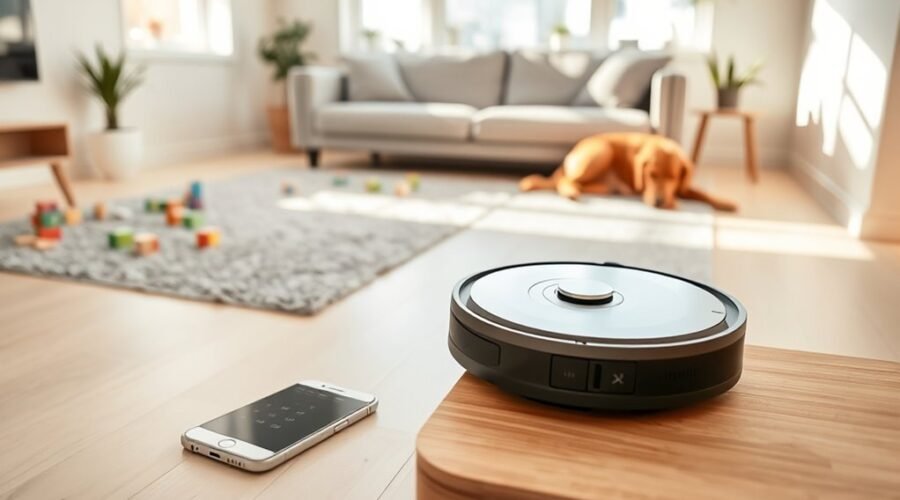
How often a robot vacuum should run depends on the household’s needs. A robot vacuum daily may be justified in homes with pets, where pet hair and dander collect quickly.
For allergy sufferers, running it every other day can reduce allergens and support easier breathing. Larger households and high-traffic areas such as kitchens and living rooms often benefit from regular cleaning three to four times a week.
Homes with hardwood floors usually need less frequent attention, around two to three sessions weekly, while carpeted areas may require more frequent passes because dirt settles deeper.
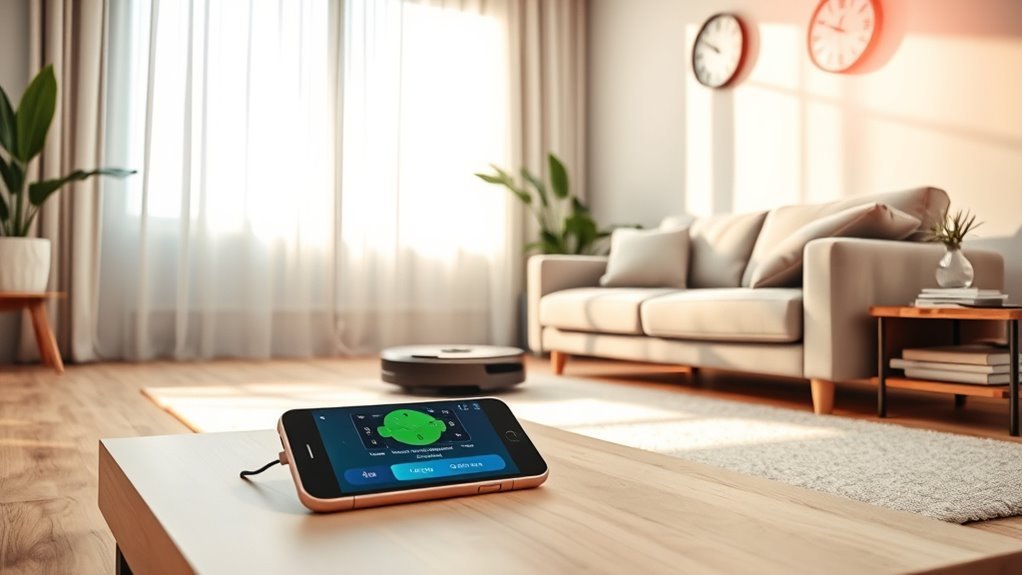
To make upkeep more effortless, users can schedule cleaning through the vacuum’s app, allowing the machine to work without constant supervision. This approach helps maintain steady cleanliness, saves time, and supports a more liberated routine.
The best cadence is the one that keeps surfaces consistently clear with the least effort.
Choose the Right Robot Vacuum Schedule
The best robot vacuum schedule should match the household’s daily routine, pet activity, and traffic patterns.
Homes with busy kitchens, living rooms, or frequent foot traffic often benefit from room-based cleaning times that target those areas more often.
Adjusting the schedule to fit the lifestyle helps the vacuum clean when it can work with fewer interruptions.
Match Schedule To Lifestyle
A robot vacuum schedule works best when it fits the household’s real routine. The right cleaning schedule depends on traffic, pets, and how much freedom the occupants want from chores. Daily cleaning suits homes with shedding pets, while a few sessions weekly may cover single occupants. Larger families often need 3-4 runs weekly.
| Household type | Suggested schedule |
|---|---|
| Pets | Daily cleaning |
| Single occupant | 2-3 times weekly |
| Family home | 3-4 times weekly |
| Seasonal mess | Adjust the frequency |
Using the app, set runs for mid-morning or early afternoon, when rooms are calmer and obstacles are fewer. Seasonal shedding or post-event debris may call for extra regular maintenance. A practical schedule keeps floors presentable with minimal effort.
Set Room-Based Cleaning Times
Room-based scheduling lets a robot vacuum clean each space according to its use.
With room-specific scheduling in the app, a user can set a cleaning schedule that targets high-traffic areas like kitchens, hallways, and entryways more often than quiet rooms.
Max Mode works well where dirt gathers fastest, while Eco Mode suits bedrooms and other low-traffic spaces, saving battery without sacrificing basics.
No-Go Zones help keep the vacuum out of cluttered corners, pet bowls, or temporary storage areas, so each run stays focused.
This approach reduces manual oversight and gives the household more freedom from routine chores.
The schedule should be reviewed regularly and adjusted for seasonal mess, guests, or extra pet activity.
Match Robot Vacuum Frequency to Your Home
Robot vacuum frequency should match the home’s size and level of foot traffic, with larger or busier households needing more frequent runs.
Homes with pets, carpets, or high-use areas like kitchens and living rooms usually benefit from daily or several-times-weekly cleaning.
Schedules should be adjusted as the home changes, so the vacuum keeps pace with dust, debris, and floor type.
Home Size And Traffic
House size and daily traffic should guide how often a robot vacuum runs, since busier homes collect dirt faster than quieter ones. In a small home, a lighter schedule may suffice, but a busy family space often needs frequent cleaning to stay manageable.
To schedule your Robot effectively, focus on the home’s most used zones first.
- High-traffic areas like kitchens and living rooms may need daily or every-other-day runs.
- Larger households, or multi-story homes, often benefit from 3–4 cleanings weekly, with each level assigned its own session.
- Cluttered layouts usually demand tighter intervals than open floor plans, because obstacles reduce coverage.
This approach helps preserve clean floors with less effort, giving residents more time away from routine chores.
Floors And Pet Hair
Floor type and pet presence should shape the cleaning schedule, since hardwood floors usually need vacuuming two to three times a week, while carpets often require more frequent runs to lift trapped dirt and dust.
In pet homes, daily or every-other-day cleaning sessions help control pet hair and dander before they spread. Kitchens and living rooms may benefit from three to four passes weekly, especially where dirt gathers fastest.
Strong suction power matters on carpet and in fur-prone areas, so choose a model that can handle heavier debris without extra effort.
To keep routines effortless, schedule cleaning when the home is least busy, allowing clear paths and full coverage.
Regular upkeep also helps maintain your robot vacuum, preserving dependable performance and freeing time for other priorities.
Adjust Based On Needs
Beyond floor type and pet hair, the best robot vacuum schedule also depends on how a home is used day to day. Household size matters: a single occupant may need cleaning 2 to 3 times weekly, while larger homes with children or pets often benefit from daily runs.
A robot vacuum should also focus more often on high-traffic areas such as kitchens and living rooms, where dirt builds quickly.
- Carpets may need up to 4 cleanings weekly.
- Hardwood or tile usually needs 2 to 3 cleanings.
- Allergy sufferers should choose daily or alternate-day cleaning.
Using the app to set timed runs helps the schedule match household routines, so the robot vacuum works when floors are clear and freedom from chores feels easier to keep.
Adjust Robot Vacuum Runs for Pets and Allergies
For homes with pets, a robot vacuum should run daily or every other day to keep up with the rapid buildup of hair and dander. A steady cleaning schedule helps the robot vacuum stay ahead of pets, reducing the amount of debris that settles into carpets and hard floors.
When allergens are a concern, running the unit at least every other day can support a dust-free environment and ease irritation. High-traffic areas such as living rooms and kitchens may benefit from 3-4 cleaning sessions per week, since these spaces collect the most tracked-in mess.
Homeowners seeking more freedom can treat the schedule as adjustable, not fixed. If shedding increases or allergy symptoms worsen, the frequency should rise. If the home stays cleaner between runs, the plan can be eased.
Regular review keeps cleaning practical, efficient, and focused on healthier air.
Automate Cleaning With App Features
The iRobot HOME app makes robot vacuum scheduling straightforward by letting users set specific cleaning times, even when no one is home. A Robot vacuum can be programmed to run your robot on a repeating routine, turning daily upkeep into a cleaning solution that works quietly in the background. In a smart home, that control supports more freedom and less manual effort.
The iRobot HOME app simplifies scheduling, letting your robot clean automatically on a repeating routine, even when you’re away.
- Set Max Mode for busy rooms and Eco Mode for routine upkeep.
- Draw virtual boundaries to keep cleaning focused on priority zones.
- Check battery life and progress so schedules can be adjusted quickly.
These app features help households match cleaning power to real needs, whether the goal is thorough pickup or light maintenance.
With Amazon Alexa integration, scheduled runs can be switched on or off by voice, adding another layer of convenience. The result is more control, fewer interruptions, and a hands-off approach that keeps floors ready without constant oversight.
Prep Floors for Robot Vacuuming
Before a robot vacuum starts its route, floors should be cleared of large obstacles such as toys, shoes, and cords so the machine can move without getting stuck. To keep cleaning truly hands-off, users should clear obstacles, secure loose rugs with pads or tape, adjust furniture so legs leave enough room, and sweep away dust and debris in busy areas first.
| Task | Purpose |
|---|---|
| clear obstacles | Prevents stalls and detours |
| secure loose rugs | Stops edge lifting |
| set virtual boundaries | Protects delicate zones |
App controls can help set virtual boundaries around pet bowls, cables, or fragile décor, letting the vacuum work with less supervision. When furniture is spaced well, the robot reaches corners more effectively and covers more floor in one cycle. With a quick prep routine, the path stays open, the cleaning stays efficient, and daily maintenance feels lighter.
Keep Your Robot Vacuum Running Smoothly
Keeping a robot vacuum running smoothly depends on a few routine habits that prevent disruptions and preserve performance. Regular maintenance keeps the machine ready for hands-off use: empty the dustbin, clear brushes, and clean filters every couple of weeks to protect suction and reduce battery strain.
To support scheduled cleaning, the app should be set for consistent runs during low-traffic times, so floors stay tidy without interrupting daily freedom.
- Connect your robot vacuum to a stable 2.4 GHz Wi-Fi network for reliable app control.
- Use battery management wisely; recharge before levels fall below 20% so tasks finish on time.
- Set virtual boundaries to keep the vacuum out of cluttered or off-limits zones.
With these simple steps, the robot can work more efficiently, stay responsive to commands, and deliver dependable cleaning with less oversight.
Fix Common Robot Vacuum Scheduling Problems
Scheduling issues with a robot vacuum are often traced to simple connectivity or setup problems. A stable 2.4 GHz Wi-Fi connection should be confirmed first, because many scheduling features depend on internet access.
The app should also be updated regularly, since fixes and new tools can clear scheduling issues without extra effort from the owner. A practical cleaning schedule works best when it matches daily routines, keeping the Robot vacuum away from crowded rooms and cluttered periods.
The app should stay updated, and the cleaning schedule should match daily routines for smoother performance.
Virtual boundaries or no-go zones can be set in the app to protect problem areas and preserve the cleaning schedule. If the Robot vacuum still misses a run, obstacles in its path should be removed, and the sensors and wheels should be cleaned.
These steps restore reliable automation and help deliver the freedom of hands-off cleaning, with less manual correction and more consistent results.
Frequently Asked Questions
Can You Set a Schedule for a Roomba?
Yes, a Roomba can be scheduled through Roomba app features. Scheduling tips help set Cleaning frequency by day or room. Maintenance reminders keep it reliable, while Smart home integration lets routines run with minimal effort.
Is It Okay to Run My Robot Vacuum Every Day?
Yes, daily robot vacuuming can be a steady tide, not a storm. Daily vacuuming benefits include fewer allergens; ideal cleaning frequency depends on pets and traffic. Sensor technology advantages help protect floors. Maintenance tips and floor type considerations matter.
What Are the Downsides of Using a Robotic Vacuum Cleaner?
Robot vacuums can miss spots, jam on clutter, and demand ongoing maintenance tips. Robot performance varies by floor compatibility, battery life, and noise levels. Higher-end models cost more, limiting easy liberation from chores.
How Can I Create My Own Cleaning Schedule?
They can create a schedule by matching cleaning frequency to floor types and household traffic, then using app features for scheduling flexibility, zones, and no-go areas. Maintenance tips include reviewing results and adjusting times for routines.
Conclusion
A well-tuned robot vacuum schedule can act like a quiet tide, sweeping dust away before it settles into daily life. By matching cleaning times to routines, adjusting for pets or allergies, and using app features wisely, households can keep floors consistently fresh with little effort. Regular upkeep and stable Wi‑Fi help the machine work like a reliable assistant rather than a finicky tool, turning cleaning into a seamless background task.