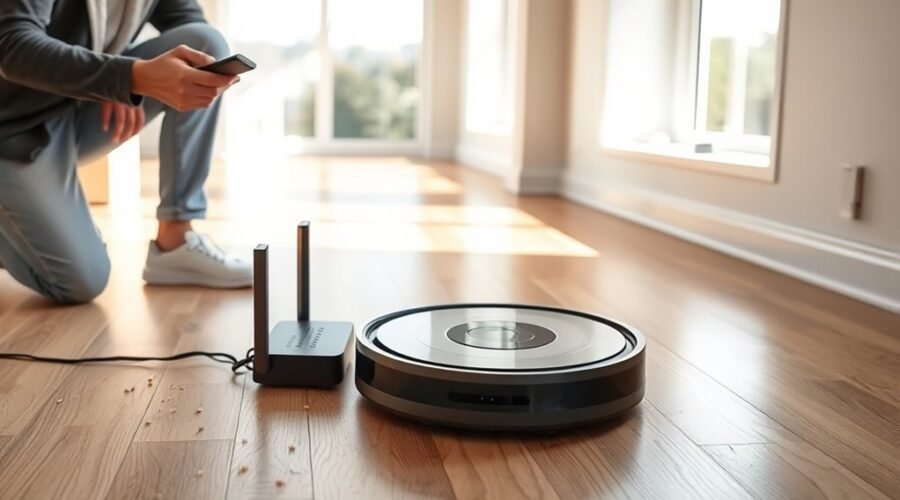
A robot vacuum can still handle daily cleaning without Wi-Fi, but the experience changes once app controls and remote mapping disappear. Physical buttons, basic cleaning modes, and the dock remain useful, while scheduling and advanced settings may not. The real question is how much convenience is lost, and which features are still worth keeping connected when the network comes back online.
Can a Robot Vacuum Work Without Wi-Fi?
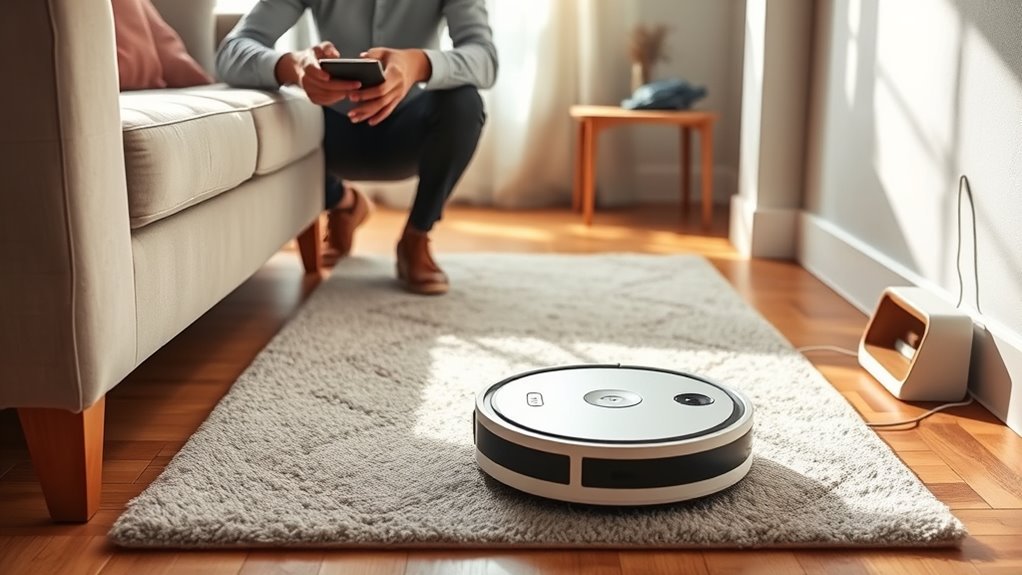
Yes—many robot vacuums can still clean without Wi‑Fi after the initial setup. A robot vacuum can work without a constant internet link for basic cleaning functions, including starting, stopping, and returning to the dock.
Offline use depends on local hardware, not cloud access. Built-in sensors handle navigation and obstacle avoidance, so the unit can move and clean independently once configured.
Offline use relies on local hardware, with built-in sensors guiding navigation and obstacle avoidance independently.
Physical controls on the machine often provide enough power for simple operation. On some models, including the Eufy RoboVac 11S MAX, limited offline scheduling may also be available through buttons or the remote.
That said, advanced features such as customized mapping, app scheduling, and remote control still require Wi‑Fi.
For users seeking more control over their space, this means core cleaning functions remain available even when disconnected. The result is practical freedom: the machine can keep working, while the network only enhances convenience.
What Works on a Robot Vacuum Offline
Offline, a robot vacuum can still handle core cleaning controls through physical buttons, letting users start, stop, and send it back to the dock without Wi‑Fi.
Its onboard sensors support basic navigation and obstacle avoidance, so it can clean and move around a room in real time.
Docking and charging also continue to work normally, and some models can even empty their bin through the dock without an internet connection.
Core Cleaning Controls
Even without Wi‑Fi, a robot vacuum still handles the core cleaning tasks through its built-in controls and sensors. A user can press the physical start button to begin a robot vacuum cleaning cycle, keeping control offline after setup.
Basic features often remain available through onboard buttons or a remote, including spot cleaning and edge cleaning. Internal navigation uses infrared and bump sensors, so the vacuum can move, avoid obstacles, and return to the dock when battery power runs low.
Self-emptying models also work without internet, transferring debris through direct hardware links to the dock container.
- Start cleaning with a button
- Use basic cleaning modes offline
- Let the vacuum recharge at the dock
Local Navigation Features
Once the cleaning mode is selected, the robot’s onboard navigation takes over without needing internet access.
These local navigation features rely on sensors, including infrared, bump, and cliff detection, to handle obstacle avoidance, walls, stairs, and ledges.
With advanced navigation such as LiDAR or cameras, the machine can create efficient cleaning paths and respond in real time while offline.
It still performs basic navigation tasks, including moving through rooms, turning, and returning to docking stations using internal memory and sensor cues.
Most models also keep general cleaning modes and spot cleaning available, even when customized mapping is unavailable.
This gives the user practical control without dependence on Wi‑Fi, preserving useful function and autonomy.
Docking And Charging
Docking remains one of the most reliable offline functions on a robot vacuum. Built-in sensors, often infrared or visual, detect low battery and trigger a return to the dock without Wi-Fi. This keeps charging automatic and dependable, even when app control is unavailable.
- The vacuum can navigate back to its station offline.
- Self-emptying models can move debris from the dustbin without internet access.
- Manual checks help keep the dock clear for reliable docking.
Most models maintain full charging ability in offline mode, so routine cleanup stays uninterrupted. A clear dock area supports smooth contact, faster power recovery, and fewer interruptions.
For anyone seeking practical freedom from constant connectivity, this feature offers simple control, steady performance, and less dependence on software.
What Stops Working Without Wi-Fi
Without Wi-Fi, a robot vacuum loses most of its app-based convenience features. Basic robot vacuums work without an app or internet connection, and core functions work on the device itself, but freedom from cables does not mean full control.
It is harder to customize cleaning modes, and advanced scheduling options usually disappear. Remote control from a smartphone is disabled, so cleaning tasks cannot be started or stopped from afar. Real-time alerts about battery level, progress, or errors also stop, removing immediate visibility.
Voice command integration with Alexa or Google Assistant no longer functions, so hands-free control is lost. Customized mapping, room labeling, and no-go zones are inaccessible, reducing navigation precision and limiting obstacle avoidance benefits that depend on stored maps.
The machine still cleans, but the user must rely on local buttons and preloaded behavior rather than connected convenience.
Set Up a Robot Vacuum for Offline Use
To prepare a robot vacuum for offline use, the initial setup should be completed while it is connected to Wi-Fi so maps, settings, and any calibration data are stored properly.
After that, the unit can be set up for independent cleaning through physical buttons or a remote, giving control without dependence on apps. This approach supports practical freedom, especially when internet access is unreliable.
- Complete calibration first so the robot learns the space.
- Use onboard controls to start, pause, or stop cleaning.
- Check that navigation sensors help it avoid obstacles safely.
A simple cleaning schedule may be entered on some models through the device itself, allowing routine cleaning offline.
Manual care remains necessary: the dustbin and water tank should be checked often because status alerts may not appear without Wi-Fi.
With the right initial setup, the robot vacuum can keep working with limited outside help.
Best Robot Vacuums for Offline Use
Several robot vacuums stand out for offline use, including the Eufy RoboVac 11S MAX, iLife 3S Pro, and select Shark, Roborock, and DEEBOT models.
The strongest choices offer physical controls or remote operation, dependable onboard navigation, and basic cleaning functions that do not depend on Wi-Fi.
For users who want simple, reliable cleaning without an internet connection, these features are the most important to compare.
Best Offline Models
For households that want a robot vacuum to work with little or no internet access, a few models stand out for reliable offline control.
The Eufy RoboVac 11S and iLife 3S Pro offer strong offline functionality for basic cleaning tasks, using physical buttons, an IR remote, and simple manual setup.
- Eufy RoboVac 11S: fully offline, easy to start
- iLife 3S Pro: budget-friendly and remote driven
Some Shark models, Roborock S7, and Ecovacs DEEBOT: partial offline control after setup.
Some Shark models can clean offline but may remap rooms. The Roborock S7 needs Wi-Fi at first, then supports onboard buttons.
Ecovacs DEEBOT units add onboard voice assistants for limited local commands.
Key Offline Features
Key offline features let a robot vacuum clean reliably without an internet connection. A Robot vacuum with offline features often includes physical buttons or an infrared remote, so users can start cleaning without apps or cloud accounts.
Basic navigation, supported by onboard sensors, keeps models that work moving through rooms with practical obstacle avoidance. Budget options may use simple bounce patterns, which still deliver efficient cleaning for everyday dust and debris.
Some advanced units need initial setup with Wi-Fi for mapping, then operate well offline for routine jobs. Self-emptying systems can also function through direct hardware connections, reducing manual work while preserving independence.
For people who want control without digital dependence, these offline features make home cleaning simpler, steadier, and more liberating.
Which Features Are Still Worth Wi-Fi?
Even when a robot vacuum can run offline, Wi-Fi still adds value in a few practical areas. A robot vacuum works without internet, yet features like app control and voice assistant support make daily use easier.
Wi-Fi enables offline scheduling alternatives through custom cleaning routines, room labeling, and no-go zones that improve obstacle avoidance. It also keeps smart features available for people who want more freedom than a physical start button alone can offer.
- Schedule cleanings from anywhere
- Adjust suction power and cleaning modes
- Receive firmware updates and bug fixes
These cleaning functions without constant supervision let the machine adapt to rugs, hard floors, and busy homes. App access also helps manage custom cleaning more precisely than onboard controls.
Voice assistant use adds hands-free convenience, especially when starting or pausing a run. For those who value independence, Wi-Fi is worth keeping for control, flexibility, and long-term performance.
How to Fix Wi-Fi Issues Without Losing Control?
When Wi-Fi drops out, a robot vacuum can still be kept under control by relying on its built-in controls and basic maintenance steps.
First, the charging dock should be checked so the unit stays fully charged; many robot vacuums preserve offline functionality by returning there automatically when power runs low.
If Wi-Fi issues appear, restarting the router and the vacuum can clear temporary glitches and restore the link without losing command.
Until that happens, the physical buttons on the machine can start cleaning, pause cleaning, or stop a cycle directly. A remote control, if supplied, adds another path to freedom from the app.
When connection returns, firmware updates should be installed, because they can improve performance and strengthen offline functionality over time.
With these simple habits, control remains with the user, not the network.
Frequently Asked Questions
Can I Run My Robot Vacuum Without Wi-Fi?
Yes, it can run without Wi‑Fi, using manual controls and built-in cleaning modes. Battery efficiency, navigation features, obstacle detection, and suction power remain. Scheduling options, firmware updates, app alternatives, and maintenance tips may be limited.
Can I Run My iRobot Without Wi-Fi?
Yes, an iRobot can run without Wi‑Fi for basic cleaning. Robot maintenance tips, battery life management, cleaning schedules, navigation features, app functions overview, troubleshooting issues, vacuuming efficiency, surface compatibility, noise levels comparison, model recommendations.
Can Robots Work Without Internet?
Like a lantern in a blackout, robots can work without internet. Their robot functionality and autonomous cleaning continue via smart technology, though connectivity options, app limitations, device compatibility, user preferences, battery performance, and maintenance tips matter.
How Do I Use DEEBOT Without Wi-Fi?
DEEBOT works offline through Manual controls. After initial app setup, its Deebot features, Cleaning modes, Obstacle detection, Floor mapping, and Battery life still operate. Scheduled cleaning and Remote operation disappear; Maintenance tips improve Performance comparison.
Conclusion
In the grand drama of modern housekeeping, the robot vacuum reveals a shocking secret: it can still clean without begging the internet for permission. Even offline, it can start, stop, dodge corners, and stumble home to its dock like a loyal little janitor. Wi-Fi may grant access to maps and app wizardry, but the floor does not care. For anyone tired of app updates and password rituals, the humble buttons remain gloriously, almost offensively, effective.