Affiliate disclosure: As an Amazon Associate I earn from qualifying purchases. This article contains affiliate links to Amazon, so we may earn a commission if you buy through them, at no extra cost to you.
The best smart displays for 2026 are led by the Amazon Echo Show 8 Smart Home Hub, Echo Show 8 with Alexa, Echo Show 11, Echo Show 21 with Fire TV, and Echo Show 5. They balance screen size, audio quality, smart home control, and privacy. Smaller models suit compact spaces, while larger ones work better for entertainment and family use. Each option offers useful voice control and video calling features, with more details ahead.
Amazon Echo Show 8 Smart Home Hub
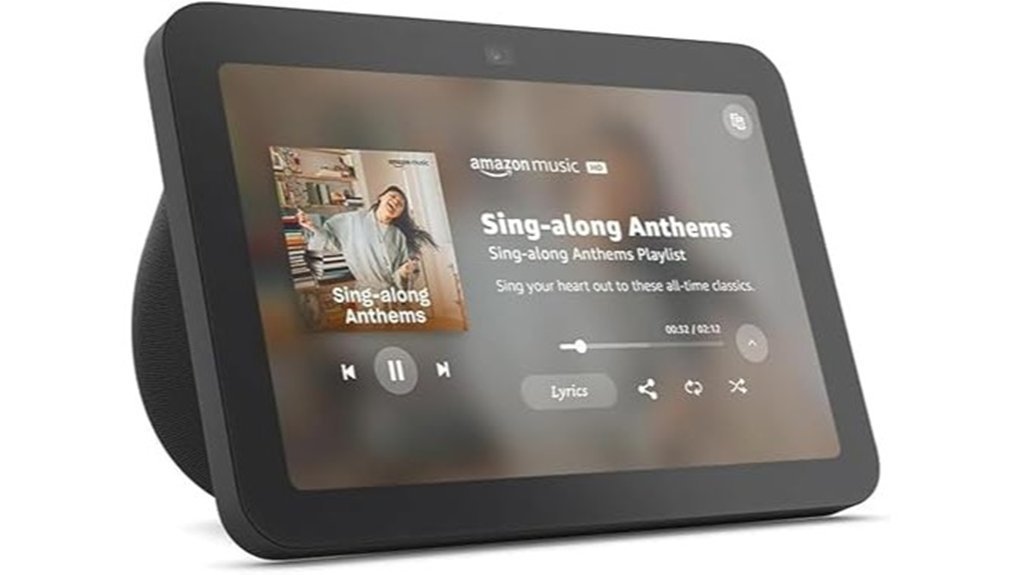
The Amazon Echo Show 8 Smart Home Hub is a strong pick for users who want a compact smart display that doubles as a true home-control center. Its 8-inch HD touchscreen supports entertainment, while spatial audio and a 13 MP camera improve calls and media. The built-in hub works with Zigbee, Matter, and Thread, letting users manage lights, cameras, and other devices by voice or screen. Video calling is simplified by hands-free commands and a centered, auto-framing camera. Amazon Photos, adaptive content, and privacy controls add practicality. It also uses recycled materials and responsible packaging.
Best For: People who want a compact smart display with strong home automation, easy video calling, and useful personalization features.
Pros:
- Built-in smart home hub supports Zigbee, Matter, and Thread for broad device compatibility.
- 8-inch HD touchscreen with spatial audio and a 13 MP camera makes entertainment and video calls better.
- Amazon Photos, adaptive content, and privacy controls add convenience and everyday usefulness.
Cons:
- Smaller 8-inch screen may feel limited for some media or multitasking needs.
- Best features depend on Alexa ecosystem, so it may be less ideal for non-Amazon smart homes.
- Some users may prefer a larger display or more premium audio for heavier entertainment use.
Amazon Echo Show 8 Smart Display with Alexa
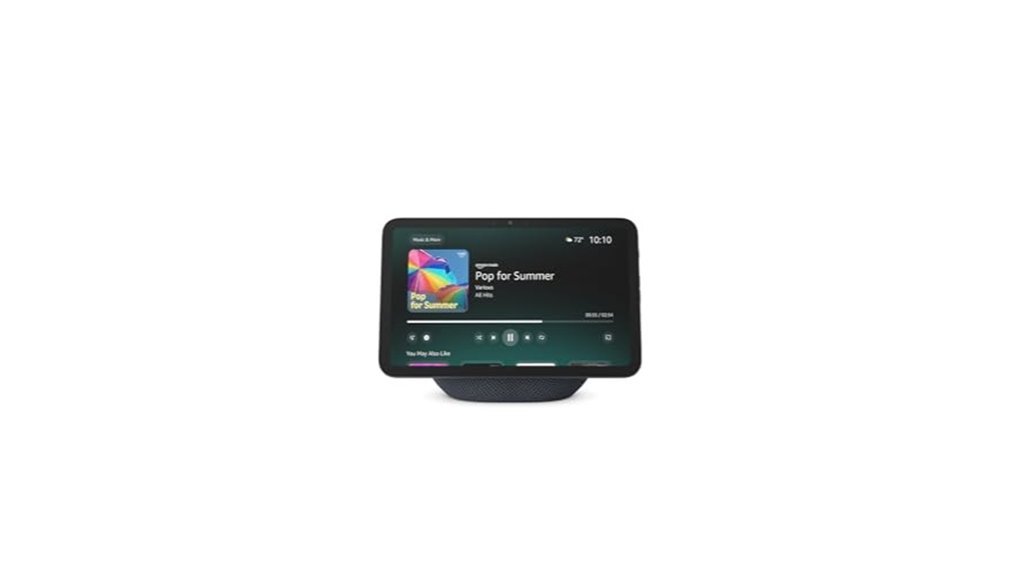
Amazon’s Echo Show 8 suits users wanting a compact smart display with strong Alexa control. Its redesigned 8.7-inch HD touchscreen offers 15% more viewing area than the 2023 model, while Omnisense adds personalized responses. Room-filling spatial audio, crisper vocals, and up to 2x bass improve entertainment from Prime Video, Netflix, and other services. The built-in smart home hub manages thousands of Alexa-compatible devices, including lights, thermostats, and cameras. A centered auto-framing camera with 3.3x zoom supports calls. Privacy buttons and photo slideshow features round out the Graphite device.
Best For: Users who want a compact smart display for Alexa-powered smart home control, entertainment, video calls, and privacy-conscious everyday use.
Pros:
- 8.7-inch HD touchscreen with 15% more viewing area than the 2023 Echo Show 8
- Strong entertainment and audio features, including spatial sound and up to 2x bass
- Built-in smart home hub with privacy controls, auto-framing camera, and photo slideshow support
Cons:
- Still relatively compact, so it may not suit users wanting a larger display
- Best features depend on using Alexa-compatible smart home devices and services
- Not ideal for users who don’t need a display or voice-assistant-based ecosystem
Amazon Echo Show 11 Smart Display (Graphite)
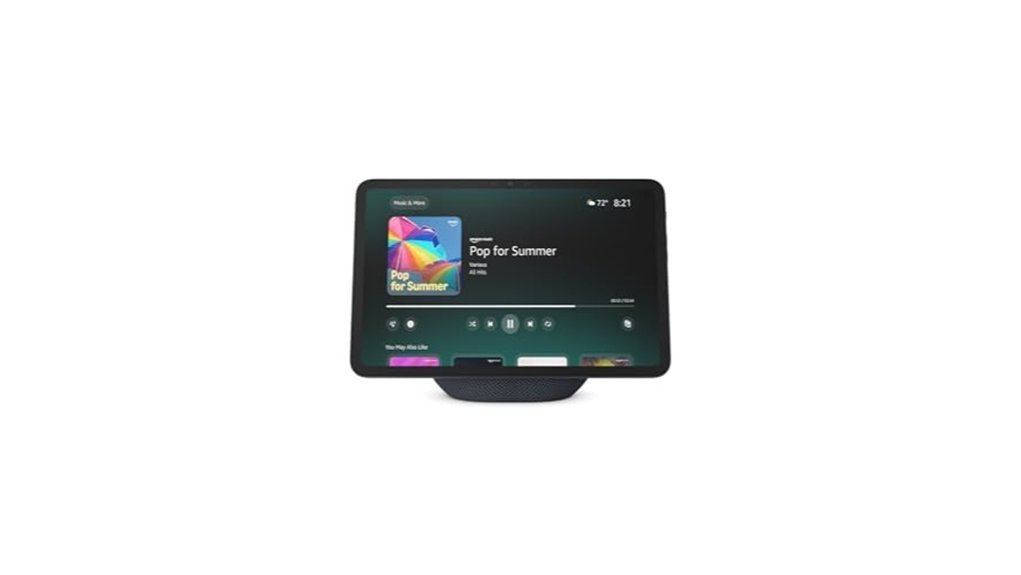
With its 11-inch Full-HD screen and Alexa+ personalization, it suits busy households seeking a premium command center. The larger panel offers 60% more viewing area than the Echo Show 8, while spatial audio adds clearer vocals and fuller bass for media playback. Alexa+ can tailor recipes, songs, shows, calendars, lists, and meal ideas. The built-in smart home hub manages thousands of devices, and Omnisense can trigger routines from presence, temperature, or visual ID. A centered camera supports video calls and Live View. Privacy controls and photo slideshow features round out the package.
Best For: Busy households and Alexa users who want a large premium smart display for entertainment, smart home control, video calls, and personalized assistance.
Pros:
- 11-inch Full-HD screen with 60% more viewing area than the Echo Show 8 for better visibility and media use.
- Built-in smart home hub and Omnisense routines make it easy to control and automate many connected devices.
- Spatial audio, centered auto-framing camera, and Live View add strong entertainment and communication features.
Cons:
- Likely overkill for users who only need basic smart display functions or a smaller screen.
- Best experience depends on using Alexa+, so some features may be limited without it.
- The premium feature set may come with a higher price than simpler Echo models.
Amazon Echo Show 21 with Fire TV
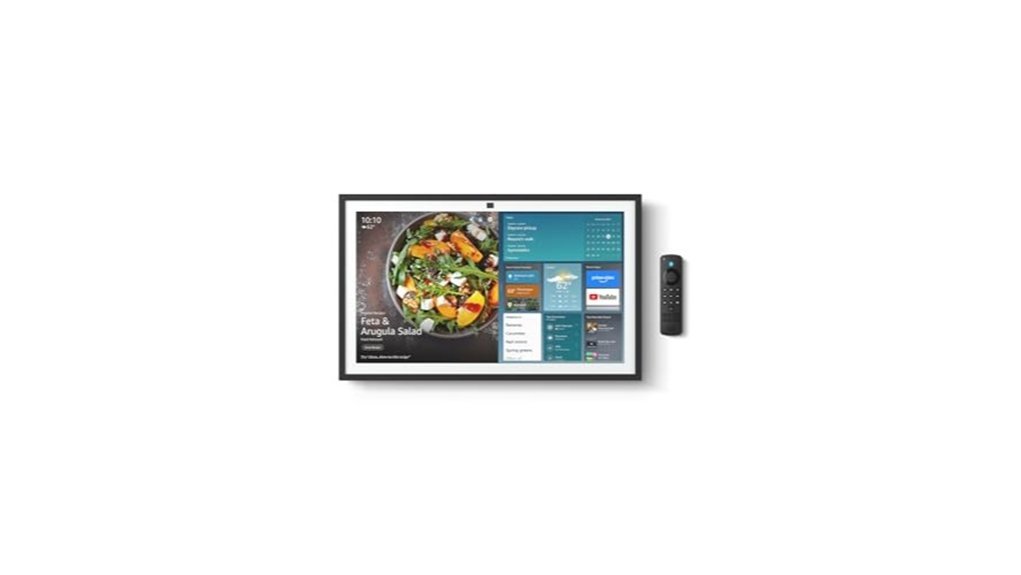
For households wanting a large, all-in-one hub, the Echo Show 21 with Fire TV stands out. Its 21-inch Full HD display offers room for widgets, calendars, shopping lists, weather updates, and an auto-curated photo slideshow. Built-in Fire TV brings access to Prime Video, Netflix, YouTube, Apple TV, and more, while Active Media supports multiroom music. The smart home dashboard lets users control several devices at once by voice or touch. Video calls benefit from a centered auto-framing camera, 3.3x zoom, noise reduction, and privacy controls including a shutter and mic-off button.
Best For: Large households or smart-home users who want a big all-in-one display for entertainment, video calls, organization, and device control.
Pros:
- 21-inch Full HD screen provides plenty of space for widgets, calendars, photos, and media.
- Built-in Fire TV and multiroom audio support make it a strong entertainment hub.
- Smart home dashboard and privacy controls add convenience and peace of mind.
Cons:
- Large size may be too bulky for smaller rooms or tight spaces.
- Best experience likely depends on using Amazon’s ecosystem and compatible services.
- Premium all-in-one features may come at a higher price than simpler smart displays.
Amazon Echo Show 5 Smart Display for Alexa
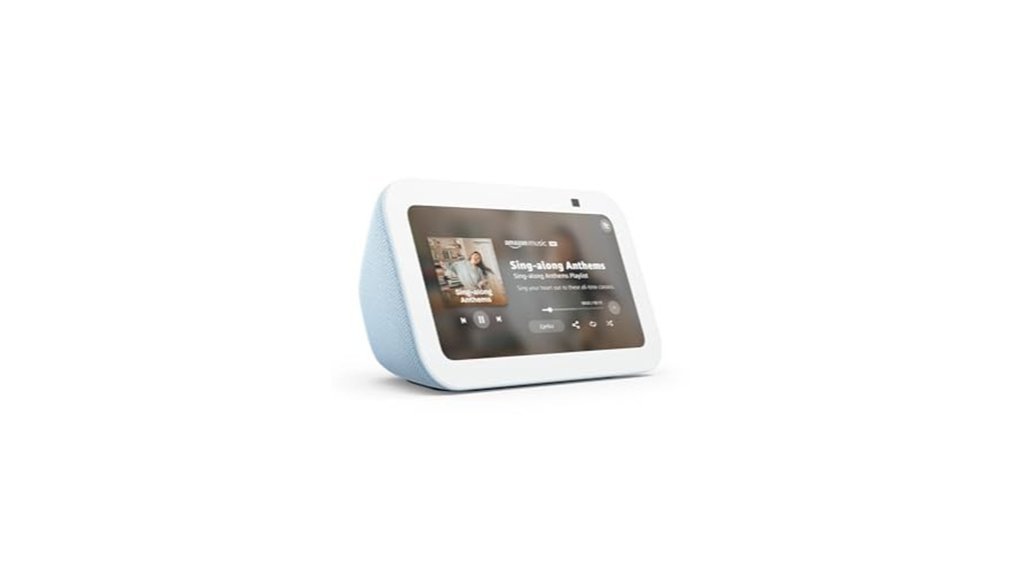
The Echo Show 5 suits users wanting a compact Alexa display for everyday smart home tasks. Its 5.5-inch screen handles news, weather, video calls, and compatible camera feeds, while enhanced bass and clearer vocals support music, podcasts, and Prime Video streaming. It also serves as a practical hub for controlling lights, thermostats, and other compatible devices. The 2 MP camera enables calls through the Alexa app or Echo devices, plus household announcements. Privacy controls include mic and camera off buttons, a shutter, and encrypted Ring video support. Recycled materials and recyclable packaging strengthen its sustainability appeal.
Best For: People who want a compact Alexa smart display for everyday tasks like checking weather, making video calls, streaming media, and controlling smart home devices.
Pros:
- 5.5-inch display is handy for news, weather, calls, and compatible camera views.
- Good smart home integration for controlling lights, thermostats, and other devices.
- Strong privacy and sustainability features, including a camera shutter, mic/camera off button, recycled materials, and recyclable packaging.
Cons:
- Small screen size may feel limiting for extended video viewing or multitasking.
- 2 MP camera is fairly basic compared with higher-end smart displays.
- Best experience depends on compatible Alexa and smart home devices/services.
Factors to Consider When Choosing Smart Displays 2026: Top Picks and Buying Guide
Choosing a smart display in 2026 starts with display size, since screen dimensions affect visibility, placement, and overall usefulness. Audio quality, smart home compatibility, video call features, and privacy controls also shape how well a model fits daily needs. The strongest picks balance these priorities without overcomplicating setup or use.
Display Size Matters
Display size plays a major role in how useful a smart display feels in daily use, with larger screens improving visibility for video calls, streaming, and multitasking. For most kitchens and living rooms, an 8- to 11-inch model offers a practical balance between screen space and footprint. Displays in this range are usually large enough for recipes, calendars, and media, yet still compact enough to fit comfortably on counters or shelves. Models above 11 inches can serve as stronger entertainment hubs, often pairing higher resolutions with better overall media performance. By contrast, 5- to 6-inch units suit bedrooms or desks, where space is limited and quick glances matter more than immersion. The best choice depends on room size and intended use.
Audio Quality Comparison
Audio quality is a major differentiator among smart displays, especially for video calls, music, and streaming. The Amazon Echo Show 8 uses spatial audio to create a more immersive soundstage, making voices and media feel fuller. The redesigned Echo Show 8 adds a 15% larger viewing area and improved audio performance, strengthening its appeal for everyday entertainment. The Echo Show 11 pushes further with room-filling spatial audio, crisper vocals, and up to 2x bass versus earlier models, producing a more robust listening profile. The Echo Show 21 benefits from built-in Fire TV and delivers enhanced bass and clarity for music playback. Even the smaller Echo Show 5 maintains clear audio for podcasts and music, suiting compact spaces without sacrificing sound quality.
Smart Home Compatibility
Smart home compatibility often determines how useful a smart display is in daily life, since many models include built-in hubs that centralize control of connected devices without extra hardware. Support for Zigbee, Matter, and Thread expands access to lights, locks, sensors, thermostats, and appliances from different brands. Voice control adds convenience, letting users adjust settings hands-free and manage multiple rooms efficiently. Some displays also show live security camera feeds and other home status information on screen, helping with quick monitoring. Advanced models can trigger routines based on temperature, motion, or presence, reducing manual adjustments. For buyers, the most important question is whether the display works with existing devices and preferred ecosystems, because broad compatibility improves long-term value and prevents a fragmented setup.
Video Call Features
When video calling matters, a smart display should deliver clear, natural conversation as well as a good screen. High-resolution cameras, ideally 13 MP or higher, help produce sharp images that make faces and details easier to see. Auto-framing is equally important because it keeps participants centered, reducing awkward repositioning and making calls feel more conversational. Strong audio matters too, and noise reduction can limit background distractions so voices remain intelligible. Zoom capability, such as 3.3x zoom, adds flexibility for group chats or closer views during shared moments. Voice command integration also improves convenience by allowing calls to start hands-free, which simplifies everyday use. Together, these features determine how smoothly a smart display handles video communication and how natural the experience feels.
Privacy Controls
Privacy controls deserve close attention because a smart display is often placed in shared living spaces and used for sensitive conversations. Many leading models now include layered safeguards, such as physical microphone and camera disable buttons, so users can quickly cut off audio and video capture. Some devices add built-in camera shutters, reducing the risk of accidental activation or unauthorized viewing. Companion apps also give owners remote control over privacy settings, allowing microphones to be muted or cameras to be disabled from another room. For video calls, end-to-end encryption helps keep exchanges protected from interception. Beyond data security, some manufacturers emphasize sustainable materials and recyclable packaging, reflecting a broader focus on responsible product design and consumer trust.
Entertainment Options
Entertainment features often determine how well a smart display fits into daily life, especially in shared spaces where streaming, music, and quick information all matter. High-definition touchscreens improve viewing for movies, TV shows, and music videos, giving content a sharper, more engaging presentation. Audio quality also matters, and models with spatial audio or enhanced bass can create a fuller soundstage for casual listening or focused playback. Integration with major streaming services lets users move easily between video and music libraries without relying on extra devices. Customizable widgets can keep calendars, weather, and entertainment shortcuts in one place, supporting quick access. For larger homes, multi-room audio adds convenience by synchronizing music across different rooms, creating a cohesive entertainment setup.
Design And Sustainability
Design and sustainability are increasingly central to smart display selection, as buyers weigh both visual appeal and environmental impact. Devices built with recycled plastics, textiles, or other low-impact materials can lessen resource use without sacrificing style. Eco-friendly packaging, especially recyclable solutions or paper sourced from responsibly managed forests, further supports greener purchasing. Practical design also matters: adaptive brightness and color tuning improve readability across changing light, reducing strain and unnecessary power use. Durability and energy efficiency extend product life, helping cut waste and long-term expense. Customization features, such as interchangeable accents or flexible widget layouts, allow personalization while preserving a clean, modern look. Together, these qualities help define smart displays that are both attractive and responsible.
Frequently Asked Questions
Which Smart Displays Support Matter and Thread Connectivity?
Several smart displays support Matter and Thread, including Google Nest Hub Max, Nest Hub 2nd Gen, and Amazon Echo Show 10; compatibility varies by model and firmware, so verification before purchase remains important.
Can Smart Displays Work Well Without an Amazon Ecosystem?
Yes, smart displays can work well without an Amazon ecosystem, though feature depth varies. Many rely on Google Assistant, Spotify, and smart home standards; compatibility, voice quality, and app support determine overall usefulness.
Do Smart Displays Have Built-In Privacy Shutters or Mute Controls?
Yes, many smart displays include privacy shutters or microphone mute controls, like closing curtains on a stage. Features vary by model, however, so careful buyers should check specifications before purchase to confirm exact protections.
How Often Do Smart Displays Receive Software and Security Updates?
Smart displays typically receive software and security updates every few weeks or months, depending on the manufacturer. Major brands usually support them for several years, though update frequency may slow as devices age.
Which Smart Displays Are Best for Wall Mounting or Kitchens?
Wall mounting favors Google Nest Hub Max and Lenovo Smart Display 10; kitchens suit Amazon Echo Show 8 or 10 for responsive voice control, adjustable viewing, and compact footprints. Samsung’s smaller models also fit neatly.
Conclusion
Smart displays continue to evolve, blending entertainment, communication, and smart home control into one simple device. From compact options like the Echo Show 5 to the expansive Echo Show 21 with Fire TV, each model offers something different for modern households. Which one best fits your space and daily routine? As buyers weigh screen size, voice control, and home integration, the right choice can make every room feel more connected and more convenient.