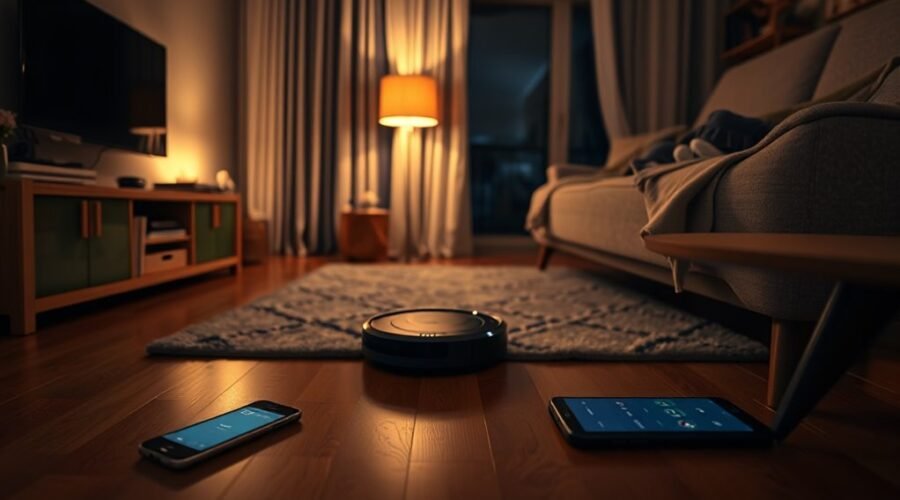
Robot vacuum do not disturb mode, often called DND, is a simple setting that limits when the machine can clean or speak. It is designed for quiet hours, late evenings, or any time a household wants less interruption. When enabled, it can pause scheduled runs and silence alerts, while some core functions still remain active. The details vary by model, and the way it behaves can affect daily cleaning in unexpected ways.
What Is Robot Vacuum DND Mode?
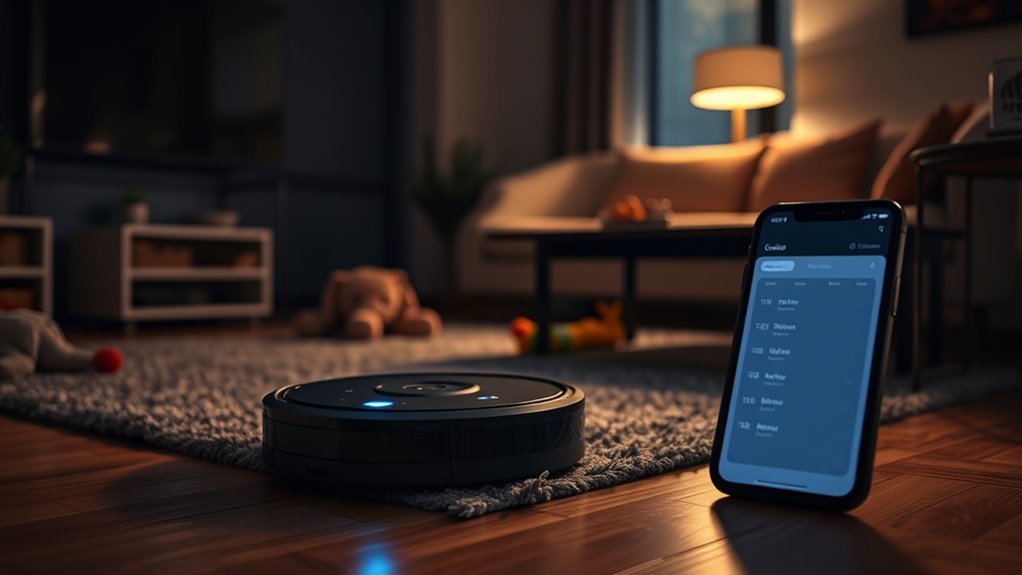
Robot vacuum Do Not Disturb (DND) mode lets users set cleaning windows that prevent the device from running during specified times, which helps avoid interruptions during naps, meetings, or other quiet periods.
In practical terms, Do Not Disturb gives the user control over when automation yields to personal time. When Disturb mode is enabled, the robot pauses scheduled activity during the chosen time period and can return to its dock if a job is underway.
This feature is available on Wi-Fi-enabled models, though options may differ by brand. Some devices allow cleaning to continue outside the blocked window, while others let users schedule around it through a mobile app.
The result is a quieter home with fewer unwanted disruptions and more freedom to decide when cleaning happens. For households seeking autonomy, DND mode makes robot vacuum use more flexible, orderly, and respectful of daily routines.
What DND Mode Stops and Mutes
Do Not Disturb mode stops scheduled cleanings during its active period, preventing the robot from starting routine tasks.
It also mutes voice prompts and audio alerts, reducing noise in the home.
When the mode ends, normal cleaning and notifications resume automatically.
Stops Scheduled Cleanings
During quiet hours, scheduled cleanings are paused so the robot does not begin a task that would disrupt the environment. This Disturb time protection lets the device avoid action during the chosen Disturb time window, preserving calm and control.
If a cleaning job is already running, DND mode stops it at once and sends the robot back to its dock. That prevents unwanted movement, suction noise, and any sudden interruption.
If a schedule is set, the task simply waits until the quiet period ends, then resumes automatically. This gives users a freer way to manage cleaning without having to watch the clock or manually intervene.
The result is orderly upkeep on a timeline that respects rest, focus, and personal space.
Mutes Alerts And Voice
In DND mode, all alerts and sounds from the robot vacuum are muted, creating a quieter environment during the selected hours.
Voice prompts and broadcasts are disabled, so cleaning no longer breaks concentration with audio interruptions. This supports silent operation during rest, work, or other chosen moments of freedom.
The app can be used to set custom DND periods, letting users define calm times that match personal routines.
If a cleaning job is already running, the robot pauses and returns to its dock without announcing each step. Even schedule conflict notifications are suppressed, preserving a serene atmosphere.
The result is a more controlled, less intrusive experience, with the vacuum present but quiet, serving without demanding attention or disturbing the space.
What Still Works During DND
Under DND, only limited background functions remain active, while most cleaning actions are paused to keep the home quiet. Scheduled jobs stop, so cleaning does not begin during protected hours, a clear DND benefit for those who want uninterrupted rest.
Air-drying tasks are also suspended, reducing noise and motion. If cleaning was already underway, the robot can keep internal progress stored and automatically resume once DND ends, returning to the task without extra input.
However, auto-return to the dock is disabled, so the machine waits until quiet time passes before heading back.
DND settings vary by model: some units, including L50/L60 series, block scheduling in DND, while others may allow it.
These DND comparisons show that manufacturers balance silence and convenience differently, but the core aim remains the same—fewer interruptions and more control over the home environment.
How to Set Robot Vacuum DND Times
To set Do Not Disturb times on a robot vacuum, the user can open the Mi Home/Xiaomi Home app, select the device such as the Xiaomi Robot Vacuum X20 Max, and tap the three dots in the upper right corner to access the “DND period” option.
From there, the quiet window can be edited to match a preferred cleaning schedule. The default period runs from 22:00 to 08:00, yet app features allow this range to be adjusted to fit user preferences.
This gives the owner control over when the machine should remain in its quieter mode, without relying on rigid factory settings. Any saved changes should be confirmed before leaving the menu.
If scheduled cleaning jobs overlap with active DND times, the user should check them in advance to avoid conflicts. With a few taps, the setting becomes a practical tool for flexible, self-directed home care.
How Robot Vacuum DND Affects Cleaning
When Do Not Disturb mode is activated, the robot vacuum immediately stops any active cleaning job and returns to its dock. This pause protects quiet periods while preserving cleaning efficiency, since interrupted jobs are marked complete rather than lost.
Scheduled cleaning tasks are suspended during the DND window, so no automatic run begins until the mode ends. That gives users greater control and user convenience, especially when routines must stay free from noise or movement.
The auto-empty function also stays off during DND, and air-drying tasks are held back as well, limiting extra activity. Once DND is deactivated, these functions resume on the next cleaning run.
This kind of technology integration lets the device respect household rhythms without constant oversight, supporting a more liberated, hands-off experience.
How to Fix DND Conflicts
Conflicts with Do Not Disturb settings are usually resolved in the app by adjusting either the cleaning schedule or the quiet period. When scheduled cleaning overlaps an active DND window, the robot sends an alert and asks for confirmation before proceeding. This pause gives the user control and prevents accidental disruption.
If cleaning is still attempted, the auto-empty feature stays disabled, preserving the quiet period. Effective DND settings customization lets the quiet window match work, sleep, or other protected time.
Auto-empty stays disabled, preserving the quiet period and keeping DND settings aligned with your protected time.
In practice, conflict resolution strategies are simple: move the cleaning time, shorten the DND block, or create a separate schedule for low-disruption tasks. Customizable periods make the system flexible rather than restrictive, supporting a cleaner home without surrendering peace.
User experience feedback often emphasizes this balance, since clear warnings and app-based edits help users stay free from unwanted interruptions while keeping cleaning plans on track.
Frequently Asked Questions
Is It Better to Have Do Not Disturb on or Off?
It depends on scheduling preferences. Do Not Disturb on lowers noise levels and preserves peace, while off can improve cleaning efficiency by allowing more runs. A balanced setting usually suits a liberated, flexible household best.
Should You Leave Your Robot Vacuum Plugged in All the Time?
Generally, yes, a robot vacuum can stay plugged in safely. Smart charging supports convenience and robot vacuum maintenance, though occasional discharge may improve battery lifespan. Balanced charging habits, guided by the manufacturer, help preserve freedom and performance.
Will a Robot Vacuum Set off a House Alarm?
Usually not; house alarm systems rarely trigger from a robot vacuum unless robot vacuum sensors interfere with door, window, or motion devices. With careful home security integration, sensors can stay clear and false alarms remain unlikely.
What Are the Downsides of Using a Robotic Vacuum Cleaner?
Downsides include limited cleaning efficiency on complex floors, weak performance on high-pile rugs, noisy operation, and frequent robot vacuum maintenance. Battery lifespan may also decline over time, while upfront cost can restrict access for budget-conscious households.
Conclusion
In the end, robot vacuum Do Not Disturb mode gives users a simple way to keep cleaning on a quiet schedule. It stops scheduled runs, mutes voice prompts, and waits until the set time ends before resuming. Even so, core functions like charging and saved settings usually remain active. With the right schedule, this feature helps keep both floors and routines running smoothly, proving that a little planning can go a long way.