When a robot vacuum cannot find a room, the cause is often simple but easy to miss. Blocked paths, dirty sensors, poor dock placement, or outdated software can all interrupt navigation. A few basic checks can restore its mapping and movement, though some cases require a reset or new map. The next steps show how to narrow down the problem and identify what is preventing the vacuum from reaching the room.
Why Can’t Your Robot Vacuum Find a Room?
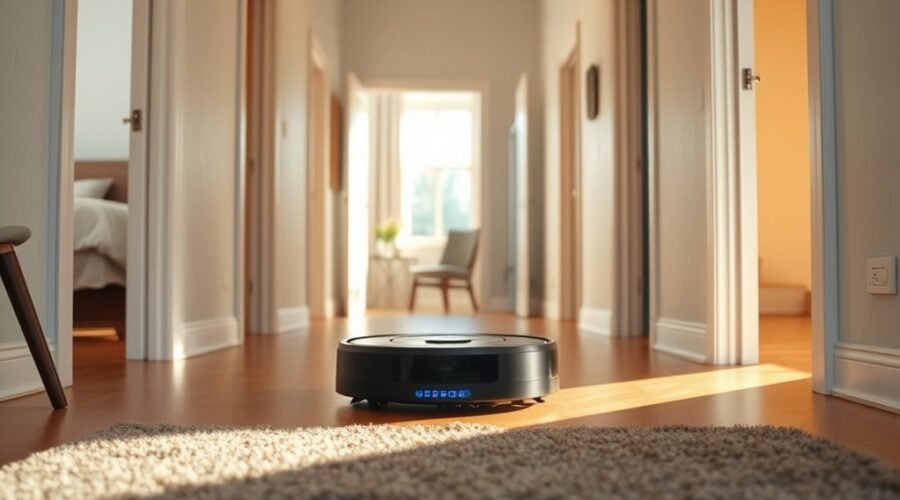
A robot vacuum may fail to find a room when its map is inaccurate, often because clutter or obstacles block its path and confuse navigation. In that condition, the Robot may leave a cleaning session incomplete, even when the charging station is nearby.
Dirty or blocked sensors can also prevent reliable recognition of doorways and room boundaries, making mapping less precise. Outdated firmware may trigger navigation glitches, so firmware updates can restore control and improve route planning.
If the vacuum was moved by hand or started from an unusual spot, its internal map may no longer match the home layout, and it can miss designated areas. A factory reset or a new mapping run can rebuild that record and help the device locate rooms again.
Clear data, accurate sensors, and current software support orderly movement and easier maintenance.
Remove Obstacles That Block Navigation
When the path is clear, a robot vacuum can navigate more reliably. To support dependable navigation, remove obstacles from the floor before each run. Furniture legs, cables, toys, and similar items can interrupt movement and trap the machine. A free cleaning path gives the robot room to map the space and return to the charging dock without confusion.
A clear path helps your robot vacuum navigate reliably and return to its dock with ease.
- Keep at least 1.5 meters of clearance around the docking station.
- Place the docking station against a flat wall, not in a tight corner.
- Check for tangled hair or debris on wheels and brushes, then clear it promptly.
Sensors should also have an unobstructed view, because blocked detection can weaken route planning.
A tidy room gives the vacuum liberty to move without hesitation and helps it reach the docking station efficiently. By removing obstacles and preserving space, the system can work with less interruption and better results.
Clean the Sensors and Wheels
The robot vacuum’s sensors should be cleaned regularly with a soft, dry cloth to keep navigation and mapping accurate.
Its wheels should also be checked for tangled hair and debris, since blockages can limit movement and prevent access to certain rooms.
A quick maintenance check after each cleaning cycle helps guarantee both sensors and wheels continue to function properly.
Sensor Dust Removal
Regularly cleaning the sensors and wheels helps a robot vacuum navigate accurately and maintain strong performance. For sensor dust removal, a soft cloth should be used to gently wipe the sensors and clear dust that blocks the cleaning path. This supports obstacle avoidance and reduces navigation errors caused by common problems such as hidden debris or hair.
- Inspect the sensors for dust, hair, or smudges.
- Use a damp cloth for stubborn dirt, then dry the area.
- Avoid harsh chemicals and physical damage to delicate parts.
Regular maintenance also helps keep the vacuum free from obstructions, allowing it to locate rooms more reliably and move with greater freedom.
Clean sensors and check wheel buildup often to preserve accurate mapping and steady operation.
Wheel Debris Clearing
Wheel maintenance goes hand in hand with sensor care, since hair and debris around the wheels can slow movement and reduce navigation accuracy.
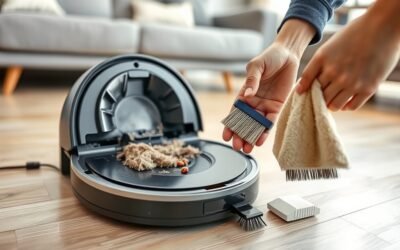
A robot vacuum should be inspected regularly for tangled strands, lint, or other obstructions around the wheels. During cleaning, a soft brush or cloth can remove dirt and restore free rotation and traction.
Sensors near the wheels also require attention, because dust can interfere with navigation and pathfinding. A soft, dry cloth should wipe these areas until they are clear.
This maintenance helps the robot vacuum move with greater precision, avoid getting stuck, and reach rooms more reliably. Consistent upkeep supports stronger performance, fewer missed zones, and more confident movement across floors during each cleaning cycle.
Reset the Map and Navigation Settings
Resetting the map and navigation settings can help the robot vacuum reacquaint itself with the home layout and recognize all rooms more accurately during cleaning sessions.
To reset the map, follow the model-specific instructions in the user manual. The navigation settings may differ by device, so the proper troubleshoot steps should be confirmed before proceeding.
After the reset, begin a mapping run so the vacuum can build a fresh layout and improve room recognition. It is best to start the cleaning cycle from the docking station so the system begins from the correct point.
- Clear old map data before the next run.
- Watch the new layout for missed areas.
- Install firmware updates if room recognition still fails.
These simple actions restore order and give the machine a cleaner path forward, reducing confusion without unnecessary hassle.
Check Dock Placement for Mapping Accuracy
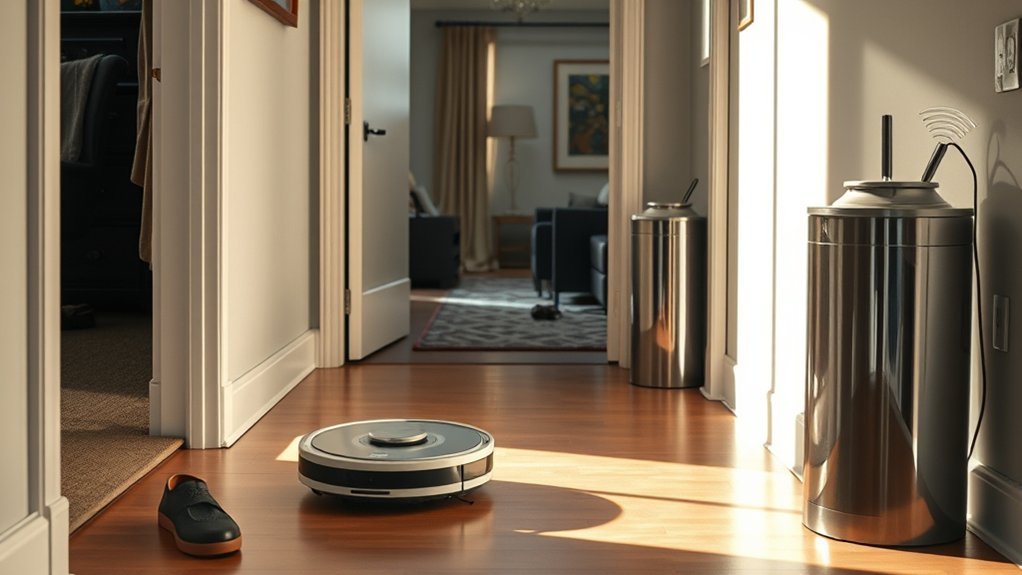
A robot vacuum maps more accurately when its dock is placed against a wall with at least 1.5 meters of clear space on both sides. This dock placement gives the machine room to approach, orient itself, and begin with a reliable reference point.
The dock should sit on a level surface so it does not tilt or shift during the docking process. Tight corners and enclosed spaces should be avoided, since they can confuse navigation sensors and make return-home behavior less precise.
The dock should sit on a level surface, avoiding tight corners that can confuse navigation sensors.
The path to the dock should remain open, with no cords, furniture, or other obstacles blocking movement. Dust and debris can also interfere with recognition, so clean sensors on both the vacuum and the dock regularly.
When the dock is positioned well, the robot gains a stable base for accurate mapping and more confident movement, supporting a smoother, more independent cleaning routine for the user.
Update Software and Restart the Vacuum
Keeping the robot vacuum’s software current can improve navigation, room recognition, and overall cleaning performance. A regular update software check helps guarantee the device has the latest bug fixes and firmware updates needed for stronger navigation capabilities.
The manufacturer’s mobile app should be opened first, because it often shows available updates for both the vacuum and its companion app. Keeping both current supports smoother communication and more reliable mapping.
- Check the mobile app for firmware updates before each major cleaning cycle.
- Restart the vacuum after updating to clear temporary glitches.
- If issues remain, hold the power button for a soft reset to restore stable connections.
These basic troubleshooting steps are simple, yet effective. Restarting the vacuum can refresh internal processes and improve operational performance without demanding technical expertise.
When the software stack is current and the device is rebooted properly, the machine is better prepared to move freely and find rooms with less frustration.
Use Manual Drive to Rebuild the Map
Manual drive can help the robot vacuum rebuild a missing or inaccurate map by guiding it through specific rooms and around obstacles.
Start from the base so the unit can recalibrate its location before moving through the home. Use manual drive to map rooms one by one, especially any room the robot vacuum previously missed during automated runs. A controlled route helps it recognize walls, doorways, and obstacles while strengthening spatial awareness.
As it follows the guided cleaning path, the vacuum can adjust to tight spaces and complex layouts more accurately. Repeating this process in cluttered areas can improve mapping consistency and overall performance.
When the map is refreshed, future cleanings are more efficient, with fewer missed zones and better room recognition. Regular manual drive sessions give the robot vacuum a clearer model of the home, supporting more reliable navigation and a smoother, more independent cleaning routine.
Contact Support If It Still Fails
If the robot vacuum still cannot locate a specific room after repeated troubleshooting and manual driving, the next step is to contact customer support.
Manufacturers often provide dedicated customer support for stubborn robot vacuum issues, especially navigation issues that persist after software updates. Support staff can review the model’s behavior, suggest device-specific fixes, and explain whether a reset or map rebuild is still worth trying.
Before contacting support, gather:
- firmware version and app version
- any error messages shown in the app or on the vacuum
- a brief log of what room the vacuum misses and when
Some brands offer remote diagnostics through the app, which can resolve problems quickly without a service visit.
If the unit is under warranty, customer support may arrange repair or replacement at no extra cost. Clear records help facilitate faster assistance and restore the vacuum’s pathfinding freedom.
Frequently Asked Questions
My Robot Vacuum Isn’t Finding Its Base. What Can I Do to Fix This?
They should verify the base location, clear the charging dock, and improve obstacle navigation. Sensor issues, battery problems, and room mapping errors may require cleaning sensors, resetting the cleaning path, and applying firmware updates.
What Are the Most Common Problems With Robot Vacuums?
Common problems resemble a weary scout’s trials: Battery issues, Navigation errors, Connectivity problems, Dustbin obstruction, Sensor malfunctions, Software glitches, and Mapping inaccuracies. Each weakens Cleaning efficiency; clearing sensors, emptying bins, updating software restores freedom of movement.
How Do I Reset a Robotic Vacuum Cleaner?
Press and hold the reset button 5–10 seconds, or perform a power cycle if needed. Disconnect from dock, then restore factory settings. Reconnect the app connection, consult the troubleshooting guide, and address navigation issues, firmware update, sensor cleaning.
My DEEBOT Is Unable to Find the Designated Area. What Should I Do?
The DEEBOT should be repositioned, sensors cleaned, and the dock cleared; then review deebot mapping issues, room detection errors, sensor calibration tips, floor plan adjustments, cleaning mode settings, boundary strip placement, app connectivity problems, obstacle navigation challenges.
Conclusion
When a robot vacuum cannot find a room, the fix is often simple, yet the failure can feel stubborn. Clear blocked paths, clean sensors and wheels, and reset the map before blaming the machine. A dock with proper clearance can improve precision, while a software update may restore lost navigation. If manual remapping still leaves the room out of reach, persistent symptoms should be documented and passed to support for further diagnosis.