Perfect TV Mounting Height for a Living Room
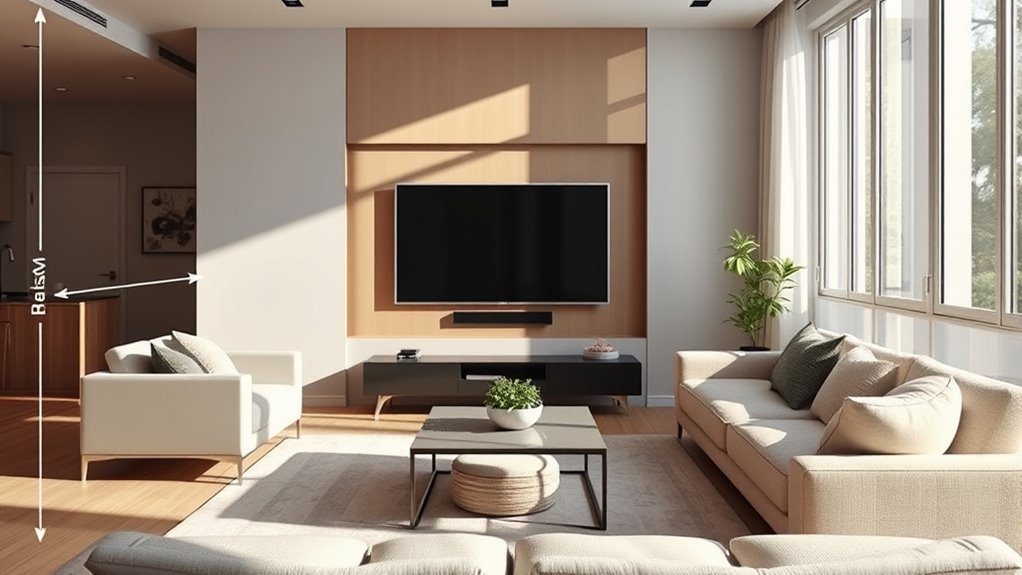
The perfect TV mounting height for a living room usually puts the center of the screen at your seated eye level, often around 40 to 42 inches from the floor for a standard sofa. Measure your own eye level first, then adjust only when furniture, reclining seats, glare, wall structure, or the room layout gives you a reason. This guide shows you how to calculate the screen center, bottom edge, viewing distance, and wall-mount position before you drill.
Quick Answer
For most living rooms, the best TV mounting height puts the center of the screen at your measured seated eye level. About 42 inches from the floor is a useful fallback for a standard couch, but measuring your own position is more accurate. Calculate the bottom edge from the TV’s actual height, check furniture clearance, translate that screen position to the mount’s real bracket location, and only raise the TV when the room requires it.
Key Takeaways
- The best TV mounting height is based on seated eye level, not TV size alone.
- Samsung’s current mounting guide uses TV diagonal divided by 0.55 as a viewing-distance starting point, which is about 8.3 feet for a 55-inch TV and 9.8 feet for a 65-inch TV.
- Check the TV weight, mount rating, VESA pattern, wall type, attachment method, and bracket offset before drilling.
- Use a tilting or full-motion mount when it solves a real problem such as glare, higher placement, corner viewing, or multiple seating angles.
- If you mount above a fireplace, check the TV manufacturer’s temperature limits, the fireplace manufacturer’s clearance requirements, and your viewing angle first.
At a Glance
| Best Starting Height | Screen center at your measured seated eye level, with about 42 inches as a useful standard-sofa fallback |
| Best Distance Check | Use viewing distance to help choose screen size, then use seated eye level to determine mounting height |
| Installation Time | Varies by wall type, mount design, TV size, cable routing, and whether reinforcement or electrical work is required |
| Difficulty | Reasonable DIY work when the wall structure and fastening method are clear; use a qualified installer when the structure or electrical work is uncertain |
| Tools Needed | Tape measure, stud finder where appropriate, pencil, painter’s tape, level, drill, socket or screwdriver, mount template, and a helper for lifting |
| Cost | Varies by TV mount, required wall hardware, cable-management method, electrical work, and professional installation |
Quick TV Height Decision Table
Use this table after you measure seated eye level. When different considerations conflict, prioritize safe wall attachment first, then normal viewing comfort, required furniture clearance, glare or alternate seating, and finally visual symmetry.
| Room Situation | Best Height Decision | Mount Choice |
|---|---|---|
| Standard sofa, straight-on viewing | Keep screen center at measured seated eye level | Fixed or low-profile tilt |
| Tall console under the TV | Raise only enough to provide the required furniture clearance | Tilting mount if the center moves above eye level |
| Recliners or bedroom viewing | Test from the normal reclined position before marking holes | Tilting mount |
| Multiple seating angles | Start at the main seat and test the taped outline from other regularly used seats | Full-motion mount when angle adjustment is genuinely needed |
| Fireplace location | Avoid if a comfortable alternative exists; otherwise verify heat, clearance, structure, and neck angle first | Downward-tilting mount when permitted by the installation |
Key TV Mounting Mistakes to Avoid
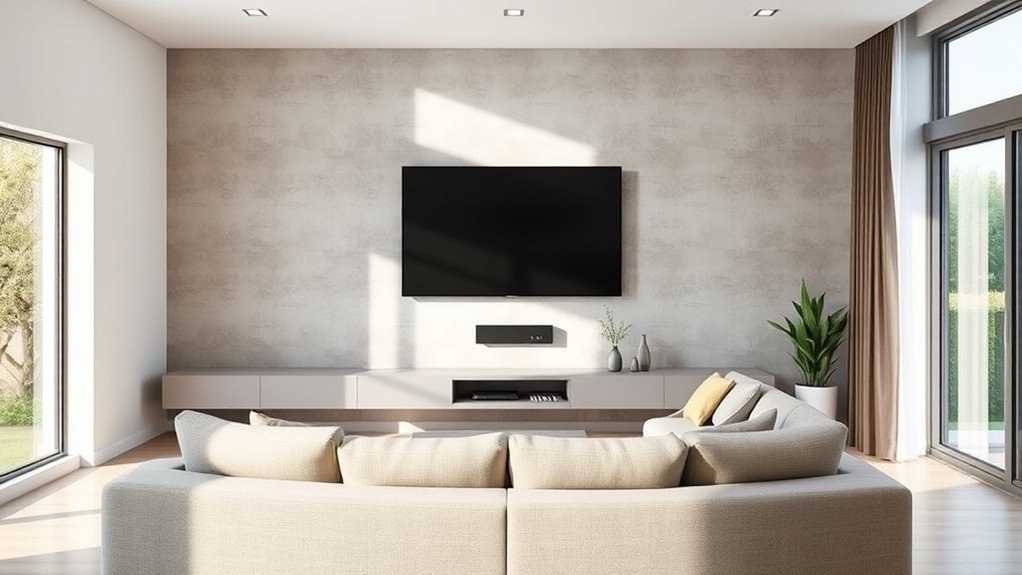
The most common mistake is mounting the TV too high. A wall-mounted TV may look sleek above a mantel or console, but comfort matters more than symmetry. For everyday viewing, the center of the screen should usually land close to your seated eye level. Samsung recommends sitting in your favorite spot and measuring from the floor to your eyes; if you need a simple starting point, it uses 42 inches to the center of the TV as an approximate standard-couch reference. Samsung support
Another mistake is treating TV size as the main height rule. A larger TV does not automatically need a higher center. Screen size changes where the top and bottom edges land, while your normal seated sightline remains the better starting point for the center.
Warning: Do not assume drywall alone is either always acceptable or always prohibited. Follow the exact wall-attachment method in the mount manufacturer’s instructions. Many mounts require wood studs; some specifically rated systems permit approved anchors or plasterboard-only installation within stated limits. The wall and fasteners must safely support the TV and mount.
A third mistake is treating viewing distance as one universal range. Samsung’s current wall-mount guide calculates a starting distance by dividing the TV’s diagonal size by 0.55. That works out to about 8.3 feet for a 55-inch TV and about 9.8 feet for a 65-inch TV. Sony publishes a different 4K viewing-distance method based on 1.5 times the screen’s vertical height, illustrating why distance recommendations vary depending on whether the goal is room planning, field of view, or visible image detail. Use any distance chart as a starting point, then adjust for comfort and room constraints. Samsung mounting guidance · Sony viewing-distance guidance
Recommended Products

[Securely supports TVs up to 70''] The full motion TV wall mount fits most 32''-70'' flat and curved TVs with VESA patterns 75x75 to 400x400mm. Designed for installation on 8”/12”/16” wood studs, concrete, and brick walls. Please make sure that the above conditions are met before using it.

Universal Design: This full motion TV mount fits for most of 42-90 inch TVs up to 132lbs with VESA size 200*100mm to 600*400mm available and max 16" Wood Stud space. Not perfect fit your TV? Please contact us and we'll do our best to solve the problem for you! If you need the screw M8*50, please message us to get it which be sent from USA.

Universal TV Mount - This full motion TV mount fits most 26-60 inch TVs with vesa patterns range from 100x100mm(4x4”) to 400x400mm(16x16”) and holds up to 77 lbs./35kg. Please check TV weight, size, vesa, and input access before purchase.
What Is the Ideal TV Mounting Height?
The ideal TV height is a measured relationship between your normal viewing position and the screen center. Start with seated eye level, then adjust only when the room gives you a practical reason, such as required furniture clearance, reclined viewing, glare, or a fireplace location.
Eye Level Alignment
Sit in your main viewing position with your normal posture. Measure from the floor to your eyes. That measurement is your target screen-center height. In many living rooms, about 40 to 42 inches is a useful reference, but couch height, cushions, body height, and reclining posture can change your actual number. SANUS also centers its guidance on eye level and uses 42 inches as an average seated reference. SANUS HeightFinder
Use this simple formula:
- Target center height: your measured seated eye level.
- Bottom edge height: target center height minus half the TV’s physical screen height.
- Top edge height: target center height plus half the TV’s physical screen height.
Note: The wall bracket rarely lines up exactly with the center of the screen. After deciding where the screen belongs, measure the relationship between the TV’s VESA mounting holes, mounting rails, and screen edges. Follow the mount template so the final screen center, not merely the wall plate, lands at the intended height.
Room Layout Considerations
Your room can justify a small change to the standard eye-level target. A low sofa may call for a lower screen. Bar stools, standing viewing, or a bedroom setup may call for a higher center. Recliners need a real test: lean back the way you normally watch and check the sightline before drilling.
If the TV must sit above a console, leave enough space so the furniture does not crowd or block the screen. Samsung suggests placing the TV about 4 to 6 inches above furniture when its normal 42-inch-center reference would not provide enough room. Samsung support
If two seats are used equally, do not raise the TV simply to make the wall look more symmetrical. Tape the screen outline on the wall and test it from both positions. Choose the lowest center position that stays comfortable and unobstructed for the regular viewers.
TV Size Guidelines
Use TV size to calculate where the top and bottom edges will land, not to choose the center height by itself. The table below assumes a 16:9 TV and a target center height of 40 to 42 inches from the floor. Always check your TV’s actual product dimensions because bezels and model construction vary.
| TV Size | Approx. Screen Height | Approx. Bottom Edge if Center Is 40-42″ | Typical Use |
|---|---|---|---|
| 55-inch | About 27″ | About 26.5-28.5″ | Small to medium living rooms |
| 65-inch | About 32″ | About 24-26″ | Common living-room size |
| 75-inch | About 37″ | About 21.5-23.5″ | Larger rooms and wider seating layouts |
| 85-inch | About 42″ | About 19-21″ | Large walls and longer viewing distances |
How Far Should You Sit From the TV?
Viewing distance helps determine how large a screen feels from your seat, but there is no single universal distance standard. Samsung’s current wall-mount guide uses TV diagonal divided by 0.55 as a starting calculation. The table below applies that method so the numbers come from one consistent source rather than mixing several different viewing philosophies.
| TV Size | Samsung Starting Distance | How to Use It |
|---|---|---|
| 43-inch | About 6.5 feet | Room-planning baseline, then adjust for preference |
| 55-inch | About 8.3 feet | Room-planning baseline, then adjust for preference |
| 65-inch | About 9.8 feet | Room-planning baseline, then adjust for preference |
| 75-inch | About 11.4 feet | Room-planning baseline, then adjust for preference |
| 85-inch | About 12.9 feet | Room-planning baseline, then adjust for preference |
These numbers are not hard minimums. Sony, for example, publishes a much closer 4K distance based on 1.5 times the screen’s vertical height because that guidance focuses on image detail and pixel visibility. Different recommendations therefore answer slightly different questions. For a living-room layout, use a published distance as a starting point, then choose the screen size and seating position that feel comfortable in the actual room. Samsung mounting guidance · Sony viewing-distance guidance
How Do You Measure Eye Level for TV Height?
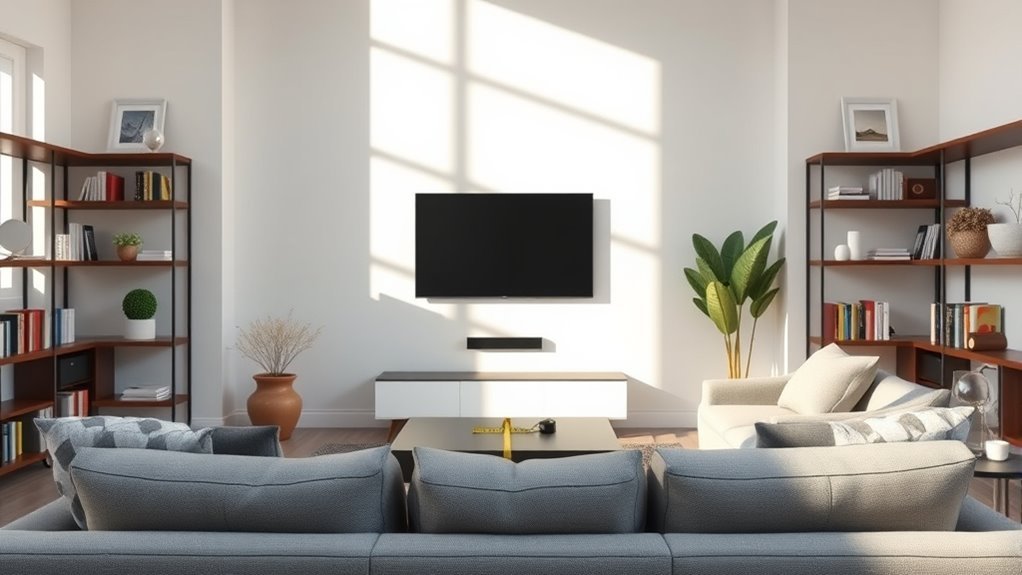
Measure the viewing position before you calculate bracket holes. The most useful number is the distance from the floor to your eyes while you sit the way you normally watch TV. That becomes the first screen-center mark to test on the wall.
Determine Your Seated Height
Sit where you watch most often. Keep your back and neck in the position you naturally use for TV viewing. Ask another person to measure from the floor to your eyes. Mark that height on the wall with painter’s tape. This mark represents the intended center of the screen, not the top of the TV and not automatically the center of the wall bracket.
Measure Distance to TV
Measure from your normal eye position to the wall where the screen will sit. Compare the result with a published viewing-distance method, but do not change mounting height simply because the screen is larger. Viewing distance mainly helps you judge screen size and immersion; your seated sightline remains the starting point for height.
Adjust for TV Size
Once you know the center height, check the TV’s actual physical height. A typical 65-inch 16:9 screen is roughly 32 inches tall, so if its center is 42 inches from the floor, the bottom edge lands near 26 inches. If a console occupies that space, raise the screen only as much as needed for clearance and consider a tilting mount if the center ends up noticeably above your natural sightline.
Pre-Drill Measurement Worksheet
Record these measurements before transferring any drill marks. This separates the screen position from the bracket position, which prevents a correctly calculated center height from turning into incorrectly placed wall hardware.
| Measurement | How to Get It | Why It Matters |
|---|---|---|
| Seated eye level | Measure floor to eyes from the main viewing seat | Sets the first target for screen center |
| Actual TV height | Check manufacturer dimensions or measure the TV | Calculates the top and bottom screen edges |
| Furniture top height | Measure floor to top of the console or cabinet | Shows whether furniture conflicts with the ideal bottom edge |
| Furniture clearance | Allow the clearance your layout needs; Samsung suggests about 4 to 6 inches above furniture when adjustment is required | Determines the minimum practical bottom edge |
| VESA and bracket offset | Measure where the mount rails or VESA holes sit relative to the TV’s screen center | Converts the desired screen position into the correct wall-plate position |
Pro Tip: Tape the full TV outline on the wall before mounting. Sit in the main seat for several minutes, then test the same outline from other regularly used seats. If you naturally lift your chin or hold your neck upward, lower the proposed screen position before drilling.
How Should Furniture and Room Layout Change TV Height?
Your furniture and viewing habits can change the final placement, but they should not replace the basic measurement process. Start with eye level, confirm that the wall can safely support the installation, then make the smallest adjustment needed for furniture, glare, or an alternate viewing position.
- Standard sofa: Keep the center close to measured seated eye level, with about 42 inches as a useful fallback.
- Low lounge sofa: Mount lower if your measured eye level is below the standard reference.
- Recliners: Test while reclined, not only while sitting upright.
- Bar stools or standing viewing: Raise the TV to match the position from which it is actually watched most often.
- Bedroom: A higher placement may work when you watch while reclined, but test the real sightline and consider a tilting mount.
- Bright rooms: Avoid a screen position directly opposite strong windows when practical. A tilt or multi-position mount can help control reflections.
Warning: Mounting above a fireplace is often less comfortable because the screen sits above seated eye level. Samsung also warns about heat and states that Samsung TVs should not exceed 104°F. That temperature limit is specific to Samsung; check your own TV manual and the fireplace manufacturer’s installation and clearance requirements before using a fireplace location. Samsung fireplace guidance
If children are in the home, think beyond viewing comfort. The U.S. Consumer Product Safety Commission recommends mounting flat-screen TVs to the wall or furniture to reduce tip-over risk and says TVs that are not wall mounted should still be anchored. It also recommends placing televisions only on furniture designed to hold a TV and following the manufacturer’s securing instructions. CPSC AnchorIt.gov
Which TV Mount Type Fits Your Room?
Choose the simplest mount that solves the room’s actual problem. Confirm the TV’s weight, screen size, VESA pattern, supported wall type, and the mount manufacturer’s attachment instructions before choosing between fixed, tilt, and full-motion designs.
- Fixed mount: Best for a clean, low-profile installation when the TV can sit at the correct height and viewers watch mostly straight on.
- Tilting mount: Useful when the TV must be mounted higher or reflections from windows and lights need adjustment. AVF describes tilt mounts as suitable for reducing glare and improving viewing from higher positions. AVF wall mount advice
- Full-motion mount: Useful for corner layouts, open rooms, or multiple seating areas where the TV genuinely needs to turn toward different viewers. Follow the mount’s specified wall-attachment method and weight limits exactly.
Before buying a mount, check the TV’s mounting-hole pattern, screen size, and weight. VESA’s Flat Display Mounting Interface standard defines mounting interfaces used across many flat displays, while mount manufacturers specify which VESA patterns and weights each product supports. VESA mounting standard
Recommended Products

Universal TV Wall Mount: TV bracket fits most 32-70" TVs up to 110 lbs, with max VESA of 400mm x 400mm / 16" x 16" mounting hole spacing, designed for standard 16" studs. If your wood stud spacing exceeds 16 inches, please refer to the 16", 18", 24" wood stud full motion TV mount MD2380-24K

[Universal Design] This TV wall mount is compatible with most TVs of 42-90 inches and weighs up to 154 lbs. It also has a maximum VESA of 600mm x 400 mm mounting hole space. Please Note: This TV mounting bracket is NOT for drywall alone installation!

TV Mount Compatibility - The swivel TV wall mount is compatible with most LED LCD flat or curved 13″-43″ TVs/Monitors up to 44 lbs with VESA mounting patterns 75x75 to 200x200mm. The single TV mount for 24 30 32 39 40 42 43 Inch can be installed on single wood studs, concrete, or brick walls, perfectly compatible with SAMSUNG, SONY, LG, VIZIO, TCL, ELEMENT, SCEPTRE, HISENSE and other TV brands. Please confirm your screen size and TV/monitor VESA before ordering.
What Should You Check Before Drilling?
Before making permanent holes, confirm both the planned screen position and the structural installation. Use this checklist:
- Confirm the TV weight and the mount’s maximum rated load.
- Confirm the TV’s mounting-hole pattern and the mount’s supported VESA range.
- For drywall or plasterboard, follow the mount manufacturer’s exact attachment instructions. Many mounts require wood studs; some specifically rated systems permit other approved attachment methods.
- For brick, block, concrete, or other masonry, use hardware specifically approved for that wall and mount.
- Check for hidden pipes and wires before drilling. AVF recommends locating wall structure and checking for hidden services before installation. AVF wall mount planning
- Use the screws, spacers, washers, anchors, and wall hardware specified by the TV and mount instructions.
- Do not assume the wall plate’s center is the TV screen’s center. Transfer the measured VESA/bracket offset before drilling.
- Lift large TVs with another person and follow the manufacturer’s handling instructions.
- Plan power and signal-cable routing before the screen goes on the wall.
Note: Do not route an ordinary flexible power cord or extension cord through a wall. NFPA guidance states that flexible and extension cords should not extend through walls, ceilings, or floors. For a cleaner installation, use a listed solution intended for the application, a surface raceway where appropriate, or have a qualified electrician install a receptacle behind the TV. NFPA electrical safety guidance
Recommended Products

Packed in a Box:Store and organize mounting accessories in one place. Not only does this box keep screws, washers, and spacers neatly categorized, it also ensures that they are protected, dust-free, and ready to use

UNIVERSAL COMPATIBILITY: This product is a whole package of screws with washers and spacers. It includes M4, M5, M6, and M8 TV screws and spacers up to 80" TV, including curved TVs.

Come with a Box: Store and organize mounting accessories in a box. Not only does this box keep screws, washers, andspacers neatly categorized, it also ensures that they are protected and ready to use
How Do You Fix Common TV Height Problems?
Judge TV height from the position where you actually watch, not while standing in front of the wall. Sit in the main seat for several minutes and notice whether your head naturally stays neutral, whether the screen is blocked, and whether glare forces you to change position.
If the TV is already mounted too high, test the available downward tilt first. If you still need to lift your chin or hold your neck upward during normal viewing, remounting lower is the more direct fix.
If the TV may be too low, check whether a console, soundbar, decor, or normal room activity blocks the picture. Also notice whether you consistently angle your gaze downward. Recheck the screen center against your seated eye level before raising it.
If the console blocks the ideal height, raise the TV only enough to provide the required clearance. Keep the final center as close to the measured sightline as the layout permits.
If the studs or approved mounting points do not line up with the desired horizontal position, do not improvise with unapproved fasteners. Use a compatible mount that provides lateral adjustment, reinforce the wall where appropriate, or use a qualified installer.
If the room has several viewing positions, test the taped outline from each regularly used seat. A full-motion mount can help when viewers genuinely watch from different angles.
Frequently Asked Questions
What is the proper height to hang a TV?
The proper height usually puts the center of the screen near your seated eye level. About 42 inches from the floor is a useful standard-couch reference, but measuring your own eye level gives a more accurate result.
At what height should a 55-inch TV be mounted?
For a 55-inch TV, aim for the screen center to land near your measured seated eye level. A typical 55-inch 16:9 screen is about 27 inches tall, so if its center is 40 to 42 inches high, the bottom edge will be roughly 26.5 to 28.5 inches from the floor.
How do I know if my TV is mounted too high?
Sit in your normal viewing position for several minutes. If you naturally lift your chin, hold your head upward, or need significant downward screen tilt just to face the picture comfortably, the TV may be higher than your normal seated sightline.
Can a TV be mounted too low?
Yes. A TV may be too low if furniture or a soundbar blocks the image, regular activity puts the screen at risk of impact, or you consistently angle your gaze downward while watching. Check the screen center against your seated eye level before raising it.
How high should a TV stand be for a 65-inch TV?
Choose a stand that puts the 65-inch TV’s screen center near your seated eye level. Because the TV’s feet or pedestal add height below the screen, check the actual model dimensions rather than calculating stand height from the screen size alone.
Should a TV be mounted above a fireplace?
A fireplace is usually a compromise because it can force the TV above seated eye level and expose the television to heat. If it is the only practical location, check the TV manufacturer’s temperature limits, the fireplace manufacturer’s clearance requirements, the wall structure, and the viewing angle before mounting.
Is a full-motion TV mount worth it?
A full-motion mount is useful when the TV needs to face multiple seating areas, sit in a corner, or change angle during the day. For a simple straight-on sofa setup, a fixed or tilting mount is usually simpler.
Should the center or bottom of the TV be at eye level?
The center of the screen should usually be closest to your seated eye level. The bottom edge changes with screen size, so a larger TV can extend much farther downward while keeping the same comfortable centerline.
How far should the couch be from a wall-mounted TV?
There is no single universal distance. Samsung’s current mounting guide uses TV diagonal divided by 0.55 as a starting calculation, which is about 8.3 feet for a 55-inch TV and 9.8 feet for a 65-inch TV. Other manufacturers use different criteria, so adjust the final distance for the room and your viewing preference.
Conclusion
The perfect TV mounting height is not about copying a showroom wall. Measure your seated eye level, calculate the screen edges, check furniture clearance, translate the desired screen position to the mount’s actual bracket location, and verify the wall attachment before drilling. Tape the outline on the wall first and test it from the seats you actually use. That simple check can prevent a TV that is structurally secure but permanently uncomfortable to watch.
Sources
- Samsung Support: Things to Consider Before Mounting Your Samsung TV to a Wall – supports seated eye-level measurement, the 42-inch center reference, viewing-distance calculation, furniture clearance, structural guidance, fireplace heat caution, VESA compatibility, and installation planning.
- Sony Support: Recommended Viewing Distance for Watching TV – supports Sony’s separate 4K viewing-distance methodology and illustrates why viewing-distance recommendations vary by purpose.
- SANUS HeightFinder – supports the center-at-eye-level approach and 42-inch average seated reference.
- VESA Mounting Standard – supports Flat Display Mounting Interface references.
- AVF TV Wall Mount Planning & Installation Advice – supports weight, VESA, wall-type, hidden pipe/wire, tilt, glare, and multi-position guidance.
- U.S. Consumer Product Safety Commission: AnchorIt.gov – supports TV and furniture tip-over safety guidance.
- National Fire Protection Association: Electrical and Fire Safety Considerations – supports the warning against routing ordinary flexible and extension cords through walls, ceilings, or floors.