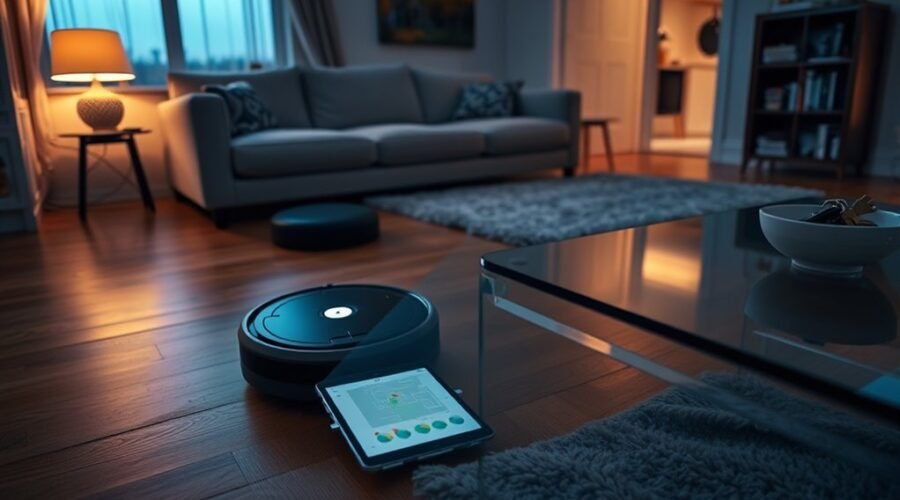
Robot vacuum privacy matters because a smart cleaner can collect information about your home, not just dust. Some models create floor maps, track cleaning activity, and use cameras to identify objects. Connected features may also send information to cloud servers. Understanding what your robot collects helps you enjoy automated cleaning without sharing more personal data than necessary.
Quick Answer
Robot vacuums can collect floor maps, cleaning schedules, movement routes, device identifiers, Wi-Fi information, and usage data. Camera-equipped models may also capture images or video. Some information stays on the device, while other data reaches cloud servers. You can reduce privacy risks by limiting optional sharing, disabling unused features, and keeping security software updated.
Key Takeaways
- A floor map can reveal room layouts, furniture placement, and cleaning preferences without containing photographs.
- Not every camera-equipped robot saves images or sends them to the manufacturer.
- Cloud storage makes remote controls possible but creates additional data access points.
- Disabling mapping or remote access may remove schedules, room cleaning, and other smart features.
- An app-based factory reset can handle cloud associations differently from a reset using the robot’s buttons.
Last checked: October 28, 2026. Dates and figures were verified against official sources.
Robot Vacuum Privacy: What Data Gets Collected?
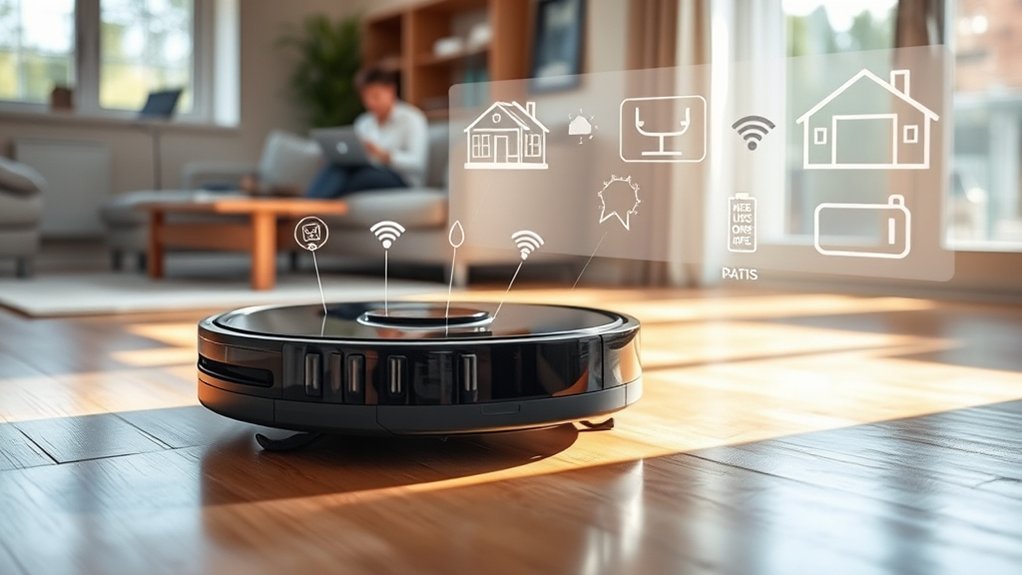
Smart robot vacuums collect information that helps them navigate, clean, and respond to commands. Depending on the model, this can include floor plans, cleaning history, schedules, device details, and camera images. The amount collected depends on the hardware, app settings, and enabled services.
For example, a connected robot may record when a cleaning job starts, how long it runs, and whether it encounters an error. Mapping models can also store room boundaries, restricted areas, and cleaning routes.
The main types of robot vacuum data include:
| Data Type | What It Includes | Why It Is Collected |
|---|---|---|
| Mapping data | Floor plans, room boundaries, cleaning zones, and obstacles | Navigation and room-specific cleaning |
| Activity data | Schedules, cleaning routes, runtime, and cleaning history | Performance tracking and cleaning reports |
| Device data | Device IDs, Wi-Fi details, software versions, and error logs | Connectivity, troubleshooting, and updates |
| Images or video | Visual information about objects or room surroundings | Obstacle detection, navigation, or optional monitoring |
| Account information | Account identifiers, preferences, and connected services | App access and personalization |
Camera use deserves special attention. A camera may identify furniture, cables, or other obstacles without keeping a permanent photograph. Other models let you review saved images through an app.
According to iRobot’s camera and Obstacle Image Review guidance, participating Roomba models can capture obstacle photos when that feature is enabled. The company says images not contributed to its image database are encrypted and automatically deleted from its servers after 30 days.
Sharing images for product improvement is a separate choice from using a camera for navigation. You should examine these permissions individually instead of assuming they are always connected.
Manufacturers may also process information for diagnostics, service improvements, or advertising activities. However, sharing website or account information for advertising does not automatically mean a company sells your home’s floor map.
The iRobot Privacy Policy explains its data collection, sharing, and advertising practices, including regional privacy rights and optional image sharing.
Why Robot Vacuums Map Your Home
Robot vacuums map your home to clean efficiently and avoid repeatedly visiting the same areas. A saved map helps the machine recognize rooms, plan routes, and return to its charging dock. It can also support scheduled cleaning in selected spaces.
Different models use different navigation systems. LiDAR, which stands for Light Detection and Ranging, uses reflected laser light to measure distances. Camera-based systems use visual information to identify features and estimate the robot’s position.
These sensors help build a digital layout showing walls, room connections, furniture, and obstacles.
The resulting map can support several functions:
- Room cleaning: Choose a kitchen, bedroom, or another mapped area.
- Virtual boundaries: Keep the robot away from selected spaces.
- Cleaning routes: Reduce unnecessary movement and repeated coverage.
- Scheduling: Set cleaning jobs for different rooms or times.
- Obstacle avoidance: Identify objects and reduce collisions.
A floor map is not necessarily a photograph. Many mapping systems convert sensor readings into a simplified layout rather than saving recognizable images of everything they detect.
However, maps still reveal information about your home. Room shapes, furniture positions, and restricted areas may suggest how different spaces are used.
Another distinction is where mapping data is stored.
Some robots process maps locally. Other models send mapping information to remote servers so the app can display room layouts or coordinate cleaning commands.
For example, iRobot’s Smart Map privacy documentation explains that its Smart Maps are stored in the cloud rather than solely in the phone app.
That means uninstalling an app does not necessarily delete the map.
How Robot Vacuum Data Leaks Happen
Robot vacuum data leaks can happen through weak device security, exposed cloud accounts, or improper handling by people who receive the information. The risk increases when sensitive data passes through several systems or outside companies.
Not every security flaw leads to a confirmed data breach. However, real incidents show why manufacturers need strong protections throughout the data collection process.
Images Shared Through Outside Contractors
One widely reported incident involved images captured by modified development versions of Roomba j7 robot vacuums.
In 2020, images from these research devices were sent to outside workers who helped label visual data for artificial intelligence development. Some sensitive images later appeared in private online groups.
The MIT Technology Review investigation published in December 2022 documented the incident.
Importantly, iRobot said the images came from special development devices with modifications not present in ordinary consumer models. The incident should not be presented as proof that every retail Roomba uploads intimate photographs.
It does show how private household images can become exposed when outside contractors handle them without sufficient safeguards.
Camera and Microphone Vulnerabilities
Security researchers have also demonstrated ways to compromise some connected home robots and gain access to their cameras or microphones.
At DEF CON 2024, researchers described weaknesses involving Bluetooth access and connected robots. Such attacks could allow unauthorized control under certain conditions.
A subsequent manufacturer security advisory dated November 19, 2024 confirmed a Bluetooth remote-code-execution vulnerability in affected robot vacuum models.
The advisory also listed patched firmware versions. This matters because a historical vulnerability report does not necessarily describe the security condition of a fully updated device today.
The practical lesson is to check whether your exact model receives security updates, not assume every robot vacuum has the same vulnerability.
Can LiDAR Sensors Be Used to Eavesdrop?
Researchers have demonstrated that certain LiDAR sensors can reveal information about sound through tiny vibrations in nearby objects.
A 2020 research project called LidarPhone used a modified robot vacuum to study whether laser measurements could recover sound-related information.
The researchers demonstrated recognition of spoken digits and music under experimental conditions.
This was a research demonstration, not evidence that ordinary robot vacuums routinely record household conversations through LiDAR.
It nevertheless shows that even sensors without conventional microphones can create unexpected privacy risks when an attacker gains sufficient control.
Cloud Sync and Hacking Risks
Cloud synchronization lets you control a robot vacuum remotely, view cleaning reports, and access saved maps through an app. However, sending information to external servers creates additional places where sensitive data must be protected.
Three common risks deserve attention.
- Account takeover: Someone who gains access to your account may see available maps, schedules, or other connected features.
- Server exposure: A vulnerability in a manufacturer’s systems or service providers could reveal stored information.
- Unauthorized device access: Weaknesses in device software or network services may allow an attacker to interfere with robot functions.
Cloud storage itself does not mean your information is publicly accessible. The actual risk depends on authentication, encryption, software maintenance, and how the company manages access.
Encryption helps protect information from unauthorized reading. However, encryption alone cannot prevent every breach, especially if an attacker gains legitimate account credentials or access to a system that can decrypt the data.
You can reduce exposure by limiting optional cloud services and reviewing connected accounts.
A separate Wi-Fi network for smart home devices may also reduce the impact of a compromised device when the router properly isolates that network.
Which Robot Vacuum Privacy Features Matter
The most useful robot vacuum privacy features give you control over what information is collected, transmitted, stored, and deleted. Security protections also matter because some information must be processed for the robot to work.
Look for the following controls before choosing a device.
- Local data processing: Navigation and object detection can work without sending all raw sensor information to external servers.
- Encryption: Sensitive data should be protected during transmission and while stored.
- Two-factor authentication: An additional login check can reduce account takeover risks when supported.
- Camera controls: Optional image review, image sharing, and remote viewing should have clearly explained settings.
- Remote access controls: You should be able to limit features you do not use.
- Data deletion: The manufacturer should explain how to remove maps, account information, and stored images.
- Security updates: The robot and its companion app should receive fixes for known problems.
Check whether local processing covers the specific features you want. A manufacturer may process navigation on the device but still upload cleaning history or account information.
Also, distinguish basic encryption from end-to-end encryption. Encryption during transmission protects information moving between systems. End-to-end encryption may offer additional protection, but not every robot vacuum service uses it.
Privacy policies should identify the types of collected data, their purposes, retention practices, and situations where third parties receive information.
A strong privacy design combines clear controls with sensible default settings. You should not have to enable unnecessary data sharing just to perform basic cleaning.
How to Choose a More Private Robot Vacuum
A more private robot vacuum limits unnecessary data collection without making basic cleaning difficult. The best choice depends on whether you need app-controlled maps, remote scheduling, cameras, or voice features.
Start by deciding which functions are essential. You can then compare the privacy trade-offs rather than focusing only on cleaning power.
Offline Operation
Offline operation can reduce robot vacuum privacy risks because the device no longer needs a continuous internet connection for its supported local functions. Some robots can start basic cleaning from physical buttons without Wi-Fi.
However, offline capability varies by model. A robot may clean without internet access but lose app-based scheduling, maps, notifications, and remote controls.
Before buying or disconnecting a robot, check these points:
- Can you start and stop cleaning without opening an app?
- Does obstacle avoidance continue without internet access?
- Can the robot retain its map locally?
- Will it return to its charging dock when offline?
- Which cleaning schedules or room controls require cloud access?
Local processing and offline operation are related, but they are not identical. A robot can use local navigation while still sending some usage information to the manufacturer.
Virtual boundaries can also help keep the vacuum out of bedrooms, bathrooms, or other private areas. This reduces what the robot encounters in those spaces, although it does not erase information previously collected.
Pro Tip: If offline cleaning is important to you, test the robot’s physical cleaning controls with internet access temporarily unavailable. Confirm that it can finish a cleaning job and return to the dock before relying on offline operation.
Encryption and Controls
Encryption protects robot vacuum information from unauthorized reading during transmission and storage. Good account controls help prevent someone else from accessing your maps, camera features, or cleaning history.
When reviewing a model, look for encrypted connections, strong authentication, clear image-sharing permissions, and a history of security fixes.
The Federal Trade Commission’s guidance for connected devices recommends several practical security measures.
Apply these protections to your robot vacuum and home network:
- Use a unique password. Avoid reusing your email or shopping account password.
- Enable two-factor authentication. Turn it on when your robot vacuum account supports it.
- Install firmware updates. Keep both the robot software and companion app current.
- Review account access. Remove connected users and services you no longer need.
- Disable unused remote features. Limit access from outside your home when the manufacturer provides that option.
- Secure your router. Use strong Wi-Fi encryption and an updated router password.
Do not assume that a camera-free vacuum is automatically secure. Connected devices without cameras can still expose account details, maps, or usage information if their systems are compromised.
Likewise, a camera-equipped model is not automatically unsafe. Its risk depends on what the camera captures, whether images are stored, who can view them, and how those features are protected.
Deleting Maps and Account Data
Deleting a robot vacuum’s stored information requires more than simply uninstalling its app. Maps and account data may remain on the device or in cloud services after the phone app is removed.
Before selling, gifting, or replacing your robot vacuum, remove your account association and personal information using the manufacturer’s supported process.
For example, iRobot’s factory reset guidance distinguishes between an app-based factory reset and a reset performed with the robot’s buttons.
The company explains that an app-based reset can remove cloud associations and saved data. A reset using physical buttons may leave account and cloud information intact.
Warning: A factory reset can erase cleaning preferences, schedules, and saved maps. Review the available options before resetting. Do not assume a physical-button reset deletes cloud information or removes every copy of your personal data.
If you want broader deletion, review the manufacturer’s account privacy process. Some companies provide separate requests for account removal or deletion of previously collected personal information.
Before completing the process, disconnect third-party smart home integrations and confirm the robot is no longer linked to your account.
Frequently Asked Questions
Are Robot Vacuums a Privacy Concern?
Yes, robot vacuums can create privacy concerns because connected models may collect floor maps, schedules, device information, and camera images. Security risks depend on the model and enabled features. Strong account protection, limited sharing, and clear privacy settings help reduce exposure.
What Are the Downsides of Using a Robotic Vacuum Cleaner?
Robot vacuums can struggle with stairs, clutter, thick carpets, and certain floor surfaces. They also require brush cleaning, filter maintenance, and occasional repairs. Battery life, noise, appearance, imperfect navigation, and app-related privacy concerns can reduce their convenience.
Does Roomba Sell Your Data?
iRobot states that it does not sell personal information in its privacy policy. However, its policy also describes sharing certain information with service providers and advertising partners. Selling data, sharing information for advertising, and sending maps to cloud services are different practices.
Do Robot Vacuums Record You?
Some robot vacuums can capture images or video through built-in cameras. However, camera-based navigation does not always mean footage is recorded or uploaded. Audio features also vary by model. Review camera permissions, microphone functions, and optional image-sharing settings.
Can Robot Vacuums Work Without Wi-Fi?
Yes, some robot vacuums can perform basic cleaning without Wi-Fi. However, remote control, cloud maps, voice integrations, and app scheduling may require internet access. Check your model’s offline capabilities before disconnecting it from the network.
Does Deleting the Robot Vacuum App Delete Your Map?
No, deleting the app does not necessarily remove maps stored on the robot or in cloud services. Some manufacturers retain cloud maps independently of the phone app. Use the appropriate map deletion, account removal, or factory reset options for your model.
Conclusion
Robot vacuum privacy depends on what your cleaner collects, where that information goes, and how much control you have over it. Floor maps and cleaning reports can improve convenience, but unnecessary sharing creates additional exposure.
Choose a device with clear privacy controls, reliable security updates, and features that match your needs. Then review image sharing, cloud mapping, and account settings before your first cleaning session.
The goal is simple: keep the benefits of automated cleaning while maintaining control over information about your home.
Sources
- iRobot Privacy Policy: Data collection, sharing, account information, advertising practices, and user choices.
- iRobot Camera, PrecisionVision, and Obstacle Image Review: Camera functions, image-sharing options, and image retention.
- iRobot Smart Map Data Privacy: Cloud map storage, mapping permissions, and feature limitations.
- MIT Technology Review: Investigation of images captured by modified Roomba development devices and shared by outside contractors.
- LidarPhone Research: Experimental study of acoustic information obtained through robot vacuum LiDAR sensors.
- Manufacturer Bluetooth Security Advisory: Confirmed robot vacuum vulnerabilities and published firmware fixes.
- Federal Trade Commission: Recommended security measures for internet-connected home devices.
- iRobot Factory Reset Guidance: Reset methods, device removal, and cloud data associations.