
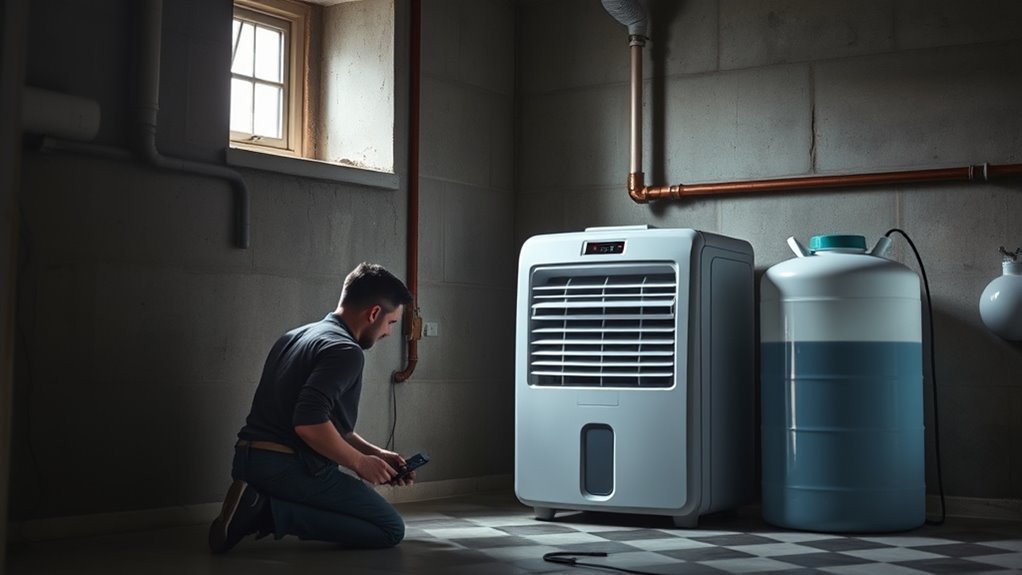
A dehumidifier may run without collecting water when the room is already drier than its setpoint, the bucket or drain system is not positioned correctly, airflow is restricted, or the unit is in a normal delay or defrost cycle. Start with the safe external checks below before assuming the compressor or refrigerant system has failed.
Quick Answer
If your dehumidifier is not collecting water, confirm that room humidity is above the selected setting, empty and reseat the bucket, inspect the drain hose, clean the filter, and check for frost. Also allow for normal compressor delays or defrost cycles. Internal electrical or refrigerant faults require qualified service.
Key Takeaways
- The selected humidity must normally be lower than the room’s current relative humidity.
- A full, misaligned, or stuck bucket can activate the safety switch and stop collection.
- A gravity drain hose must slope downward without kinks, clogs, or raised sections.
- Cold rooms and poor airflow can cause frost and trigger an automatic defrost cycle.
- Do not open the cabinet, test a capacitor, or disturb refrigerant lines unless you are qualified to do so.
At a Glance
| Time Required | About 20–30 minutes for basic checks, plus thawing or observation time |
| Difficulty | Easy for external troubleshooting; professional service for internal faults |
| Tools Needed | Hygrometer, flashlight, soft brush or vacuum attachment, mild soap, and clean water |
| Cost | Usually no cost for basic checks; professional repair varies by model and fault |
Why Your Dehumidifier Won’t Collect Water
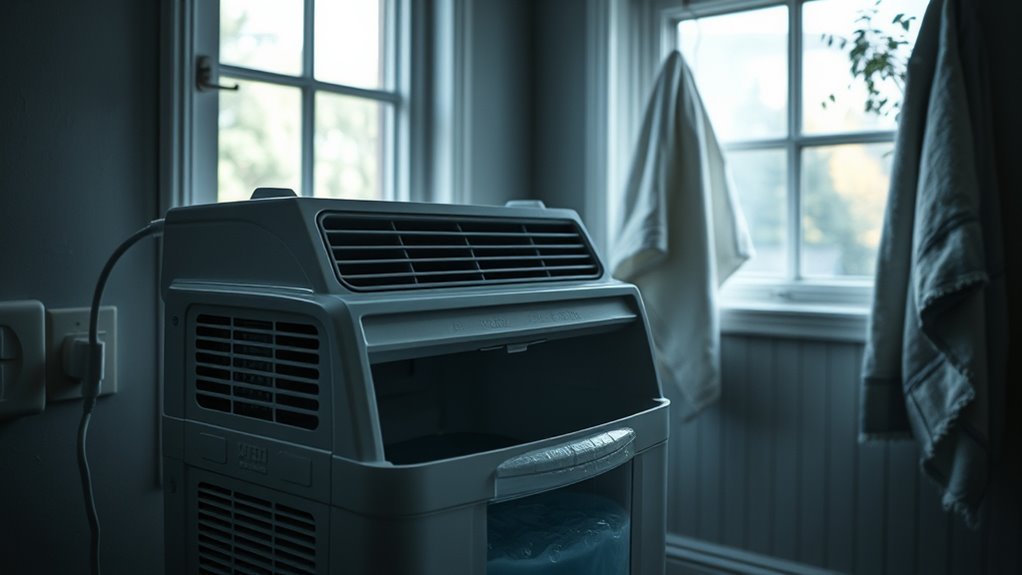
A dehumidifier does not collect water continuously under every condition. If the room’s relative humidity is already below the selected target, the compressor may remain off because there is little moisture to remove. Low room temperature, restricted airflow, a full bucket, drainage trouble, normal defrost operation, or an undersized unit can also reduce collection.
The compressor, evaporator coil, and refrigerant information in this guide applies mainly to common compressor-based portable dehumidifiers. A desiccant dehumidifier uses a different moisture-removal system and should be diagnosed according to its own manual.
| What You Notice | Likely Explanation | First Check |
|---|---|---|
| Fan runs but little water appears | Low room humidity, compressor delay, defrost, or sealed-system fault | Compare room RH with the setpoint and wait through any normal delay |
| Unit will not start | Power, timer, bucket switch, control setting, or error code | Check the outlet, display, bucket position, and manual |
| Water enters the bucket instead of the hose | Hose installed incorrectly, raised, kinked, or clogged | Reinstall the hose with a continuous downward slope |
| Ice appears on the coil | Cold room, restricted airflow, defrost fault, or sealed-system problem | Turn the unit off, thaw it fully, and clean the accessible filter |
Check Power, Mode, and Normal Operation
Confirm Power and Controls
Before checking moisture-removal parts, confirm that the display, fan, and controls receive power. Plug the unit into a known-working grounded outlet that meets the requirements in the owner’s manual. Check the home breaker or safety outlet if the display remains blank.
- Make sure the power button is on.
- Cancel any delayed-start or delayed-stop timer.
- Confirm that the unit is in dehumidify or continuous mode rather than fan-only mode.
- Look for a full-bucket light, filter reminder, control lock, or error code.
- Empty and reseat the bucket before testing again.
Reset procedures vary by manufacturer. Some models only require a brief power disconnect, while others have a model-specific button sequence. Follow the owner’s manual rather than assuming every unit has a reset button.
Allow Normal Delays and Defrost
A short pause does not always mean the dehumidifier has failed. Many units delay compressor startup after being turned on or restarted. The fan may also cycle periodically to sample room humidity even when the compressor is off.
Note: During automatic defrost, the compressor may stop and water collection may pause while the fan continues to run. Let the cycle finish before diagnosing a failure.
Check the Model and Error Code
Write down the model number from the rating label and search the manufacturer’s support site for its manual. Sensor, pump, overload, and sealed-system error codes are not standardized. The same letters can mean different things on different brands.
Warning: Before continuing to use or repair an older unit, check the U.S. Consumer Product Safety Commission dehumidifier recall page. Stop using and unplug a recalled model, then follow the official recall remedy.
Check the Humidity Setting First
Set the target humidity below the room’s current relative humidity. If the room is at 48% and the unit is set to 55%, the compressor may stay off because the room is already drier than the selected target.
Set Target Below Room Level
Place an independent hygrometer several feet away from the dehumidifier’s intake and warm exhaust. Allow the gauge time to stabilize, then compare its reading with the unit’s display.
| Check | Action |
|---|---|
| Room reading | Confirm with a separate hygrometer |
| Selected target | Set it below current room humidity |
| Test setting | Temporarily lower the target or use continuous mode |
For example, a room at 58% RH may not trigger a unit set to 60%. Lower the setting and allow enough time for any compressor delay to end. Do not assume a lower setpoint causes the unit to stop. A very low setpoint usually makes it run longer and may over-dry the room.
Match Comfort and Climate
The U.S. Environmental Protection Agency recommends keeping indoor humidity around 30%–50% to help control moisture and mold. The best setting within that range depends on weather, condensation, the room, and personal comfort.
- Use a lower target during persistently damp weather.
- Raise the target if the room becomes uncomfortably dry.
- Watch windows, walls, and pipes for condensation.
- Do not judge performance only by the amount of water in the bucket.
A nearly empty bucket can be normal when the room is already below the selected humidity level.
Recheck Settings After Power Loss
Some models restore their previous settings after an outage, while others return to a default target or remain off. Recheck the humidity target, operating mode, fan speed, timer, and pump setting after any interruption. Use the owner’s manual to confirm whether the model supports automatic restart.
Inspect the Water Tank and Drain Hose
Empty and Reseat the Bucket
A full-bucket safety switch normally stops water collection before the reservoir overflows. The same switch may remain open if the bucket is crooked, the float is stuck, or the bucket is not pushed in fully.
- Turn the unit off and unplug it.
- Remove and empty the bucket.
- Inspect it for cracks, warping, mineral buildup, or a jammed float.
- Clean the bucket with mild soap and water if the manual permits it.
- Reinstall it evenly until it sits fully against the switch.
Do not tape down, bypass, or defeat the bucket switch. It is a safety device that helps prevent overflow.
Check a Gravity Drain Hose
A gravity hose cannot push water uphill. It must run continuously downward from the dehumidifier to a lower drain point.
- Confirm that the correct drain cap or adapter has been removed or installed as required.
- Push or thread the hose onto the fitting completely.
- Remove kinks, loops, raised sections, and crushed areas.
- Make sure the hose outlet is lower than the connection on the unit.
- Flush the hose with clean water if dirt, algae, or sludge is blocking it.
Pro Tip: Lay the hose in place before connecting it. Water should be able to travel from the dehumidifier to the drain without climbing over a raised section.
Check a Built-In Pump
A pump-equipped unit can send water to a drain above the dehumidifier, but its pump hose, pickup screen, bucket, and pump setting must all be correct. If the display shows a pump-related error:
- Confirm that the pump hose is connected securely.
- Check for kinks, freezing, and blockage.
- Clean the pump pickup area only as described in the manual.
- Make sure pump mode is enabled.
- Contact the manufacturer if the pump repeatedly times out.
Clean the Filter, Coils, and Fan
Restricted airflow reduces moisture removal and can contribute to overheating or frost. Clean only the parts identified as owner-serviceable in the manual.
Recommended Products
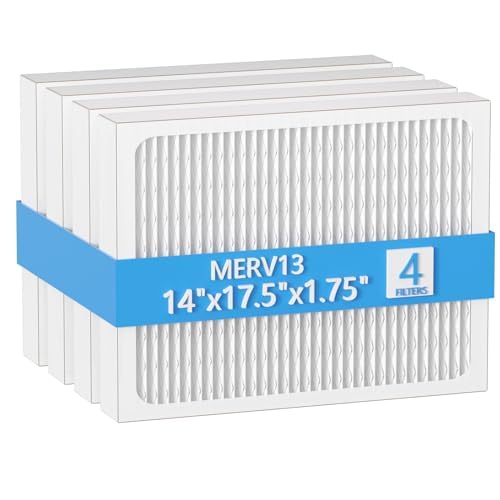
【Compatibility】 Our 14 x 17.5 x1.75 MERV 13 Replacement Dehumidifier Filter Media is Compatible with Honeywell DR90 & DR120 dehumidifier models.

COMPATIBILITY: Our DH02 HEPA filter compatible with Afloia (AQ8/Q8)/ Honati/ Hysure Q7/ Tenergy Sorbi 2-in-1 Air Purifier/Dehumidifier(1000ML) or please double check before order
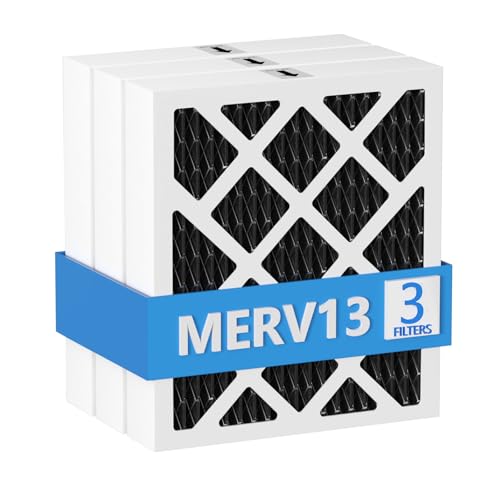
【Compatibility】 Our MERV 13 PN07126 Replacement Carbon Dehumidifier Filter Media is Compatible with Sanidry Sedona Dehumidifier PN07126 Replacement Filter.
Filter Blockage Signs
A dirty filter may cause weak airflow, longer run times, excess cabinet heat, or repeated frost. Check it more often in dusty rooms or homes with pets.
- Turn the dehumidifier off and unplug it.
- Remove the filter using the manual’s instructions.
- Vacuum it or wash it with mild soap and warm water if it is washable.
- Let it dry completely before reinstalling it.
- Reset the filter reminder only after cleaning.
Cleaning intervals vary. Some models use an operating-hour reminder, while others recommend inspection every few weeks. Follow the model-specific schedule rather than assuming every filter needs monthly replacement.
Coil and Fan Cleaning
Vacuum dust from accessible intake and exhaust grilles with a soft brush attachment. Wipe the exterior with a damp cloth and dry it before reconnecting power. Do not bend coil fins, spray liquid into the cabinet, or remove covers merely to reach the internal coil or fan.
Warning: Unplug the unit before cleaning. Do not open the electrical compartment or touch the compressor capacitor. A capacitor may retain a dangerous charge after the appliance is unplugged.
Check Placement, Room Conditions, and Capacity
Give the Unit Room to Breathe
Place the dehumidifier on a firm, level surface with the clearances required by the manual. Curtains, furniture, walls, stored boxes, or lint can block the intake or exhaust.
Close exterior doors and windows while testing. If humid outdoor air enters continuously, the unit may collect water but never reach the selected target.
Consider Room Temperature and Moisture Load
Warm, humid air contains more removable moisture than cool, relatively dry air. A unit may collect much less water on a cool day even when nothing is broken.
New installations also need time. The appliance must remove moisture from the air and from damp walls, floors, furniture, and stored materials. Allow sustained operation under the manufacturer’s recommended conditions before judging the result.
Check the Unit Capacity
Dehumidifier capacity is measured by the amount of water the unit can remove during standardized test conditions. Actual collection changes with room size, temperature, humidity, air leakage, and the severity of the moisture source.
Use the ENERGY STAR dehumidifier sizing guidance and the manufacturer’s coverage information. An undersized unit may run almost continuously without bringing a large or wet space under control.
Look for Frozen Coils
Frost usually points to cold operating conditions, low airflow, or a defrost problem. ENERGY STAR notes that frost can form when room temperature falls below about 65°F, although the exact operating limit varies by model.
- Turn the unit off and unplug it if thick ice is present.
- Let all ice melt naturally.
- Empty the bucket and dry any water that escaped around the unit.
- Clean the filter and clear blocked grilles.
- Move the unit to a warmer space or use a model rated for lower temperatures.
- Restart it only after it has thawed fully.
Do not chip, scrape, or pry ice from the coil. Sharp tools can puncture the refrigerant tubing or damage delicate fins.
A light coating that disappears during an automatic defrost cycle may be normal. Heavy frost that returns in a suitable room after the filter and airflow have been corrected needs professional assessment.
Check the Compressor, Capacitor, and Sensor
You can observe symptoms of a compressor, sensor, fan, or sealed-system fault without opening the cabinet. Listen for changes after the startup delay and compare the displayed humidity with a separate hygrometer.
| Symptom | Possible Cause | Safe Next Step |
|---|---|---|
| Fan runs but compressor never starts | Normal delay, satisfied setpoint, defrost, overload, capacitor, control, or compressor fault | Lower the setpoint, wait, check the error code, and seek service if the problem continues |
| Clicking or humming without startup | Overload, starting component, low voltage, or compressor trouble | Turn it off and arrange qualified service |
| Displayed RH differs greatly from a separate gauge | Sensor location, warm exhaust air, calibration difference, or sensor fault | Move the gauge away from the unit and retest before requesting service |
| Compressor appears to run but no cooling or water develops | Sealed-system or compressor fault | Stop DIY diagnosis and contact a qualified appliance or refrigeration technician |
Warning: Do not test or replace an internal capacitor unless you have the required training and equipment. Do not attach gauges, add refrigerant, cut tubing, or open the sealed refrigerant circuit. Refrigerant recovery and service are subject to EPA Section 608 requirements.
Recommended Products

✨✨✨COMPATIBILITY: Specifically designed to work with HIS06 humidifier models as a direct replacement humidity and temperature sensor module board

Compatible With Models Having Tank Capacities of 50 and 70 Pints.

COMPATIBILITY: Specifically designed as a replacement humidity sensor module board for HIS06 model for dehumidifiers and humidifiers
Fix Leaks and Drain Problems
Water on the floor does not always mean the entire appliance has failed. Trace the leak while the unit is unplugged.
- Check the bucket for cracks, warping, or overflow marks.
- Confirm that the bucket float moves freely and the bucket sits level.
- Inspect the drain cap, plug, gasket, and hose fitting.
- Make sure the unit itself is level.
- Check whether melting coil ice has overflowed the collection tray.
- Inspect gravity and pump hoses for loose connections or blockages.
Replace a cracked bucket or damaged removable seal with the correct manufacturer part. If water appears to come from inside the cabinet rather than the bucket or drain connection, stop using the unit and request service.
Repair or Replace Your Dehumidifier
Age alone does not determine whether a dehumidifier should be repaired. Start with safety, recall status, warranty coverage, the failed component, and the availability of parts or authorized service.
| Situation | Better Direction |
|---|---|
| Model is recalled | Stop using it and follow the recall remedy rather than repairing it |
| Fault is covered by warranty | Use manufacturer-authorized service |
| Bucket, hose, filter, or removable fitting is damaged | Repair may be practical if the correct part is available |
| Compressor or sealed refrigerant system has failed | Compare the professional quote with the cost and efficiency of replacement |
| Repeated overheating, smoke, burning odor, or damaged wiring | Unplug it immediately and replace or service it based on professional safety advice |
| Parts or qualified service are unavailable | Replacement is usually the practical option |
If you replace the unit, use a local appliance-recycling or household hazardous-waste program that accepts refrigerant-containing appliances. Do not cut refrigerant lines or place the appliance where its sealed system may be damaged.
Recommended Products

Premium Quality Material:This dehumidifier hose is made of durable and thick PVC, which has moderate flexibility and is easy to bend without breaking; Ripple design can prevent tangling, ensure smooth water flow, and make it easy to move in small spaces

Replacement Rivets-Repair Instead Replace a New Pair of Crocs: Did your Croc strap rivet break? Fix it with two replacement parts that ‘SNAP’ together will have you back in your Croc Strap.

Compatibility: There are 2 types of hose connector size design, the larger one is suitable for tubes ranging from 0.79in to 0.98in, and it can also cut to smaller one is suitable for tubes ranging from 0.59in to 0.79in. Beyond dehumidifiers, this versatile hose is ideal for draining portable air conditioners, dishwashers, and washing machines, making it a complete drainage solution
Maintain Your Dehumidifier
Regular owner maintenance focuses on cleanliness, airflow, drainage, and correct settings. A portable sealed-system dehumidifier does not normally need an annual refrigerant top-off.
- Inspect and clean the removable filter according to the manual.
- Keep the intake and exhaust grilles clear.
- Empty and clean the bucket before slime, mold, or mineral deposits build up.
- Flush an approved continuous-drain hose periodically.
- Keep the unit level and maintain the required wall clearance.
- Monitor room humidity with a hygrometer.
- Check the plug and cord for heat damage, cuts, or discoloration.
- Dry the bucket and drainage parts before long-term storage.
Arrange service when the unit repeatedly displays a sensor or sealed-system error, develops heavy frost in a suitable room, trips the circuit, leaks internally, makes abnormal electrical noises, or produces a burning smell.
Frequently Asked Questions
What should I do if the dehumidifier stops working?
Check its recall status, outlet, controls, timer, bucket position, humidity setting, filter, drain hose, room temperature, and error code. Allow normal startup and defrost delays. Unplug the unit and seek professional service if it smells hot, trips the circuit, leaks internally, or produces abnormal humming without starting.
What is the lifespan of a dehumidifier?
There is no universal service-life figure. Lifespan depends on operating hours, room conditions, maintenance, build quality, drainage, heat exposure, and the availability of replacement parts. Judge an older unit by its safety, condition, efficiency, fault type, and repair cost rather than age alone.
Should you use a dehumidifier if you have COPD?
A dehumidifier may help when high humidity, dampness, or mold worsens breathing, but it is not a COPD treatment. Excessively dry air may also irritate some people. Monitor humidity and symptoms, keep the unit clean, and ask your healthcare professional or respiratory therapist what indoor conditions are appropriate for you. This is general indoor-air guidance, not individualized medical advice.
How do I reset my dehumidifier?
Turn the unit off, disconnect power for the period specified by its manufacturer, reconnect it, and re-enter the humidity and mode settings. Some models use a control-panel sequence, while others have no reset button. Use the model-specific manual instead of assuming a ten-minute reset works for every unit.
Why is the fan running but no water is collecting?
The room may already be below the selected humidity, the compressor may be in a startup delay or defrost cycle, or the unit may be sampling room humidity. If room RH is clearly above the setpoint and the compressor never starts after the normal delay, check the error code and arrange service.
How long should a dehumidifier take to collect water?
In a warm, damp room, water may appear within the first few hours. In cooler or moderately humid conditions, collection may be much slower. A newly installed unit can require a day or longer to reduce moisture stored in the room’s walls, floors, furniture, and belongings.
Conclusion
If your dehumidifier is not collecting water, begin with the humidity setting, recall status, power, bucket, drainage, filter, room temperature, placement, and normal delay or defrost behavior. These checks solve many apparent failures without opening the cabinet.
Stop troubleshooting and arrange qualified service when the unit repeatedly trips the circuit, smells burned, leaks from inside, develops heavy recurring frost, shows a sealed-system error, or runs its compressor without producing cooling or water. Never bypass a safety switch, test a charged capacitor casually, or open the refrigerant circuit.
Sources
- U.S. Environmental Protection Agency: Improving Your Indoor Environment — indoor humidity and moisture-control guidance
- ENERGY STAR: Dehumidifiers — capacity, drainage, operating-temperature, and frost guidance
- Frigidaire: Dehumidifier Not Collecting Water — manufacturer troubleshooting for airflow, bucket status, settings, and room conditions
- U.S. Consumer Product Safety Commission: Dehumidifier Recalls — current safety and recall information
- U.S. Environmental Protection Agency: Section 608 Definitions — dehumidifiers as sealed small appliances and refrigerant-service definitions
- American Lung Association: Preventing COPD Flare-Ups — humidity and environmental-trigger guidance


[…] the appliance has stopped dehumidifying without tripping the circuit, use the separate dehumidifier stopped working diagnosis guide. That is a different troubleshooting path from repeated breaker […]