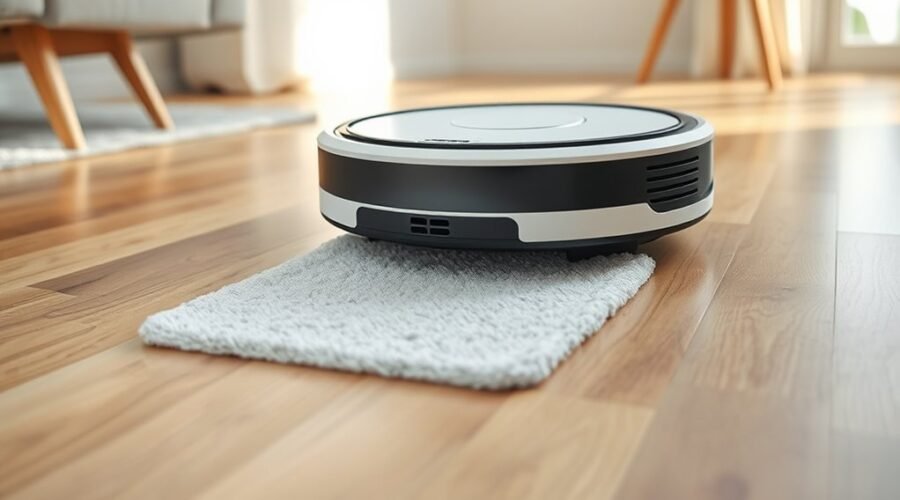
Mop drying is the robot vacuum’s built-in airflow step that removes moisture from the mopping pads after cleaning. It usually starts automatically when the job ends and runs for several hours, with shorter options on some models. The goal is simple: reduce odors, limit mold, and keep the pads ready for the next cycle. Yet drying time can vary, and the controls are not always as obvious as they seem.
How Mop Drying Works
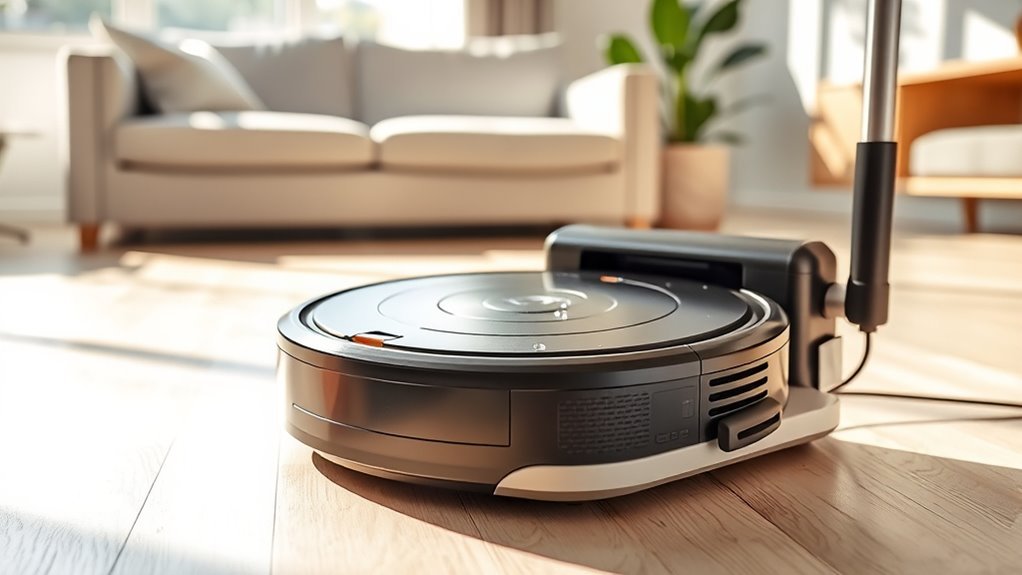
Mop drying on a robot vacuum uses airflow to pull moisture out of the cleaning pads after mopping, helping prepare them for the next cleaning cycle. The system directs air across the mop pads while the robot rests at its base, reducing residual dampness without user intervention.
Airflow dries the mop pads at the dock, reducing dampness and preparing the robot for its next cleaning cycle.
Standard cycles usually take about 4.5 hours, while quick settings can shorten drying the mop to roughly 3 hours. After docking, the device typically resumes drying automatically, so the process continues with minimal effort.
If the drying stage is paused for more than 30 minutes, some models require manual restart through the app or onboard controls. Home humidity also affects performance; drier indoor conditions support faster completion.
Many models let users pause or toggle the function in software, giving practical control over energy use, timing, and workflow. This design supports autonomy by letting maintenance happen quietly in the background.
Why Mop Drying Prevents Odors and Mold
By removing residual moisture after each wash cycle, mop drying helps prevent the conditions that allow mold, mildew, and bacterial growth to develop on the pads and nearby surfaces.
In practical terms, it limits the damp environment where microorganisms thrive, reducing the chance of mold growth and musty odors that can spread through a room.
Most systems use air circulation and unheated air to draw out moisture efficiently, preserving pad material while keeping the cleaning path sanitary.
When mop pads stay damp, they can become a breeding ground for bacteria, undermining hygiene and weakening cleaning performance.
Effective mop drying also supports indoor air quality by stopping stale, wet odors before they circulate.
For households seeking cleaner routines with less maintenance burden, complete drying is a simple safeguard.
It helps mop pads last longer, remain effective, and stay ready for independent, reliable cleaning.
When the Drying Cycle Starts and Stops
The drying cycle typically begins automatically once the mopping session ends and the robot vacuum returns to its base station. This handoff lets the system enter drying mode without user action, preserving autonomy and reducing oversight. If drying is interrupted, the controller checks the elapsed pause. When the interruption stays within 30 minutes, drying resumes after the unit docks again. Beyond that threshold, or when the mop is manually removed from the base, resumption is blocked, preventing wasted operation.
| Condition | Result |
|---|---|
| Mopping session ends | Drying cycle starts |
| Robot docks | Drying mode activates |
| Interruption under 30 minutes | Resume allowed |
| Interruption over 30 minutes | Resume blocked |
| Mop removed manually | No restart |
This logic supports practical freedom: the robot manages post-cleaning care, while the user is not forced into constant monitoring. Drying mode selection still depends on environmental conditions, with dry settings favoring quick drying and humid settings favoring standard handling.
How Long Mop Drying Takes
Mop drying on a robot vacuum typically lasts between 3 and 4.5 hours, with the exact duration shaped by the selected drying mode and the ambient humidity.
Quick drying is generally used in dry conditions and takes about 3 hours, while standard drying is better suited to humid environments and may take around 4.5 hours.
Proper home humidity control can improve drying efficiency and reduce the chance of incomplete drying.
Drying Time Factors
Drying cycles on robot vacuums typically take about 3 to 4.5 hours, with the exact duration shaped by the selected mode and room conditions. In practice, mop drying time changes with humidity levels, airflow, and how much cleaning solution remains on the pads. Standard drying suits humid homes, while quick drying can shorten the cycle to about 3 hours in drier spaces.
| Factor | Effect |
|---|---|
| High humidity | Slows evaporation |
| Clean mop pads | Dry faster |
| Base placement | Improves airflow |
If drying is interrupted, the robot may resume within 30 minutes after returning to base; beyond that, the cycle stops. Proper station placement and pad maintenance help users keep the process efficient and less dependent on environmental constraint.
Typical Mop Drying Duration
Typical mop drying on a robot vacuum usually runs between 3 and 4.5 hours, with the exact time determined by the selected drying mode and home conditions.
This mop drying duration begins automatically after the unit docks, freeing the user from manual handling. Standard drying mode commonly lasts about 4.5 hours, while quick drying mode may finish near 3 hours in dry environmental conditions.
Higher humidity can slow evaporation and extend the cycle. If interrupted, the system can resume within 30 minutes; after that, manual restart is required.
- Warm airflow over microfiber pads
- Docked vacuum beside the wall
- Damp fibers darkening to dry
- Humid air lingering in the room
- LEDs indicating active drying
Why Mop Pads Can Still Feel Damp
Even after a cleaning cycle ends, mop pads may still feel damp because they retain the moisture needed during wet mopping to lift stuck-on residue effectively. That residual water is normal and supports cleaning performance, not failure.
Many robot vacuums then run a drying mechanism that uses unheated air, yet the mop pads can still feel slightly cool or moist until the process completes. Depending on the model and room conditions, drying may require several hours, sometimes up to four.
Persistent wetness, however, points to a weak drying mechanism, blocked airflow, or pads that need more time off the machine. A musty odor is another practical warning.
Regular maintenance—washing, inspecting, and replacing mop pads—helps the system dry them more evenly and protects cleaning performance.
For users seeking freedom from manual upkeep, understanding this moisture balance makes the system easier to trust and troubleshoot without guesswork.
How Humidity Affects Drying Time
Humidity slows evaporation, so mop pads on a robot vacuum typically dry more slowly in humid rooms than in dry ones.
Drying time can vary from about 3 hours in low-humidity conditions to 4 hours or more when moisture levels are high.
Better airflow and ventilation can improve drying efficiency and reduce the total wait time.
Humidity Slows Drying
When ambient moisture rises, evaporation from a robot vacuum’s mop pad slows markedly, extending drying times beyond the usual 4-hour window in some cases.
High humidity raises the water vapor already in the air, so the drying process loses driving force and mop pads remain damp longer. In rooms above 60% humidity, the unit may not fully clear residual moisture, increasing mold risk if the pad is stored too soon.
Practical relief comes from moving the dock to a well-ventilated area and using quick drying only when humidity is low.
- Damp fibers
- Stagnant air
- Closed corners
- Heavy moisture
- Slow fade
Drying Time Variations
Mop drying on a robot vacuum typically takes about 3 to 4.5 hours, but the actual duration can shift noticeably with the selected drying mode and the surrounding environment.
In practice, mop drying time rises when humidity levels are high, because moist air slows evaporation and leaves pads damp for longer.
The AutoWash™ Dock uses unheated air to reduce moisture, yet drying efficiency still depends on room conditions.
Heavy soil on the mop pads can also prolong drying by retaining water and blocking airflow through the fabric.
For users seeking cleaner, more autonomous routines, scheduling drying after cleaning and accounting for household humidity levels helps prevent mold growth and keeps the system ready for the next cycle without unnecessary delay.
Improving Air Circulation
Even with a standard drying cycle, higher indoor humidity can slow evaporation and extend mop drying beyond 4.5 hours. Effective air circulation around the dock helps moisture leave the pad faster, improving drying efficiency and reducing the risk of lingering dampness.
When humidity levels rise, the station may need greater ventilation or a more open placement to sustain airflow.
- A dock beside a wall with a narrow gap
- A fan pushing dry room air across the mop pad
- A digital hygrometer showing elevated humidity levels
- Steam-like moisture fading from fabric fibers
- A ventilated compartment preventing musty buildup
Robot vacuums with built-in ventilation features can counter resistance from humid air. Monitoring humidity levels and maintaining unobstructed airflow lets the system dry pads more reliably, supporting cleaner upkeep and freer time.
Can You Cancel Mop Drying?
Yes, mop drying can typically be canceled when needed, giving users control over the robot vacuum’s post-cleaning cycle. This option is useful when immediate access to the machine is preferred or when the drying phase is no longer necessary.
In practice, mop drying helps prevent mold growth and supports hygiene by removing residual moisture from the mop pad, but it does not have to run to completion every time. A user can cancel through a voice command, such as “Ok Yiko, cancel drying mop,” to stop the robot vacuum quickly.
The drying function may also be managed in the mobile app, where it can be paused or toggled to match changing routines. If drying is interrupted for less than 30 minutes, it can resume automatically once the unit returns to its base, preserving convenience without forcing unnecessary waiting.
How to Stop Mop Drying in the App
To stop mop drying in the app, the user should open the settings menu and locate the mop drying controls, where the process can be paused or canceled as needed.
This interface gives direct control after a cleaning cycle, letting the operator halt drying before it finishes. If the app says task complete, the user can still enter mop settings and adjust the cycle.
The system is practical for people who want freedom from rigid automation, especially when much water remains on the pad and a shorter cycle is preferred.
- A phone screen showing mop settings
- A drying icon turning off
- A paused status bar
- A damp mop pad in the dock
- A resume button ready for use
Real-time changes can be made from a mobile device, preserving autonomy over cleaning routines. Rights Reserved.
Can You Use Voice Commands to Cancel Drying?
Voice commands can also be used to cancel mop drying on compatible robot vacuums, adding another control option beyond the app. On systems that support this function, a spoken instruction such as “Ok Yiko, cancel drying mop” can stop the cycle immediately.
This delivers voice command convenience for users who prefer hands-free control and want faster intervention during routine cleaning. Reports from models like the Omni 9 Pro indicate that the feature supports a user experience enhancement by reducing the need to open menus or wait for a manual override.
In practical terms, it can save time and energy when only a small area was mopped, making the device feel more responsive to changing needs. For users seeking greater autonomy over home maintenance, exploring voice controls can provide a modest cleaning efficiency boost while keeping operation simple, direct, and adaptable to everyday schedules.
How to Keep Mop Pads Dry Faster
Quick drying modes can shorten the pad-drying cycle by increasing airflow and reducing the standard wait time.
Moisture buildup is also minimized when the pads are cleaned regularly and the robot is placed in a low-humidity, well-ventilated area.
Together, these measures help mop pads dry faster and more consistently after each use.
Quick Drying Modes
Quick drying modes shorten mop-pad drying cycles on robot vacuums, often finishing in about 3 hours instead of the 4.5 hours common with standard settings.
This drying technology supports cleaning efficiency by returning pads to service sooner, while preserving user convenience through less waiting and fewer manual checks.
In dry environments, airflow moves moisture away faster, helping the pads reach a usable state with less delay.
Some models use auto-detect functions to adjust drying to room humidity, which improves results without constant supervision.
Manual app controls may pause or resume the cycle when needed. Clean pads also dry better and are less likely to carry odors.
- Warm air over fibers
- Humidity reading on screen
- App button tapped once
- Dry pad rack at dusk
- Fresh textile after use
Reduce Moisture Build-Up
Reducing moisture build-up starts with controlling the conditions that slow evaporation and trap water in the mop pads. Effective moisture management begins by using adjustable drying modes, including a 3-hour quick drying option in dry environments.
Clean mop pads dry faster because dirt holds water and extends the process. Scheduling cleaning when humidity is lower improves drying techniques and supports more reliable results.
The drying system should be checked regularly so heat, airflow, and pad contact remain effective. App or voice controls allow immediate changes, letting the user pause or modify drying when conditions shift.
These steps reduce standing moisture, shorten downtime, and improve robot efficiency. With proper setup, the machine keeps pace with household needs while limiting damp residue that can weaken performance.
Frequently Asked Questions
Is the Mop Feature Worth It on Robot Vacuums?
Yes, if mop effectiveness matters, the feature can be worthwhile. Its value depends on cleaning frequency and surface compatibility, especially for sealed hard floors. It reduces manual effort, but carpet-heavy homes may gain less overall benefit.
How Long Does It Take for Roomba to Dry the Mop?
Roomba typically dries the mop in 2 to 4 hours, with standard mode reaching 4.5 hours and quick mode about 3. Effective mop drying techniques, robot vacuum efficiency, and cleaning surface materials all influence timing.
What Are the Downsides of Using a Robotic Vacuum Cleaner?
Downsides include robot vacuum maintenance demands, reduced suction power versus full-size uprights, and floor compatibility limits on carpets, thresholds, and delicate surfaces. They may miss corners, require frequent emptying, and can restrict users’ time and autonomy.
Are Dry Mops Better Than Wet Mops?
No—dry mops are better for routine dust pickup, while wet mops win on residue. To summarize, dry mop effectiveness supports daily cleaning performance; practical maintenance tips favor both, matched to floor type and release from chores.
Conclusion
Mop drying on a robot vacuum is a small but important safeguard: airflow turns lingering moisture into a dry, usable pad, helping prevent odor, mold, and unnecessary wear. It begins after mopping ends and may run for hours, though humidity and settings can change the result. If needed, it can be paused or canceled in the app. In practice, dry pads mean cleaner floors; cleaner floors, a cleaner machine.