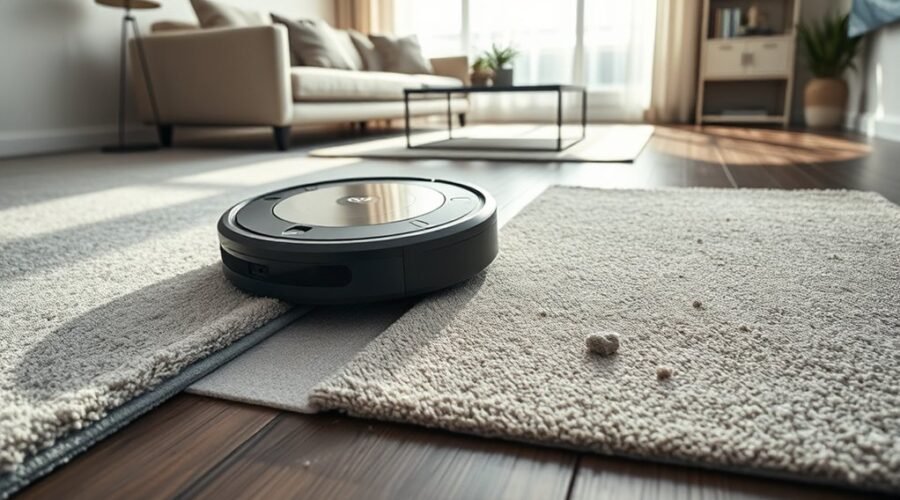
A robot vacuum that misses carpet usually has a mapping or sensing problem, not a cleaning failure. Low-pile rugs, dark fibers, dirty cliff sensors, and worn brushes can all confuse detection. App settings may also be misaligned, especially when carpet zones were mapped poorly or firmware is outdated. The next step is to check the common fault points and the fixes that usually restore reliable carpet recognition.
Why Does Your Robot Vacuum Miss Carpet?
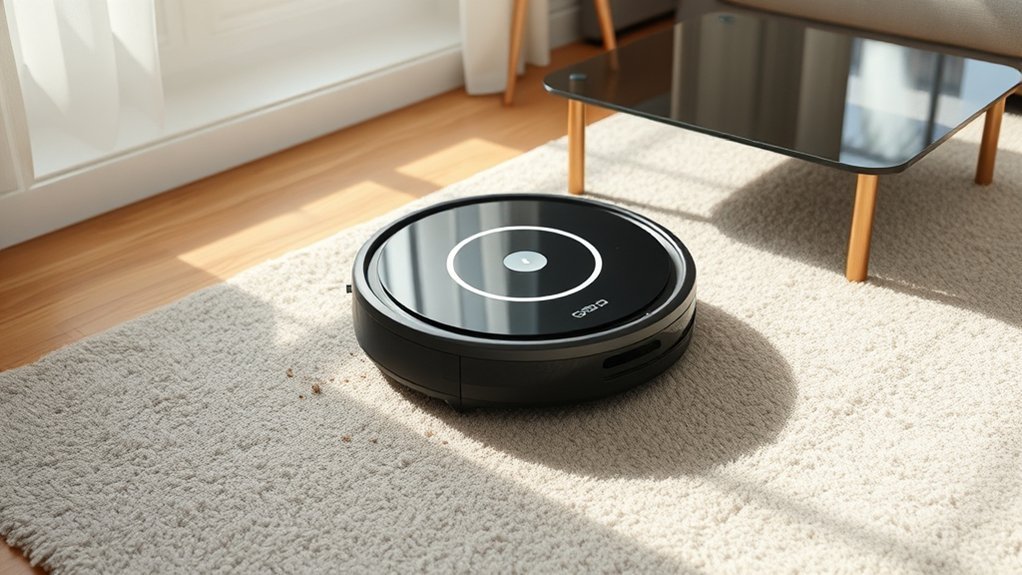
A robot vacuum may miss carpet when its automatic carpet detection is inconsistent, especially with low-pile rugs that can be misread or marked incorrectly in the map.
Robot vacuum users often see this when the machine creates false carpet spots or ignores real zones, breaking carpet cleaning routines. Dark carpets can also trigger cliff sensors, which may read the surface as an edge and cause the vacuum to back away.
Robot vacuums may misread carpets, marking false spots or backing away from dark rugs as if they were edges.
In other cases, outdated app and firmware logic weakens carpet recognition and prevents the correct cleaning mode from starting. Regular maintenance matters because degraded navigation performance can increase mapping errors over time.
Users can reduce these failures by checking the app’s carpet editor and manually defining carpet areas where recognition is unreliable. This gives the vacuum a clearer task and helps restore predictable cleaning coverage.
Clean Sensors, Brushes, and Wheels
When carpet detection remains unreliable, maintenance of the robot vacuum’s sensors, brushes, wheels, and filters should be checked first. Dirty sensors and cameras can misread floor changes, creating common problems in navigation and carpet recognition. Hair or thread on vacuum brushes reduces suction and weakens pickup, while blocked wheels limit movement across pile. Clogged filters also restrict airflow, lowering performance and shortening battery life through extra effort.
| Component | Action |
|---|---|
| Sensors and cameras | Wipe clean to restore accurate detection |
| Vacuum brushes and wheels | Remove debris, hair, and blockages |
Routine cleaning should follow a 1–2 week interval, especially in homes with heavy shedding or thick carpet. This keeps cleaning settings effective, improves surface reading, and helps the machine move freely. A free-running vacuum is less dependent on guesswork and more capable of consistent carpet cleaning. When these parts stay clear, detection becomes more reliable, suction stays stronger, and the robot works with greater autonomy.
Adjust Carpet Detection in the App
The carpet editor can be used to remove incorrect carpet spots and redraw carpet areas so the map reflects the actual floor layout.
Accurate placement in the editor helps the vacuum apply carpet-related behaviors only where needed.
For carpets that should trigger boost mode, zone cleaning tasks should be set up specifically for those drawn areas.
Carpet Editor Adjustments
Eufy’s carpet editor in the app lets users manually refine detected carpet zones for better cleaning accuracy.
The carpet editor can remove false carpet spots, correct cleaning zones, and restore reliable carpet detection without surrendering control to the algorithm. Drawing manually defined carpet areas creates a cleaner map and helps the robot treat each surface as intended.
On low-pile carpet, detection may fail; taping cardboard over the sensor can block errant readings and improve behavior.
Once the app reflects the true layout, the vacuum acts with greater precision. When zone cleaning is run over the manually defined carpet areas, carpet boost is triggered automatically, increasing suction where needed and supporting a more autonomous, user-directed cleaning routine.
Zone Cleaning Setup
Zone cleaning provides a more targeted way to correct carpet detection in the app. In zone cleaning setup, the user draws a cleaning boundary that matches the carpet exactly, reducing misreads and restoring control. App settings should also be checked for the No-Mop Zone, which blocks mop passes over textile surfaces.
| Action | Effect |
|---|---|
| Draw precise zone | Improves carpet detection |
| Set No-Mop Zone | Prevents wet passes |
| Schedule carpet tasks | Triggers carpet boost feature |
| Update app regularly | Adds better tools |
The carpet editor should be reviewed often so automatic maps do not override the intended zone. When common cleaning tasks are assigned to carpeted areas, the carpet boost feature can raise suction where it matters. Regular updates keep new app settings available, giving the system more freedom to respond accurately.
Draw Manual Carpet Zones in the App
When automatic carpet detection is unreliable, the app’s carpet editor can be used to manually draw carpet zones that match the actual carpet layout. In app settings, the user can remove incorrect carpet spots and replace them with drawn carpet zones that better reflect the room. This preserves carpet detection behavior where the sensor fails and restores cleaning performance without surrendering control to the machine.
For best results, the outline should follow the carpet edges closely and avoid extra margins that could confuse route planning. The drawn area should then be assigned to routine cleaning tasks so carpet boost activates during sessions.
Some households may still need physical masking of the carpet sensor with tape or cardboard if the vacuum keeps misreading low pile as floor. Users also request more customization options, including additional shapes for drawn carpets, because flexible mapping supports a more independent and accurate cleaning system.
Update Firmware for Better Carpet Detection
Firmware updates can improve carpet detection when manual mapping alone does not resolve missed areas. It is prudent to update firmware through the manufacturer app, since newer releases often correct mapping and navigation bugs that affect carpet detection.
Versions such as V6.9.79 may contain targeted fixes for detection inconsistency, giving the robot access to the latest versions of control logic and sensor tuning. Regular checks for updates reduce the risk of outdated software causing operational glitches, missed carpet changes, or degraded cleaning performance.
Versions such as V6.9.79 may include targeted fixes, improving detection consistency and reducing missed carpet changes.
The update process should follow the app’s instructions exactly, because incomplete installation can prevent the new code from activating properly. After installation, the device should be observed during a normal cleaning run to confirm that carpet detection has improved.
This approach supports reliable operation without unnecessary intervention, helping the machine respond more accurately to floor changes and maintain stronger cleaning performance over time.
Prevent Carpet Detection Problems
To reduce carpet detection errors, the robot’s sensors may be shielded with tape and cardboard when automatic recognition is too sensitive or inconsistent. This temporary limit helps stabilize carpet detection while preserving obstacle avoidance and navigation.
| Action | Effect |
|---|---|
| Tape or cardboard over sensor | Reduces false carpet triggers |
| Manual editing in app | Removes unwanted carpet spots |
| Drawn carpets | Aligns map with real flooring |
| Zone cleaning over carpet | Activates boost more reliably |
Regular manual editing in the carpet editor keeps the map accurate. Unwanted carpet marks should be deleted promptly, while drawn carpets should be created where fabric flooring exists. Because the app currently lacks a switch to disable automatic recognition, users must adapt their workflow rather than wait for vendor control.
For recurring tasks, zone cleaning over the drawn carpet is the practical method for consistent carpet boost activation. This approach supports efficient cleaning, fewer detours, and more reliable operation across mixed surfaces.
Frequently Asked Questions
What Are the Most Common Problems With Robot Vacuums?
Common robot vacuum problems include navigation problems, vacuum noise issues, battery life concerns, and poor debris pickup. Robot maintenance tips emphasize sensor cleaning, firmware updates, and dustbin cleaning tricks to improve reliability and user autonomy.
What Is the Average Lifespan of a Robot Vacuum?
The average robot vacuum lasts 5–7 years. Robot vacuum technology, smart home integration, cleaning modes, battery longevity, and maintenance tips strongly affect service life. Regular upkeep and stable charging conditions help extend dependable, liberated operation.
Why Is My Roomba Not Working on My Carpet?
It likely misreads carpet types, has sensor issues, or uses wrong cleaning modes; dark rugs can also trigger navigation problems. He should clean sensors, clear brushes, update firmware, and check battery performance for stronger carpet operation.
How Do I Clean the Sensors on My Robot Vacuum?
It need not be complicated: use a soft, dry cloth on each sensor, including cliff units. Sensor maintenance tips favor gentle cleaning techniques, note sensor location importance, and support troubleshooting steps plus regular upkeep benefits.
Conclusion
Reliable carpet detection depends on more than one setting. Industry testing suggests robot vacuums can miss up to 30% of low-pile rugs when sensors are dirty, maps are inaccurate, or firmware is outdated. Cleaning brushes, wheels, and cliff sensors, then refining carpet zones in the app, usually restores better recognition. Manual zone edits and regular updates further reduce errors. With basic maintenance and software calibration, carpet cleaning performance becomes more consistent and efficient.