Robot vacuums can avoid electrical cords, but only to a point. Higher-end models use cameras, sensors, and obstacle recognition to detect and steer around cables, yet thin, dark, or loosely moved cords can still cause trouble. A vacuum may tangle, stop, or drag a cable before it reacts. That makes cord handling less a guarantee than a variable, and the differences between models matter more than most owners expect.
Can Robot Vacuums Avoid Electrical Cords?
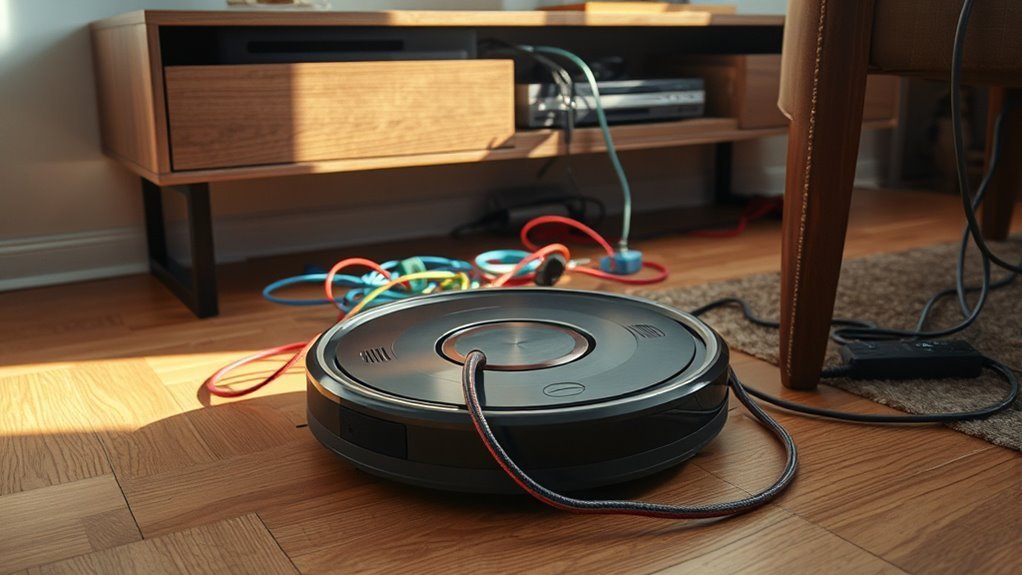
Yes—many modern robot vacuums can avoid electrical cords, but performance depends on the model and the cord’s visibility.
Advanced robot vacuums use obstacle avoidance systems, AI-based detection, and sensor arrays to identify electrical cords before contact. Models such as the DEEBOT X2 OMNI and DEEBOT T20 OMNI combine TrueDetect 3D with mapping and navigation tools like TrueMapping 2.0, improving their ability to avoid cords and maintain efficient cleaning paths.
Some units also learn continuously, refining their response to household layouts and recurring hazards over time.
Even so, cable management remains advisable; removing loose cords and decluttering floors reduces risk and supports more reliable autonomy. Low-profile or poorly contrasted cords may still evade detection, so a brief pre-cleaning check is prudent.
For users seeking liberation from manual floor care, the current standard is promising, but not absolute.
What Happens If a Robot Vacuum Sucks Up a Cord?
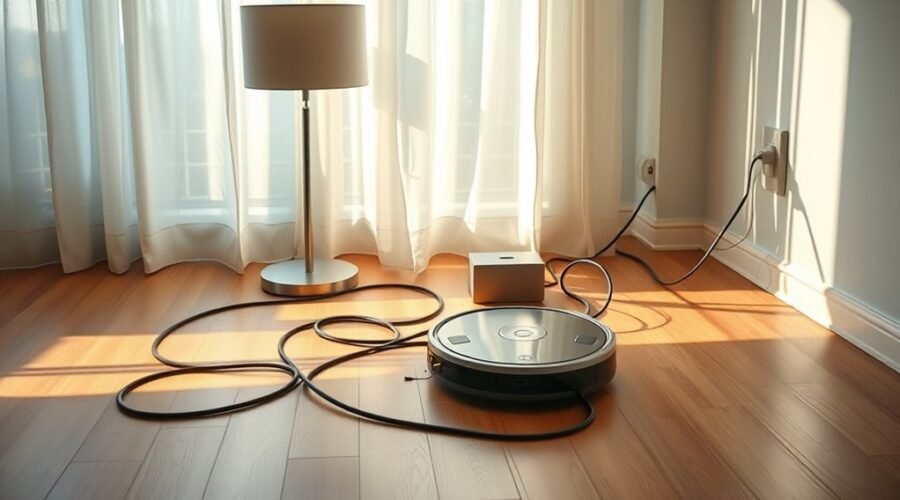
Even when a robot vacuum can detect cords, accidental ingestion can still occur if a cable lies flat, shifts during cleaning, or escapes the system’s sensors. When this happens, the machine may pull on the cord, stall, or wrap it around brushes and wheels, creating entanglement that interrupts smart cleaning.
In some cases, the vacuum can unplug a device, which may stop the cleaning session and leave the area partially serviced. The cord itself may be frayed, and the robot vacuum may suffer motor strain, belt damage, or sensor misalignment, leading to costly repairs or replacement.
For users seeking autonomy from repetitive floorwork, prevention is more efficient than recovery. Regular maintenance, cable removal, and virtual barriers reduce exposure to loose cords. Careful preparation of cleaning sessions limits disruptions and preserves equipment integrity.
Advanced sensors can lower risk, but they do not eliminate it.
Which Robot Vacuums Handle Cords Best?
Robot vacuums that handle cords best are typically those equipped with advanced obstacle-detection systems rather than basic cliff sensors alone.
In practice, a robot vacuum and mop with LiDAR technology and AI vision offers stronger obstacle avoidance, because it can navigate around cords with greater spatial awareness and lower entanglement risk.
DEEBOT models such as the X2 OMNI use Dual-Laser LiDAR and AI-powered detection to identify low-profile wires, while the T20 OMNI adds TrueDetect 3D and TrueMapping 2.0 for more precise advanced navigation.
Certain DEEBOT units also use AIVI 3D 2.0, which can adapt to changing cord placement over time.
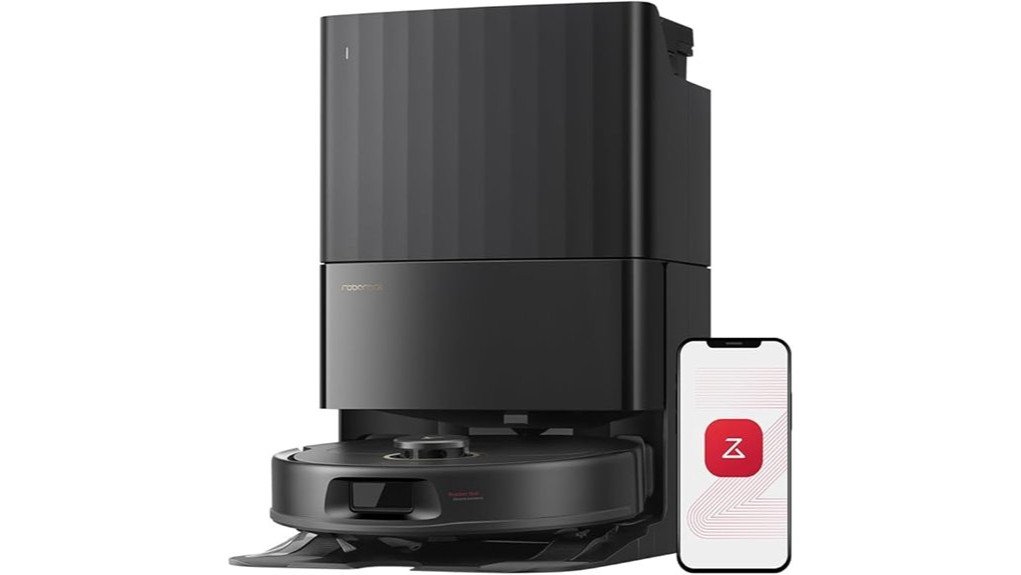
The Roborock Q7 M5+ includes integrated sensors that help avoid tangling, though its cord handling is generally less adaptive.
For homes with multiple cords, LiDAR-driven systems are the most technically capable and consistently cautious option, especially where uninterrupted cleaning and user independence are priorities.
How Do You Prep Your Home for Robot Vacuum Cord Avoidance?
Preparing a home for robot vacuum cord avoidance begins with removing floor-level obstructions such as toys, shoes, and other loose items that can interfere with navigation. A disciplined declutter routine supports safer floor care and reduces avoidable interruptions.
| Step | Action |
|---|---|
| 1 | Declutter visible floor areas |
| 2 | Apply cable management |
| 3 | Configure virtual barriers |
| 4 | Mark no-go zones |
| 5 | Inspect before each vacuum run |
Cords should be secured with ties, sleeves, or clips so they remain elevated and separated from travel paths. In the app, virtual barriers and no-go zones can restrict access to hazardous areas, reinforcing cord avoidance without manual oversight. Before each cleaning session, a brief inspection should confirm that new cords or stray objects have not appeared. This cautious preparation improves vacuum performance, lowers entanglement risk, and helps preserve orderly, liberated living spaces.
Which Cord Problems Still Trip Up Robot Vacuums?
Despite advances in sensor-driven navigation, certain cords still disrupt robot vacuums, particularly loose, low-profile wires that lie flat across the floor. Phone chargers, extension leads, and similar loose cords can evade obstacle avoidance, especially on hard floors where contrast is limited.
In such cases, robot vacuums may tug the wire, stall, or produce entanglement that interrupts the cleaning cycle and can stress both cable and machine. Even models with AI and LiDAR are not immune when a cord is thin, shadowed, or partially hidden.
Practical control usually depends on maintenance: inspecting rooms before each run, removing new cables, and resetting problem areas. Virtual walls or no-go zones in the app offer additional containment, reducing exposure to repeated snags.
For users seeking unobstructed automation, cord management remains the decisive safeguard, because the remaining failures are less about mapping and more about physically ambiguous objects on the floor.
Frequently Asked Questions
Can You Put an Extension Cord on a Vacuum Cleaner?
Generally, no; extension cords may reduce vacuum safety tips and vacuum performance impacts. If unavoidable, select approved extension cord types, follow cord management strategies, assess cleaning surface considerations, and compare corded versus cordless options. Robot vacuum features vary.
Are Robot Vacuums Heavy on Electricity?
No, robot vacuums are generally not heavy on electricity; their energy consumption is modest, aided by battery efficiency, sensor technology, and adjustable power settings. Cleaning performance remains adequate, with low maintenance costs and short charging time.
What Are the Downsides of Using a Robotic Vacuum Cleaner?
Like a quiet metal skiff, it can snag on clutter. Downsides include robot vacuum navigation errors, cord management challenges, suction power limitations, battery life concerns, obstacle detection issues, maintenance requirements, and floor type compatibility limits.
Is There a Vacuum That Can Be Corded and Cordless?
Yes; some hybrid vacuums offer both corded and cordless operation, balancing cordless convenience with vacuum power. Their cleaning efficiency depends on battery lifespan and suction strength. Review maintenance tips and user reviews before selecting one.
Conclusion
Robot vacuums can often avoid electrical cords, yet avoidance is never guaranteed. High-end models with AI vision and obstacle sensing may glide past a loose cable, while low-profile, coiled, or shifting cords can still be mistaken for floor clutter. The contrast is clear: smarter navigation reduces risk, but home preparation remains essential. Cable management, virtual boundaries, and routine floor checks still provide the most reliable protection against tangles, stalls, and potential damage.