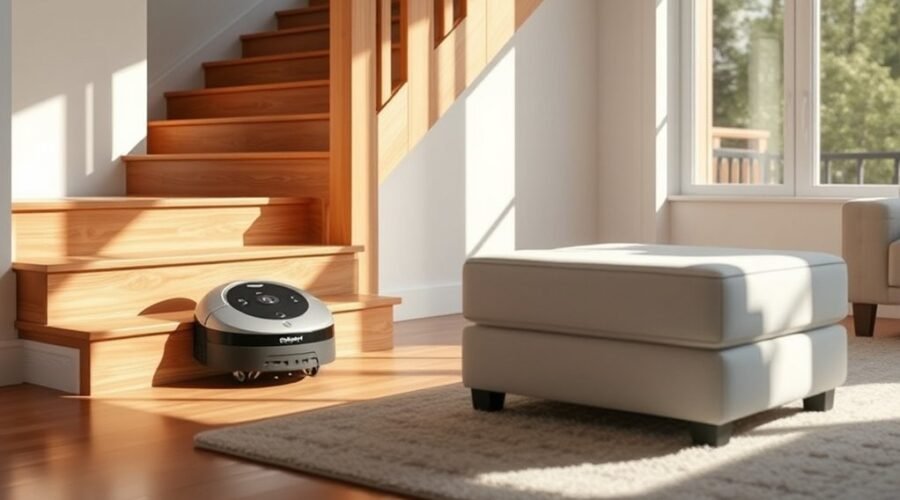
Robot vacuum cliff sensors vs obstacle sensors can seem like the same feature, but they solve different problems. One helps keep your vacuum from falling. The other helps it avoid things in its path. Knowing the difference makes it easier to choose a robot that fits your floors, stairs, and daily clutter.
Quick Answer
Cliff sensors look down to detect stairs and ledges, so the robot can stop or turn before a fall. Obstacle sensors look ahead or sideways to detect walls, furniture, and loose items. Both help navigation, but neither guarantees flawless detection. For homes with stairs and clutter, you need both systems working properly.
Key Takeaways
- LiDAR mapping can miss small objects below its scan line.
- Dark rugs and dirty sensor windows can trigger false cliff alerts.
- Some ultrasonic sensors identify carpet rather than loose objects.
- Advanced object recognition may need to be enabled in the app.
What’s the Difference Between Cliff and Obstacle Sensors?
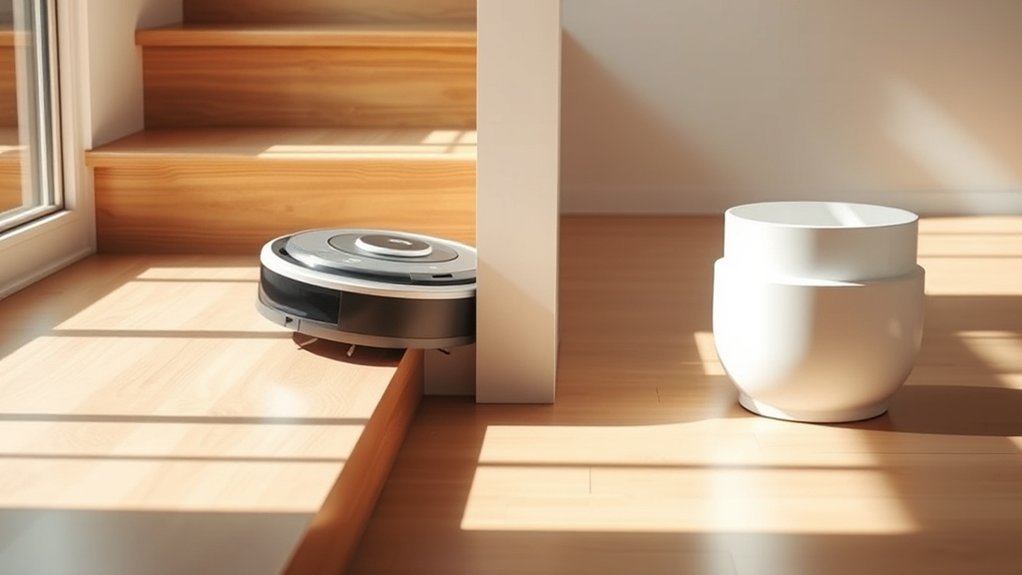
Cliff sensors protect against drop-offs, while obstacle sensors help prevent collisions. A cliff sensor checks whether there is floor beneath the robot. An obstacle sensor checks what lies in front of or beside it, such as a table leg, wall, or toy.
| Feature | Cliff sensors | Obstacle sensors |
|---|---|---|
| Main job | Prevent falls at floor edges | Reduce collisions and guide travel around objects |
| Typical position | Underneath the robot, facing the floor | Front, sides, or top, depending on sensor type |
| Common inputs | Reflected infrared or downward depth measurement | Infrared, laser, camera, depth, or contact |
| Common limitation | Dark or reflective surfaces can cause mistakes | Thin cords and very low objects may be missed |
Most cliff sensors sit on the underside and send infrared light toward the floor. A change in the returned signal can make the robot stop, reverse, or turn away. Some designs use downward-facing depth sensing instead.
Obstacle hardware can include front-facing infrared sensors, depth cameras, and laser scanners. A bumper adds a final layer by registering contact. A manufacturer’s sensor guide explains why a robot with LiDAR may still bump into cables or chair legs that sit below its scan.
Warning: Never cover or disable cliff sensors to force a robot onto a dark rug. If a fall is possible, use a physical barrier and, where supported, a mapped no-go zone. TP-Link’s stair-safety instructions recommend blocking stairs while setting up these zones.
How Do Robot Vacuum Obstacle Sensors Work?
Robot vacuum obstacle sensors measure nearby objects and send that information to the navigation software. The robot then slows down, turns, or adjusts its route. The result depends on the sensor type, where it points, and how the software handles uncertain readings.
| Sensor method | Function | Result |
|---|---|---|
| Infrared | Reads reflected infrared light | Senses objects at close range |
| Ultrasonic | Measures a sound echo | Measures range; sometimes detects carpet |
| LiDAR | Scans room shape and large objects | Helps plan routes; may miss small items |
Infrared systems estimate range from reflected light. Ultrasonic systems send sound waves and use the returning echo; in some robot vacuums, that sensor is used mainly to detect carpeting. LiDAR sends laser measurements around a room to build a map and locate larger objects.
Some advanced models also combine a camera with time-of-flight (ToF) sensors. ToF measures how long light takes to return, helping estimate an object’s distance. Software combines these readings, called sensor fusion, to make a better decision than a single sensor could make alone.
Importantly, mapping is not the same as small-object avoidance. A robot can map your rooms accurately and still roll over a charging cable because its mapping sensor scans above the cable.
What Types of Sensors Do Robot Vacuums Use?
Most robot vacuums combine several sensors because no one sensor handles every job. Their roles range from spotting stairs and walls to tracking movement and identifying items left on the floor.
- Cliff sensors: Downward-looking infrared or depth sensors that warn of stairs and ledges.
- Infrared proximity sensors: Short-range sensors that help spot walls and furniture without contact.
- LiDAR: Laser ranging for room mapping, position tracking, and planned cleaning routes.
- ToF and structured-light sensors: Depth sensing that helps estimate an object’s shape and distance.
- Cameras: Visual input that can help recognize shoes, toys, cords, and other object types. Some systems add lights for dark rooms.
- Ultrasonic sensors: Sound-based sensing, often used to identify carpets on vacuum-mop models.
- Bump sensors: Contact switches that tell the robot when it has touched an obstacle.
These sensors do different jobs even when one machine uses them together. A cliff sensor does not replace front obstacle detection. Likewise, a LiDAR map does not remove the need for dedicated fall protection.
Why Do Robot Vacuums Still Miss Objects?
Robot vacuums miss objects because their sensors have limits in size, angle, lighting, and surface detection. A cable may be too low for the laser scan, while a glossy chair leg can create a weak or confusing reflection. Better software helps, but it cannot always recover missing measurements.
Thin cords, socks, pet toys, and low furniture parts are common problems. Cameras may struggle in darkness or glare unless the robot has suitable lighting. Even advanced depth sensors may have trouble with dark, shiny, transparent, or irregular surfaces.
Cliff sensors have their own false alarms. Some dark rugs reflect too little infrared light, making the robot act as if a drop is ahead. iRobot’s cliff-error guidance also identifies dirty sensors, uneven flooring, and real ledges as possible triggers.
To reduce missed objects, lift loose cables and small items, secure rug tassels, and clean the sensor windows as your manual directs. If the app supports object recognition or no-go zones, make sure the relevant feature is enabled and restricted areas are marked correctly.
Which Robot Vacuum Sensors Are Worth Paying For?
For a home with stairs, working cliff detection is essential. For a home with pets, children, or frequent clutter, better front obstacle recognition may save more effort than a stronger mapping sensor alone. The best value depends on what lies on your floors.
If you mainly have open, tidy rooms, LiDAR mapping and reliable cliff sensors may be enough. If your rooms contain cords, shoes, and pet items, prioritize dedicated depth sensing or camera-based object recognition alongside mapping.
Do not pay extra based only on a long list of sensor names. Look for evidence that a model avoids the specific objects you leave out, works in your usual lighting, and supports no-go zones. Check whether camera-based recognition requires enabling a setting in the app.
For routine care, wipe sensors using the method in your model’s instructions. Do not treat an obstacle-crossing height claim as proof that the robot can safely detect or approach stairs.
Frequently Asked Questions
Which Robot Vacuum Has the Best Obstacle Avoidance System?
There is no single best system for every home. The Eufy Omni S2 is a strong example: its 3D MatrixEye 2.0 combines depth sensing, an RGB camera, and LED lighting. Eufy says it can recognize more than 200 obstacle types, but that does not guarantee it will avoid every object in your home.
What Does Cliff Fault Mean on a Robot Vacuum?
A cliff fault means the robot believes it is near a drop or cannot trust its floor-distance reading. It can happen at stairs, on dark rugs, or when a sensor is dirty. Move the robot to level ground and clean the cliff sensors as instructed by its manufacturer before restarting.
What Type of Sensor Would a Robot Use to Detect Obstacles?
A robot vacuum may use infrared, LiDAR, time-of-flight, structured light, ultrasound, cameras, or a bumper to detect obstacles. The exact role varies by model. A front depth sensor can spot small objects, while a bumper only detects contact after the robot touches something.
What Are the Best Robot Vacuums With Obstacle Avoidance Features?
Models worth comparing include Eufy Omni S2, MOVA V70 Ultra Complete, Ecovacs T90 Pro Omni, Ecovacs X12 OmniCyclone, and Eufy Omni E28. MOVA advertises recognition of over 300 obstacle types; the T90 combines structured light and RGB AI, the X12 uses RGBD sensing, and the E28 uses a camera and LED. These are capabilities, not a universal performance ranking.
Can a Robot Vacuum With LiDAR Fall Down Stairs?
Yes. LiDAR usually scans the room around the robot, so it does not automatically replace downward-facing cliff sensors. Falls are still possible if drop detection fails or the environment confuses it. Keep the cliff sensors clean and use a barrier at any risky edge.
How Can You Tell if Robot Vacuum Sensors Need Cleaning?
Repeated false cliff warnings, unexpected bumps, and skipped floor areas can signal dirty or blocked sensors. Check the sensor windows, front bumper, and visible camera or laser housing. Clean only as the manufacturer directs, then see whether normal navigation returns.
Conclusion
Cliff sensors stop a robot from driving over a drop, while obstacle sensors help it get around objects. You need both for reliable cleaning, especially around stairs and household clutter. Choose a model for the obstacles in your home, maintain its sensors, and add physical protection where a fall could cause damage.
Sources
- Xiaomi Robot Vacuum S60+ FAQ: Cliff, LiDAR, and bumper sensor behavior and limitations
- TP-Link robot vacuum stair-safety FAQ: Cliff sensor checks and safe stair setup
- iRobot Roomba Error 6 guidance: Cliff warnings from dark floors, dirt, and uneven surfaces
- eufy Omni S2 product specifications: 3D ToF, RGB camera, LED, and claimed object recognition
- MOVA V70 Ultra Complete official product page: Advertised obstacle recognition and ultrasonic carpet detection
- ECOVACS DEEBOT T90 PRO OMNI product specifications: Structured-light and RGB AI obstacle detection
- ECOVACS DEEBOT X12 OmniCyclone product specifications: RGBD obstacle avoidance and dToF navigation
- eufy Omni E28 official product details: Camera and LED avoidance and practical preparation guidance