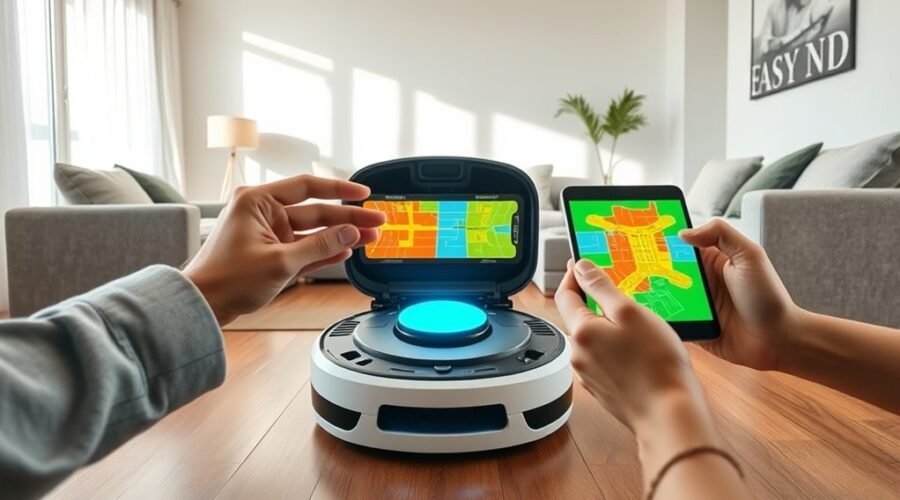
Remapping a robot vacuum can preserve room data if the process is handled carefully. The key is to keep the original map structure intact while creating a fresh scan under stable conditions. Furniture shifts, blocked paths, or a rushed setup can cause room loss or mislabeling. The next steps determine whether the saved layout remains usable or needs repair.
What Happens to Your Rooms When You Remap?
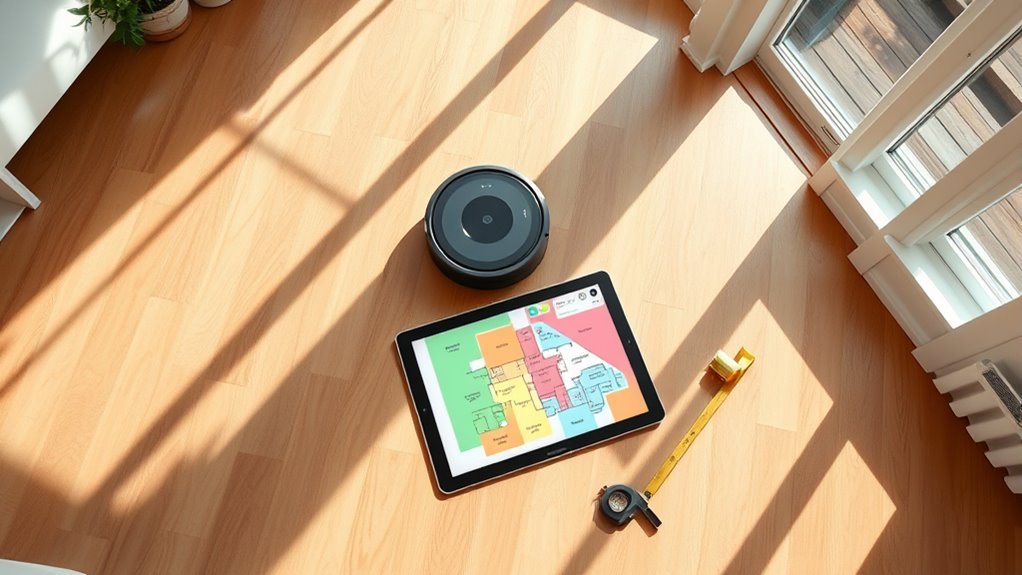
When a robot vacuum is remapped, the existing room layout is often preserved unless a new map is explicitly saved over it, which can cause mismatches if the home has changed. This means a remap does not automatically erase existing room layouts; it may simply layer new data onto old boundaries.
If furniture shifts, walls move, or rooms are reconfigured, the saved map can misidentify zones, miss open areas, or send the machine into outdated paths. In practice, the system may need a full update of the map process to restore accuracy.
Most platforms still lack individual room remapping, so modifying one room often requires rebuilding the entire house map. Spot cleaning usually does not revise stored layouts, limiting its usefulness for structural changes.
Most platforms still lack individual room remapping, so one changed room can force a full house map rebuild.
For users seeking practical freedom from clutter and manual correction, the key issue is control: without localized remapping, accuracy depends on when the whole map is refreshed.
How to Remap Your Robot Vacuum Without Losing Rooms
Remapping a robot vacuum does not have to mean starting from scratch, provided the process is managed through the device’s normal mapping workflow.
To remap while preserving rooms, the robot should be sent from its base station, where saved layouts remain anchored. A clean run with doors open and obvious obstacles cleared improves mapping accuracy and protects existing room names.
If the app supports Edit Map, it can merge or divide spaces after the scan instead of deleting the whole layout. That approach lets users adjust boundaries, restore no-go zones, and refine room names without surrendering control.
Updated firmware is equally important, since software improvements often expand map editing tools and stabilize remap behavior. When furniture shifts, the map can be corrected through edits rather than a full reset.
The result is a system that adapts without trapping the user in repeated setup cycles.
Use Spot Cleaning for Fast Room Fixes
Spot Cleaning provides a fast way to correct missed areas without rebuilding the entire map. When a robot vacuum follows an old map that no longer matches a room, spot cleaning can target the affected space directly.
By selecting a whole room as a designated cleaning zone, the user can force thorough coverage where navigation previously failed. This approach is practical after furniture rearrangement or other local changes that confuse the machine. It allows the operator to customize cleaning for immediate needs while avoiding the burden of full remapping.
Because spot cleaning works only on the chosen area, it preserves the saved layout and previous room data. That makes it a controlled, low-friction option for users seeking operational freedom from unnecessary setup.
In effect, it delivers a precise correction path: clean the problem room, keep the map intact, and move on without disruption.
Edit Saved Maps for Furniture Changes
For layout changes that affect more than one room, the saved map can be edited directly in the app. From there, users can edit saved maps by merging rooms that now function as one space or dividing them when furniture creates new boundaries.
The room names should also be updated so navigation and scheduled cleaning remain aligned with the current floor plan. To adjust the map for practical control, the app supports defining cleaning zones and placing No-Go Zones or Virtual Walls around crowded corners, pet areas, or newly arranged furniture.
These edits preserve prior room data while giving the robot clearer instructions. After major furniture changes, the map should be refreshed in the app so the vacuum adapts without losing its stored structure.
During mapping, the robot and charging station should remain stationary, allowing the saved map to stay accurate and the user to reclaim control over the environment.
Avoid Mapping Errors After Remapping
To reduce mapping errors, the cleaning area should be cleared of furniture, loose objects, and other obstacles before the robot begins remapping. This creates a stable field for accurate mapping and helps sensors record boundaries without distortion.
During the process, the area should be inspected for hidden obstructions, because even small interference can alter path planning and leave gaps in the saved layout. After remapping, the app should be used to edit existing maps by merging or splitting rooms so the digital plan matches the current home structure.
Inspect for hidden obstructions during remapping, since even small interference can disrupt path planning and leave gaps in the saved layout.
If the robot supports Multi-Map Saving, multiple layouts can be stored for different floor configurations, reducing the need for repeated setup. When a few areas are missed, Spot Cleaning can address them immediately without changing the main map.
Careful preparation and post-process review preserve accurate room data while allowing the user to manage the home with greater autonomy and less dependency on repetitive manual corrections.
Frequently Asked Questions
Can I Remap My Roomba to a Specific Room?
No; a Roomba cannot remap only one room without affecting the whole map. It can be placed in that room, but room boundaries, cleaning zones, virtual walls, and room recognition are typically updated via full remap or edits.
Can You Remap a Robot Vacuum?
Yes; like a cartographer revising a town plan, a robot vacuum can remap. The outcome depends on robot vacuum features, mapping accuracy, cleaning efficiency, and user preferences. Some models overwrite maps; others preserve or store alternatives.
My Roborock Mapping Misses a Room. What Should I Do?
It should dock, then remap from there for better mapping accuracy and room recognition. Next, inspect obstructions, edit the map in-app, and use troubleshooting steps like a full reset only if data retention remains preserved.
If I Move My Roomba Base, Do I Need to Remap It?
Like a compass reset, yes: if the base relocation changes the environment, a remap is usually needed. It preserves mapping accuracy, room recognition, and navigation adjustments; the iRobot Home app can retain saved room data.
Conclusion
Remapping a robot vacuum does not have to erase the tidy blueprint already stored in memory. With floors cleared, the robot docked, and a full scan completed, the new map can settle over the old room data like tracing paper over a floor plan. Spot cleaning can correct small gaps, while map editing refines furniture shifts. Regular firmware updates keep the system steady, preserving room boundaries and reducing mapping drift.