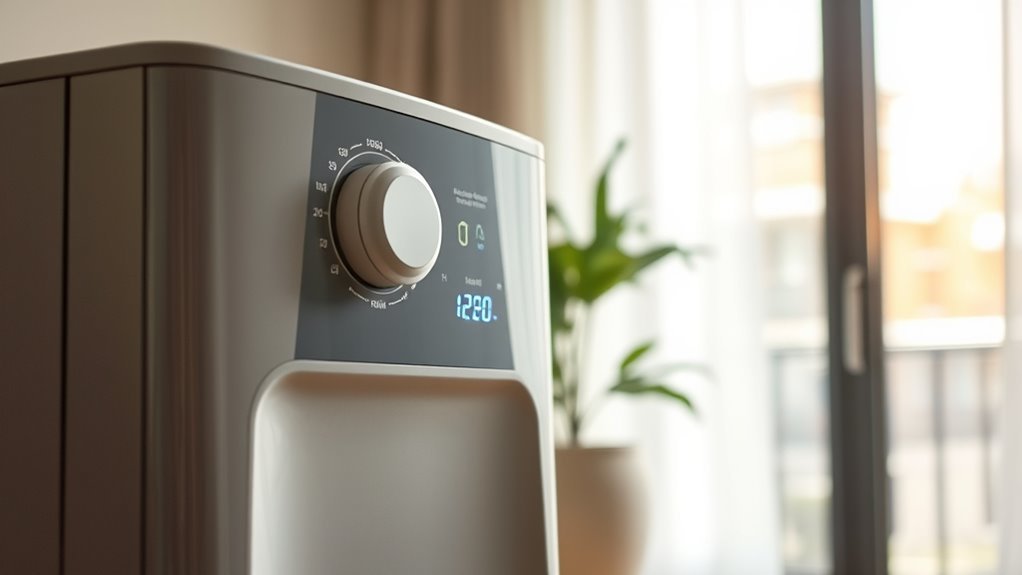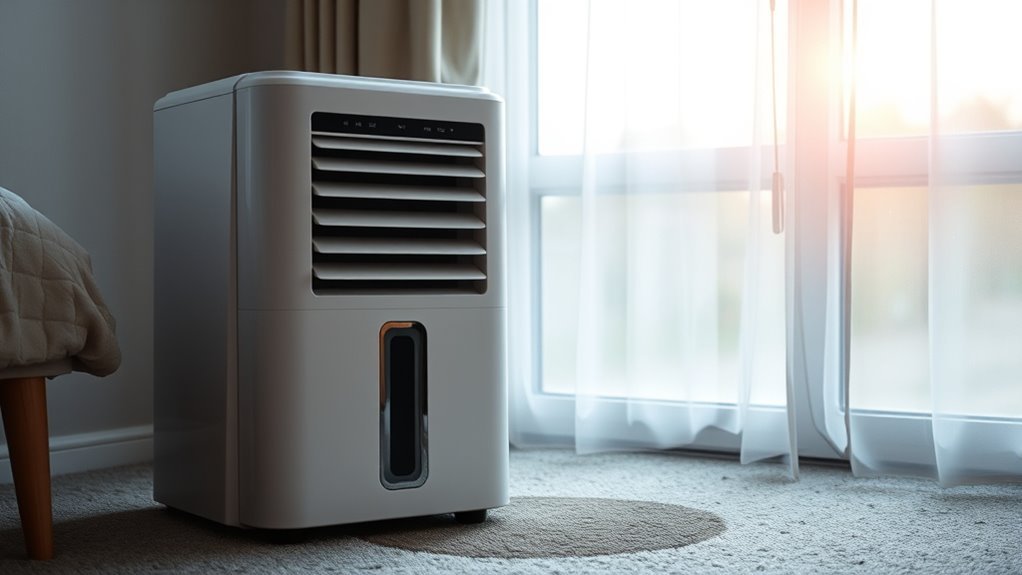
A dehumidifier beeping is usually an alert that needs a simple check, not proof that the appliance has failed. The safest approach is to note when the sound occurs, look for a light or error code, and then check the water bucket, drain setup, filter, and room temperature in that order.
Quick Answer
Your dehumidifier is most likely beeping because the bucket is full, missing, or not seated correctly. Other model-specific alerts can indicate a blocked drain hose, pump failure, filter reminder, button press, or error code. Empty and reseat the bucket first, then check the display and owner’s manual before resetting the unit.
Key Takeaways
- A full, removed, or misaligned bucket is the most common reason for repeated beeping.
- A drain hose can still cause a full-bucket alert if it is kinked, blocked, too high, or connected incorrectly.
- Filter lights, defrost operation, error codes, and beep patterns vary by model, so the manual is the final authority.
- Do not open the cabinet, disconnect the buzzer, or alter the control board to silence an alarm.
- Stop using the unit if it overheats, smells burnt, smokes, leaks into electrical parts, or repeatedly trips a breaker.
At a Glance
| Time Required | 5–20 minutes for basic checks |
| Difficulty | Easy; service may be needed for recurring codes |
| Tools Needed | Owner’s manual, dry cloth, flashlight, and vacuum or soft brush |
| Cost | Usually $0 for cleaning and reseating; repair costs vary |
Why Is My Dehumidifier Beeping? What the Beep Means
A beep is an audible status signal. Its meaning depends on when it happens, whether it repeats, and what the control panel shows. For example, GE Appliances documents a single beep after connecting power or pressing a button on certain models, while a longer alarm can indicate a full bucket or pump problem.
Do not assume every beep means the same thing across brands. Some units use a light without a tone for filter cleaning or automatic defrost. Others pair a beep with a code such as a bucket, pump, temperature-sensor, humidity-sensor, compressor-protection, or electronic-control error.
| When the Beep Happens | Likely Meaning | First Check |
|---|---|---|
| After plugging in or pressing a button | Normal control confirmation on some models | No action unless a code or warning light remains |
| After running for hours | Bucket full or drainage problem | Bucket, float, hose, or pump |
| Immediately after inserting the bucket | Bucket not aligned or switch not engaged | Remove and reseat the bucket |
| With a code on the display | Model-specific fault or protection mode | Record the code and check the manual |
| With heat, smoke, or a burning smell | Possible electrical or mechanical hazard | Turn off, unplug safely, and stop using it |
Check the Water Bucket First
Check the water bucket before doing anything more involved. A dehumidifier normally stops when the bucket reaches its fill level, and many models sound an alarm or illuminate a full-bucket indicator. The unit may give the same warning if the bucket is empty but removed, tilted, cracked, or not pushed fully into place.
Recommended Products

Country of Origin: CHINA

Powerful Moistue Absorption: Camco’s RV Moisture Absorber Bucket effortlessly absorbs 3x its weight in moisture, making it perfect for tackling humidity and creating a comfortable environment.
Full Bucket Alert
Turn the unit off and pull the bucket out carefully. Empty it into a sink or drain, then check the bucket for cracks, warping, or a loose handle or splash guard. If the bucket contains very little water, the problem may be the float, bucket position, or drainage system rather than a genuinely full tank.
| Check | What It Suggests | Action |
|---|---|---|
| Bucket is full | Normal full-tank alert | Empty, dry the outside, and reinstall |
| Bucket is empty | Bucket switch, float, or drain issue | Inspect alignment and float movement |
| Bucket is tilted or loose | Safety switch is not engaged | Reinsert it evenly until fully seated |
| Bucket is cracked | Leak or improper fit | Stop bucket operation and replace the damaged part |
| Alert returns quickly | Drain blockage, pump fault, or high moisture load | Check the hose and pump before assuming a sensor failure |
Emptying the Drawer
- Press the power button and unplug the unit before cleaning or reaching into the bucket compartment.
- Pull the bucket straight out while supporting it with both hands.
- Empty the water and wipe moisture from the bucket’s outside surfaces.
- Check that the float moves freely without forcing, bending, or removing it.
- Clean visible dust from the bucket bay with a dry cloth. Do not pour water into the appliance.
- Slide the bucket back in evenly until it sits flush with the cabinet.
- Reconnect power and test the unit. Allow for any normal compressor restart delay described in the manual.
Pro Tip: Before reinstalling the bucket, compare both sides of its rim with the bucket rails. A small tilt can prevent the safety switch from engaging even when the front looks correctly seated.
False Alarm Causes
A repeated full-bucket warning with an empty tank is often caused by a mechanical fit or drainage problem. Do not jump directly to a failed control board.
| Check | Likely Cause | Action |
|---|---|---|
| Bucket fit | Bucket not fully seated | Remove it and reinstall it on the rails |
| Float movement | Float stuck by residue or misalignment | Clean gently and confirm free movement |
| Bucket bay | Dust blocking the switch area | Unplug the unit and wipe accessible surfaces dry |
| Drain hose | Kink, clog, poor slope, or loose connection | Straighten, clean, and route it downward |
| Unit position | Appliance or bucket is not level | Move it to a firm, level floor |
Check the Drain Hose or Pump
A dehumidifier can beep or show a full-bucket warning even when a hose is attached. Frigidaire explains that a blocked hose can make water back up into the bucket. Gravity-drain hoses must usually run below the outlet, remain as straight as possible, and avoid kinks or standing water. Our step-by-step guide on draining a dehumidifier with a hose or gravity shows the correct setup.
Recommended Products

Multi-Purpose Hose, 6ft Cut-to-Fit:This 6-foot hose is designed for various applications, including dehumidifier drainage and gardening tasks. It can be easily cut to the desired length for flexible use. Please confirm the required length before purchase.

[Convenient] This drain hose automatically drains water from the dehumidifier to the drain for uninterrupted use.

MULTIFUNCTIONAL UNIVERSAL DRAIN HOSE: This drain hose has multiple uses, in addition to being suitable for dehumidifier drainage, it is also suitable for air conditioner drainage as well as being suitable for a variety of gardening tasks. Additionally our dehumidifier drain hose can be cut to your desired length to customize it for different situations.
Gravity-Drain Checks
- Confirm that the hose connection is tight and its washer is in good condition.
- Route the hose continuously downward to a floor drain or other approved receptor.
- Remove loops, high spots, sharp bends, and excess hose length.
- Make sure the hose outlet is not submerged in water.
- Flush sludge or debris from the hose according to the manufacturer’s cleaning instructions.
- Keep the bucket installed if the manual requires it, even during continuous drainage.
Pump-Mode Checks
Built-in pump models may beep or show a pump code when water cannot be discharged. Check that the pump hose is attached to the correct outlet, is not kinked, blocked, or frozen, and stays within the model’s permitted height and length. A Frigidaire PU code, for example, indicates that the unit failed to pump out the bucket within the allowed time.
Note: A gravity drain and a powered pump are different systems. Follow the instructions for your exact model; a hose route that works for a pump may not drain correctly by gravity.
Beeps for Power, Start, and Stop
A single beep after connecting power or pressing a control button can be normal on some dehumidifiers. It confirms that the control panel received the command. However, this behavior is not universal, and a startup tone should not be used as proof that the compressor has started correctly.
Reaching the target humidity normally causes the compressor, and sometimes the fan, to cycle off. That event does not automatically produce a beep. If the unit stops without an error light after reaching its setting, it may be operating normally. If it beeps repeatedly, flashes a warning, or will not restart, check the bucket and display rather than assuming it simply reached the target.
Other Alerts: Filter, Defrost, and Errors
Some dehumidifiers use indicator lights, tones, or both for maintenance and protection functions. The exact pattern is model-specific, so use the display and manual together.
Recommended Products

COMPATIBILITY: Our DH02 HEPA filter compatible with Afloia (AQ8/Q8)/ Honati/ Hysure Q7/ Tenergy Sorbi 2-in-1 Air Purifier/Dehumidifier(1000ML) or please double check before order
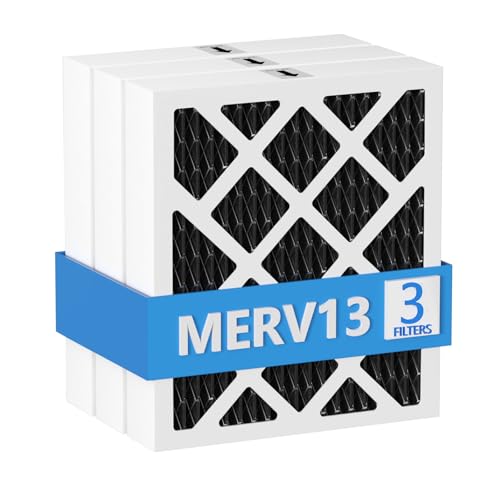
【Compatibility】 Our MERV 13 PN07126 Replacement Carbon Dehumidifier Filter Media is Compatible with Sanidry Sedona Dehumidifier PN07126 Replacement Filter.
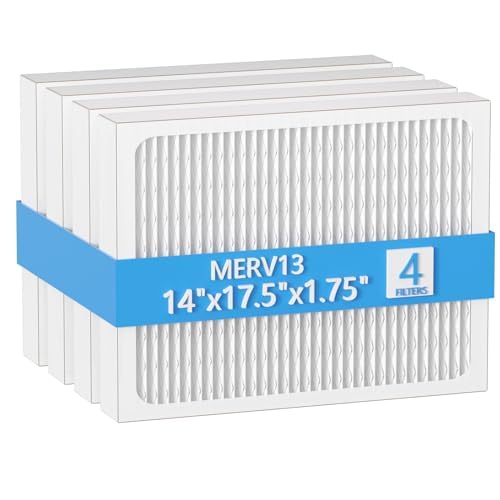
【Compatibility】 Our 14 x 17.5 x1.75 MERV 13 Replacement Dehumidifier Filter Media is Compatible with Honeywell DR90 & DR120 dehumidifier models.
Filter Reminder Alerts
A filter reminder means it is time to inspect and clean the air filter. It does not necessarily mean the filter must be replaced, and it may appear as a light rather than a beep. On some GE models, the reminder illuminates after 250 operating hours; GE’s filter guidance says to clean the washable filter, let it dry completely, reinstall it, and hold the Filter control for three seconds to reset the timer.
Intervals differ by brand and environment. Check the filter more often in dusty rooms, homes with pets, or periods of heavy use. Never reinstall a wet filter or operate the appliance without the filter unless the manual explicitly permits it. See how to clean a dehumidifier filter properly for the full steps.
Defrost Cycle Beeps
Automatic defrost protects the evaporator when frost forms in a cool room. The compressor may pause while the fan continues, then restart after the coil warms. A beep during this process is possible on a particular model, but it is not a universal defrost signal.
Frigidaire’s frost guidance notes that low ambient temperatures can promote frost and that many units use a coil sensor to stop the compressor until the ice melts. If heavy ice remains, clean the filter, improve clearance, verify that the room is within the manual’s operating range, and stop the unit if water could reach electrical parts.
Error Code Signals
Repeated beeps paired with letters or numbers should be treated as an error-code event. Codes can identify bucket position, pump drainage, humidity or temperature sensors, compressor overload, sealed-system trouble, or an electronic-control fault. Record the exact code before unplugging the unit so you can match it to the correct manual entry.
Basic user checks include emptying and reseating the bucket, cleaning the filter, clearing accessible hose blockages, confirming airflow clearance, and performing the approved reset. If the code returns, follow the manufacturer’s service advice instead of repeatedly clearing it. Our error code guide for the EC code explains one of the most common sealed-system codes.
How to Reset a Beeping Dehumidifier Safely
This quick reset works for most alerts. For other models and causes, see our full guide on how to reset a dehumidifier.
- Write down the error code and note which lights are on or flashing.
- Turn the dehumidifier off with its power button.
- Unplug it from the wall outlet. Do not pull on the cord.
- Wait at least 30 seconds, or use the longer period stated in the owner’s manual.
- Empty and correctly reinstall the bucket.
- Check the filter, air openings, drain hose, and pump hose for obvious problems.
- Plug the unit directly into a properly grounded outlet and turn it on.
- If the same code or alarm returns, stop resetting and follow the manual’s service instructions.
GE’s fault-code guidance uses a 30-second power disconnect for many models. A fixed 10-minute wait is not a universal reset rule.
Warning: Unplug the appliance before cleaning or reaching into the bucket compartment. Do not use a damaged cord, extension cord, or power strip, and do not open the cabinet or touch the control board.
Troubleshooting Common Beep Patterns
| Symptom | Most Likely Checks | Next Step |
|---|---|---|
| Beeping with “Full,” “P2,” or bucket light | Bucket level, bucket fit, float, hose backup | Empty and reseat; inspect drainage |
| Beeping with pump code | Pump hose connection, kink, clog, freeze, lift limit | Correct the hose path; reset once |
| Beeping after filter light appears | Dirty washable filter and reminder timer | Clean, dry, reinstall, and reset as directed |
| Beeping in a cold room with frost | Operating temperature, airflow, filter, heavy ice | Let the unit defrost; move it if the room is too cold |
| Beeping immediately after power returns | Normal startup confirmation or retained error | Wait for the display; investigate only if warning remains |
| Continuous beep with no clear code | Bucket switch, sensor, control fault, recalled unit | Stop repeated resets and contact support |
Why Dehumidifier Beeping Is Worse at Night
At night, the room is quieter and a short warning tone is more noticeable. The problem often feels worse because a bucket fills while you sleep, a gravity hose stops draining, or a recurring fault restarts after a power interruption.
| Night Condition | What Happens | Practical Fix |
|---|---|---|
| Bucket fills overnight | Full-tank alarm wakes you | Empty it before bed or use approved continuous drainage |
| Drain hose has a poor slope | Water backs up into the bucket | Shorten and route the hose downward |
| Filter or intake is dusty | Performance drops and protection may activate | Clean during the day after unplugging |
| Controls are bright or fan is loud | Normal operation disturbs sleep | Use a supported sleep mode or daytime timer |
How to Reduce or Silence Beeping
First fix the condition causing the alarm. Empty the bucket before bedtime, keep the float clean, maintain the filter, and correct the drain hose route. If the model has a timer, schedule heavy operation earlier in the day. A sleep or quiet mode may lower fan noise or dim the display, but it may not mute safety alarms.
Check the manual for an approved sound setting. Some products let you reduce control tones, while others do not. Never cover a warning speaker, remove a buzzer, cut wires, open the control panel, or defeat the bucket switch. Those changes can hide an overflow, pump, or electrical warning and may create a shock, fire, or warranty risk.
Pro Tip: Run the unit for one supervised cycle after changing the bucket or drain setup. Confirm that water reaches the bucket or drain correctly before relying on unattended overnight operation.
When Beeping Means a Real Problem
Persistent beeping becomes a repair or safety concern when the usual bucket, filter, hose, airflow, and reset checks do not solve it. A stuck bucket switch, failed sensor, pump fault, compressor-protection event, or electronic-control failure may prevent normal operation.
Turn the unit off and unplug it safely if you notice any of these signs:
- A burning or chemical smell, smoke, sparks, melting plastic, or unusual heat
- A damaged plug or cord, a hot wall outlet, or repeated breaker or GFCI trips
- Water leaking into the cabinet or near electrical controls
- Heavy ice that does not clear after the unit rests in a suitable room
- A sensor, sealed-system, compressor, or electronic-control code that returns after one approved reset
- A model included in a safety recall
The U.S. Consumer Product Safety Commission maintains a dehumidifier recall page. Check the brand, model number, serial number, and manufacture date, especially for an older or secondhand unit. Stop using a recalled appliance and follow the recall remedy.
A persistent alarm is useful safety information. Silence the cause, not the warning system.
Find Alert Codes in Your Manual
Use the model number to find the exact owner’s manual on the manufacturer’s support site. The rating label is commonly on the back, side, or inside the bucket area, but its location varies. Photograph the label so the model and serial numbers remain readable.
In the manual, look for sections named Control Panel, Indicator Lights, Error Codes, Troubleshooting, Drainage, and Care and Cleaning. Match the entire pattern: beep length, number of repetitions, display code, flashing light, and operating condition. Do not rely on a code list from another brand or a similar-looking model.
Frequently Asked Questions
Why is the dehumidifier beeping?
The most common cause is a full, removed, or misaligned bucket. It may also indicate a blocked drain hose, pump failure, filter reminder, normal button confirmation, or a model-specific error. Check the bucket and control-panel code first.
Is it normal for a dehumidifier to beep when I plug it in?
Often yes. GE documents a single beep when you plug in the cord or press a button as normal on its models. A long or repeating alarm, or a beep with a flashing light or code, points to a bucket, drain or pump issue instead.
Why is my dehumidifier beeping when the bucket is empty?
The bucket may be tilted or not fully seated, the float may be stuck, or a drain hose may be backing water up. Remove and reseat the bucket, check that the float moves freely, and straighten the hose before suspecting a sensor fault.
How do I reset my dehumidifier?
Record any code, turn the unit off, unplug it for at least 30 seconds or the period specified in its manual, empty and reseat the bucket, and reconnect it to a grounded wall outlet. If the same alarm returns, follow the service instructions instead of repeatedly resetting it.
Why does it beep when a drain hose is attached?
The hose may be kinked, blocked, too long, routed uphill, loosely connected, or submerged at the outlet. Water can then back up into the bucket and trigger the full-tank alarm. Correct the hose route and confirm that water flows freely.
Can I turn off the full-bucket alarm?
Only use a mute or sound option specifically provided in the owner’s manual. Do not disconnect the buzzer or bypass the bucket switch. To prevent nighttime alarms, empty the bucket before bed or install an approved continuous-drain setup and test it while supervised.
Conclusion
When a dehumidifier beeps, start with the bucket, then check the float, drain hose or pump, filter, room temperature, and display code. A single control beep may be normal, but repeated alarms require a model-specific diagnosis. Use one safe reset, keep the unit within its operating conditions, and contact the manufacturer or a qualified service provider when an error returns.
Do not defeat the alarm by opening the control panel. Stop using the appliance if it overheats, smells burnt, smokes, leaks near electrical parts, repeatedly trips protection devices, or appears on a recall list.
Sources
- GE Appliances: Dehumidifier Beeping — normal control beeps, full-bucket alarms, and pump alerts.
- Frigidaire: Dehumidifier Error Code Guide — sensor, compressor-protection, control, and pump codes.
- Frigidaire: Dehumidifier Not Draining — gravity-hose setup, clogs, and bucket backup.
- Frigidaire: Dehumidifier Frost Buildup — low-temperature frost and automatic defrost behavior.
- U.S. Consumer Product Safety Commission: Dehumidifier Recalls — model-specific fire-hazard warnings and recall remedies.