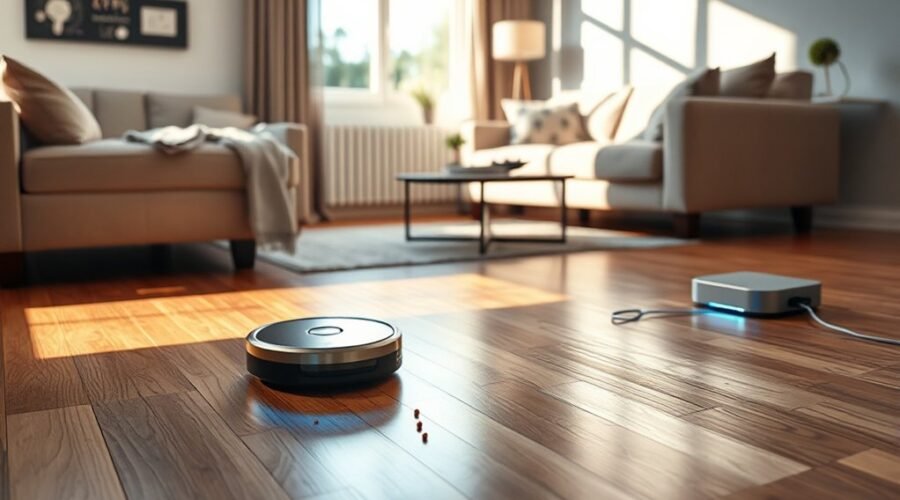
Robot vacuums return to the dock because power management is built into their control logic. When battery levels fall near a set threshold, often around 10%, they switch from cleaning to recovery mode and start searching for the base. Infrared signals, cameras, and LiDAR help guide that process, but success depends on placement and setup. The details behind reliable auto-docking are more involved than they first appear.
Why Robot Vacuums Return to the Dock
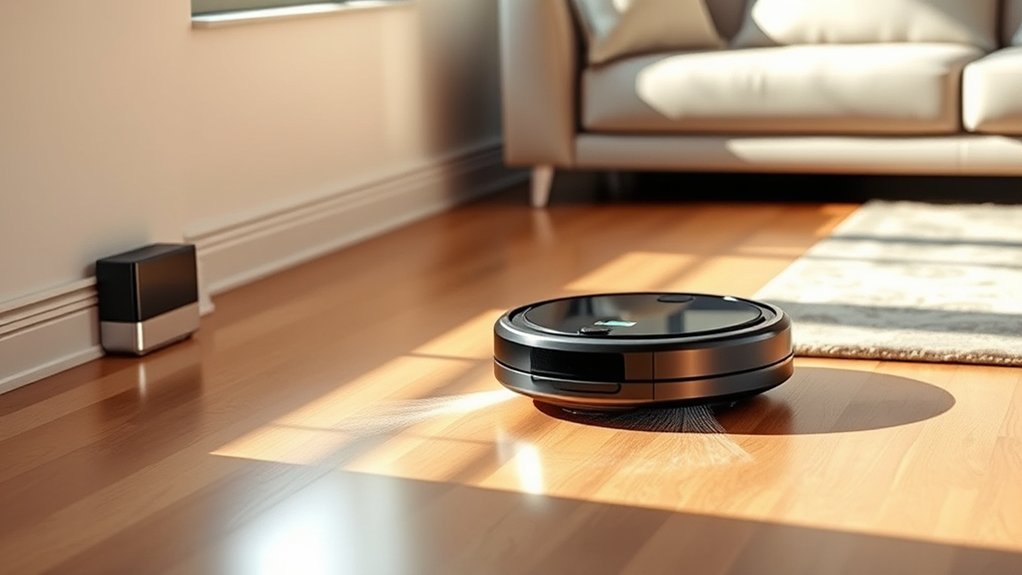
Robot vacuums return to their docking stations primarily to recharge when battery levels drop to around 10 percent, allowing them to continue cleaning without interruption. This battery management prevents abrupt shutdowns and preserves task continuity.
The dock serves as the machine’s power source and staging point, enabling unattended operation in homes that demand efficiency and freedom from manual labor. The automatic return function reduces user effort by initiating self-directed recovery once a cycle begins.
In many models, navigation technologies support reliable docking behavior, while some units can resume cleaning after charging, extending coverage in larger areas.
Practical operation also depends on station placement: the dock should remain unobstructed and rest on a hard, flat surface. Such maintenance supports consistent alignment and dependable recharging.
How Robot Vacuums Find the Charging Base
When battery levels fall, a robot vacuum initiates a return sequence that leads it back to the charging base before power is exhausted. To do this, robot vacuums navigate using infrared signals emitted by the dock, which provide a reliable path for the machine to follow.
Many units also rely on sound sensors that detect the dock’s proximity, improving accuracy in cluttered rooms. In advanced models, cameras add visual recognition, allowing the vacuum to identify the charging base directly and refine its approach.
The low battery state activates this search behavior, so the machine can return to the dock without human intervention. These navigation systems are designed for practical independence, reducing the need for manual oversight.
After recharging, some models can resume cleaning automatically, preserving workflow and keeping floors maintained with minimal effort.
What Battery Level Triggers Auto-Docking?
Typically, most robot vacuums are programmed to return to their docking station when battery levels fall to about 10%, a threshold that helps prevent power depletion before recharging can begin. At this battery level, auto-docking activates automatically, ending the session before the unit shuts down unexpectedly.
This behavior supports efficient cleaning by preserving task continuity and limiting manual intervention. Some models also reduce suction power as the battery level declines, stretching runtime so the vacuum can cover more area before recharge is required.
The companion app often exposes battery management settings, allowing users to adjust the return point to match floor plans, schedules, and autonomy goals. Such control helps align the machine’s behavior with practical needs, reducing downtime and improving overall usability.
In effect, low-battery docking is a protective measure: it safeguards the system, maintains scheduled cleaning, and keeps the device ready for the next run with minimal user involvement.
Which Sensors Help a Robot Vacuum Navigate?
Once a robot vacuum reaches a low-battery return point, its navigation system relies on several sensors to locate the dock and complete the trip home.
Primary guidance often comes from infrared sensors, which detect the docking station by sensing emitted signals and steering the machine into alignment.
In more advanced units, LiDAR builds a spatial map, letting the vacuum navigate back with greater path accuracy and fewer wasted motions.
Cameras add visual confirmation by identifying landmarks and the dock’s shape, while sound sensors can support proximity detection when acoustic cues are present.
These inputs are often combined through multi-sensor fusion, a control method that merges readings to improve reliability when one signal weakens or is blocked.
The result is a practical, autonomous return process that reduces dependence on manual recovery and helps the device complete docking efficiently, even in cluttered or changing home environments.
Why Dock Placement Matters
Dock placement has a direct effect on whether a robot vacuum can return home reliably and dock without interruption. The base station should sit on a hard floor, remain level, and stay close to a power outlet so charging is uninterrupted.
Dock placement directly affects return reliability; keep the base on a level hard floor near a power outlet.
Adequate clearance matters: about 1.5 feet on each side and 4 feet in front gives the robot room to align and enter cleanly. When dock placement is constrained by furniture or narrow passages, navigation issues become more likely, and cleaning efficiency drops because the machine may waste time searching or fail to dock.
A hard floor also gives the robot a consistent reference point and reduces drift during the final approach. In practical terms, the best docking location is usually the most open hard-floor area available, not the most convenient visual corner.
Proper placement gives the robot a clear path home, minimizing the chance of getting stuck, lost, or unable to finish its cycle.
Can Robot Vacuums Work on Multiple Floors?
Robot vacuums can operate on multiple floors, but they do not climb stairs and must be carried manually between levels.
Cliff sensors reduce the risk of falls near staircases, while multi-floor mapping allows many models to store separate layouts for each floor.
For efficient cleaning and docking, each level typically requires its own base station or a consistent return location.
Floor Mapping Limits
Although many robot vacuums can store maps for multiple floors, they still cannot move between levels on their own and must be carried manually to each floor for cleaning and docking. This floor mapping support improves multi-floor usability, but it does not remove the need for manual transport.
Effective navigation remains central, since accurate map recall helps the unit resume cleaning in the correct layout after relocation. Models with LiDAR or similar sensors typically manage shifts more reliably than basic systems. Cliff sensors also contribute by preventing unsafe edge movement.
For households seeking practical autonomy, the real benefit is controlled, repeatable cleaning without constant reprogramming. However, the freedom offered is partial: convenience increases, yet human intervention still defines where and when the robot operates.
Stairs And Cliff Sensors
Stairs present a hard boundary for robot vacuums, and cliff sensors are the primary safeguard that keeps them from driving over edges. These sensors detect abrupt drops in floor height, then halt movement to support safe navigation in multi-level homes.
Because stairs cannot be climbed autonomously, navigation is limited to one floor at a time, even when the unit records separate maps for different levels. Multiple floor mapping can improve efficiency by preserving layouts, but it does not remove the physical barrier.
For reliable operation, cliff sensors should remain clean and unobstructed, since dust or debris can distort edge detection. In practical terms, the system frees users from constant supervision while still requiring awareness of stairs as a non-negotiable limit.
Manual Carry Between Floors
A robot vacuum can service multiple floors, but it cannot move between them on its own; stairs remain an impassable boundary, so the unit must be carried manually to each level for cleaning and docking. This manual carry preserves control and keeps the system autonomous within each floor.
| Floor | Action |
|---|---|
| Upstairs | place docking station |
| Downstairs | relocate unit |
| Hallway | map layout |
| Stairwell | blocked by cliff sensors |
| Living room | clean freely |
Multiple floor mapping lets schedules remain distinct, while advanced navigation, including LiDAR, adjusts to each layout. For practical liberation from chores, each level needs its own docking station and launch point. Safe operation depends on cliff sensors, but freedom across levels still requires direct transport and setup.
How Self-Empty Docks Change the Setup
Self-empty docks change the setup by adding a larger base station that automatically pulls debris from the robot’s dustbin into an integrated bag or container when the vacuum returns to dock.
These self-empty docks use automatic transfer through a suction mechanism, so dust and pet hair move from the onboard bin into a sealed reservoir with minimal intervention. The larger bag can store several weeks of debris, which reduces routine maintenance tasks and supports households with pets or heavy foot traffic.
A suction dock moves dust and pet hair into a sealed reservoir, reducing maintenance for busy homes.
In practical terms, the dock replaces frequent emptying with a more autonomous cycle, improving convenience and user experience.
Some models also combine mopping functions, adding water tanks and increasing dock size, but the tradeoff is less hands-on work. For users seeking liberation from repetitive chores, this configuration enables a more set-and-forget cleaning routine while preserving consistent collection capacity.
Why Robot Vacuums Miss the Dock
Even with a self-empty dock in place, successful return-to-base behavior depends on navigation, sensor health, and dock placement.
Robot vacuums can miss docking when obstructions such as furniture, cords, or clutter interrupt the approach path. Camera-based systems are especially vulnerable in inadequate lighting, where the dock becomes harder to identify and navigation degrades.
A low battery can also shift behavior: some units conserve power and reduce movement or sensing, which lowers alignment accuracy before contact.
Dock geometry matters as well; the station generally needs roughly 1.5 feet of clearance on each side and about 4 feet in front so the machine can line up cleanly.
Dirty or malfunctioning sensors create further error, producing false readings and missed attempts.
For users seeking practical automation, these limits define why robot vacuums sometimes fail at docking despite otherwise normal operation.
How to Fix Dock-Finding Problems
To improve dock-finding performance, the base station should be placed on a hard, flat surface with at least 1.5 feet of clearance on each side and 4 feet in front. The approach path should remain free of furniture, cords, or other obstructions. This arrangement supports consistent navigation and reduces failed returns when the robot needs to dock to recharge.
- Inspect the docking zone for obstructions that can deflect the robot or block its final alignment.
- Clean the robot and dock sensors routinely; dust buildup can weaken signal detection and impair guidance.
- Install any firmware update offered by the manufacturer, since revised algorithms may improve return behavior and connectivity.
If errors continue, relocating the station to a more central area can shorten travel distance and improve line-of-sight conditions.
A clear, open layout gives the machine greater operational freedom, allowing it to return efficiently without repeated intervention or manual recovery.
Which Smart Features Improve Auto-Return?
Smart mapping improves auto-return by giving the robot a reliable spatial model of the home and a shorter route to the dock.
Low battery alerts trigger the return sequence at a predictable charge threshold, reducing the risk of a shutdown before docking.
Dock search sensors, including infrared or visual systems, help the vacuum identify and align with the charging station in difficult layouts.
Smart Mapping
Advanced smart mapping systems help robot vacuums return to their docks by building detailed floor plans with sensors such as LiDAR, allowing the unit to calculate the most efficient route home. This smart mapping supports the auto-return feature by letting AI algorithms learn room geometry, obstacles, and access points, so the vacuum can navigate your home with greater autonomy.
- Virtual boundaries and no-go zones reduce detours and keep paths direct.
- Multi-floor memory helps the unit recognize where its dock is after cleaning another level.
- Camera-based navigation can adjust to moved furniture and other changes.
Together, these controls create practical, liberated cleaning behavior: less manual intervention, better coverage, and more reliable docking across complex layouts.
Low Battery Alerts
When battery levels drop to around 10%, robot vacuums are programmed to end the cleaning cycle and return to the dock before power is exhausted. This behavior supports energy conservation and preserves autonomy for users seeking hands-off cleaning. Low battery alerts in companion apps add control, showing status and enabling schedule adjustments.
| Feature | Effect | Benefit |
|---|---|---|
| Low battery alerts | Notify users | Faster decisions |
| Smart features | Optimize return logic | Less wasted power |
| Map recall | Navigate and map | Quicker path home |
Some models use AI to choose the shortest stored route, reducing time spent moving with depleted power. Such smart features improve reliability, letting the machine return to the dock with minimal intervention and without interrupting household freedom.
Dock Search Sensors
Infrared sensors are the most common mechanism robot vacuums use to detect a docking station and guide themselves back during low-battery or end-of-cycle returns. These dock search sensors support automatic return by reading beacon signals and refining navigation as the battery runs low.
More advanced systems add redundancy for greater freedom from manual intervention:
- Sound sensors improve proximity detection when furniture or glare disrupts line-of-sight.
- Visual recognition uses cameras and image processing to identify the dock directly.
- LiDAR maps rooms, then plots an efficient route home.
Each method strengthens autonomy differently. Infrared sensors remain efficient and low cost; LiDAR improves route planning; cameras and acoustic cues help in complex layouts.
Together, they reduce dependence on human guidance and preserve uninterrupted cleaning cycles.
Frequently Asked Questions
Why Does My Roomba Keep Returning to the Dock?
It usually returns because of battery life concerns, Roomba navigation issues, or cleaning cycle patterns ending early. Sensor malfunction troubleshooting and dock placement tips help; blocked sensors, poor infrared reception, or obstacles often trigger dock-seeking behavior.
What Are the Downsides of Using a Robotic Vacuum Cleaner?
About 60–120 minutes of battery lifespan limits autonomy. Downsides include maintenance challenges, reduced cleaning efficiency on deep carpet, navigation issues in cluttered rooms, and cost considerations, especially when compared with manual cleaning for fuller control.
Where Is the Best Place to Dock My Robot Vacuum?
The ideal charging location is a hard, flat floor near a power outlet, with dock placement tips respecting space requirements: 1.5 feet sides, 4 feet front. A clean docking station setup supports cleaning path considerations and freedom.
Why Does My Shark Robot Keep Returning to the Dock?
Sensor calibration may be gently adrift. Battery life near 20% can trigger docking. Navigation issues or obstacles may prompt retreat. Cleaning efficiency improves with maintenance tips: empty the dustbin, clear brushes, and clean sensors regularly.
Conclusion
In conclusion, a robot vacuum’s return to the dock is a highly choreographed recovery maneuver, not a random retreat. At roughly 10% battery, it typically deploys infrared, camera, or LiDAR guidance to home in on the base with near-magnetic precision. When the dock is well placed and sensors are clean, the process is almost unnervingly efficient. But even minor obstructions can derail it, turning an intelligent machine into a confused metal beetle.