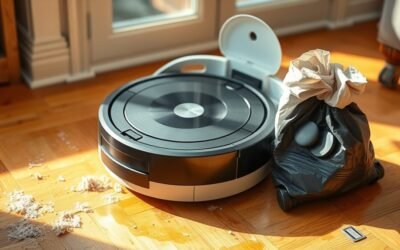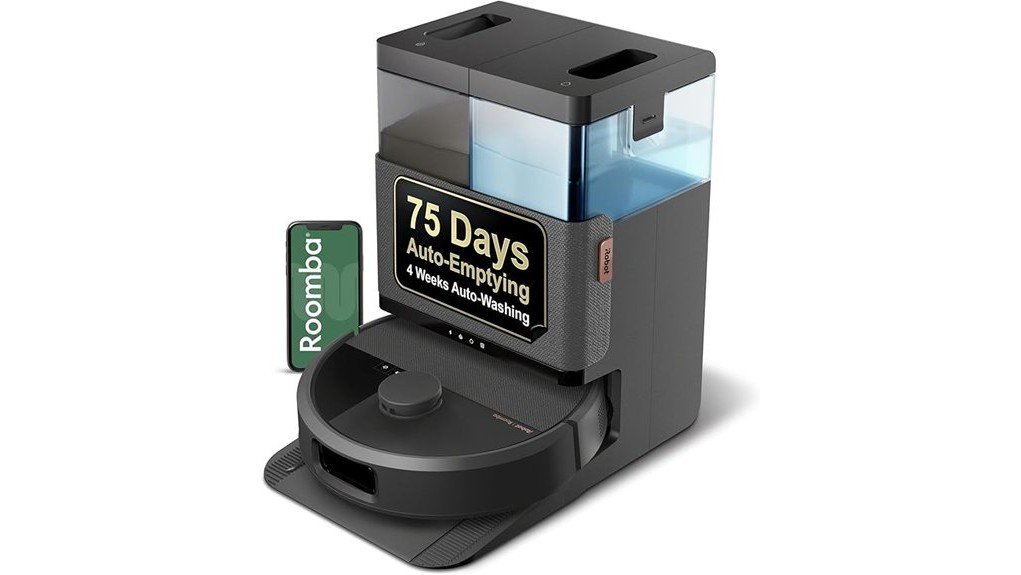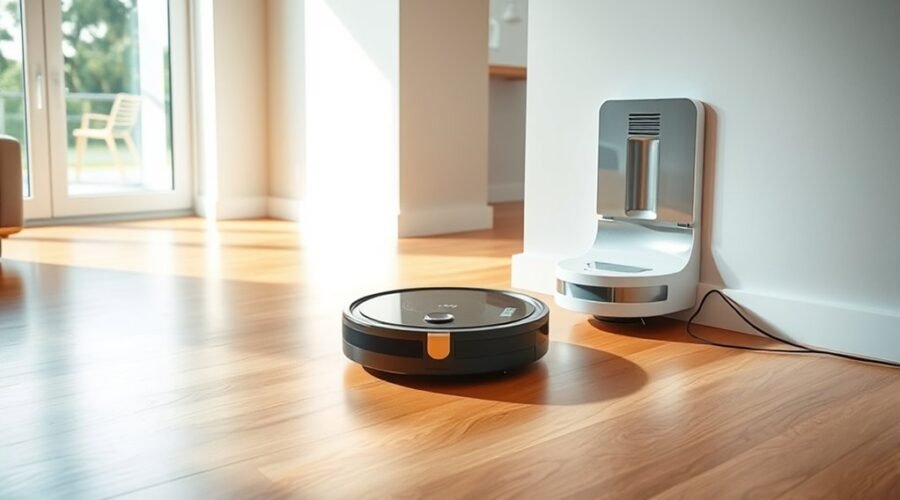
A robot vacuum cleaning station is more than a charging dock. It can empty dust, wash mop pads, and refill water so the robot stays ready with less manual work. The station acts as a home base, managing several maintenance tasks after each cleaning run. That makes it useful for busy households, larger floors, and anyone who wants less upkeep. The details of how it works are worth a closer look.
What a Robot Vacuum Cleaning Station Does
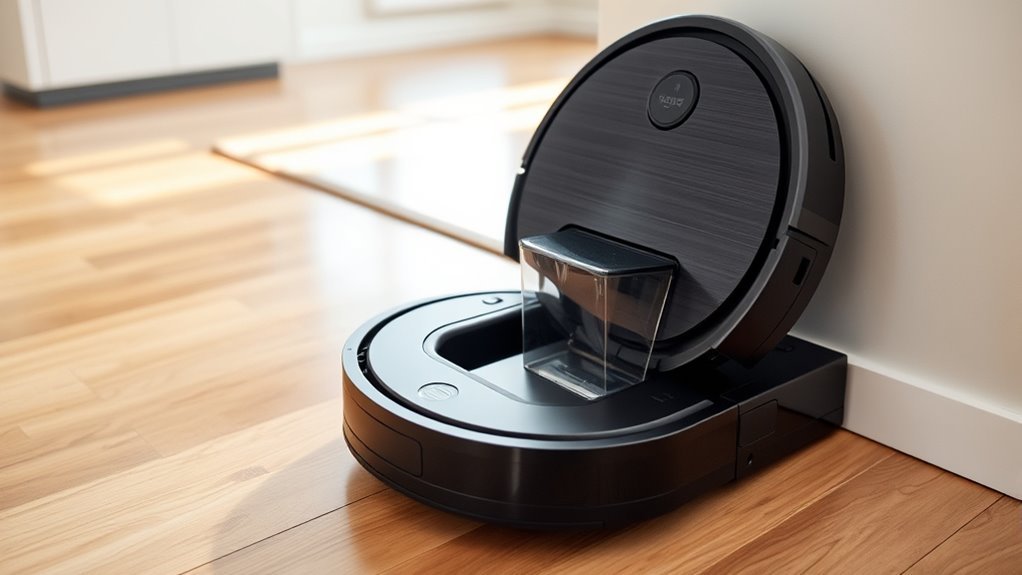
A robot vacuum cleaning station serves as a central hub for automated upkeep, handling tasks such as charging, emptying the dustbin, and refilling water for mopping.
For robot vacuum cleaners, this cleaning station extends autonomous cleaning by keeping the machine ready for longer cycles with less manual attention. It can also dry mop pads and store cleaning solution, which lowers maintenance frequency and reduces repeated chores.
In larger homes or households with pets, that added capacity supports steadier cleaning and less interruption. Smart features let users check status and cleaning history through a mobile app, giving clear oversight without constant supervision.
Larger homes and pet households benefit from steadier cleaning, with app-based updates offering clear oversight and less interruption.
The result is a cleaner, more efficient routine that removes unnecessary labor and keeps the floor care system working with minimal input. This setup gives users more time and more control, while the robot handles the routine burden of upkeep.
How a Robot Vacuum Cleaning Station Works
A robot vacuum cleaning station guides the vacuum back to the dock for charging when power runs low.
It then handles self-emptying and, on some models, washes the mop pads to keep cleaning tasks moving with less user effort.
This setup supports longer, more efficient cleaning cycles with minimal maintenance.
Charging And Docking
Charging and docking begin the robot vacuum’s return to its station, where it automatically recharges after cleaning so it is ready for the next run. The charging station guides the robot into position and supplies power without manual effort.
This simple routine supports greater independence, freeing users from constant supervision. In many smart stations, status checks and cleaning records are available through a mobile app, making control easier from anywhere.
Some systems also prepare for the next task by handling self-empty functions and water refill for mopping, though those features belong to broader station maintenance.
The dock consequently acts as a reliable home base, keeping the robot charged, organized, and prepared for repeated use.
Self-Emptying And Washing
Beyond charging, a robot vacuum cleaning station often handles the mess it collects by automatically emptying the dustbin, reducing the need for frequent manual cleanup.
This self-emptying function keeps larger homes and pet areas running longer with less interruption. Many stations also support mop washing and drying, so pads are cleaned and ready for the next cycle without extra effort.
In models with a refill system, the station replenishes the vacuum’s water tank, allowing mopping to continue with fewer stops.
Smart technology tracks status, cleaning history, and other key details through a mobile app, giving users direct control without constant attention.
The result is less maintenance and more freedom, since the station manages routine chores quietly and efficiently.
What the Dock Does for Charging?
The dock serves as the robot vacuum’s charging base, automatically restoring battery power when it runs low and sending the machine back out ready for the next cycle. In practical terms, it is the charging hub that keeps the robot vacuum available without constant attention.
By returning on its own, the machine can finish tasks across rooms and resume cleaning after a recharge, which supports greater autonomy. This matters most in larger households, where longer run times and fewer interruptions help maintain a steady routine.
Many stations combine charging with self-emptying capabilities, but the charging function remains central. Some docks also refill water tanks or dry mop pads, yet their main role is to keep the vacuum powered and prepared.
That reduces manual work and lets users focus elsewhere. For households seeking a cleaner floor with less effort, the dock is the quiet infrastructure that makes that freedom possible.
How Self-Emptying Dustbins Work
Self-emptying dustbins move debris from the robot’s onboard bin into a larger container at the dock, usually by suction.
After docking, the station pulls out dust and dirt, then seals it in a bag or bin that can hold several cleaning cycles’ worth of waste.
Many systems also use indicators or app alerts to signal when the dock container needs to be emptied.
Dustbin Emptying Process
At the end of a cleaning cycle, the robot vacuum returns to its base and a suction system pulls dirt and dust from its onboard dustbin into a larger sealed container in the station.
This self-emptying process reduces hands-on upkeep and keeps debris managed with minimal effort. A HEPA filter helps trap fine particles as air moves through the station, supporting cleaner indoor air.
For many homes, the setup holds weeks of debris, which suits busy schedules and pet hair alike. User convenience improves when the station signals that the dustbin is full and needs attention.
- Robot docks after cleaning.
- Suction empties the dustbin.
- Sealed storage contains debris.
Docking And Disposal
Once the robot docks, the station activates a vacuum mechanism that pulls debris from the onboard dustbin into a larger sealed bin. This self-emptying dustbin reduces routine handling, allowing users to reclaim time from daily cleanup.
The larger dustbin can store weeks of dirt and dust, though capacity depends on home size and cleaning frequency. Many stations add a filtration system to trap fine particles and allergens during transfer, supporting cleaner indoor air.
Some models also include automatic mop washing and water refills, expanding cleaning capabilities while limiting manual work. The station still needs occasional emptying of the larger bin, usually every few weeks or monthly.
The result is a practical system that keeps upkeep low and household routines freer.
How Mop Washing and Water Tanks Work
As mop cleaning stations manage more than dust collection, they also handle water supply and mop pad care to keep wet cleaning consistent.
In a cleaning station, mop washing and water tanks support efficient cleaning by reducing manual chores and keeping pads ready for use. Basic systems move water from the tank to the mop pad for light cleaning, while advanced models may use hot-water mopping to lift tougher stains with less effort.
After each run, the station rinses the pads and dries them, helping limit odors and bacterial growth. Larger water tanks allow longer sessions before refills, which gives users more freedom and less interruption.
Some stations also adjust water output by surface type, applying only the moisture needed.
- Water is stored for steady mop use.
- Pads are washed and dried automatically.
- Output can match floor needs.
Why Navigation Matters for Auto-Return
Precise room mapping helps the robot vacuum cover the home efficiently and remember where the charging station is located.
Obstacle detection keeps it moving safely around furniture, edges, and other hazards during the return path.
With reliable navigation, the dock return becomes quick, accurate, and consistent.
Precise Room Mapping
Accurate room mapping gives a robot vacuum a detailed layout of the home, helping it clean in a systematic path rather than moving randomly. This room mapping supports precise navigation, so the machine can move with purpose, cover each area once, and return to its station without confusion.
Advanced navigation systems, including LiDAR and camera recognition, improve this process by building a reliable internal map. That map also supports customized cleaning schedules, allowing specific rooms or zones to be targeted as needed.
- A living room is remembered as a clear zone.
- A hallway is cleaned with direct, efficient routing.
- The charging station is found quickly after the job.
With better obstacle avoidance and memory, the vacuum reduces wasted motion and gives users more time and freedom.
Obstacle Detection
Obstacle detection helps the robot vacuum move safely through a home by identifying furniture, walls, cords, and other hazards before contact occurs.
Using navigation technologies such as LiDAR, cameras, and infrared sensors, smart vacuums can map rooms and avoid obstacles with little effort from the user.
In each cleaning mode, the machine reads its surroundings, adjusts its path, and selects efficient routes that reduce missed spots and unnecessary repetition.
This practical guidance supports steady coverage while lowering the risk of collisions or falls.
Accurate obstacle detection also lets the vacuum adapt to changing room layouts, keeping movement smooth and purposeful.
For households seeking more freedom from manual cleaning, these systems make autonomous operation more dependable and less demanding overall.
Reliable Dock Return
A reliable dock return depends on strong navigation, allowing a robot vacuum to find its charging station after a cleaning cycle or when battery levels run low. This reliable dock return gives users freedom from manual rescue and keeps cleaning tasks moving without interruption.
LiDAR, cameras, and obstacle detection sensors help the machine read the room, avoid collisions, and choose efficient cleaning paths back to base. When battery runs low, the vacuum can follow a direct route instead of wandering.
Advanced models can store multiple floor plans, so they return to the correct dock across different levels.
- Maps the home with precision.
- Steers around furniture and edges.
- Reaches the dock fast, preserving battery life.
Why a Cleaning Station Saves Time
A cleaning station saves time by automating routine maintenance tasks that would otherwise require frequent manual attention.
A self-emptying system reduces trips to the trash, cutting manual intervention and keeping the robot ready for the next run. Auto water refill and mop pad drying remove prep work, so the machine can leave the dock prepared for use.
A self-emptying system cuts trips to the trash, while auto refill and drying keep the robot ready to go.
In advanced models, mop pads are washed automatically, preserving cleaning performance without extra effort. For busy households, this means hours saved each month through fewer emptying, refilling, and cleanup tasks.
Smart technology adds real-time monitoring and scheduling through a mobile app, allowing users to track status and launch routines without interruption.
The result is a cleaner home with less labor, less oversight, and more freedom from repetitive chores.
Cleaning Stations vs. Basic Charging Docks
Cleaning stations go far beyond the function of basic charging docks, which supply power but leave most upkeep to the user. A cleaning station acts as a practical base that reduces maintenance tasks by handling self-emptying dustbins, water refills, and mop pad drying or washing.
By contrast, basic charging docks simply recharge the robot and ask the owner to manage debris and tanks manually.
- A cleaning station supports hands-free debris disposal.
- It can refresh water and clean mop pads for the next cycle.
- It gives larger households more autonomy when mess builds up fast.
This added automation matters most in homes with pets or frequent traffic, where repeat cleaning is common.
The tradeoff is cost: cleaning station models usually sit in the $400 to $1000+ range, while basic charging docks often cost $150 to $300.
For those seeking less domestic friction and more freedom, the upgrade can be decisive.
How to Maintain a Robot Vacuum Station
Even the most capable robot vacuum station needs regular upkeep to stay effective. A simple routine keeps the robot vacuum cleans reliably and reduces unnecessary effort.
| Task | Frequency | Result |
|---|---|---|
| empty the dustbin | After heavy use | Strong suction |
| Clean filter | Weekly | Better airflow |
| refill water | As needed | Steady mopping |
| clean mop pads | After each cycle | No streaks |
| software updates | Monthly | Fewer glitches |
The dustbin should be emptied and the filter cleared often so debris does not block performance. Water tanks need periodic checks, especially on mopping models, to preserve consistent cleaning. Mop pads should be cleaned and inspected for trapped grit to prevent marks on floors. Charging contacts on both the station and robot deserve a quick wipe, since clean metal supports dependable charging. App-based software updates should also be scheduled regularly, because they can improve navigation, fix bugs, and refine overall function. A maintained station stays ready, efficient, and quietly useful.
Who Needs a Robot Vacuum Cleaning Station?
Robot vacuum cleaning stations are especially useful for large homes, pet owners, and busy families that want less hands-on upkeep. A robot vacuum cleaning station suits larger homes because it reduces repeated emptying and refilling, keeping cleaning steady across more floor space.
Robot vacuum cleaning stations are ideal for large homes, reducing emptying and refilling while keeping cleaning steady across more space.
For pet owners, the self-emptying dock manages hair and debris with less effort, supporting cleaner floors between full cleanups. Busy households gain a time-saving advantage by letting the system handle routine maintenance on its own, which creates more room for work, rest, and family life.
- A townhouse with several rooms and no time for daily vacuuming.
- A home with shedding pets and frequent floor mess.
- A schedule that demands enhanced cleaning efficiency without extra chores.
In multi-pet homes, the station’s larger capacity helps maintain performance and freedom from constant manual intervention.
Frequently Asked Questions
What Are the Downsides of Using a Robotic Vacuum Cleaner?
Downsides include weak navigation technology on complex floors, limited battery life, reduced suction power over time, trouble with pet hair, noise, privacy concerns, and ongoing maintenance costs from brushes, filters, and dustbin emptying.
Do I Need a Mop if I Have a Robot Vacuum?
A mop is still useful, especially for deeper cleaning. Robot features handle maintenance, but cleaning effectiveness varies by floor compatibility and mop types. Maintenance tips: use both for pets, spills, and tougher stains when needed.
Are Robot Vacuums Actually Worth It?
Yes—often, if convenience matters. A cost comparison, feature analysis, and user experiences usually show value for busy homes. Following maintenance tips and choosing trusted brand recommendations helps maximize freedom from chores and reduce frustration.
How Many Times a Week Do You Run Your Robot Vacuum?
Usually three to seven times weekly, depending on cleaning frequency and scheduling preferences. Homes with pet hair, carpet types, or heavy traffic may need daily runs. Practical maintenance tips keep performance steady and floors consistently clear.
Conclusion
In the end, a robot vacuum cleaning station is less a simple dock than a quiet command center, handling charging, dust disposal, and mop care with steady efficiency. It turns routine upkeep into background work, saving time and reducing effort for busy homes. Like a dependable backstage crew, it keeps the vacuum ready for the next run, so floors stay cleaner with less attention. For many households, that convenience is the real value.