If your robot vacuum dock smells bad, the odor may come from dirty water, a damp mop pad, or debris hidden inside the base. The right fix depends on whether the smell is sour, musty, dusty, or burning. Check the wet parts first, then work through the dust bag, wash tray, and filters.
Quick Answer
A smelly robot vacuum dock usually needs its dirty-water tank emptied and rinsed, its wash tray cleared, or its dust bag replaced. Wash dirty mop pads and let washable parts dry fully. If the smell returns, check the drain opening and tank seals. A burning smell calls for immediate shutdown, not routine cleaning.
Key Takeaways
- A sour smell after mopping points first to wastewater and the washboard; dusty odors point toward the dry waste path.
- Water left in the cleaning tray may mean a blocked drain or a tank seal that is not seated properly.
- Care intervals vary by model, so use the manual for filter drying, bag replacement, and approved cleaning liquids.
Why Robot Vacuum Docks Smell Bad
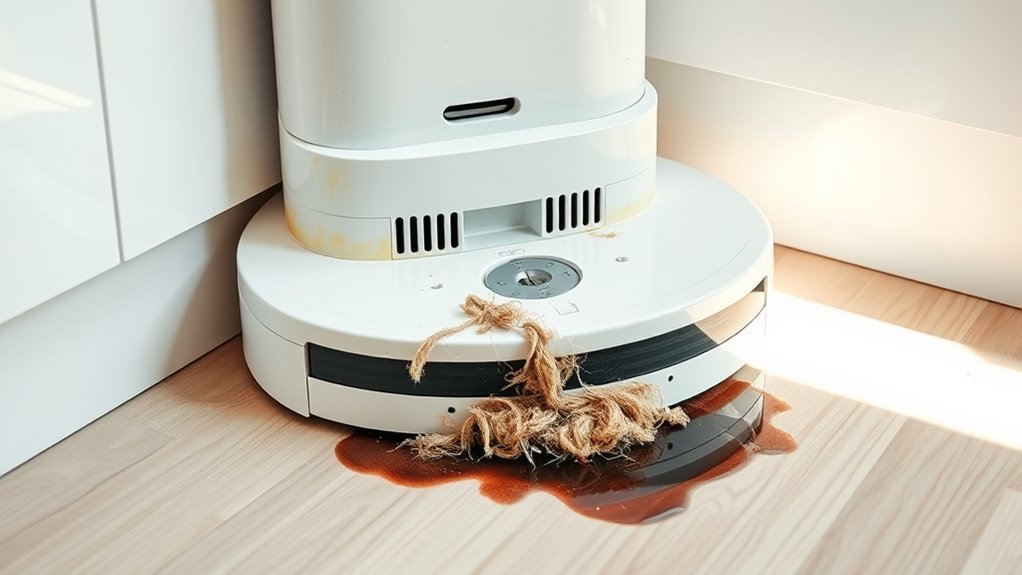
Most dock odors start when organic debris meets moisture. Dust, pet hair, floor dirt, and dirty mop water can collect in parts that do not dry well. Over time, these materials can create sour or musty smells.
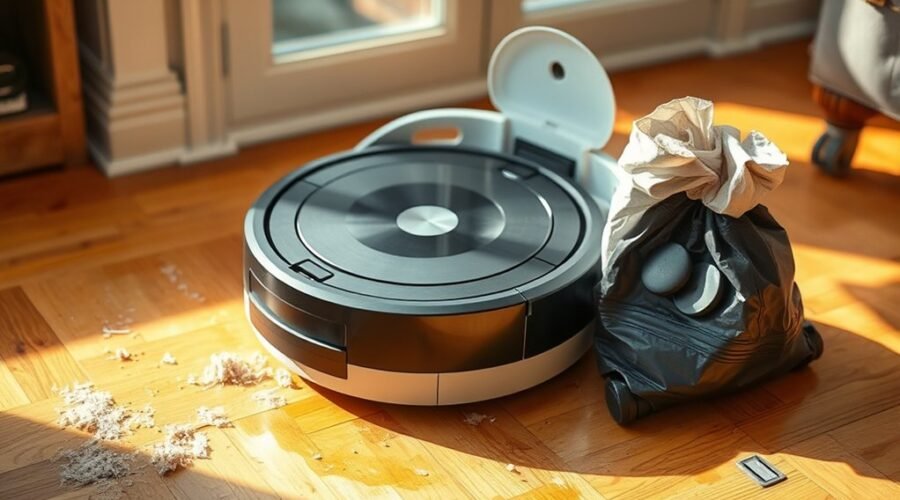
Auto-empty docks can also smell without any water. A packed dust bag, dirty robot dustbin, clogged filter, or hair around the brushes may hold the odor and release it during emptying.
Use the smell and its location to narrow your search:
| Smell or symptom | Where to check first |
|---|---|
| Sour or sewage-like odor | Dirty-water tank, lid, seals, wash tray, drain |
| Musty or mildew-like odor | Wet mop pads, wash tray, damp compartments |
| Stale dust or pet smell | Auto-empty bag, robot dustbin, filter, brushes |
| Hot or burning smell | Stop use; possible brush friction or electrical problem |
If your dock mops floors, start with the wet waste system. For example, official water-tank odor guidance identifies old dirty water, damp mop pads, and a dirty wash tray as common sources.
Check the Dirty Water Tank First
The dirty-water tank is a leading suspect when a mop dock smells sour. Water left after mopping can carry fine dirt, hair, and residue that cling to the tank walls, cap, and seams.
Here is a simple cleaning routine for a removable dirty-water tank:
- Remove the tank. Follow the dock’s instructions for safely taking it out.
- Pour out the wastewater. Do this after each mopping session rather than letting it sit overnight.
- Rinse the tank. Flush out loose dirt, then inspect the bottom, corners, and lid.
- Brush away buildup. If the tank has a film or sludge, use its supplied cleaning tool or a soft brush. Clean seals only as your manual allows.
- Dry or reinstall correctly. When storing the tank, leave it open until dry. For normal operation, reassemble it as your model requires and make sure the lid seals properly.
If you mop daily, inspect the tank daily and give stubborn deposits a more thorough scrub at least weekly. Official tank-cleaning instructions also recommend cleaning residue at the bottom and checking the clean-water tank’s removable filter.
Do not assume one hour of air-drying is enough. Before storing a washed tank, check that moisture is no longer trapped around its cap or seams.
Clean the Dock, Bag, and Mop Pad
If the dirty-water tank is clean but the robot vacuum dock still smells bad, look at the surfaces that touch waste or wash water. The dust bag, wash tray, and mop pad often need different kinds of cleaning.
Clean the Wash Tray and Drain Area
Remove loose hair, grit, and sludge from the tray or washboard. If your model has a removable tray, wash it according to its instructions, clear accessible drain openings, and wipe the base dry.
For docks with a pad-washing roller or basin, official Auto-Wash dock maintenance guidance describes cleaning the basin, roller, and drainage opening. It also allows mild soap on certain removable tank parts, but that does not mean every dock can use the same cleaner.
Replace a Smelly Auto-Empty Bag
Open the dust-bag chamber and check for a full bag, spilled dirt, or damp debris. Seal and discard a disposable bag rather than washing or reusing it. Wipe the empty chamber with a dry cloth, then install a compatible replacement.
Replace a bag early if it smells, even if the dock has not reported that it is full. As one model-specific reference, Roborock suggests about seven weeks for certain docks, depending on use. Your model and the amount of pet hair or dust may call for a different schedule.
Wash and Dry the Mop Pad
A mop pad that stays wet can keep making the dock smell even after the tank is washed. Clean the pad after mopping, remove trapped hair, and replace it if the smell remains after washing.
Let the pad dry completely before storing it. If your dock has automatic pad drying, check that the drying cycle finishes and the pad is actually dry. Wipe the pad holder and the contacts around it without soaking electrical parts.
Warning: Never pour vinegar, essential oils, bleach, disinfectant, or an unapproved antibacterial cleaner into the dock or clean-water tank. Use only solutions allowed for your model. iRobot’s cleaning-solution guidance warns that unauthorized products can cause corrosion or malfunctions.
Quick Fixes for Bad Odors
When a clean dock starts smelling again, focus on where waste gets trapped. A hidden blockage, an improperly seated dirty-water tank, or a damp robot dustbin can make the same odor return after every cleaning run.
- Check the dock after a cycle. Look for standing water left in the wash tray.
- Inspect the drain and filter holes. Clear visible lint or sludge from accessible parts without forcing tools into internal pipes.
- Check the dirty-water tank seal. Make sure the lid closes fully and the seal is clean and correctly seated.
- Inspect the robot itself. Empty its dustbin if needed and remove pet hair from brushes, wheels, and accessible air passages.
- Clean or replace the filter as directed. Some filters must stay dry, while washable filters need thorough drying before reinstallation.
Standing water can signal a drainage problem rather than a cleaning problem. Official drainage troubleshooting points to clogged tray holes, a full tank, or a poorly seated lid and seal. If drainage still fails, contact the manufacturer rather than opening the pump.
Warning: If the smell is burning or electrical, stop the robot and unplug the dock. Let it cool, check only accessible brushes and openings, and contact support if the odor continues. Do not run another cleaning cycle to test a suspected electrical fault.
Prevent Robot Vacuum Dock Smells
Preventing odors is easier than removing residue that has dried inside a dock. Focus on emptying wet waste promptly, keeping washable parts dry, and checking the dust path before it becomes clogged.
Use this maintenance checklist, adjusting it to your robot’s manual:
- After mopping: Empty and rinse the dirty-water tank; check that the mop pad has been cleaned and dried.
- Every few mop cycles: Inspect the washboard or tray for trapped hair and residue. Some manufacturers suggest cleaning it every two to three mopping sessions.
- Whenever visibly dirty: Wipe the dock base, inspect the clean-water tank, and clear accessible vents or openings.
- When the bag fills or smells: Replace the disposable dust bag and clean any spilled debris from the chamber.
- On the model’s filter schedule: Clean or replace the filter. Keep washable filters out of the robot until completely dry.
Filter care varies. For example, one manufacturer’s filter instructions call for at least 24 hours of drying after rinsing and a replacement interval specific to its models. Do not apply a universal three-to-six-month rule to every robot.
Keep the dock in a dry, ventilated spot and watch for leaks. If moisture keeps collecting under the machine, address the leak before it causes another smell.
Frequently Asked Questions
My Robot Vacuum Has a Bad Smell. How Can I Get Rid of It?
Empty the dustbin and check the filter, brush roll, and wheels for trapped dirt or pet hair. Clean washable parts as the manual allows and let them dry fully. If the odor is strongest at the dock, inspect its dust bag, wash tray, and dirty-water tank.
My Roomba Mop Smells Bad. How Can I Fix It?
Clean and fully dry the mop pad, then check the wash basin and dirty-water tank if your Roomba has an Auto-Wash dock. Remove residue from accessible parts and use only approved cleaning solutions. Replace a pad that keeps smelling after it has been washed.
Why Does My Roborock Mop Stink?
Your Roborock mop may smell because its pad stayed damp or its wash tray collected dirt. Clean the pad, inspect the tray and tank, and check whether the drying function finishes on models that have one. Follow the cleaning and replacement schedule for your exact model.
My Roborock Water Tank Smells Bad. How Can I Fix It?
Empty and rinse the smelly water tank, gently remove residue where the manual permits, and inspect its lid and seals. Let the tank dry fully before storage. Avoid adding essential oils or homemade cleaning mixtures, which may be unsuitable for its pump and seals.
Can I Put Vinegar or Disinfectant in the Robot Vacuum Dock?
Do not add vinegar or disinfectant unless your model’s manufacturer specifically approves it. Unapproved liquids can damage seals, tanks, or pumps. Use plain water or the approved cleaning solution, and wash removable components only by the method listed in your manual.
What If the Dock Still Smells After Cleaning?
Check for water left in the wash tray, debris in the drain opening, and a dirty or loose tank seal. Replace a stale dust bag or mop pad if needed. If the dock leaks or fails to drain, contact the manufacturer’s support team for model-specific help.
Conclusion
If your robot vacuum dock smells bad, clean the dirty-water tank, wash tray, mop pad, and dust bag in that order. Check the drain and seals if the odor keeps returning. Dry removable parts properly and use only approved cleaners so the next cleaning cycle does not bring the smell back.
Sources
- Xiaomi Support: Common water-tank odors and maintenance after mopping.
- ECOVACS Customer Support: Cleaning dirty- and clean-water tanks.
- iRobot Support, Auto-Wash Dock Care: Bag, tank, basin, and roller maintenance.
- Roborock Support: Dust-bag replacement guidance for specified docks.
- iRobot Support, Approved Cleaning Solutions: Product compatibility and liquid restrictions.
- eufy Support: Drain, filter-hole, and dirty-water tank seal checks.
- Dreame Support: Filter cleaning, drying, and replacement instructions.