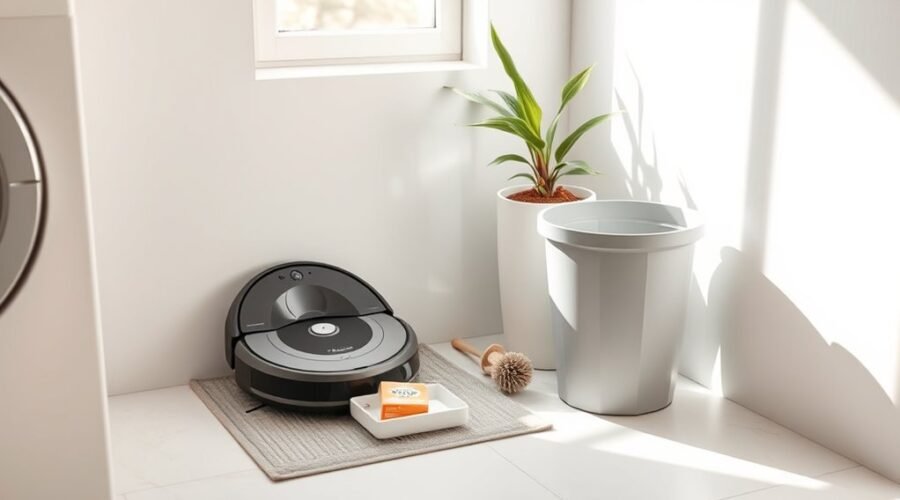
A robot vacuum dock smell usually comes from moisture or trapped debris, not a broken machine. The best clue is when you notice it: after mopping, during automatic dust emptying, or while the robot is parked. Once you identify the source, you can clean the right parts without damaging the dock.
Quick Answer
If your robot vacuum dock smells bad, empty and rinse its dirty-water tank after mopping, clean the mop-wash tray, and dry the mop pads. Check the dust bag, robot dustbin, and filter for trapped debris. Use only cleaning methods approved for your model, and keep electrical parts free of moisture.
At a Glance
| Difficulty | Easy routine maintenance |
| Tools Needed | Soft cloth, soft brush, clean water, and mild soap where allowed |
Why Your Robot Vacuum Dock Smells Bad
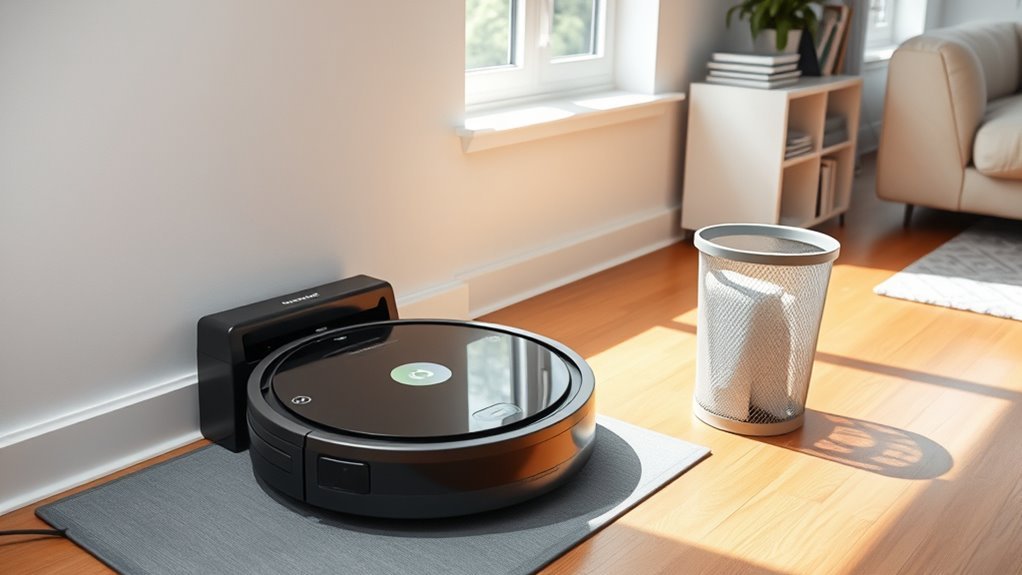
A robot vacuum dock smells bad when dirty water, damp mop pads, or organic debris sit long enough to develop an odor. Moisture makes the problem worse, especially inside a closed tank or in a humid room. The smell often points to a part that needs cleaning, not a failed dock.
Use the timing and type of smell to narrow down the cause:
- Sour or stale water smell: Check the dirty-water tank, lid, seal, and mop-wash tray.
- Musty smell after mopping: Feel the mop pads and look for moisture under the robot.
- Dusty or pet-like smell during auto-emptying: Check the dust bag, dustbin, filter, and emptying port.
- Burning or hot electrical smell: Stop the machine and investigate safely before using it again.
Xiaomi’s robot vacuum odor guidance identifies the dirty-water tank, washboard, mop pad, dust compartment, and filter as common sources. Cleaning and drying these parts tackles the cause instead of simply masking the smell.
Empty the Dustbin After Each Run, Unless It Self-Empties
If your robot has no automatic emptying dock, empty the dustbin after each cleaning run. Food crumbs, pet hair, and damp dirt can sit in the bin and cause stale odors. Removing them also helps keep the air path clear.
For an auto-emptying model, first check that the dock has actually emptied the robot. You do not need to remove the bin after every successful cycle. However, a full bag or blocked emptying port can leave debris behind.
- Check the robot’s bin or app for a full-bin warning.
- Remove trapped debris from the bin and emptying opening if the automatic cycle did not work.
- Empty the bin manually when needed, then clean it only by a method the manufacturer permits.
- Let any washable bin dry completely before reinstalling its filter.
Do not rinse a bin with built-in electrical parts. When the robot is clean but the dock smells during emptying, inspect the disposable dust bag next.
Clean the Dock Tray and Charging Contacts
The mop-wash tray catches water, hair, and dirt that can start to smell between cleaning cycles. The charging contacts collect dust too, but they mainly affect charging rather than causing odor. Clean these areas separately and unplug the dock before maintenance.
Remove Tray Debris
Check the tray for slime, hair, lint, and standing water after mopping. Remove the tray only if your dock’s instructions allow it. Rinse removable plastic parts and use a soft brush to lift buildup around corners, filters, and drain openings.
For a useful model-specific example, Xiaomi recommends washing the mop-wash board after every two or three mopping sessions. If you see residue sooner, clean it sooner. Wipe any pooled water from the fixed dock base without soaking its electrical parts.
Wipe Charging Contacts
Dusty charging contacts may stop the robot from charging reliably. With the dock unplugged, wipe the contact points on both the dock and robot using the cloth your manufacturer recommends. A soft, dry cloth works for many models; some iRobot models permit a lightly dampened cloth.
Never spray cleaner onto the pins, sensors, or their openings. Check the contact area weekly for visible dirt, and give it a closer inspection about once a month.
Dry Before Reinstalling
Allow a washed tray to air-dry fully before putting it back, unless your model’s instructions specify a different process. Dry the outside of tanks, the dock floor, and any accessible pooled-water areas. Trapping damp debris under a tray can bring the smell back.
Reinstall every part securely. The robot should sit and charge normally, and a mop-washing dock should drain without leaving a puddle behind.
Replace or Wash Filters on Schedule
Dirty filters hold dust, pet dander, and fine debris that can cause stale smells. Inspect them regularly, especially if you have pets or use the robot every day. Not every filter is washable, so check its care instructions before adding water.
Filter Cleaning Schedule
Check the filter weekly for packed dirt or odor, and clean it the approved way. For example, iRobot says its Roomba s Series filter must not be washed; it should be tapped clean and replaced about every two months.
By contrast, the eufy X10 Pro Omni manual permits rinsing its filter and calls for replacement every three to six months. The model, filter material, and home conditions matter more than one universal schedule.
Filter Replacement Timing
A two- to three-month replacement interval may suit some filters, but others last longer. In homes with heavy dust or shedding pets, you might need a new filter sooner, possibly after four to six weeks of hard use. Follow your model’s schedule and replace a damaged or smelly filter rather than forcing it to last.
| Task | Timing |
|---|---|
| Check filter | Weekly; more often with pets |
| Replace filter | Follow model instructions; examples range from 2 to 6 months |
| Washable filter dry time | 24–48 hours, or until completely dry |
| Replace sooner | Heavy dust, pets, damage, or persistent odor |
Never reinstall a damp filter. If your model allows washing, dry it in a ventilated place until no moisture remains.
Keep Mop Pads and Water Tanks Dry
Wet mop pads are a common cause of a musty robot vacuum smell. Wash removable pads as directed and let them dry before storage or reuse. If your dock has automatic mop drying, allow its cycle to finish and check that the pads are actually dry.
Keep the clean-water tank filled with fresh water for normal use, but rinse it and replace stale water when needed. You do not have to empty and dry a working auto-refill tank after every single run unless the manufacturer says to do so. Empty and clean it before long-term storage.
The dirty-water tank needs more frequent attention because it holds used mop water. Empty and rinse it after mopping when practical, and wipe away spills around the dock.
Pro Tip: If the mop pads stay damp even after the drying cycle, check for poor ventilation around the dock and inspect the pad holder. Wash and air-dry the pads by hand if your manual allows it.
Empty Wastewater and Replace Dust Bags Regularly
Dirty-water tanks and auto-empty dust bags hold the material most likely to smell when left inside a dock. Empty the wastewater tank promptly after mopping and replace a full or smelly dust bag. Leaving dirty water for one to four days can make odors noticeably worse.
- Lift out the dirty-water tank and pour the used water into a suitable drain.
- Rinse the tank, lid, and accessible filter or strainer; gently clean stuck residue.
- Dry the exterior, check the lid seal, and reinstall the tank securely.
- Check the disposable dust bag for fullness, dampness, and odor; discard and replace it when needed.
A one- to four-month bag interval is a rough planning range, not a rule for every dock. Roborock suggests around eight weeks for its referenced disposable bag, depending on use. iRobot instead recommends following the full-bag alert in its Auto-Wash dock maintenance instructions.
Warning: Do not pour bleach, vinegar, disinfectant, or unapproved antibacterial liquid into the robot’s tank or dock, and never spray cleaner into a disposable dust bag. Eufy warns that some third-party solutions can damage its pump. Use only solutions specifically approved for your model.
You can read the specific restriction in eufy’s X10 Pro Omni water-system troubleshooting guidance. Plain rinsing and thorough drying are safer starting points than adding odor-masking chemicals.
Remove Hair From Brushes and Wheels
Hair wrapped around the main brush, side brush, and wheels holds dirt close to the robot. It can also restrict the brush’s movement and reduce pickup. A weekly check is especially useful in homes with shedding pets or long hair.
- Turn off the robot and remove the brush guard according to its manual.
- Lift out the main brush and unwind hair from its ends.
- Carefully cut away tight strands with a suitable cleaning tool or scissors, keeping blades away from wiring and bristles.
- Clear the side brush and wheel wells, then reassemble the dry parts.
A weekly check helps prevent hair from tightening into stubborn tangles and keeps brushes cleaning smoothly.
If a brush still drags, a wheel sticks, or the robot leaves debris behind, inspect for trapped material or worn parts rather than forcing the mechanism. Removing the buildup also stops old debris from carrying odors into the dock.
Store Your Robot Vacuum the Right Way
Store the robot and dock in a clean, dry, ventilated spot. Humid closets and damp corners make it harder for mop pads and washed parts to dry, so odors can return even after cleaning. Keep the dock area free from pooled water and loose dirt.
- Choose a dry location with space for normal dock airflow.
- Keep the floor and the area around the charging station clean.
- Avoid damp storage spaces and blocked air vents.
- Before storing the system for a long break, empty, clean, and dry its water-handling parts as instructed.
For everyday use, leave automatic mop drying enabled if your machine offers it. A clean, well-ventilated dock helps stop odors from settling between runs.
What if the Robot Vacuum Dock Still Smells After Cleaning?
If the smell returns soon after a full clean, check for water that never drained from the mop-wash tray. A blocked drain filter, a poorly sealed tank lid, or a loose gasket can leave wastewater behind. That residue may be hidden even when the tank looks empty.
Eufy’s Omni Station drainage troubleshooting recommends checking the dirty-water tank level, tray filter holes, and tank seal when water will not drain. Clear only accessible blockages, then run the model’s normal mop-washing or drainage test.
Check the dust-emptying tube if the odor appears only during auto-emptying. If you cannot access a clog safely, the robot still fails to drain, or there is a persistent burning smell, stop using the system and contact the manufacturer for service.
Key Takeaways
- A sour smell near the tank points toward used mop water; a dusty puff during auto-emptying points toward the bag or debris path.
- Self-emptying robots do not need manual dustbin emptying after every successful run.
- Filter care varies by model: some can be rinsed, while others must stay dry.
- If wastewater remains in the tray, inspect the drain, tank lid, and seal before assuming the whole dock has failed.
Frequently Asked Questions
My Robot Vacuum Has a Bad Smell. How Can I Get Rid of It?
Empty the dustbin or check the auto-empty bag, rinse any dirty-water tank, and clean the mop pads and dock tray. Look for trapped food, pet hair, or damp filters. Dry all washable parts before restarting. If the smell continues, inspect the dock’s drain and debris path.
Is It Okay to Run My Robot Vacuum Every Day?
Yes, daily cleaning is usually fine if your model is designed for it. It can help manage pet hair and everyday debris. Check the bin or auto-empty system often, maintain the filter, and clean the brushes when hair accumulates. Mopping every day may mean more frequent tank and pad care.
How to Keep Robot Mop From Smelling?
Wash or replace dirty mop pads and let them dry fully after each session. Empty and rinse the dirty-water tank, remove residue from the wash tray, and refresh old water in the clean tank. Use only approved cleaning solutions. A working automatic pad dryer can help keep moisture from lingering.
What to Do if Roomba Runs Over Dog Poop?
Stop the robot immediately and keep it off the dock. Wear disposable gloves, remove visible waste, and clean any contaminated removable parts using the manufacturer’s instructions. Disinfect the affected floor safely, then wash your hands. The CDC advises immediate cleanup of dog waste. If contamination reached the motor or inaccessible ducts, contact support before running it again.
Conclusion
To stop robot vacuum dock odors, remove dirty water and debris before they sit, clean the tray, and let mop pads dry. Check filters and bags using your model’s schedule. If the smell returns, find out whether the dock is leaving water or dirt behind instead of adding stronger chemicals.
Sources
- Xiaomi, “What to do if the Xiaomi Robot Vacuum X20 Pro has abnormal odors?”: odor sources and washboard care.
- iRobot, “Roomba s Series: Essential care”: filter replacement and nonwashable-filter advice.
- eufy, “X10 Pro Omni User Manual”: bin, filter, brushes, and tray maintenance.
- Roborock, “How often should I replace the disposable dust-bag?”: eight-week suggestion.
- iRobot, “Auto-Wash Dock Care and Maintenance Instructions”: tank, basin, and bag care.
- eufy, “X10 Pro Omni Insufficient Water Error”: restrictions on unapproved cleaning liquids.
- eufy, “Omni Station Does Not Suck Dirty Water”: drain and tank-seal troubleshooting.
- CDC, “Dogs”: immediate household dog-waste cleanup and handwashing.