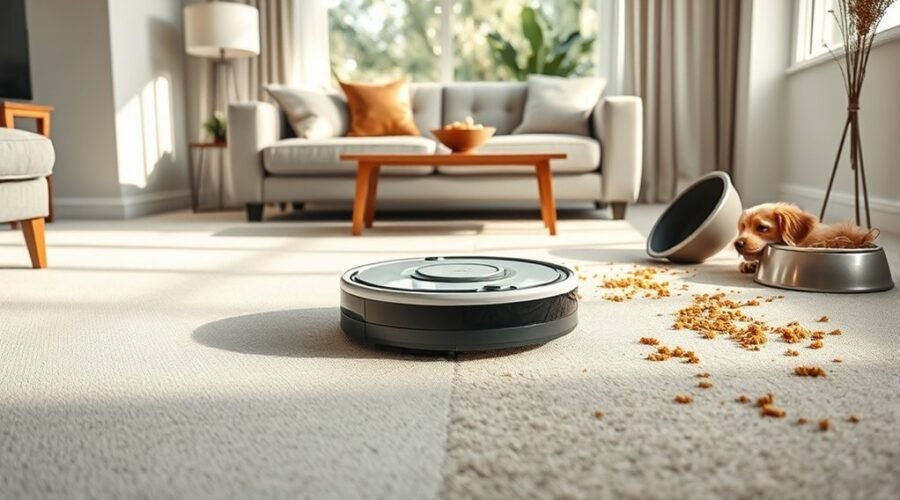
A robot vacuum’s mapping run vs cleaning run may look similar, but each serves a different purpose. One helps the machine understand your home’s layout. The other removes dirt using that information. Knowing the difference helps you set up your robot correctly, avoid missed rooms, and choose the right mode for each task.
Quick Answer
A mapping run explores your home and creates a digital floor plan, usually without vacuuming. A cleaning run removes debris while following an organized route based on that map. Use mapping during initial setup or when correcting major layout changes. Choose cleaning for regular upkeep. Some robots can also build maps while cleaning.
Key Takeaways
- Dedicated mapping runs often finish faster than full cleaning cycles because suction and brushes may remain off.
- A saved map helps the robot clean specific rooms, avoid restricted areas, and reduce unnecessary movement.
- Not every robot supports multiple saved maps, automatic map updates, or room-specific cleaning.
- You usually do not need to remap after moving a small item of furniture. Major layout changes may require a new map.
What Is a Mapping Run?
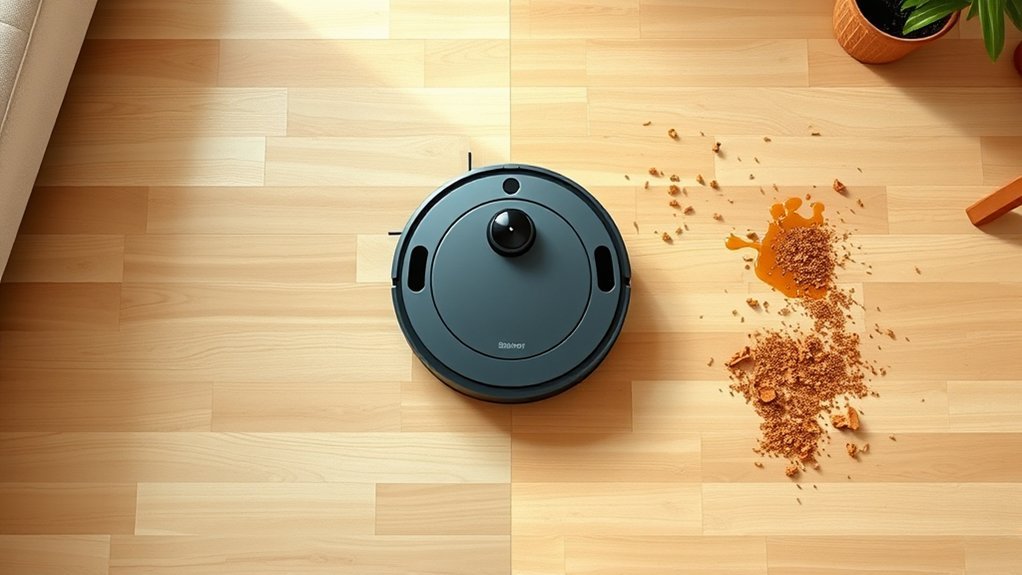
A mapping run is a survey of your home that allows a robot vacuum to create a digital floor plan. The machine explores accessible rooms, detects walls and furniture, and records the layout for future cleaning sessions.
Depending on the model, the robot uses laser sensors, cameras, or other navigation technology to measure its surroundings. Its software then turns that information into a map showing room boundaries, obstacles, and connected spaces.
A dedicated mapping run normally focuses on exploration rather than removing dirt. For example, the official Roomba Smart Maps guide explains that mapping-only runs conserve battery power by navigating without cleaning.
Some robot vacuums also build maps during ordinary cleaning. In that case, mapping and vacuuming happen together instead of through separate tasks.
Once the map is saved, compatible models let you label rooms, adjust boundaries, or create restricted areas. This preparation makes later cleaning more predictable.
How Does a Cleaning Run Use the Map?
A cleaning run uses the robot’s stored floor plan to determine where to travel and which areas need cleaning. Unlike a mapping-only run, the machine activates its cleaning system to collect dust, hair, crumbs, and other debris.
The saved map provides a starting reference, while sensors continue checking the surroundings. This lets the robot follow an organized route without relying entirely on random movement.
Map-Guided Route Planning
During a map-guided cleaning run, the robot calculates a path through the rooms or zones you select. It identifies accessible spaces, plans where to turn, and tracks the areas it has already covered.
Many mapping robots use back-and-forth cleaning patterns across open floor areas. This approach helps reduce repeated passes and limits the chances of leaving large patches untouched.
Advanced models can also adjust their routes when they detect a new obstacle. For example, a chair moved since the last cleaning may cause the robot to change direction without rebuilding the entire map.
Some robots support additional controls, including:
- Room selection: Clean the kitchen without vacuuming the entire home.
- Cleaning zones: Focus on a specific area that collects crumbs or dirt.
- No-go zones: Keep the robot away from cables, delicate objects, or difficult spaces.
- Cleaning preferences: Adjust suction, cleaning passes, or room order when the model supports those features.
These settings help you direct cleaning without moving the robot manually. However, their availability depends on the model and mapping software.
Efficient Room Coverage
A stored map allows the vacuum to cover rooms in a more systematic way. Instead of repeatedly exploring the same areas, it can track cleaning progress and move toward remaining floor space.
For reliable coverage, the robot generally needs to:
- Identify the boundaries of the selected room or cleaning zone.
- Follow an organized path while avoiding detected obstacles.
- Track completed areas and return to accessible missed sections when supported.
For example, a robot cleaning a living room may work along the edges and then cross the open floor in parallel lines. If a chair blocks its route, it may travel around the legs and continue cleaning.
Many models also provide a cleaning-history map that helps you check the results.
Roomba’s cleaning-history reports, for example, can show covered areas, job duration, and locations where dirt detection activated on compatible models.
This information helps you tell the difference between a navigation problem and a cleaning-performance problem. A clean-looking map does not always mean every surface is free of dirt.
Mapping Run vs Cleaning Run: Key Differences
The biggest difference between a mapping run and a cleaning run is their purpose. Mapping creates or improves the robot’s understanding of your home, while cleaning uses that information to remove debris.
A dedicated mapping run is often faster because the vacuum motor may stay off. A full cleaning run needs more time to work across the floor, collect dirt, and sometimes recharge.
| Feature | Mapping Run | Cleaning Run |
|---|---|---|
| Main purpose | Discover and record the layout | Remove dirt and debris |
| Vacuum motor | Usually off in dedicated mapping mode | Active during vacuuming |
| Navigation | Explores accessible spaces | Follows a planned cleaning route |
| Typical duration | Often shorter than a full cleaning run | Depends on area, floor type, and cleaning settings |
| Main result | A saved or updated floor map | Cleaned floors and often a coverage report |
| Best use | Initial setup or major layout changes | Daily or scheduled floor cleaning |
The Roomba ClearView LiDAR mapping guide gives a useful example. It states that map creation can take up to 30 minutes, depending on home size, and that the robot does not clean during this process.
Actual times vary between models. A complete cleaning job can take much longer, especially with carpet cleaning, extra passes, or recharge-and-resume cycles.
Mapping Run Basics
Mapping runs work best when the robot can explore the home without interruptions. You should prepare the floor before starting so temporary objects do not prevent the machine from reaching important areas.
The basic mapping process follows three stages:
- Capture the layout: The robot detects walls, furniture, doorways, and accessible spaces.
- Store the map: Its software creates a floor plan that compatible models can save for future use.
- Prepare for cleaning: You review room divisions, name areas, and add supported cleaning restrictions.
Keep the doors open to rooms you want mapped. Remove loose cables, clothing, and small objects that might block the robot.
Start the run from the charging dock when the manufacturer’s instructions require it. Avoid lifting the robot or moving its dock before mapping finishes.
A complete mapping run should produce a recognizable floor plan that matches the accessible rooms in your home.
Cleaning Run Differences
A cleaning run focuses on floor coverage rather than initial discovery. The robot activates its brush and suction system, then follows the selected cleaning pattern while monitoring its surroundings.
With a stored map, the machine can often move directly to the requested room. You may also be able to clean particular zones, change suction settings, or schedule different rooms for different days.
Navigation sensors remain active while the robot works. LiDAR-equipped systems can measure distances, while camera-based systems use visual information to help recognize surroundings.
Some models automatically update their maps during regular cleaning. Others use a saved layout until you start another mapping task or rebuild the map manually.
A cleaning run therefore does not always mean the robot stops mapping completely. It means that removing debris is the main task.
When to Use Each
Use mapping when the robot needs to learn a new space or correct an inaccurate floor plan. Use cleaning when the layout is ready and your main goal is to remove dirt.
- First-time setup: Run the dedicated mapping mode if your robot supports one. This helps establish room boundaries before regular scheduling.
- Routine maintenance: Start a cleaning run once the map is saved. Select whole-home cleaning or individual rooms when available.
- Major home changes: Consider mapping again after moving the dock, rearranging large furniture, or changing room boundaries.
Minor changes do not always require remapping. Moving a side table or chair may only require the robot to adjust its route during the next cleaning cycle.
Narwal’s official remapping guidance makes this distinction. It recommends remapping after major layout changes or dock relocation, while compatible models can handle smaller furniture changes automatically.
If you have only moved a small object, try a normal cleaning run before rebuilding the entire map.
How Robot Vacuums Create and Store Maps
Robot vacuums create maps by combining sensor readings with navigation software. As the machine moves, it estimates its position and records the shape of accessible rooms.
Different mapping technologies collect information in different ways:
- LiDAR: Uses laser-based distance measurements to detect walls, furniture, and room boundaries.
- Camera navigation: Uses visual landmarks to help the robot recognize its surroundings and determine its location.
- Other sensors: Wheel movement tracking, bump sensors, and distance sensors help the robot navigate and detect obstacles.
Many advanced robots use a method called simultaneous localization and mapping, or SLAM. This means the robot builds a map while estimating where it is within that map.
Once the layout is ready, supported robots store it for later cleaning. You can usually access and customize the saved map through the companion app.
Common map-editing features include splitting or merging rooms, assigning room names, setting no-go zones, and changing cleaning preferences.
Not all robot vacuums save the same number of maps. For example, the official Roomba i3/i4/i5 mapping documentation states that those models support one Smart Map. Other compatible Roomba series can store multiple floor plans.
Multi-map support is useful for homes with several floors. It allows the robot to recognize different layouts without rebuilding the original map every time.
However, a robot still cannot climb stairs on its own. You must move it between floors and follow the manufacturer’s instructions for selecting the correct map or dock arrangement.
Why Mapping Improves Cleaning Performance
Accurate mapping helps a robot vacuum clean with greater consistency. It gives the machine a reference for planning routes, tracking covered areas, and avoiding places it should not enter.
Compared with unstructured movement, map-guided navigation offers several practical advantages:
- Less unnecessary travel: Planned routes can reduce repeated movement over already covered floors.
- Better area control: Supported models let you choose rooms, define cleaning zones, and exclude problem areas.
- Improved obstacle handling: Sensors help the robot adjust when furniture or temporary obstacles change.
- More predictable scheduling: Saved room boundaries let you assign cleaning tasks to specific parts of the home.
Mapping can also support battery management. A robot that tracks its progress can return to the dock when needed and resume unfinished work if the model supports that feature.
Some advanced vacuums adjust suction or cleaning passes based on floor type, dirt detection, or selected room settings. These features work alongside mapping but are not available on every machine.
Remember that a good map does not guarantee perfect cleaning. Brush design, suction, floor type, obstacles, and regular maintenance still affect the result.
For example, a robot might accurately map a carpeted room but leave embedded pet hair behind if its cleaning system cannot remove it effectively.
Mapping improves the robot’s ability to organize cleaning. The actual dirt removal still depends on the hardware and cleaning settings.
How to Fix Bad Maps and Missed Spots
If your robot vacuum creates an incorrect map or misses rooms, start by checking the simplest causes. Blocked doorways, moved furniture, poor lighting, and an unstable dock position can interfere with navigation.
First, compare the saved floor plan with your actual home. Look for missing rooms, incorrect boundaries, unexpected gaps, or places the robot repeatedly avoids.
| Action | Effect |
|---|---|
| Start from base | Improves mapping consistency |
| Clear clutter | Expands accessible coverage |
| Update software | May resolve navigation bugs |
| Edit in app | Corrects room divisions |
Follow these troubleshooting steps in order:
- Check room access: Open doors and clear any objects blocking narrow passages. Make sure the robot can physically reach the missing area.
- Inspect the dock: Confirm that the charging station is stable, accessible, and positioned according to the manufacturer’s guidance.
- Check sensor conditions: Remove dust from accessible sensors using the recommended cleaning method. Provide adequate lighting for models that rely on visual navigation.
- Review map settings: Check whether an incorrect no-go zone, room divider, or cleaning selection is excluding the missed area.
- Review the cleaning history: Look for incomplete routes, navigation errors, or repeated stops near the same obstacle.
- Try mapping again: If the map remains inaccurate, follow your model’s instructions for updating, restoring, or rebuilding it.
Camera-based robots may struggle in very dark rooms. Reflective surfaces and unusual furniture arrangements can also confuse certain navigation systems.
For example, Roomba’s navigation troubleshooting guidance identifies inadequate lighting, clutter, dirty camera surfaces, and layout changes as possible causes of localization errors.
If several rooms appear merged into one, try correcting the room dividers in the app before starting a completely new map.
Warning: Deleting a saved map may remove room labels, cleaning zones, and other map settings. Check whether your robot supports map restoration, backup, or direct remapping before deleting anything.
If remapping fails repeatedly, check for available firmware updates and follow the manufacturer’s support instructions. A navigation sensor problem, damaged component, or persistent software error may require professional support.
A successful fix should produce a recognizable map and allow the robot to enter the rooms that were previously missed.
Frequently Asked Questions
Does a Robot Vacuum Clean While Mapping?
A robot vacuum usually does not clean during a dedicated mapping-only run. Its main task is to explore the space and record the layout, often with suction turned off. However, some models can create a map during a regular vacuuming cycle. The exact behavior depends on the model and mode selected.
Does Roomba Clean During Mapping Run?
No, a dedicated Roomba mapping run normally explores without vacuuming. The cleaning motor remains off so the robot can focus on learning the floor layout and conserving battery power. Compatible Roomba models can also learn the home during a normal Clean All mission, which does remove debris while building or improving a map.
How Long Should Roomba Mapping Take?
Roomba mapping time depends on the model and home size. The manufacturer’s ClearView LiDAR guide says creating a map can take up to 30 minutes, although larger or more complex layouts may require recharging. Older camera-based models can follow different mapping processes, so there is no single reliable duration for every Roomba.
Which Robot Vacuum Has the Best Mapping System?
There is no verified overall winner for every home. The Narwal Freo Z10 Ultra is a strong option, with LiDAR and dual RGB cameras described in Narwal’s product documentation. The Roomba j7+ also offers smart mapping and navigation features. The older Neato D7 deserves caution because Neato announced in October 2025 that its cloud services were being phased out. Compare mapping reliability, available app features, and ongoing support before choosing.
Conclusion
A mapping run builds the floor plan that helps your robot vacuum understand where it can travel. A cleaning run uses that information to remove dirt while following an organized route.
Accurate mapping can reduce repeated movement and improve cleaning consistency. The original estimate of up to 30% less redundant travel remains unverified as a general result, so actual savings should not be assumed.
For the best results, create an accurate map, correct any missing rooms, and use regular cleaning runs for day-to-day maintenance. Remap when major changes make the stored layout unreliable.
Sources
- Roomba Guide to Imprint Smart Maps: Mapping-only runs, cleaning while learning, map customization, and supported features.
- Roomba Understanding Your Clean Map Report: Cleaning coverage, history reports, and dirt detection information.
- Roomba Guide to ClearView LiDAR Maps: Mapping duration, mapping-only operation, and navigation behavior.
- Narwal How to Remap: When remapping is needed and how compatible models handle layout changes.
- Roomba Smart Maps for i3/i4/i5: Initial mapping procedures and single-map limitations.
- Roomba Error 42 Troubleshooting: Lighting, obstacles, camera conditions, and localization problems.
- Narwal Robot Vacuum Model Comparison: Freo Z10 Ultra navigation sensors and obstacle-detection technology.
- Neato Robotics Service Announcement: October 2025 announcement concerning the phaseout of cloud services.