
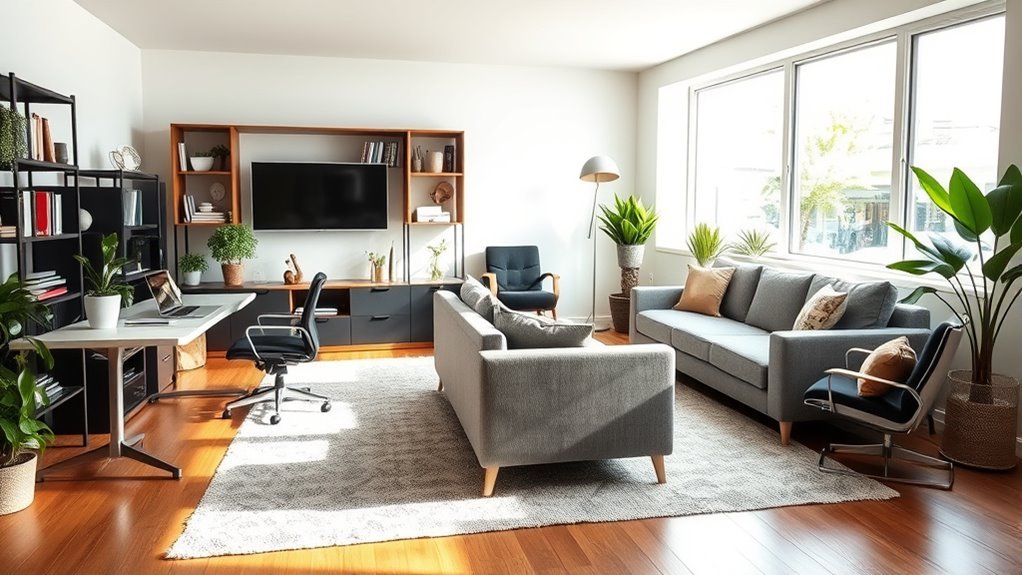
Designing a living room for working from home is about creating two clear moods in one shared space: a focused work zone that supports your body and a relaxed living zone that still feels warm, welcoming, and uncluttered. The best setup starts with the room itself—its windows, doors, outlets, walkways, seating, storage, and lighting—then layers in a desk, chair, task lighting, and smart organization that fit the way you actually work.
Quick Answer
To design a living room for working from home, measure the space first, choose a desk that fits the layout, place your monitor away from window glare, add ergonomic seating, use layered lighting, hide cables, and separate the work zone from the relaxation zone with storage, rugs, shelving, or furniture placement.
Key Takeaways
- Start with a room audit: measure walls, windows, doors, outlets, walkways, and the view behind your desk.
- Choose a desk style that matches the room: floating, console, secretary, wall-mounted, corner, or compact sit-stand.
- Make the workstation ergonomic with a supportive chair, proper monitor height, comfortable keyboard position, and regular movement breaks.
- Use natural light carefully; place screens perpendicular to windows and control glare with curtains, shades, and task lighting.
- Keep the living room calm by using closed storage, cable clips, baskets, trays, and an end-of-day reset routine.
At a Glance
| Time Required | 1–2 hours to plan and measure; longer if buying furniture or installing shelves |
| Difficulty | Beginner-friendly |
| Tools Needed | Tape measure, outlet check, notebook or floor-plan app, lamp, cable clips, baskets or bins |
| Cost | $0–$600+ depending on whether you reuse furniture, add lighting, or buy a new desk and chair |
Assessing Your Living Room for a Productive Workspace
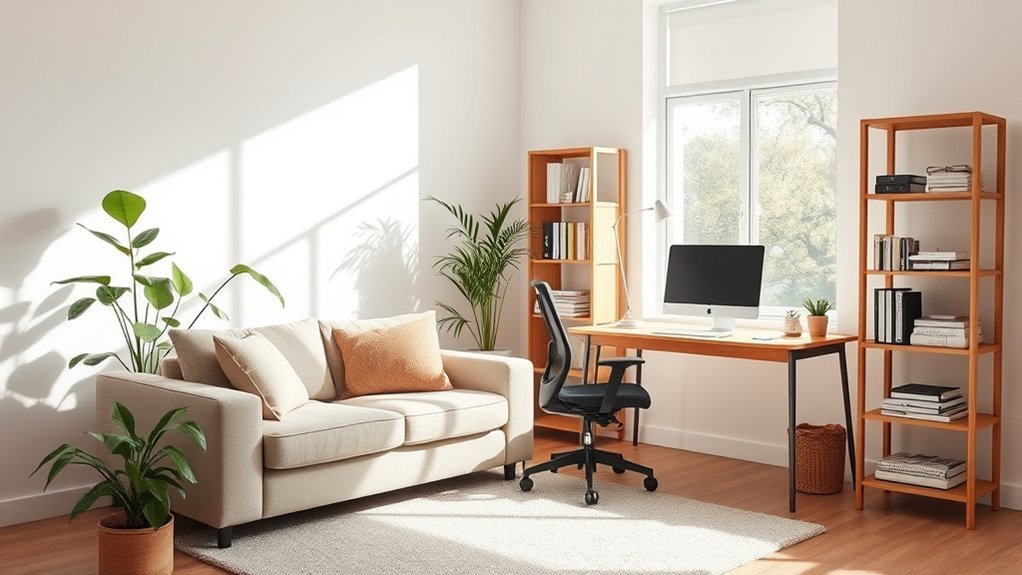
Before choosing a desk or rearranging furniture, map the room. Measure each wall, then note the placement of windows, doors, radiators, vents, outlets, built-ins, TV mounts, and high-traffic walkways. This helps you avoid the most common living room office mistake: squeezing a desk into the only open corner without checking glare, power, chair clearance, or movement through the room.
Look for a work zone that gives you enough depth for a chair and desk, keeps the main walkway open, and does not force your screen to face a bright window. If you take video calls, also check what appears behind you. A bookcase, art wall, curtain, or tidy console usually works better than a busy kitchen view, hallway, or pile of living room clutter.
Note: A good living room office does not need to be large. It needs a clear work surface, comfortable seating, controllable light, nearby power, and a simple way to hide work items when the day ends.
As you evaluate the room, divide it into zones: work, lounging, storage, media, and traffic. In a small living room, these zones can overlap, but they should still feel intentional. A rug can anchor the seating area, a bookcase can create a visual boundary, and a slim desk behind the sofa can turn unused space into a functional work surface.
Choosing the Right Desk for Your Home Office
After evaluating your living room and defining your workspace, choose a desk that fits both your work habits and the room’s style. The right desk should support your laptop or monitor, leave room for a notebook or keyboard, and look like it belongs with the rest of the furniture.
Here are the best desk options for a living room home office:
- Console desk: Great behind a sofa or against a wall. Choose one with enough depth for comfortable typing.
- Secretary desk: Ideal when you want to close the work surface and hide papers after hours.
- Wall-mounted or floating desk: Best for very small rooms where floor space is limited.
- Corner desk: Useful when an unused corner has good light, nearby power, and enough chair clearance.
- Compact sit-stand desk or converter: Helpful if you like to alternate between sitting and standing.
- Built-in desk nook: Best for long-term remote work if you can use shelving, cabinetry, or an alcove.
Check desk dimensions before buying. A laptop-only setup can work on a slimmer surface, but a monitor, keyboard, mouse, and lamp need more depth. Also check the visual weight of the desk. Wood adds warmth, glass feels lighter, and a painted desk can blend into the wall for a calmer look.
Recommended Products

Partner for Small Space: The console table with a size of 29.5"L x 9.5"W x 29.5"H. Use it as a slim sofa table behind your couch, a stylish entryway table in your hallway or entrance, or a practical console table in the kitchen, study, or meeting room. What's more, you also can get larger storage space when you put these console tables together

Multi-angle display Switch Stand compatible with Nintendo Switch Console. Adjustable to the perfect viewing angle.

3-Tier Storage Spaces console table: The 3-tier narrow console table includes 2 dense mesh shelves and 2 spacious non-woven fabric drawers below the wooden tabletop. 2-tier open shelf design allows you to place books, vases, DVDs, storage boxes, etc. assuring your desktop is more tidy and satisfying your various needs
Setting Up Your Desk, Chair, and Screen Ergonomically
A desk may look beautiful and still feel uncomfortable after two hours. For daily work, treat the desk, chair, screen, keyboard, mouse, and lighting as one system. The goal is to keep your body relaxed and supported rather than hunched over a laptop on the coffee table.
Use these setup checks:
- Chair: Choose a chair with back support. If the chair is too low or your feet do not rest comfortably, use a footrest.
- Monitor: Place the screen directly in front of you, at a comfortable reading distance, with the top of the screen at or slightly below eye level.
- Keyboard and mouse: Keep them close enough that your elbows can stay near your body and your wrists can stay straight.
- Laptop: For long work sessions, raise the laptop screen and use a separate keyboard and mouse.
- Movement: Change positions, stretch, and stand up periodically instead of sitting still all day.
Pro Tip: If your living room chair looks better than it feels, keep a slim lumbar pillow nearby. It can make a dining chair or accent chair more supportive without turning the room into a corporate office.
Recommended Products

Fully Adjustable Office Chair: Customized chairs, featuring with an adjustable 2D headrest, backrest with 90° to 120° recline, and 3D adjustable armrests for multiple work postures at will and discover unparalleled comfort throughout the workday.

【ERGONOMIC OFFICE CHAIR】- The ergonomic chair provides 4 supporting points(head/ back/ hips/ hands) and a proper lumbar support. Suitable for people of about 5'2" to 6'1"(Please refer to the height of the user). It's easy to adjust seat height, headrest, backrest and flip-up arms to meet different needs, good for sitting long hours.

【Adjustable Lumbar Support】- The lumbar support of MOLENTS office chair can be adjusted up and down, forward and backward to deliver tailored support for your lower back.
Implementing Smart Storage Solutions to Combat Clutter
As you create a functional workspace within your living room, smart storage solutions become essential. The goal is not just to store more items; it is to make work disappear visually when you are done.
Start by using vertical space. Built-in shelving, wall-mounted shelves, or a narrow bookcase can hold books, files, printer paper, baskets, and decorative objects without taking over the floor. If your desk has no drawers, add a mobile filing cabinet, lidded box, or storage ottoman nearby.
Multifunctional furniture is especially helpful in a shared living room. Choose ottomans with hidden storage, coffee tables with shelves, side tables with drawers, or a console with cabinets. These pieces let you store chargers, notebooks, headphones, and paperwork without leaving work supplies scattered across the room.
Use small containers for small categories:
- One tray for daily items like pens, glasses, and sticky notes.
- One basket for laptop accessories and chargers.
- One file box for papers that must stay accessible.
- One closed cabinet or drawer for supplies you do not use every day.
Recommended Products

【QUICK ASSEMBLY, EASY FOLDAWAY】This storage ottoman from the SONGMICS MAZIE Collection has a foldable design that allows quick setup in seconds by simply inserting the bottom panel. Easily fold and store it under the bed or in a closet when not in use.

【QUICK ASSEMBLY, EASY FOLDAWAY】This storage ottoman from the SONGMICS MAZIE Collection has a foldable design that allows quick setup in seconds by simply inserting the bottom panel. Easily fold and store it under the bed or in a closet when not in use

Heavy-Duty Support: Built with thick MDF panels for strong structural support, this storage ottoman bench holds up to 660 lbs. The cushioned top features high-density foam and breathable linen fabric, providing a comfortable seating experience
Managing Cables and Technology Without Visual Mess
Cables can make even a beautiful living room office feel chaotic. Plan technology before you place the desk permanently. Choose the outlet you will use, then decide where the power strip, charging cables, router, printer, and lamp cords will go.
Use adhesive cable clips along the back of the desk, a cable tray under the work surface, and a cord cover if a cable has to run along a wall. Label chargers if several people share the room. If you use a printer rarely, store it in a cabinet or closet instead of giving it prime living room space.
Warning: Do not overload outlets or run cords across walkways. If your desk is far from power, use a safer furniture layout rather than creating a trip hazard.
Optimize Your Lighting for Better Work Conditions
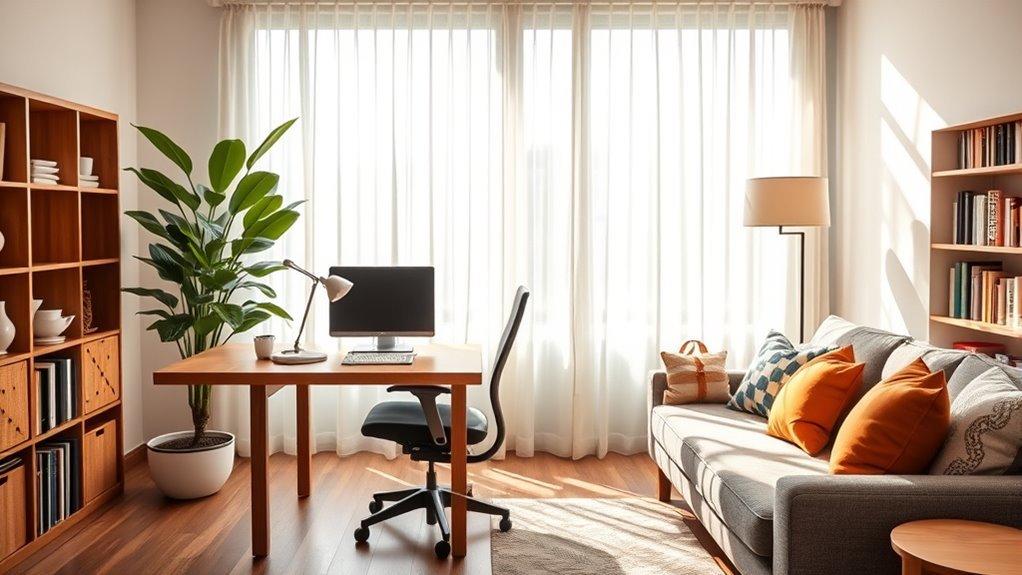
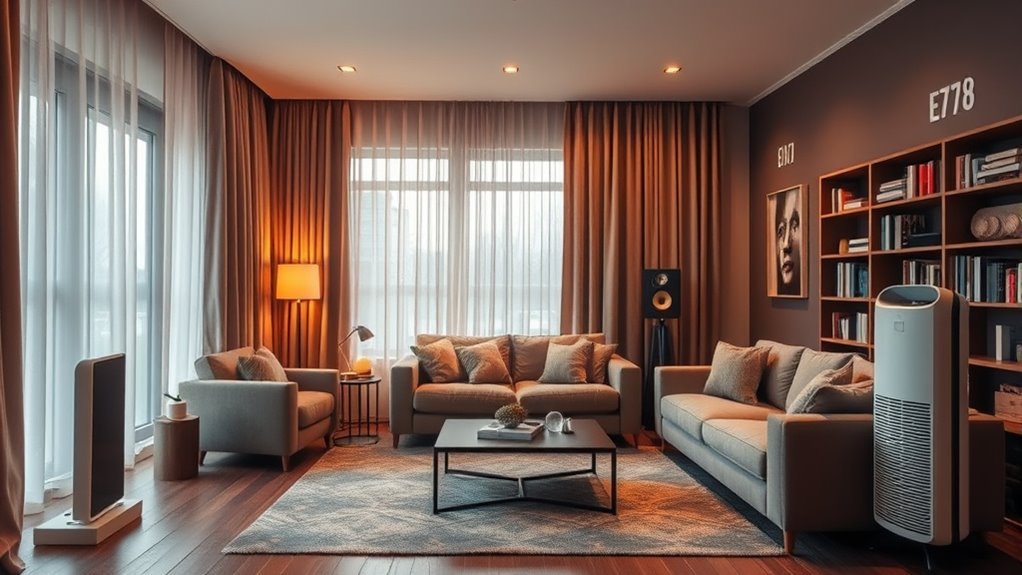
Good lighting makes the room more comfortable for both work and relaxation. The best approach is layered lighting: daylight when available, ambient light for the room, task lighting for the desk, and softer lamps for evenings.
Natural light is valuable, but screen placement matters. Avoid putting your monitor directly in front of a bright window or with a window directly behind you. A better setup is usually perpendicular to the window, with curtains, blinds, or shades that let you control glare throughout the day.
Use this lighting plan:
- Start with daylight control: Use sheer curtains, lined drapes, or blinds to soften harsh sun.
- Add ambient lighting: Use ceiling lights, wall lights, or floor lamps so the room is not lit by the screen alone.
- Add task lighting: Place an adjustable desk lamp to the side of your dominant hand to reduce shadows while writing.
- Use warm relaxation lighting: In the evening, switch to softer table or floor lamps so the room stops feeling like an office.
For a polished look, choose lamps that match the living room’s finish palette. A brass task lamp, ceramic table lamp, or matte black floor lamp can support work without making the space feel temporary.
Designing a Cozy Seating Area for Relaxation
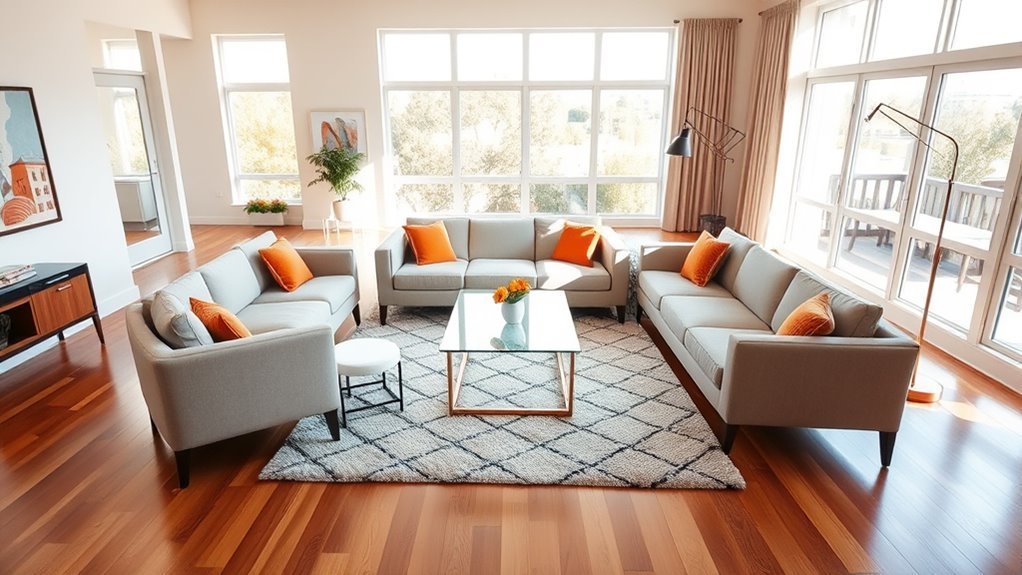
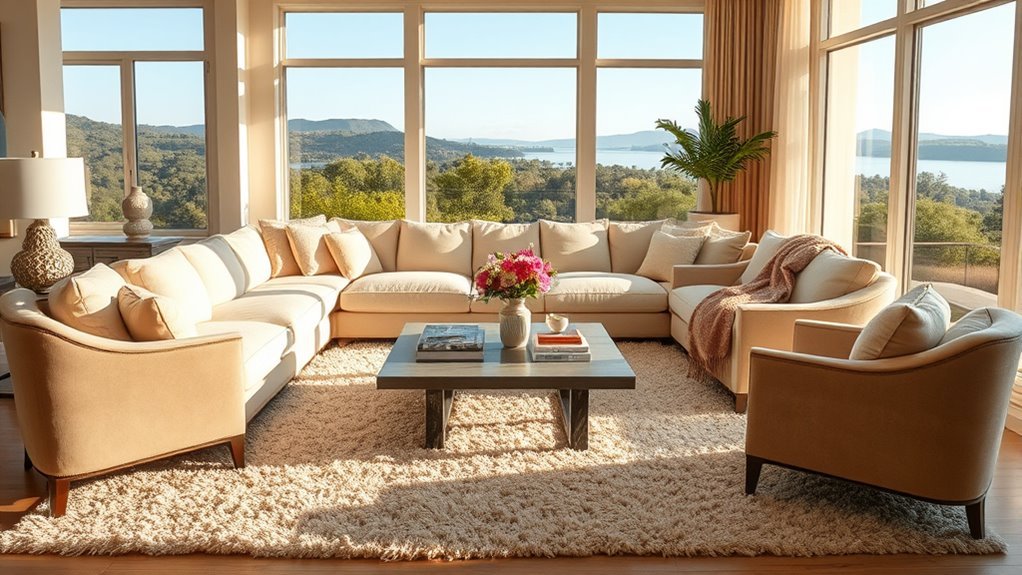
A living room home office still needs to feel like a living room. The seating area should invite you to unwind, talk, read, watch TV, or enjoy a break away from the screen. Start with comfortable seating that suits the room size: a sofa, loveseat, pair of accent chairs, or a compact sectional.
Select Comfortable Seating Options
Choose seating that supports both daily life and work breaks. A plush sofa is ideal for relaxing, while an accent chair can create a quiet reading corner. Poufs and ottomans are useful because they can act as footrests, extra seats, or hidden storage.
Arrange seating for conversation rather than pushing every piece flat against the wall. Even a few inches of breathing room around furniture can make the layout feel more intentional. Keep the path from the entryway to the sofa and desk clear so the office zone does not interrupt the room’s natural flow.
Incorporate Soft Textiles
Soft textiles help the work zone blend into the living area. Use throw blankets, decorative pillows, curtains, and rugs to create warmth and absorb some of the visual hardness of office equipment. Choose fabrics that repeat colors already in the room so the desk area feels connected rather than added later.
| Textile Type | Purpose |
|---|---|
| Throw Blankets | Add comfort and help the room feel relaxed after work hours |
| Decorative Pillows | Repeat colors from the desk area and soften seating |
| Velvet or Chenille Upholstery | Bring texture, warmth, and a more finished look |
| Layered Rugs | Define the lounge zone and add softness underfoot |
| Floor Cushions or Poufs | Offer casual seating that can move when the desk chair needs space |
Create Inviting Ambiance Lighting
Ambiance lighting helps your living room shift from work mode to home mode. Use warm bulbs, dimmers, table lamps, picture lights, or a floor lamp near the sofa. If the desk lamp is very bright and task-focused, turn it off at the end of the day and let softer lighting take over.
This small ritual helps your brain recognize that the workday is finished, even when the desk is still in the room.
Make It Yours: Adding Personal Touches to Your Workspace
Personal touches keep a living room workspace from feeling sterile. Add artwork, a framed photo, a small plant, a beautiful pen cup, or a ceramic tray for daily tools. The key is restraint. A few meaningful pieces feel inspiring; too many small objects become visual noise.
Choose desk accessories that match the living room’s style. If your room is warm and natural, use wood, linen, rattan, or ceramic. If the room is modern, use clean-lined metal, glass, or matte finishes. Repeat one or two colors from the sofa, rug, or curtains so the work zone feels planned.
Plants and flowers can soften the desk area and make it feel more inviting, but keep them proportional. A small pothos, vase of branches, or compact plant works better than a large pot that steals desk space.
Balancing Work and Relaxation Zones in Your Home Office
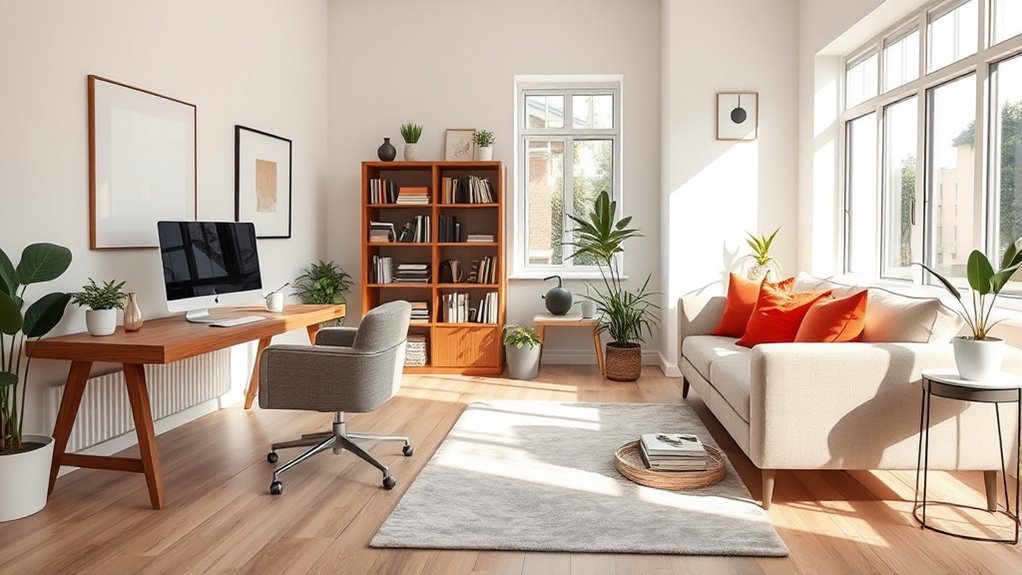
Creating a personalized workspace is only part of the project. To make the room work long term, build a clear boundary between work and relaxation. The boundary can be physical, visual, or behavioral.
- Use furniture arrangement: Place the desk behind the sofa, along a side wall, inside a nook, or near shelving so it feels like a defined zone.
- Add a visual anchor: Use a rug, wall art, pinboard, or small lamp to make the desk area look intentional.
- Choose storage with doors: Closed storage keeps paperwork and office supplies from taking over the living room.
- Control light by zone: Use brighter light at the desk and softer light around the sofa.
- Create an end-of-day reset: Close the laptop, clear the desk surface, tuck in the chair, coil cables, and place papers in one tray or file box.
The easiest way to make a living room office feel calm is to give every work item a place to go when the workday ends.
Small Living Room Home Office Ideas That Work
If your living room is small, focus on furniture that does more than one job. A wall-mounted desk can fold away, a secretary desk can hide papers, and a narrow console can work as both a laptop station and display surface. A storage ottoman can hold office supplies while still serving the seating area.
Try these small-space ideas:
- Use the wall: Add shelves above the desk instead of using a wide bookcase.
- Choose leggy furniture: Sofas, chairs, and desks with visible legs feel lighter than bulky pieces that sit directly on the floor.
- Go vertical: Tall shelves use wall height and keep floor space open.
- Hide the office: Use a folding screen, curtain panel, cabinet desk, or lidded baskets.
- Limit the palette: Repeating two or three finishes makes the room feel calmer and more spacious.
Daily Reset Routine for a Living Room Office
The hardest part of working from a living room is switching off. A simple reset routine keeps your home from feeling like an office all evening.
- Save your work and close the laptop.
- Place papers in one file tray or folder.
- Return pens, chargers, and headphones to their container.
- Push in or move the desk chair.
- Turn off the task lamp and switch on softer living room lighting.
- Clear mugs, plates, and water glasses from the desk.
- Do a 60-second visual scan before relaxing.
This routine is small, but it protects the balance between work and home life. When the desk looks calm, the whole living room feels calmer.
Frequently Asked Questions
What is the 2/3 rule for living rooms?
The 2/3 rule is a flexible decorating guideline, not a strict requirement. It often means choosing furniture that is roughly two-thirds the size of the wall, rug, or anchor piece near it. In a living room office, use it to keep the desk, sofa, art, and storage visually balanced instead of oversized.
What is the 3-5-7 rule of decorating?
The 3-5-7 rule is a styling trick based on odd-numbered groupings. You might style three objects on a desk, five items on a shelf, or seven textures across a room. It works well in a home office because it keeps accessories intentional instead of cluttered.
How do you combine a home office and living room?
Combine a home office and living room by giving the desk a defined zone, choosing furniture that matches the room, controlling cords, adding closed storage, and using lighting to separate work time from relaxation time. A rug, bookcase, console, or wall-mounted desk can help the office area feel intentional.
What is the 4-inch rule for seating in a living room?
The 4-inch rule is usually used as a visual spacing guideline, not a universal design law. In a living room office, a more useful approach is to keep enough clearance for walking, pulling out the desk chair, opening storage, and moving between the sofa, desk, and door without squeezing.
Where should a desk go in a living room?
Place the desk where it has nearby power, enough chair clearance, good task lighting, and limited screen glare. Strong options include behind a sofa, beside a bookcase, in an alcove, near a side wall, or perpendicular to a window. Avoid blocking main walkways or placing the monitor directly in harsh sunlight.
How can I hide office clutter in a living room?
Use closed storage, lidded baskets, a mobile file cabinet, a secretary desk, cable clips, and one daily tray for active papers. At the end of each workday, clear the desk surface, tuck away chargers, and switch from task lighting to softer living room lighting.
Conclusion
A well-designed living room home office should support both focus and rest. Start with the room’s real constraints, then choose a desk, chair, lighting plan, storage system, and layout that make work feel easy without letting it dominate the living space. When the desk has proper support, the lighting is controlled, the cables are hidden, and every work item has a home, the room can shift naturally from productive workspace to cozy retreat.
Sources
- OSHA Computer Workstations eTool — supports ergonomic workstation planning and neutral working posture.
- OSHA Chair Setup Guidance — supports chair adjustment, lumbar support, and seated comfort recommendations.
- OSHA Monitor Setup Guidance — supports monitor distance, screen height, and window placement guidance.
- OSHA Workstation Environment Guidance — supports lighting, glare control, and task-light recommendations.
- W3C WAI Images Tutorial — supports descriptive image alt text and accessibility best practices.





[…] How to Design a Living Room for Working From Home: Step-By-Step Guide […]