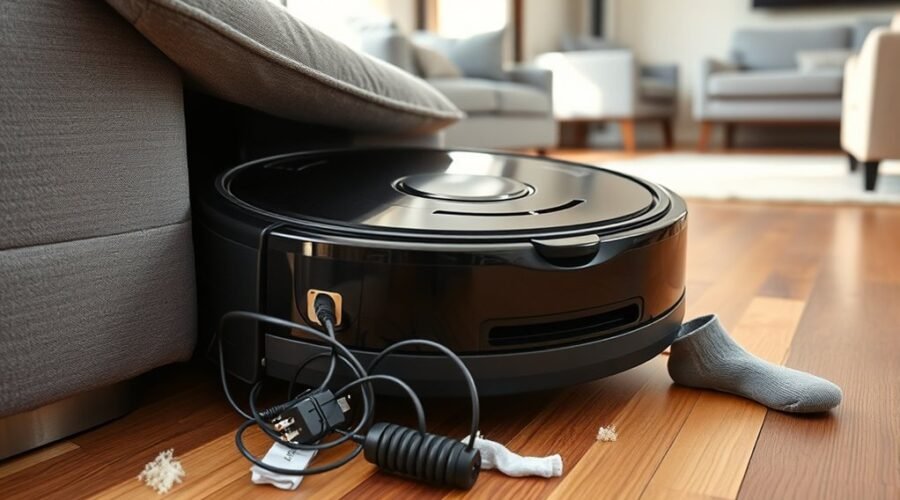
Robot vacuums often get trapped beneath couches, beds, and cabinets when clearance is too low or furniture legs create awkward pinch points. Crossbars, uneven floors, and poor sensor readings can make escape difficult. Regular checks of wheels, brushes, and sensors help, but that is only part of the answer. A few simple layout changes and app settings can prevent repeated stops and reduce recovery time.
Why Robot Vacuums Get Stuck Under Furniture
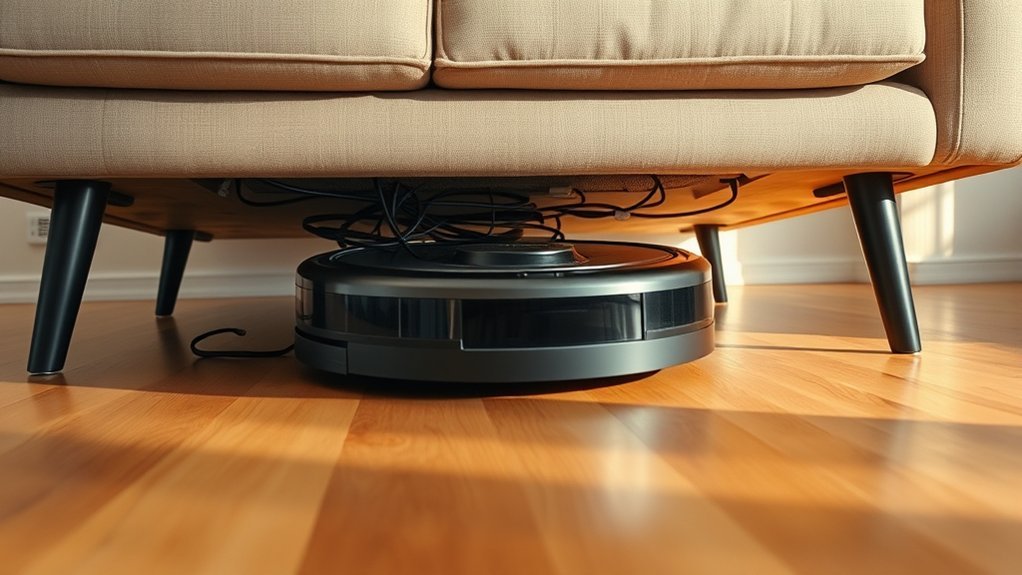
Robot vacuums often get stuck under furniture when the clearance is too low for their body height, as many models need at least 4 inches to move through safely.
This robot vacuum getting stuck is usually a direct result of low clearance, not random failure. Misjudgment of height can send the unit toward a couch or bed it cannot fit beneath, while uneven furniture legs create narrow pinch points that become a trap under furniture.
Structural components such as crossbars or support bars reduce usable space and block escape routes. Slippery flooring can also weaken traction, so wheels spin and poor navigation worsens near obstacles.
The result is predictable: the machine commits to a path, loses mobility, and remains wedged. For practical control where your robot moves, note furniture height, leg spacing, and hidden structure components before starting a cleaning cycle.
Check Sensors, Wheels, and Brushes
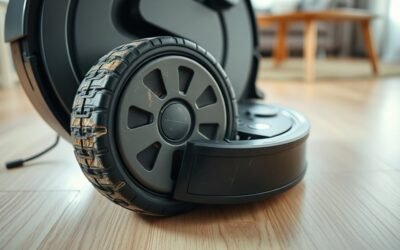
Beyond clearance problems, a robot vacuum that gets stuck under furniture may also have sensor or mobility faults that worsen navigation. To restore control, check sensors, wheels, and brushes before assuming the space itself is the only issue. Clean the sensors with a dry cloth; dust can trigger navigation errors and poor obstacle detection. Verify cliff sensors are clear and responsive. Inspect wheels for debris buildup, hair, or tangled cords that restrict motion. Examine brushes for wrapped fibers or dirt that limit suction and reduce effective cleaning.
| Component | Action |
|---|---|
| Sensors | Clean the sensors; confirm alignment |
| Wheels | Remove debris buildup and hair |
| Brushes | Clear tangles; restore effective cleaning |
Routine maintenance on these moving parts helps prevent repeated stoppages under furniture and keeps the machine moving with greater autonomy. When each subsystem works freely, the vacuum can maintain its path, avoid needless pauses, and deliver more reliable cleaning across the home.
Set Up No-Go Zones and Virtual Walls
Define no-go zones and virtual walls to keep the vacuum away from low-clearance furniture such as couches and beds. In the ECOVACS HOME App, no-go zones can be drawn around problematic zones so a robot vacuum stays clear of tight spaces that trigger navigation errors.
Many models also support customizable mapping, letting the user assign specific areas as off-limits and direct cleaning toward open floor. Virtual walls, created with boundary strips or emitters, add invisible barriers that block entry without physical clutter.
This protects the machine from obstacles and improves cleaning efficiency by concentrating effort where access is safe. Software updates should be installed regularly, because mapping accuracy and barrier control often depend on current firmware.
With these settings active, the vacuum can move with greater autonomy and less interference, reducing the chance of getting trapped under furniture and preserving a cleaner, more controlled route throughout the home.
Raise the Couch or Block the Gap
When virtual barriers are not enough, the physical layout around low-clearance furniture can be adjusted to prevent repeat entrapment. To raise the couch at least 4 inches, use risers or caster wheels; this often removes the robot vacuum from the danger zone. To block the gap, place physical barriers such as foam noodles or furniture blockers along the front edge, limiting access to low-clearance areas. These fixes support cleaner navigation and reduce obstructions.
| Action | Effect | Note |
|---|---|---|
| Raise the couch | Increases clearance | Use stable risers |
| Block the gap | Restricts entry | Fit snugly |
| Match furniture height | Prevents jams | Check dimensions |
| Organize furniture | Opens pathways | Improve routing |
| Reassess layout | Preserves efficiency | Adjust as needed |
Selecting new furniture with compatible height keeps the robot vacuum moving freely. Regular review of the room plan sustains efficiency and protects autonomy.
Fix DEEBOT Stuck Under Couch Problems
A DEEBOT that repeatedly becomes stuck under a couch usually needs better obstacle detection and access control. Regular maintenance should include cleaning its sensors so it can recognize obstacles at low clearance and stop before entry.
The ECOVACS HOME App can define no-go zones around low furniture, and virtual walls can reinforce those limits. Mapping technology should be enabled, because accurate room maps help the robot avoid tight routes and preserve freedom from repeated rescue.
If software limits are insufficient, physical barriers such as furniture blockers or foam noodles can block the gap and stop movement under the couch. Model selection matters as well; a DEEBOT with a height of at least 4 inches is less likely to wedge beneath low furniture.
In practice, effective prevention comes from combining sensor care, app-based boundaries, and physical barriers so the robot can navigate independently without getting trapped.
Frequently Asked Questions
How to Stop a Robot Vacuum From Getting Stuck Under Furniture?
Preventing entrapment requires matching robot design to furniture height, improving sensor technology and mapping accuracy, and managing clearance issues. Practical obstacle navigation comes from virtual walls, user settings, floor types, plus regular maintenance tips.
What Are the Most Common Problems With Robot Vacuums?
Like a compass in fog, the most common problems are Robot vacuum navigation failures, Robot vacuum sensors clogging, Cleaning performance issues, Battery life concerns, and App connectivity problems; Smart mapping features, Obstacle detection technology, Noise levels comparison, Dustbin capacity challenges, Maintenance tips matter.
What Is the Average Lifespan of a Robot Vacuum?
A robot vacuum typically lasts 3–5 years. Robot vacuum maintenance, features, technology, brands, performance, sensors, design, efficiency, reviews, and upgrades strongly affect longevity; batteries often need replacement after 2–3 years for sustained operation.
Which Robot Vacuum Doesn’t Get Stuck Under Furniture?
iRobot Roomba s9+, Roborock S7, and Ecovacs DEEBOT T8 AIVI best avoid furniture traps. Their Smart sensors, Low profile, Navigation systems, and Obstacle detection suit varied Floor types, Cleaning modes, Home layout, and Anti tangle features.
Conclusion
In conclusion, when a robot vacuum becomes lodged beneath furniture, the issue typically reflects a modest mismatch between clearance, sensing, and terrain. Regular attention to sensors, wheels, and brushes helps keep navigation precise, while no-go zones and virtual walls reduce repeat visits to difficult areas. Where needed, furniture can be gently elevated or gaps discreetly blocked. For DEEBOT models, these measured adjustments usually restore orderly movement and dependable cleaning performance.