Robot vacuum wheel errors often begin with simple obstructions, worn parts, or poor alignment. Cleaning the wheel housing, checking the caster, and verifying firmware can restore movement in many cases. Yet some faults point to a failing motor or internal damage that basic maintenance will not fix. The challenge is knowing where routine troubleshooting ends and repair becomes necessary, especially when repeated stalls start to affect the whole system.
Why Your Robot Vacuum Wheel Gets Stuck
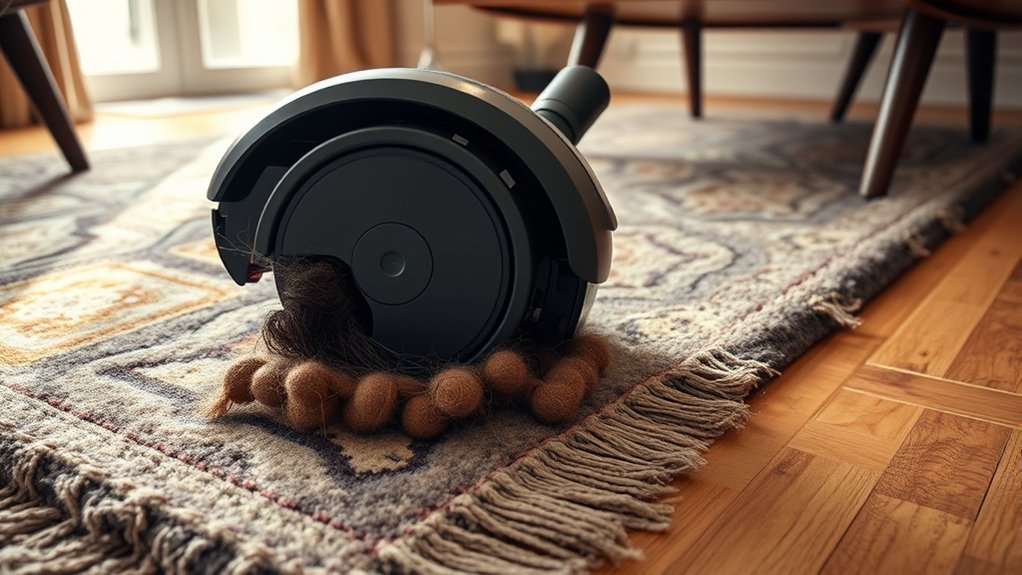
A robot vacuum wheel commonly gets stuck when debris such as hair or dust wraps around the axle, restricting rotation and increasing resistance.
In the Robot Vacuum’s drive system, hair tangles and packed dust create wheel errors that can escalate into a stuck robot vacuum wheel. Loose cords, toys, and thick rugs can also defeat obstacle avoidance, physically blocking travel and forcing navigation faults.
Hair, dust, cords, and rugs can trigger wheel errors, block travel, and leave a robot vacuum stuck.
Worn tread, damaged bearings, or misaligned parts increase friction and produce uneven movement, reducing traction and control.
Wheel sensors detect abnormal resistance, and protection logic may halt motion to limit damage.
Regular maintenance tips focus on cleaning the wheels, clearing housings, and checking for trapped debris before resistance rises.
These measures preserve mobility, reduce shutdowns, and keep the machine operating with less dependence on restricted paths.
Quick Robot Vacuum Wheel Fixes
First, the wheel housing should be checked for hair, debris, or lodged objects that may obstruct movement, and any blockage should be removed immediately.
The wheel axles can then be cleared with tweezers or a small brush, and lightly lubricated if needed to restore smooth rotation.
If the error persists, the vacuum should be reset and retested according to the manufacturer’s procedure.
Clear Wheel Obstructions
Inspect the robot vacuum’s wheels for hair, dust, and other debris, since even minor obstructions can trigger errors such as “drive wheel stuck” and reduce mobility.
Effective cleaning begins with lifting the vacuum cleaner and checking both drive wheel assemblies and the small directional wheel. Hair wrapped around axles, tucked into housings, or packed beside bearings should be removed with tweezers or a small brush.
Any lodged debris in the wheel housing should be cleared carefully, because hidden wheel obstructions can block rotation and impair navigation.
After cleaning, confirm that each wheel turns freely and the chassis no longer binds against the floor. This routine preserves performance, restores control, and supports longer service life by preventing repeated strain on the wheel motors and sensors.
Reset And Retest
Resetting the robot vacuum can clear temporary wheel-related faults: power it off, unplug it for at least 10 seconds, then restart and retest wheel movement.
If the wheel error remains, inspect the wheel housing for debris and continue cleaning until the drive wheels turn freely. The small directional wheel should also be checked, because blockage there can trigger false drive wheel faults.
A firmware update is worth verifying, since software fixes often resolve known navigation and wheel error behavior.
When symptoms persist after reset and cleaning, realign the wheel assembly and, if needed, loosen the mounting screws slightly so the mechanism can settle correctly.
This sequence gives the user a practical path to reclaim dependable movement without unnecessary disassembly or wasted effort.
Clean the Wheels and Wheel Housing
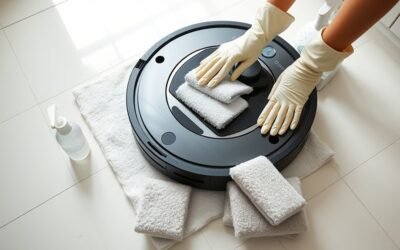
Hair and debris should be removed from the wheels and wheel housing with a damp cloth and a soft brush to restore free movement.
The housing should be cleaned thoroughly to clear compacted dust, lint, and other obstructions that can trigger driving wheel errors.
Wheel axles should also be checked for tangles or blockages before reassembly, and all parts should be fully dry.
Remove Hair And Debris
A buildup of hair and debris around the robot vacuum’s wheels and wheel housing can restrict rotation and trigger wheel errors, so these areas should be cleaned regularly.
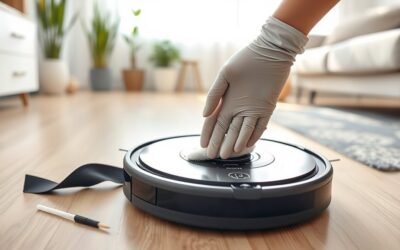
A regular inspection should focus on the axle, tire edges, and housing opening. To remove hair, use tweezers or a small brush; this clears the wheel surface and reduces wheel issues caused by wrapped fibers.
Dust buildup should also be removed, because it increases friction and limits smooth rotation. The wheels should move freely after cleaning, without resistance or scraping.
For peak performance, cleaning once a week is recommended, with shorter intervals in pet homes.
Before reassembly, verify that all components are dry, because moisture can impair function and invite further faults.
Clean Wheel Housing Thoroughly
Thorough cleaning of the wheel housing helps prevent dust and debris from building up, which can increase friction and restrict wheel movement.
To clean wheel housing areas, use a damp cloth and soft brush to remove dirt from the wheels, sidewalls, and recesses. Inspect for tangled hair, especially pet hair wrapped around the axle, because hidden fibers can block rotation and trigger error alerts.
Any residue should be cleared without forcing components. The housing must be fully dry before reassembly to avoid moisture-related faults.
Weekly maintenance is advisable in homes with animals, since frequent cleaning helps prevent dust buildup and can enhance performance and extend service life.
Precise attention to these contact points preserves motion, reduces resistance, and supports dependable, uninterrupted operation for users seeking practical control.
Check the Robot Vacuum Caster Wheel
Inspecting the robot vacuum’s caster wheel is a practical first step when wheel-related errors appear. A careful check of the robot vacuum castor wheel can reveal debris, hair, or other debris that restrict free movement.
Because this wheel supports steering and balance, even minor obstruction can reduce performance and leave the machine struggling around obstacles and corners. Cleaning should begin by removing the wheel, then clearing the axle and housing so both surfaces rotate without drag. After cleaning, reinstall the part securely and verify smooth motion by hand.
If the castor wheel is worn, cracked, or deformed, it may no longer maintain traction or stability. In that case, replace it with a compatible part; most models offer replacement options.
A functional caster wheel helps the robot vacuum move with precision, avoid getting stuck, and preserve efficient navigation. This maintenance step keeps movement autonomous, reliable, and free from unnecessary limitation.
When the Wheel Motor Needs Repair
When the robot vacuum displays a wheel motor error, the issue often points to a damaged motor or faulty connection that can limit movement. A technician or owner should inspect the wheel motor for wear, heat damage, and loose wiring, since these faults can stop a robot vacuum move cycle or trigger a drive wheel error.
If debris is packed around the wheel housing, it should be cleared to loosen trapped debris before further testing. Electrical checks should cover continuity, corrosion, and connector seating, because a weak signal can mimic motor failure.
If the issue continues after cleaning and basic inspection, the wheel motor may need replacement, and the correct replacement wheel assembly and tools should match the model exactly. Since disassembly is often required, careful handling matters.
When basic steps fail, professional help is the practical limit, especially where internal repairs demand specialized skills and safety discipline.
Common Robot Vacuum Wheel Errors by Brand
Brand-specific wheel errors often follow recognizable patterns across robot vacuum lines, and those patterns help narrow the fault quickly.
Shark units often report side wheel reset faults or drive wheel error 18, usually pointing to dirty sensors or damaged wheel parts.
Shark units often show side wheel reset faults or drive wheel error 18, usually from dirty sensors or damaged wheel parts.
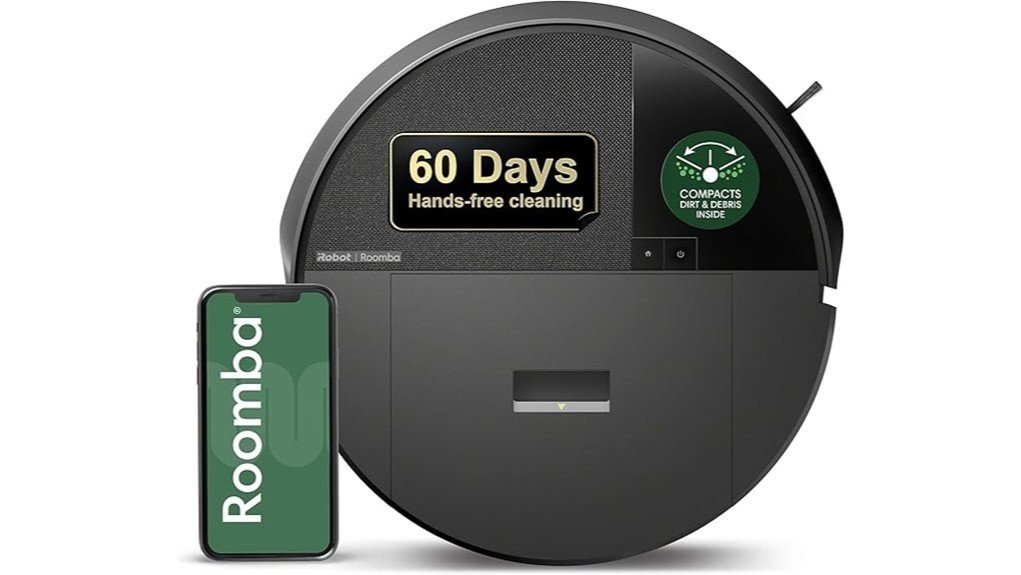
Roomba models commonly show wheel obstruction alerts when debris blocks motion; clearing the wheels and checking for free rotation often restores operation.
Ecovacs DEEBOT machines may issue drive wheel adjustment errors, which usually trace to misaligned wheel assemblies.
Neato vacuums can flag wheel sensor faults when hair or grit wraps the components, so careful cleaning with compressed air can help.
Roborock models may struggle when the drive wheel meets thick carpet or uneven flooring, especially where wheel treads cannot maintain traction.
Across brands, the cleaning wheel path should be inspected for buildup, because neglected debris can hide faults, limit the ability to detect obstacles, and cause the robot to get stuck during routine navigation.
Prevent Future Robot Vacuum Wheel Errors
Regular wheel maintenance helps prevent recurring robot vacuum wheel errors by reducing friction, removing debris, and preserving alignment.
Technicians should regularly inspect and clean the wheels to remove dust, fibers, and compacted grit before they cause resistance. In homes with pets or long hair, schedule weekly cleaning so buildup does not migrate into the drive assembly and prevent sticking.
The docking area should remain flat, level, and free of cords or objects, because poor alignment can compound wheel faults and impede charging.
Periodically lubricate wheel axles with a manufacturer-approved product to support smooth rotation and reduce wear on bearings and mounts.
When available, update firmware to benefit from navigation refinements and improved wheel control logic.
A disciplined routine gives the machine fewer failure points and gives users more autonomy over maintenance, rather than waiting for an error to interrupt cleaning.
Frequently Asked Questions
What Does the “Right Wheel Error” Message Mean on My Roomba?
It means the Roomba’s right wheel is obstructed or failing. Roomba maintenance tips, Right wheel troubleshooting, Error message explanations, Wheel cleaning techniques, Common Roomba issues, Sensor calibration methods, Firmware update importance, User manual insights help diagnose.
What Are the Most Common Problems With Robot Vacuums?
40% of robot vacuum failures stem from maintenance neglect. Common problems include Battery life decline, Navigation issues, Dustbin problems, Brush entanglement, Sensor malfunctions, and Connectivity troubles, all reducing Cleaning performance; regular Maintenance tips preserve autonomy and liberation.
What Does the “Roborock Wheel Jammed Error” Mean and How Can I Fix It?
It means the Roborock’s wheel jammed, blocking movement. Practical troubleshooting tips include power-off inspection, cleaning techniques, and checking sensor issues. Regular maintenance routines reduce navigation problems. If rotation remains poor, wheel replacement or professional service may be needed for error prevention.
My Shark Ion Vacuum Cleaner Is Displaying a “Drive Wheel Error.” How Can I Fix This?
He would clear debris removal around both wheels, verify wheel alignment, clean brushes, inspect sensors, test battery issues, and apply firmware updates. If troubleshooting steps fail, replacement parts may be required after sensor maintenance.
Conclusion
Robot vacuum wheel errors often arise from debris, misalignment, or worn components. Routine cleaning of the drive wheels, caster wheel, and housing can restore movement and reduce strain on the motor. Firmware updates may also correct known faults. Yet DIY maintenance has clear limits: persistent grinding, intermittent traction loss, or motor failure usually require professional service. Treat the wheel system as the device’s foundation; when it weakens, the entire machine loses stability.