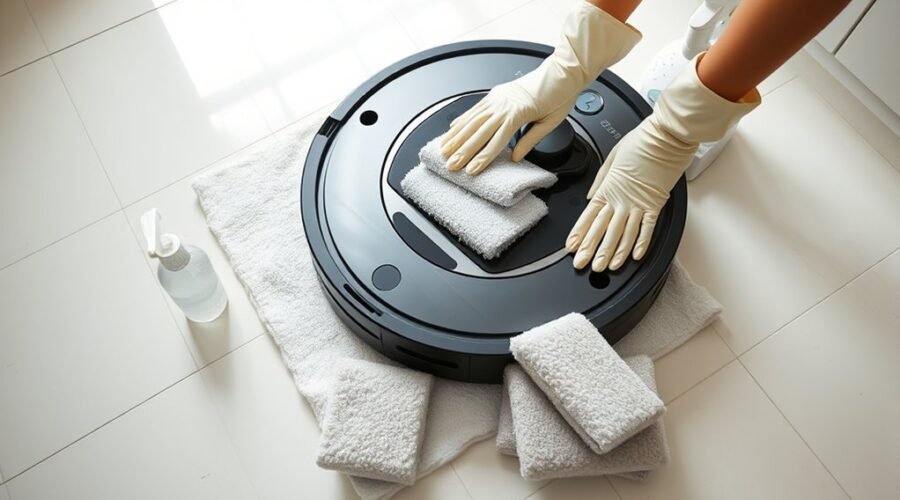
Robot vacuum mop pad replacement is a simple maintenance task, but the correct steps depend on your model. A loose, dirty, or worn pad can leave streaks, spread residue, and reduce cleaning performance. This guide shows you how to remove and install a mop pad safely, check its fit, and keep it in good condition.
Quick Answer
To replace a robot vacuum mop pad, stop the robot and remove the mop plate or cleaning bin according to your model. Peel away the old pad, clean the mounting surface, and attach a compatible replacement without wrinkles. Reinstall the assembly, refill the water tank if needed, and check that the pad stays secure during cleaning.
At a Glance
| Difficulty | Easy for most removable-pad models |
| Tools Needed | Compatible mop pad, clean cloth, and water if your model requires it |
How to Replace Robot Vacuum Mop Pads Safely
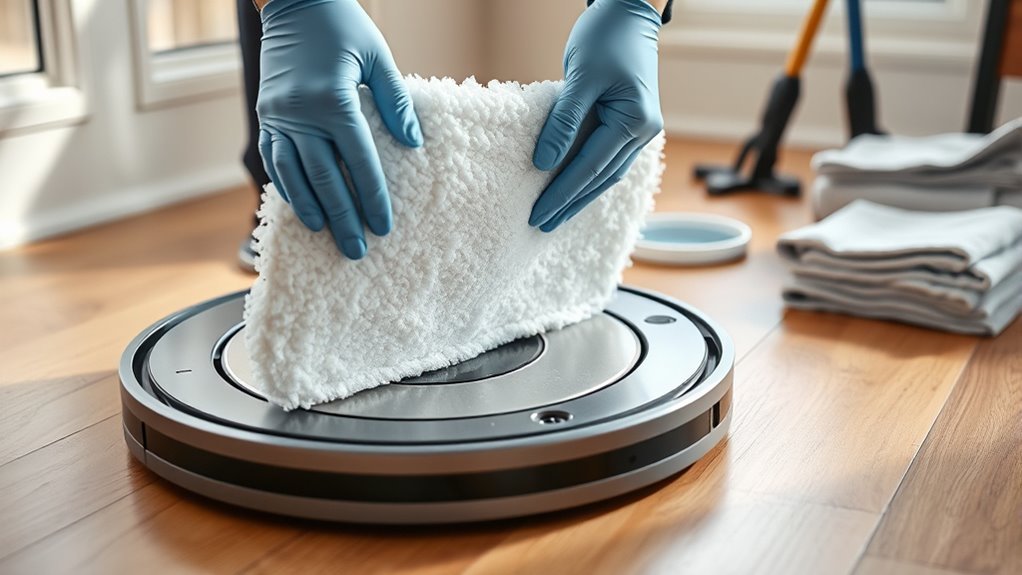
Replacing a robot vacuum mop pad involves removing the old cleaning cloth, preparing the mounting plate, and fitting a new pad securely. Most designs use a removable plate, hook-and-loop fasteners, or a sliding attachment.
The procedure below follows the bin-mounted system used by the Roomba 100/1000 Combo series. You can compare the sequence with iRobot’s official mop pad replacement instructions.
Warning: Stop the robot before handling its mop assembly. Switch it off according to your model’s instructions. Never force a stuck component or turn a robot upside down while a water-filled attachment could leak.
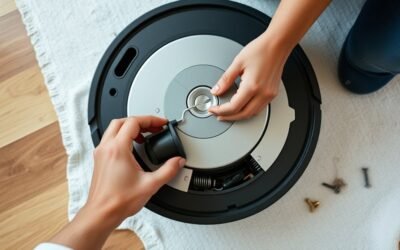
- Stop the cleaning job. Remove the robot from its dock if necessary and place it on a stable surface.
- Locate the mop assembly. Identify the bin release button, water tank, and mop pad plate.
- Detach the bin. On a Roomba 100/1000 Combo, press the release button and carefully pull out the bin.
- Remove the pad plate. Separate the plate from the bin to access the used mop pad.
- Peel away the old pad. Lift it gradually from the mounting surface without damaging the attachment points.
- Clean the plate. Remove loose dirt, hair, and residue with a clean cloth. Allow the mounting surface to dry.
- Install the replacement. Lightly dampen the new pad if your model requires it. Align it with the plate and press it flat.
- Reassemble the mop system. Secure the plate to the bin, then fill the water reservoir as directed for your model.
- Reinstall and test. Return the bin to the robot, place it on the dock, and start a short cleaning job to check the attachment.
After installation, the pad should sit flat against its holder without loose corners or visible folds. The plate and bin should also remain firmly attached.
How to Remove the Old Robot Vacuum Mop Pad
To remove an old robot vacuum mop pad, first release its mounting plate or cleaning bin. Then separate the cloth from the attachment surface using slow, even pressure. The goal is to remove the fabric without damaging the plate or its fasteners.
Detach the Pad Without Damaging the Holder
For a bin-mounted Roomba system, press the bin release button and remove the bin. Take off the mop pad plate to expose the cleaning cloth underneath.
Hold the plate securely with one hand. Use your other hand to lift an edge of the used pad and peel it away gradually.
If the pad has a sliding tab, release that section before pulling away the remaining fabric. Avoid tugging on plastic clips, rubber seals, or water-dispensing parts.
The Roomba Combo i5 and j5 use a pad with a central plastic tab and a matching track. Their official mopping and maintenance guide also warns against turning the robot upside down with its Combo Bin installed.
Inspect the Old Pad and Mounting Plate
Once you remove the pad, check its fabric and backing for damage. Look for these signs:
- Frayed edges or loose threads
- Holes, tears, or thinning fabric
- Worn attachment strips or damaged tabs
- Stubborn dirt that remains after washing
- Persistent odours or reduced water absorption
Next, inspect the mounting plate. Remove trapped hair, grit, or residue that could prevent the new pad from gripping evenly.
If the old pad is washable and still usable, clean and dry it before storage. Dispose of damaged pads according to local waste rules.
How to Attach a New Robot Vacuum Mop Pad
Attach a new mop pad by matching its shape and fasteners to the correct mounting plate. The fabric should cover the intended cleaning area without hanging over the edges. A secure fit prevents shifting, bunching, and uneven contact with the floor.
Match the Pad to Its Attachment System
Robot vacuum mop pads do not all attach the same way. The correct installation depends on the design.
- Roomba 100/1000 Combo: Lightly dampen the pad, align it with the mounting plate, and attach it evenly.
- Roomba Combo i5/j5: Insert the plastic tab into the central track, then press both ends against the plate.
- Roomba Combo j7+/j9+: Lift the mop plate and slide the pad into its slot. The official installation instructions describe this attachment method.
- Hook-and-loop attachments: Align the fabric backing with the matching fastening surface and press evenly.
Use a replacement made for your exact model. A pad that looks similar may have different attachment points or dimensions.
Secure the Plate and Fill the Water Tank
After fitting the pad, press around its edges to confirm that the fabric lies flat. Check that no loose material covers clips or attachment slots.
Return the plate to its mounting position. It should seat securely without needing excessive force.
Next, fill the water reservoir if your robot requires manual filling. Use room-temperature water or a cleaning liquid specifically approved for your model.
iRobot provides a model-specific list of approved cleaning solutions for Roomba mopping robots. The Roomba 100/1000 Combo can use water alone or its listed approved cleaner.
Do not add ordinary household detergent, vinegar, bleach, or disinfectant to the reservoir unless the manufacturer explicitly permits that product.
Finally, reinsert the bin and confirm that it is fully seated. Check around the reservoir for leaks before starting the robot.
Check That the New Pad Works
Start a short mopping job on a suitable hard floor. Watch the robot during its first movements to see whether the pad remains attached.
A correctly fitted pad should move with the robot without folding underneath it. The floor should show reasonably even moisture, rather than repeated dry gaps or excessive pooling.
If the pad shifts, stop the cleaning job and inspect the attachment before continuing.
When to Wash or Replace Robot Vacuum Mop Pads
Wash reusable robot vacuum mop pads after each cleaning job to remove dirt and prevent residue from building up in the microfibre. Replace them when the material becomes worn or the manufacturer recommends a new pad.
For the Roomba 100/1000 series, iRobot recommends replacement every 3–6 months. Other Roomba models use different maintenance intervals.
Robot Vacuum Mop Pad Replacement Schedule
| Roomba Model | Cleaning Method | Replacement Guidance |
|---|---|---|
| Roomba 100/1000 Combo | Hand-wash with cold water after use; air dry. | Every 3–6 months, or sooner if worn. |
| Roomba Combo i5/j5 | Rinse after each job; hand or machine wash as needed; air dry. | After 30 washes. |
| Roomba Combo j7+/j9+ | Hand-wash with warm water or machine wash on a warm cycle; air dry. | Replace when worn; no fixed interval in the cited pad-care instructions. |
| Roomba Plus 500 | Pads are washed automatically after cleaning. | After 180 hours of cleaning. |
These intervals come from the Roomba 100/1000 maintenance schedule, the model-specific instructions above, and the Roomba Plus 500 mop pad care guide.
Cleaning frequency, floor conditions, and pad material can affect actual service life. Inspect the pad between scheduled replacements instead of relying only on its age.
How to Wash Reusable Mop Pads
Clean the pad according to its manufacturer’s instructions. Never assume that machine washing is safe simply because the pad is reusable.
For Roomba 100/1000 pads, use the following method:
- Remove the mop pad from its mounting plate.
- Rinse and hand-wash the fabric thoroughly using cold water.
- Gently work out trapped dirt without pulling or twisting the attachment backing.
- Allow the pad to air dry completely before storage.
- Inspect the fabric before using it again.
Do not machine wash Roomba 100/1000 mop pads. Some other Roomba models permit machine washing, but you must follow their specific temperature and drying instructions.
Avoid bleach and fabric softener because they can damage cleaning fibres or leave unwanted residue. Use mild detergent only if your pad’s care instructions allow it, and rinse thoroughly.
When preparing a clean Roomba 100/1000 pad for a new mopping job, lightly dampen it as directed before attaching it to the plate.
How to Make Robot Vacuum Mop Pads Last Longer
Robot vacuum mop pads last longer when you remove dirt promptly, wash them correctly, and allow them to dry between cleaning sessions. Keeping abrasive debris away from the fabric also helps reduce unnecessary wear.
Use these habits to maintain your pads:
- Clean after every mopping job. Remove dirt before it dries into the microfibre and becomes difficult to rinse away.
- Use the correct washing method. Follow the specified water temperature and avoid harsh cleaning products.
- Allow complete drying. Store reusable pads only after they have dried to help prevent persistent odours.
- Remove grit before mopping. Vacuum loose sand, crumbs, and other abrasive debris from hard floors.
- Inspect attachment points. Check fabric backing, plastic tabs, and hook-and-loop strips for wear.
- Rotate spare pads. Keep a clean replacement available while another pad is being washed and dried.
If your robot supports vacuuming before mopping, that sequence can help reduce abrasive debris on the floor.
Proper maintenance also includes removing leftover water from the tank after a cleaning job, where your model’s instructions call for it.
For the Roomba 100/1000 Combo, iRobot’s mopping guidance recommends emptying the tank after use. These models can detect and avoid rugs, but they cannot lift their mop pads above carpets. Remove rugs from the intended mopping area before starting.
Keeping spare pads and rotating them between cleaning jobs gives each reusable pad enough time to dry. It also reduces the temptation to reuse a heavily soiled cloth.
What to Do if the New Robot Vacuum Mop Pad Does Not Work
If your robot does not mop properly after a pad replacement, first inspect the pad’s position and attachment points. A loose plate, incorrect replacement, or empty water tank can prevent normal cleaning.
The Mop Pad Keeps Falling Off
A loose pad often points to poor alignment, trapped debris, or worn fastening material. Remove the pad and inspect the backing and mounting plate.
Clean the attachment surface, align the pad again, and press it into place. If the fasteners are damaged, replace the affected component with one compatible with your robot.
The Robot Leaves Streaks or Dry Patches
Streaks can appear when the pad is dirty, worn, folded, or making uneven contact with the floor. Remove the pad and check for trapped grit or hardened residue.
If the cloth is clean and correctly fitted, inspect the water tank and confirm that the robot is dispensing water normally.
Replace pads that have lost their absorbency or developed thin areas that no longer clean evenly.
The Robot Does Not Recognise the Mop Pad
Some Roomba models display Error 35 when they cannot detect a valid installed pad. This can happen if the pad becomes dislodged or is not recognised correctly.
Follow iRobot’s Error 35 troubleshooting instructions to inspect the attachment and restart the robot if needed.
If the error continues after reinstalling a compatible pad, contact the manufacturer’s support service rather than forcing the mechanism.
Frequently Asked Questions
Can Roomba Mop Pads Be Washed?
Yes, many reusable Roomba mop pads can be washed, but the cleaning method depends on the model. Roomba 100/1000 pads require hand-washing with cold water. Combo j7+/j9+ pads can be hand-washed or machine-washed using the recommended settings. Allow washable pads to air dry before storage.
How to Detach Roomba Mop Plate?
To detach the mop plate on a Roomba 100/1000 Combo, press the bin release button, remove the bin, and separate the plate from it. Other Roomba models use different mounting mechanisms. Release the attachment according to your model’s instructions and avoid pulling or forcing the plate.
How Often Should I Change My Roomba Mop Pad?
Roomba 100/1000 mop pads should generally be replaced every 3–6 months. The Combo i5/j5 guidance recommends replacement after 30 washes, while Roomba Plus 500 pads have a recommended interval of 180 cleaning hours. Replace any pad sooner if it develops tears, thinning fabric, or poor absorption.
How to Install Roomba Mop Pads?
To install a Roomba 100/1000 mop pad, remove the bin and pad plate, lightly dampen the replacement, and attach it evenly. Reinstall the plate, fill the water tank, and return the bin to the robot. Other Roomba models may use sliding tabs, slots, or spinning pad attachments.
Conclusion
Robot vacuum mop pad replacement is straightforward when you use the correct pad and follow your model’s attachment method. Remove the old cloth carefully, clean the mounting surface, and secure the replacement before starting a cleaning job.
Wash reusable pads as directed, inspect them for damage, and replace them when they no longer clean effectively. These simple habits help maintain reliable mopping and prevent unnecessary wear.
Sources
- iRobot: Roomba 100/1000 Mop Pad Replacement: Official removal, installation, and hand-washing procedure.
- iRobot: Roomba Combo i Series and j5/j5+ Mopping Guide: Pad attachment, washing rules, replacement after 30 washes, and bin safety.
- iRobot: Roomba Combo j7+/j9+ Pad Installation: Sliding pad attachment and permitted washing methods.
- iRobot: Approved Cleaning Solutions: Model-specific cleaning liquids and water tank restrictions.
- iRobot: Roomba 100/1000 Care Schedule: Pad cleaning frequency and 3–6-month replacement guidance.
- iRobot: Roomba Plus 500 Mop Pad Care: Automatic pad washing and 180-hour replacement recommendation.
- iRobot: Error 35 Troubleshooting: Pad recognition and installation troubleshooting.
- iRobot: Roomba 100/1000 Mopping Guide: Water tank care, hard-floor cleaning, and carpet precautions.