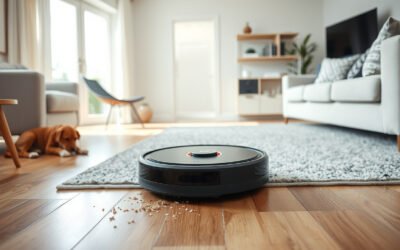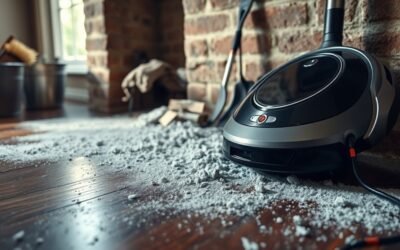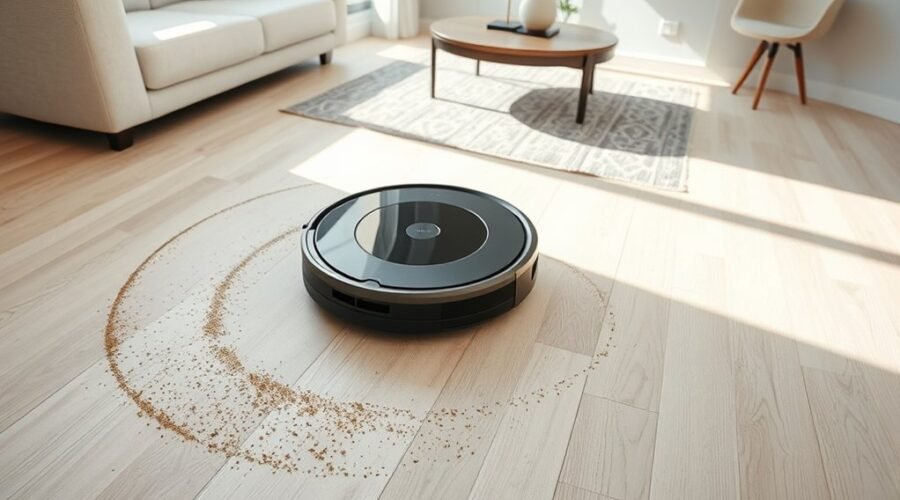
When a robot vacuum leaves dirt behind, the cause is often mechanical rather than electronic. Brushes may be tangled, filters may be restricted, or airflow may be lost through a clogged passage or a poor seal. Thresholds and floor changes can also interrupt pickup. Each fault reduces cleaning performance in a different way, and the next steps identify where the loss is happening.
Why Is Your Robot Vacuum Leaving Dirt Behind?
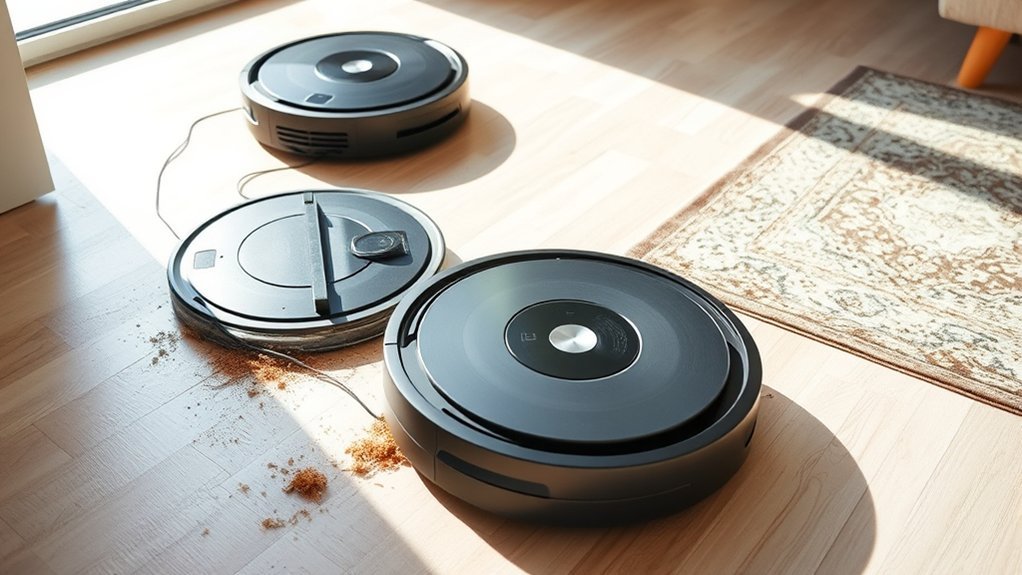
A robot vacuum may leave dirt behind when airflow or agitation is compromised. Common faults are dust accumulation in the dustbin, clogging in internal passages, and saturated filters that restrict suction. When airflow drops, debris remains on the floor even if the machine runs a full cycle.
Missed dirt also appears when brushes are worn or the roller path is obstructed, because agitation weakens and particles are not swept into the intake. Side brushes that no longer flex properly can leave edges untouched. An incorrect height setting may worsen results on carpet or hardwood, causing poor contact with the surface.
Worn brushes, blocked roller paths, or poor height settings can leave dirt behind and reduce cleaning effectiveness.
Blockages in hoses or the brush compartment can further limit performance. Each condition reduces cleaning efficiency and keeps the user dependent on constant manual correction.
For practical repair, the unit should be inspected for dust buildup, clogging, damaged brushes, and loaded filters before considering more complex faults.
Check the Robot Vacuum Brushes
- Lift the vacuum and rotate the main brush by hand; resistance often signals wrapped fibers.
- Remove any hair, string, and lint from the brush axle and end caps.
- Reinstall the parts, then confirm the brushes spin freely and contact the floor properly.
Clean the brushes after each use to prevent buildup that reduces performance.
If damage is visible, replace the parts according to the manufacturer’s guidance.
Before retesting, empty the bin so airflow is not restricted by packed debris.
Empty the Bin and Clean the Filter
With the brushes cleared and spinning freely, attention should shift to airflow management by emptying the dustbin after each cleaning session and checking the filter. A full bin restricts suction, reducing the vacuum’s ability to lift dirt and leaving debris behind.
Regular emptying restores capacity and keeps air moving freely through the system. The filter should be cleaned weekly to preserve performance; accumulated dust on the filter can choke airflow and weaken pickup.
Regular emptying restores capacity, while a clean filter keeps airflow strong and pickup consistent.
Inspection matters as well: worn or heavily soiled filters should be replaced, especially disposable units every two to six months, depending on use. Any filter returned to service must be completely dry, since moisture can impede function and promote mold.
Consistent care of the bin and filter gives the vacuum a clear path to operate at full efficiency, supporting reliable debris collection and reducing the need for repeated passes.
Clear Clogs in the Brush Path
Brush compartment blockages should be checked first, since debris in this area can restrict airflow and reduce suction.
Wrapped hair or string around the roller brush should be removed carefully with appropriate tools to restore free rotation.
A clear brush path helps maintain pickup performance and prevents strain on the drive system.
Brush Compartment Blockages
A blocked brush compartment can sharply reduce a robot vacuum’s suction and cleaning performance, leaving debris behind on floors. The brush compartment should be checked for blockages that hinder the roller brush and lower cleaning efficiency. Hair, string, and lint can restrict motion, especially where traffic leaves dense soil.
- Power off the unit and inspect the brush path.
- Lift out the roller brush and verify free rotation.
- Clear compacted debris from the compartment walls.
When the brush path is open, agitation improves and dirt is lifted more reliably from carpet fibers and hard surfaces.
Regular inspection preserves performance, reduces motor strain, and supports longer service life. Freed from obstruction, the machine can work with less resistance and more dependable results.
Remove Wrapped Debris
Entangled hair, string, and debris should be removed from the roller brush whenever they begin to wrap around the brush path, since these clogs reduce pickup efficiency and can strain the drive system.
To remove wrapped debris, the technician should lift the robot, open the brush cover or housing, and expose the roller brush fully according to the manufacturer’s instructions. Scissors or a cleaning tool can then cut away trapped material without nicking bristles or bearings.
The brush should be inspected for wear, flattening, or damage, because a degraded roller lowers vacuum performance and leaves dirt behind. This maintenance should occur at least monthly, and more often in pet-heavy homes, to keep the machine clear, free, and effective.
Fix Threshold Drop-Offs
- Raise or lower the chassis setting for the floor change.
- Clear brush housing obstructions and free the roller.
- Clean and reshape side brushes so they sweep corners and ledges.
After each adjustment, run a short test across carpet, tile, and doorway strips. Note where debris remains and whether the pattern repeats at the same drop-off.
That map shows whether the fault is clearance, brush contact, or shift handling. With each correction, the machine gains more direct, reliable movement, and the room becomes easier to claim.
Check the Dustbin Seal and Air Leaks
If the vacuum leaves debris behind, the dustbin seal should be checked first for a secure fit. The dustbin must sit fully in place; even slight gaps can create air leaks and reduce effective suction.
The rubber dustbin seal should be inspected for wear, flattening, or deformation, since an imperfect seal weakens airflow and can leave dirt behind. The dustbin and nearby components should be kept clean so residue does not interfere with closure or sealing.
Any debris around the housing should be removed, because obstructions can prevent the bin from locking down properly. When the seal is cracked or damaged, replacement is the practical correction.
A sound dustbin seal preserves the closed airflow path the machine depends on, allowing it to collect debris instead of redistributing it. This simple check supports reliable performance and keeps cleaning power under the user’s control.
Keep Your Robot Vacuum Cleaning Well
Consistent maintenance keeps a robot vacuum operating at peak efficiency. For robot vacuums, the common causes of dirt left behind are limited airflow, clogged brushes, and neglected dust collection.
To keep the machine free to work, users should Empty The Dustbin after each run so suction remains strong and debris cannot recycle back onto floors. Filters should be Clean or Replace every 1-6 months, based on model and use, because restricted filtration weakens airflow.
Weekly brush care matters as well:
- Remove hair from the roller brush, like threads binding a wheel.
- Clear side brushes, which sweep along edges like small paddles.
- Inspect foam seals and connections for a firm, airtight fit.
The app can also send maintenance reminders and replacement alerts, helping the device stay independent from guesswork.
When these tasks are followed, the vacuum moves with more authority, captures more dirt, and leaves fewer missed patches behind.
Frequently Asked Questions
Why Is My Roborock Leaving Dirt Behind?
Roborock dirt retention usually reflects degraded robot performance from a full dustbin, filter issues, tangled brushes, or incorrect floor settings. Regular maintenance tips—emptying, cleaning, and replacing parts—restore cleaning efficiency and prevent debris from remaining.
What Are the Most Common Problems With Robot Vacuums?
Battery issues, Navigation problems, Brush maintenance, and Sensor malfunctions are the most common robot vacuum failures. These faults reduce runtime, miss debris, and weaken pickup, so regular inspection, cleaning, and replacement restore reliable, autonomous cleaning.
Why Is My Vacuum Spitting Dirt Back Out?
It usually indicates reduced suction power from debris buildup, poor filter maintenance, or clogged hoses; worn seals may leak air, and navigation issues can scatter particles. Regular inspection and cleaning restore effective collection and indoor liberation.
Why Is Dust Coming Out of the Back of My Shop Vac?
Dust exiting the back usually signals an overfilled bag, clogged filter, or common clogs in the hose. Coincidentally, once shop vac maintenance begins—filter cleaning, seal checks, and restoring suction power—dust release typically stops.
Conclusion
A robot vacuum leaving dirt behind usually points to reduced airflow, obstructed brushes, or sealing issues in the dustbin path. In practice, these faults are easy to verify: clear hair from the brush roll, empty the bin, clean the filter, and inspect for clogs and air leaks. Importantly, a single clogged filter can reduce suction performance by up to 50%, making routine maintenance essential for consistent debris pickup and reliable cleaning results.