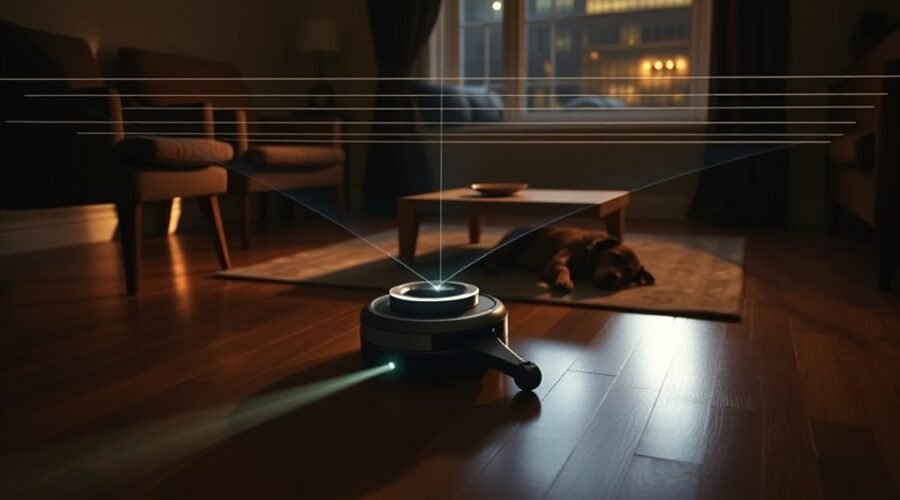
LiDAR navigation helps robot vacuums map your home, clean in organized paths, and find their way around furniture. It uses laser measurements instead of relying only on cameras or random movement. This makes it especially useful in dark rooms and complex floor plans. However, its ability to avoid small obstacles depends on more than the laser scanner alone.
Quick Answer
Robot vacuums use LiDAR because laser measurements help them locate walls, furniture, and open spaces. This supports accurate room maps, efficient cleaning routes, and reliable navigation without room lighting. LiDAR also enables features such as no-go zones. However, small cables, pet waste, and low objects may require additional obstacle-detection sensors.
What Is LiDAR Navigation in Robot Vacuums?
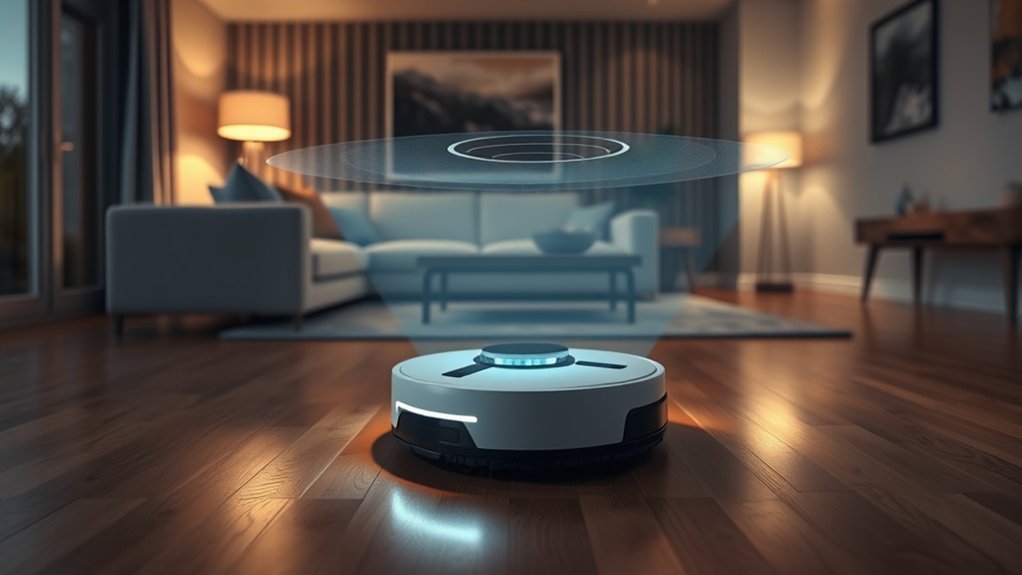
LiDAR stands for Light Detection and Ranging. In robot vacuums, it uses laser light to measure distances to nearby objects and create a map of the cleaning area. The robot uses that map to understand its position and plan where to move next.
Many models use a rotating laser distance sensor, often called LDS. It scans the surroundings and measures reflected light from walls, furniture, and other surfaces.
The robot combines these measurements with movement sensors and mapping software. This process is called SLAM, or Simultaneous Localization and Mapping.
SLAM helps the robot build a map while estimating its location within that map. According to Vorwerk’s explanation of LiDAR mapping, its Kobold VR7 combines a 2D laser scanner with an inertial measurement unit to build a floor plan.
Although some robot apps display 3D room views, a conventional rotating LiDAR scanner primarily measures a horizontal slice of the surroundings. A full 3D understanding of obstacles may require other sensors.
How Accurate Is LiDAR Mapping?
LiDAR can measure distances precisely, but sensor measurement accuracy and the accuracy of a complete room map are different things. Results depend on the sensor, surfaces, software, and environment.
For example, the SLAMTEC RPLIDAR A1 specifications list these capabilities for a laser scanner designed for applications including vacuum robots:
- Measurement range: 0.15 to 12 meters.
- Scanning speed: 5.5 rotations per second.
- Field of view: 360 degrees.
- Distance accuracy: 1% of the measured range at distances up to 3 meters.
These are specifications for one sensor, not guaranteed performance figures for every robot vacuum. A robot’s actual navigation accuracy also depends on how it processes measurements and tracks its movement.
How Does a LiDAR Map Improve Cleaning?
Once the robot creates a floor map, compatible models can save it for future cleaning sessions. This reduces the need to explore the entire home from scratch.
A saved map can support several useful features:
- Room-by-room cleaning: Select which rooms need attention.
- No-go zones: Block areas containing cables, fragile items, or obstacles.
- Efficient routes: Clean in organized rows instead of repeatedly crossing the same areas.
- Custom schedules: Assign cleaning tasks to selected rooms or zones.
- Recharge and resume: Return to the charging dock and continue an unfinished job on supported models.
These features help the robot cover more of the intended floor area with less manual guidance. However, the available controls differ between models and apps.
Why LiDAR Beats Cameras for Mapping
LiDAR often provides more reliable navigation than camera-only mapping in rooms with poor lighting. It measures distances using reflected laser light, so it does not need visible room lighting to recognize nearby walls and furniture.
Camera-based navigation, often called visual SLAM or vSLAM, uses images and recognizable visual features to estimate the robot’s position. It can work well in suitable lighting but may struggle when those features become difficult to see.
For example, iRobot’s camera-navigation guidance explains that extremely dark rooms can interfere with its camera-based localization and cleaning coverage. It recommends daylight or dim lighting for the affected models.
LiDAR avoids that particular dependence on visible light. However, this does not mean every LiDAR vacuum is better than every camera-based model.
| Navigation System | Main Advantage | Main Limitation |
|---|---|---|
| LiDAR | Measures room boundaries directly and works without visible light. | May miss small objects below the scanning height. |
| Camera-based vSLAM | Uses visual landmarks for navigation and may allow a lower-profile design. | Can struggle in darkness or areas with few visual features. |
| LiDAR with camera or 3D sensors | Combines room mapping with additional floor-level obstacle detection. | Adds hardware complexity, and performance still varies by model. |
Camera systems can also recognize specific objects rather than only measuring their distance. This can help a robot identify shoes, cables, and other items on the floor.
Some manufacturers combine technologies to gain both advantages. For example, Roborock’s Reactive AI 2.0 obstacle-recognition system uses 3D structured light and an RGB camera for additional object detection.
Therefore, LiDAR is often preferable for reliable room mapping, while a combination of sensors may provide better obstacle recognition in cluttered homes.
How LiDAR Robot Vacuums Avoid Obstacles
LiDAR robot vacuums avoid many obstacles by measuring their position and adjusting their cleaning routes. They can detect large fixed objects, such as walls and furniture, before reaching them.
As the scanner collects new measurements, the navigation software compares them with the saved map. It can then slow down, turn, or choose a different route when an obstacle appears.
However, mapping and obstacle avoidance are not the same function.
What Obstacles Can LiDAR Miss?
A top-mounted LiDAR scanner primarily detects objects that intersect its scanning plane. Small items lying beneath that plane may remain invisible to the sensor.
According to Xiaomi’s Robot Vacuum S60 support documentation, its LiDAR system may fail to detect small chair legs, cables, and low objects. Dark or reflective surfaces can also affect detection.
Common problem objects include:
- Charging cables and power cords.
- Socks, small toys, and loose fabric.
- Low furniture supports and narrow chair legs.
- Dark or highly reflective objects.
- Pet waste and other small floor-level obstacles.
These limitations explain why some robot vacuums also use front-facing cameras, structured-light sensors, infrared sensors, or mechanical bumpers.
A bumper detects contact after the robot touches something. A front-facing depth sensor may detect an object earlier, while a camera with object-recognition software may identify certain items.
Warning: Do not assume LiDAR alone can avoid power cords or pet waste. Remove loose cables and fragile objects before cleaning, especially when using a model without dedicated floor-level obstacle recognition.
How Do No-Go Zones Help?
Virtual no-go zones tell a compatible robot to avoid selected areas on its map. They are useful around pet bowls, delicate furniture, cable clusters, and spaces where the robot often gets stuck.
You can create these boundaries through the robot’s mapping app when the feature is supported. The robot then uses its saved position to plan a route around the restricted area.
For best results, inspect the map after the initial mapping run. A poorly positioned virtual boundary may leave an obstacle exposed or prevent the robot from cleaning an area you intended to include.
Where LiDAR Robot Vacuums Work Best
LiDAR robot vacuums work especially well in homes with several rooms, complicated layouts, or limited lighting. Their main advantage is consistent position tracking, which helps them move between rooms and follow organized cleaning routes.
They can also be helpful in homes with pets, particularly when room scheduling and no-go zones allow you to control where cleaning takes place.
| Environment | Advantage |
|---|---|
| Complex homes | Detailed room maps support organized routes around walls and furniture. |
| Low-light conditions | Laser-based mapping works without visible room lighting. |
| Homes with pets | Room scheduling and no-go zones help control cleaning areas. |
Large homes can benefit from reusable maps because the robot can identify rooms and track completed areas instead of relying on random movement.
For multi-level homes, a model with multi-floor mapping is especially useful. It can store separate layouts for different floors and recognize them during future cleaning sessions.
For example, Roborock’s multi-floor mapping instructions explain how supported models can save separate maps for different levels. Some models can recognize the correct floor after being carried there.
However, LiDAR does not allow a robot vacuum to climb stairs. You must still move the machine between levels, and the robot relies on other sensors to detect dangerous drops.
Homes with extensive floor clutter need additional consideration. Even a robot with an excellent LiDAR map may become trapped by toys, cables, or uneven transitions.
How to Choose a LiDAR Vacuum for Your Home
Choose a LiDAR robot vacuum based on your home’s layout, furniture clearance, and cleaning needs. A good navigation system matters, but it should not be the only feature you compare.
The following factors can help you select a model that works well in your space.
1. Check the Robot’s Height
Many LiDAR robot vacuums have a raised sensor turret. This can prevent them from passing under beds, sofas, or cabinets with limited clearance.
For example, iRobot’s navigation documentation explains that its top-mounted ClearView LiDAR sensor adds approximately half an inch to the robot’s height compared with previous designs.
Measure the space beneath your lowest furniture and compare it with the robot’s total height, including the sensor housing.
Some newer designs use recessed, retractable, or alternative LiDAR arrangements to reduce overall height. Check the exact dimensions rather than assuming every LiDAR vacuum has the same clearance requirements.
2. Look for Dedicated Obstacle Avoidance
If your floors often contain cables, toys, or pet-related clutter, prioritize models with additional front-facing sensors.
LiDAR helps the robot understand the room, but floor-level obstacle recognition reduces the chance of running over small items.
Look for clear manufacturer information about which objects the robot can detect. A general claim of advanced obstacle avoidance does not guarantee that it can recognize every cable or pet accident.
3. Compare Mapping and App Features
Check whether the robot supports:
- Saving maps between cleaning sessions.
- Editing room boundaries.
- Creating virtual no-go zones.
- Setting room-specific cleaning schedules.
- Saving multiple floor maps.
- Resuming cleaning after recharging.
Not every LiDAR robot offers all these features. The software can make as much difference to daily convenience as the scanner itself.
4. Consider Floor Types and Room Layout
LiDAR navigation can guide the robot around furniture, but cleaning performance still depends on brushes, suction, wheel design, and floor compatibility.
If you have thick rugs, raised thresholds, or narrow spaces, check whether the vacuum can physically cross or enter those areas.
For homes with many rooms, prioritize reliable room recognition and cleaning coverage. In smaller homes, an affordable model with simpler mapping may be sufficient.
5. Check Maintenance and Long-Term Support
LiDAR sensors need a clear view of their surroundings. Dust, hair, or debris around a rotating scanner can affect navigation.
Look for a model with accessible sensor-cleaning instructions, available replacement parts, dependable software support, and reasonable warranty coverage.
Customer reviews can also reveal recurring issues with maps, docking, obstacle detection, or maintenance.
Pro Tip: After the first mapping run, compare the app’s map with your actual room layout. Check whether doorways, furniture boundaries, and restricted areas appear correctly. Fixing map errors early can prevent repeated navigation problems during scheduled cleaning.
Frequently Asked Questions
Is LiDAR Better for Robot Vacuums?
LiDAR is often better for mapping larger or darker homes because it measures room boundaries without room lighting. It is not always better at spotting small floor objects. Models with additional front-facing sensors may avoid clutter more reliably, while lower-profile designs may fit beneath furniture more easily.
Why Does Elon Musk Not Use LiDAR?
Tesla favors a camera-centered approach for its driver-assistance systems, as described in its Tesla Vision documentation. This engineering choice does not prove that LiDAR is unsuitable for home robots. Cars and robot vacuums operate under different conditions, speeds, safety requirements, and costs.
What Are the Downsides of Using LiDAR?
LiDAR scanners can add cost and height, especially when they use a raised rotating turret. They may miss objects below the scanning plane and struggle with certain dark or reflective surfaces. Dust on the sensor or major room changes can also affect navigation and saved maps.
What Are the Downsides of Using a Robotic Vacuum Cleaner?
Robot vacuums cannot climb stairs, may struggle with thick rugs or high thresholds, and can miss tight corners. Hair may tangle their brushes, filters need cleaning, and small objects can jam the machine. Noise, battery life, cleaning performance, and maintenance needs vary by model and settings.
Does LiDAR Take Photos of Your Home?
No. LiDAR measures distances using reflected light and does not need a camera to map room boundaries. However, some robot vacuums also include cameras, microphones, or cloud-connected features. Check the exact model’s sensors and privacy settings before choosing one.
Conclusion
LiDAR navigation gives robot vacuums a reliable way to map rooms, plan cleaning routes, and work without visible room lighting. It is especially valuable in complex homes where consistent coverage matters.
For the best results, choose a model that combines dependable mapping with the obstacle-detection features, furniture clearance, and cleaning performance your home needs.
Sources
- Vorwerk Support: Explains 2D LiDAR mapping, SLAM, room maps, and no-go zones.
- SLAMTEC RPLIDAR A1 Specifications: Provides verified sensor measurement range, scanning speed, and distance accuracy.
- iRobot Camera Navigation Support: Explains the effect of low lighting on camera-based navigation.
- Roborock Reactive AI 2.0 Documentation: Describes camera and structured-light obstacle recognition.
- Xiaomi Robot Vacuum S60 FAQ: Documents LiDAR limitations, obstacle detection, and navigation troubleshooting.
- Roborock Multi-Floor Mapping Guide: Explains saving and using maps for different floors.
- iRobot Navigation Documentation: Explains LiDAR navigation and the height added by a top-mounted sensor.
- Tesla Autopilot and Tesla Vision Support: Describes Tesla’s camera-based driver-assistance approach.