A robot vacuum that reports a full dust bag when it is not often has a simple cause. The dustbin may be slightly out of place, the filter may not sit flat, or debris may block a sensor or airflow path. In some cases, the bag or canister lid is the issue. If those checks fail, firmware or hardware may be involved, and the next step becomes less obvious.
Why The Full-Bin Warning Sticks
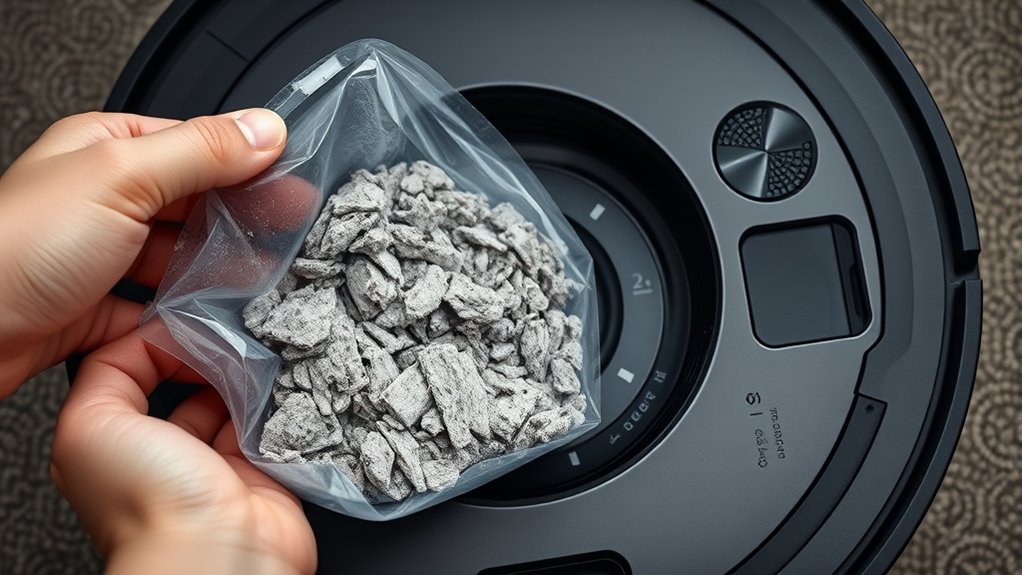
A persistent “dust bag full” warning usually indicates a detection issue rather than an actually full bin. In vacuum troubleshooting, the first suspect is dust buildup near the sensor path, where even a light coating can block accurate reading.
A raised filter edge or a dust bin that is not fully locked can also create a false full-bin signal, because the system depends on precise alignment to confirm status. Restricted airflow inside the vacuum may further confuse detection and keep the alert active even when the dust bin is empty.
In some cases, firmware updates temporarily disturb sensor logic and produce incorrect warnings. The practical response is to treat the alert as a control problem, not a verdict of failure.
Regular maintenance restores function, clears false alarms, and returns the machine to service.
Check The Dustbin, Filter, And Lid Alignment
Confirm that the dustbin is fully clicked into place, since improper seating can trigger a false “dust bin full” warning. If the indicator still reports the dustbin is full after emptying the dustbin, examine the filter and lid alignment. The filter should sit flat on all sides; raised edges can distort sensing and airflow. The lid must close evenly, with no gaps that prevent a proper seal. Clean the rim and latch area with a soft dry cloth, then reseat each part.
| Check point | Correct condition | Result |
|---|---|---|
| Dustbin | Fully latched | Stable sensor reading |
| Filter | Flat, no raised edges | Normal airflow |
| Lid | Even closure | Reliable seal |
| Vacuum | Restart after alignment | Sensor reset |
A secure fit restores accurate diagnostics and keeps the system operating without unnecessary interruption.
Clean The Sensors And Air Path
After the dustbin, filter, and lid are seated correctly, the next step is to clean the sensors and air path. Dust and debris can collect in these areas and distort the vacuum’s reading, producing a false dust bag full warning.
A soft, dry cloth should be used to clean the sensors, with light pressure only, so the sensing surface remains unobstructed. The airflow paths should then be inspected for lint, packed dust, or small obstructions that restrict passage and alter air-pressure detection.
Clear channels support accurate status reporting and stable suction. The internal filter should also remain clean and properly installed, since restricted flow can compound the error.
If the unit still reports full after these steps, the issue is no longer simple contamination. At that point, further diagnosis should continue with the dust bag itself and its fit within the machine.
Reseat Or Replace The Dust Bag
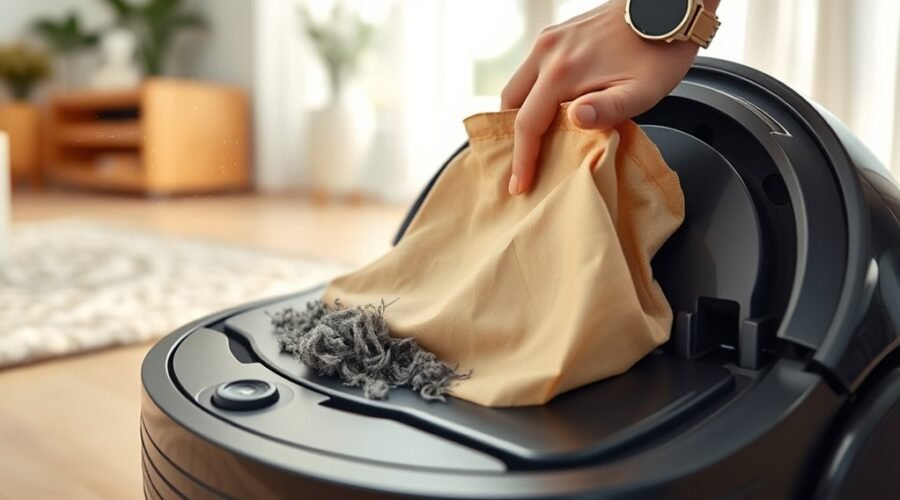
The dust bag should be pulled out and reinserted securely if a false “dust bag full” warning continues, since even slight misalignment can prevent proper seating and trigger the sensor.
During troubleshooting, the operator should reseat the dust bag, then verify that the canister lid closes tightly and locks without strain.
If the bag is reused, its surface should be cleaned to remove fine particles that clog pores and reduce airflow.
When a replacement is needed, the new dust bag should be installed exactly to manufacturer guidelines so the seal remains intact and the chamber can function as designed. A loose fit can keep the alert active even when capacity is adequate.
If the warning persists after reseating or replacement, the vacuum should be checked for obstructions or airflow restrictions that may affect sensor readings.
Careful handling preserves reliable operation and keeps the machine available for unhindered cleaning.
When Firmware Or Hardware Is The Problem
When firmware glitches or hardware faults are suspected, the vacuum should be checked for false dust-bin alerts caused by recent updates, sensor misreads, or a bin that is not fully locked into place.
A technical review should confirm the filter is seated correctly and airflow paths are clear, because dust buildup can mimic a full bin. A clean restart with the power button may clear transient errors after the bin and filter are aligned.
- Recheck bin seating and latch engagement.
- Clean clogged channels and the sensor area.
- Perform a factory reset only if alerts persist.
If the warning remains after cleaning and restarting, the issue may be firmware related or a failing sensor assembly.
At that point, manufacturer’s support should be contacted for diagnostics, update guidance, or replacement options. This sequence restores control quickly and prevents unnecessary downtime, allowing the device to return to service without guesswork or repeated interruption.
Frequently Asked Questions
Why Does My Roomba Keep Saying the Bag Is Full Even Though I’ve Emptied It?
It may still report full because sensors malfunction, bag design traps dust in pores, or the bin is misseated. Maintenance tips include cleaning sensors, checking airflow paths, reseating the filter, and restarting the unit.
Will Roborock Alert When the Dust Bag Is Full?
No, Roborock rarely screams for a full dust bag; it usually flags neglected dustbin emptiness. With disciplined dust bag maintenance, users can bypass vacuum sensor issues. Practical cleaning tips preserve airflow, performance, and liberation.
How Do I Fix the Empty Dust Cup Error on My Shark Robot Vacuum?
Reseat the dust cup firmly, clear blockages, clean or replace the filter, and inspect sensors for dust. Power-cycle the unit if needed. These dust cup maintenance troubleshooting tips address vacuum sensor issues efficiently.
How Do I Reset My Robot Vacuum?
Resetting a robot vacuum usually means holding the reset button for a few seconds or using the app, then power-cycling it. Afterward, reconfigure Wi‑Fi, review cleaning schedules, battery maintenance tips, and sensor calibration methods.
Conclusion
When the full-bin warning persists, the issue usually follows one of three paths: the dustbin is misaligned, the sensors are obstructed, or the airflow system is compromised. A flat filter, a seated canister, and a sealed lid restore normal detection; clean sensors and air channels remove false signals; firmware updates or a reset address control errors. If the warning remains, hardware inspection or replacement is the practical next step.