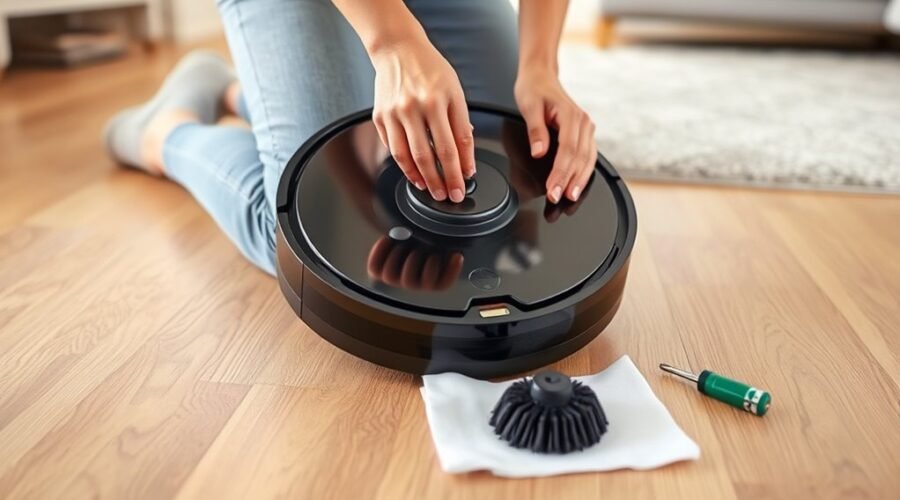
Robot vacuum side brush replacement is a simple way to restore cleaning along walls and corners. However, not every robot uses the same brush or attachment method. Knowing how to remove the old brush without damaging its mounting post will help you complete the job safely.
Quick Answer
To replace a robot vacuum side brush, turn off the robot and remove it from its charging dock. Turn it upside down, release the old brush using the model’s screw or clip mechanism, and clean the mounting post. Attach the compatible replacement, secure it properly, and run a short cleaning test.
At a Glance
| Difficulty | Easy for a brush-only replacement |
| Tools Needed | Compatible replacement side brush, suitable screwdriver or coin if required, and a clean cloth |
What You Need for Robot Vacuum Side Brush Replacement
You need a compatible replacement brush, the appropriate removal tool, and a clean workspace. Choosing the right brush matters because similar-looking parts can have different mounting points, bristle arrangements, and attachment methods.
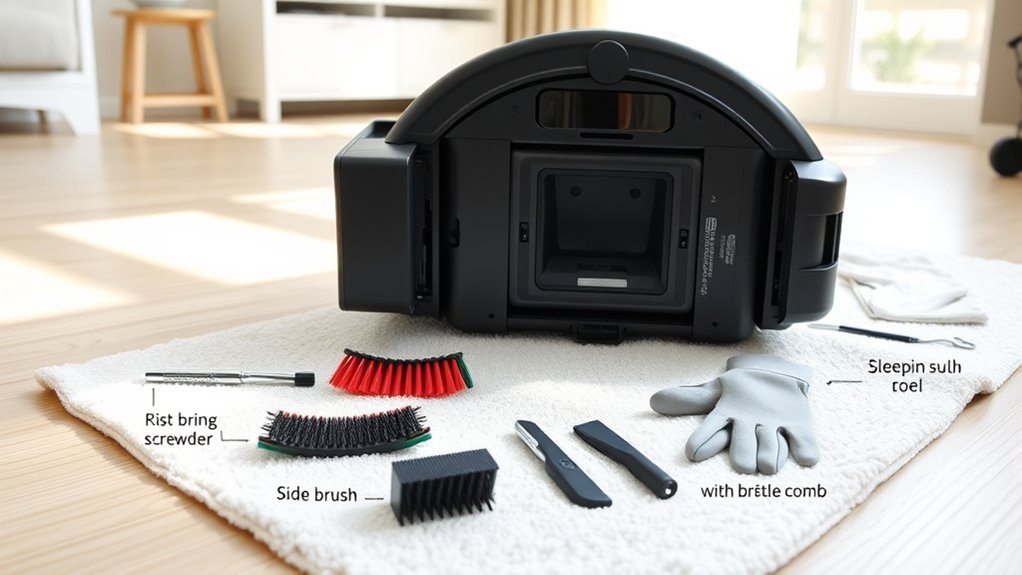
Gather these items before starting:
- Replacement side brush: Match the exact robot vacuum model and the manufacturer’s listed compatibility.
- Small screwdriver: Choose the correct head for the retaining screw. Some Roomba models also allow a coin.
- Soft cloth or towel: Protect the robot’s top surface while it rests upside down.
- Cleaning cloth or soft brush: Remove dust and hair from the mounting post.
- Small container: Keep removable screws secure during the repair.
Check the vacuum’s model number before ordering. Roomba 500, 600, 700, 800, and 900 series models may use different replacement parts. You should match the exact supported model rather than assume that every Roomba accessory fits.
Also, distinguish between the side brush and the side brush module. The brush is the visible spinning part with flexible arms. The module contains the drive mechanism that turns it.
If the bristles are worn but the motor works, you normally need only a replacement brush. Replacing the internal module is a separate repair that can require opening the robot.
How to Remove the Old Side Brush
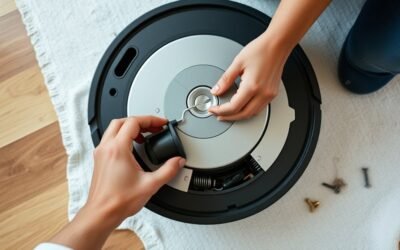
To remove a screw-mounted robot vacuum side brush, loosen its retaining screw and lift the brush away from the mounting post. You should not need to force the brush or open the vacuum housing for this basic maintenance task.
Warning: Always power off the robot before handling its brushes. Do not force a stuck brush, pry against sensors, or overtighten screws. These actions can damage the mounting post, plastic housing, or internal components.
For a screw-mounted brush, follow these steps:
- Power off the robot. Remove it from the charging dock and place it upside down on a soft, stable surface.
- Locate the retaining screw. Find the screw in the center of the side brush and select a properly fitting screwdriver or coin.
- Loosen the screw. Turn it in the direction specified for your model. Some screws stay attached to the brush even when loose.
- Lift away the old brush. Pull gently from the central hub rather than tugging on the flexible bristles.
- Clean the mounting post. Remove wrapped hair, string, lint, and other debris before fitting the replacement.
The official Roomba i Series brush maintenance instructions confirm the basic process: loosen the brush, remove it, clear debris from the post, and reinstall it.
However, some robot vacuums use press-fit or snap-on brushes instead of removable screws. Identify the attachment style before attempting removal.
| Brush Type | Removal Method | Important Check |
|---|---|---|
| Screw-mounted | Loosen screw and lift brush | Use the correct tool |
| Snap-on | Release or pull as directed | Avoid forcing clips |
| Captive screw | Loosen without removing screw | Do not force screw out |
| Motor module | Follow separate repair procedure | Confirm module compatibility |
If the old brush feels stuck, inspect it for remaining screw tension or compacted hair. Loosen or clear the obstruction before trying again.
How to Install the New Side Brush Module
Installing a replacement side brush involves aligning its center hub with the mounting post and securing it using the correct attachment method. The brush should sit properly against its mount without wobbling or rubbing against the housing.
For a conventional screw-mounted replacement, follow these steps:
- Inspect the mounting post. Make sure no hair, dirt, or broken brush pieces remain around it.
- Align the new brush. Match the opening in the replacement brush with the post or shaft shape.
- Seat the brush. Press the central hub gently into its correct position without bending the bristles.
- Secure the retaining screw. Tighten it until the brush is firmly attached, following your model’s screw direction. Avoid overtightening.
- Check the fit. Gently move the brush by hand while the robot is off. Look for snagging, scraping, or excessive looseness.
A small amount of resistance may be normal because the brush connects to a motor and gear mechanism. It does not need to spin without any resistance to be working correctly.
What if Your Side Brush Snaps Into Place?
Some robots use a snap-on side brush that locks into a socket without a separate retaining screw. Align the replacement with the mounting socket and press it into place according to the model’s instructions.
For example, the Bobsweep Bio side brush installation guide explains that the brush should click securely into its socket. Its locking mechanism differs from the conventional screw-mounted design.
If a snap-on brush falls off repeatedly, the mounting connection may be loose or worn. Check the brush and socket before fitting another replacement.
How Do You Know the New Side Brush Is Installed Correctly?
A properly installed side brush stays attached and operates without unusual scraping or wobbling. It should reach the floor as designed and sweep debris toward the robot’s cleaning path.
Turn the vacuum upright and start a short cleaning cycle on a clear floor. Watch the side brush during normal cleaning and check whether it moves debris away from the edge of a wall.
If the brush makes a grinding sound, comes loose, or rubs against the housing, stop the robot and inspect its fit before continuing.
Do You Need to Reassemble the Roomba Bottom Cover?
You do not normally need to remove the bottom cover when replacing only the visible side brush. Removing the cover is part of certain internal motor or module repairs, which are more involved than a routine brush change.
If you removed the bottom cover while replacing an internal side brush module, follow the repair instructions for your specific Roomba model.
Before closing the vacuum, check that the replacement module is correctly positioned. If the procedure required disconnecting or removing the battery, reconnect and seat it as directed.
Next, align the bottom cover with the robot body. Make sure its edges and openings fit correctly before tightening the retaining screws.
Each screw should be tightened securely to keep the assembly stable throughout operation.
Inspect the seam around the bottom cover and confirm there are no visible gaps or displaced parts. A poorly seated cover can interfere with the robot’s movement or nearby components.
Some Roomba repairs require the brush to be removed again temporarily before the bottom cover can be fitted. Follow the manufacturer’s assembly order rather than forcing the cover around the installed brush.
After reassembly, run a brief cleaning test. Check for rattling, loose components, unusual movement, or problems with the side brush.
If the cover shifts or rattles, turn the robot off and inspect the assembly again before regular use.
What if the New Side Brush Does Not Spin?
If the replacement side brush does not spin, the problem may be a blockage, loose attachment, damaged mounting post, or faulty drive module. A new brush will not solve every rotation problem.
Check these possible causes in order:
- Hair around the post: Remove the brush and clear tangled hair or string from the mounting area.
- Loose retaining screw: Check that the screw is present, correctly aligned, and securely tightened.
- Incorrect replacement: Confirm that the brush matches your exact robot model and mounting design.
- Damaged mounting post: Look for cracked plastic, stripped screw threads, or a broken shaft.
- Motor or gear failure: If the brush remains stationary after cleaning and proper installation, the internal drive mechanism may need repair.
A side brush that occasionally pauses during cleaning is not necessarily defective. Some robots adjust brush movement according to their cleaning behavior. Check whether the brush operates normally during an appropriate cleaning cycle.
For Roomba models, the iRobot edge-sweeping brush care and module replacement guide recommends cleaning the brush first when it stops spinning. If cleaning does not restore operation, the internal module may need replacement.
Not every Roomba model has a user-replaceable brush module. Some newer i1, i3, i5, and Combo i5 versions have non-modular designs that require a different repair approach.
If the mounting post or internal motor appears damaged, use the correct service procedure or contact the manufacturer rather than forcing a replacement part into place.
When to Replace the Side Brush Again
Robot vacuum side brush replacement intervals depend on the model, cleaning frequency, and wear. For Roomba, iRobot’s general guidance recommends replacing the edge-sweeping brush every three months or as needed. Some model-specific schedules use a longer interval.
For example, the Roomba 200/2000 maintenance schedule recommends replacing the side brush every 3–6 months. It also recommends cleaning the brush every two weeks or as needed.
The original 6–12-month figure is more commonly associated with Roomba main brushes, not the smaller edge-sweeping brush. Your robot’s specific maintenance guidance should determine the replacement schedule.
Inspect the side brush sooner if you notice any of these signs:
- Frayed, shortened, or missing bristles.
- Brush arms that remain bent or flattened.
- Visible cracks around the central hub.
- Reduced cleaning along walls, furniture legs, or corners.
- Repeated loosening, wobbling, or unusual noise.
- Difficulty rotating because of damage or tangled debris.
Hair and dust buildup can also make a good brush perform poorly. Cleaning the brush and its mounting area may restore normal movement without requiring replacement.
For regular Roomba maintenance, iRobot recommends cleaning the edge-sweeping brush weekly or as needed in its general care guidance. Homes with pets or long hair may need more frequent checks.
Keeping a simple maintenance log can help you track replacement dates and spot unusually fast wear. When selecting replacements, use compatible iRobot® Accessories or parts specifically approved for your robot model.
Timely maintenance helps preserve edge-cleaning performance and reduces the chance of debris restricting the brush drive.
Frequently Asked Questions
How Do I Replace a Roomba Side Brush?
Turn the Roomba off and remove it from the dock. Turn it upside down on a soft surface, loosen the side-brush screw if your model uses one, and lift off the old brush. Clean the post, fit a compatible replacement, secure it, then run a short cleaning test.
What Should I Do if the Side Brush Does Not Spin?
First, switch off the robot and remove hair or string wrapped around the brush post. Check that the replacement fits and its screw or clip is secure. If the brush still does not turn during cleaning, the drive module may need service rather than another brush.
My Roomba Side Brush Broke Off. How Do I Replace It?
Remove the broken brush and any pieces left on the mounting post while the Roomba is powered off. Check the post and retaining screw for damage. Fit the correct new brush only if the mount is intact. If the post or motor shaft is damaged, seek a model-specific module repair.
How Do I Remove the Side Brush From My Bobsweep?
Removal depends on the Bobsweep model. On bObi Pet, undo the Phillips screw and lift away the brush. On Bio and Dustin, the brush is designed to snap on, so follow the model’s release instructions instead of forcing a screw. Clear debris from the socket before refitting the brush. The Bobsweep bObi Pet maintenance guide shows the screw-mounted procedure.
Conclusion
Replacing a robot vacuum side brush is straightforward when you use the correct part and follow the model’s attachment method. A worn or damaged brush can leave debris behind along edges and corners, but a simple replacement often restores effective sweeping.
Before restarting your robot, confirm that the brush is secure, the mounting post is clean, and all required screws or clips are correctly fitted. Regular inspections can help prevent avoidable cleaning problems and unnecessary motor strain.
Sources
- iRobot: Edge Sweeping Brush Care, All Roomba Models: Supports brush maintenance, replacement intervals, attachment differences, and module troubleshooting.
- iRobot: Roomba i Series Edge Sweeping Brush Care: Supports the screw-mounted removal and cleaning procedure.
- iRobot: Roomba 200/2000 Care Procedure Frequency: Supports model-specific cleaning and replacement intervals.
- Bobsweep: Installing the Bio Side Brush: Explains the snap-on brush attachment and secure fit.
- Bobsweep: bObi Pet Weekly Brush Maintenance: Supports Phillips-screw removal, cleaning, and reinstallation.