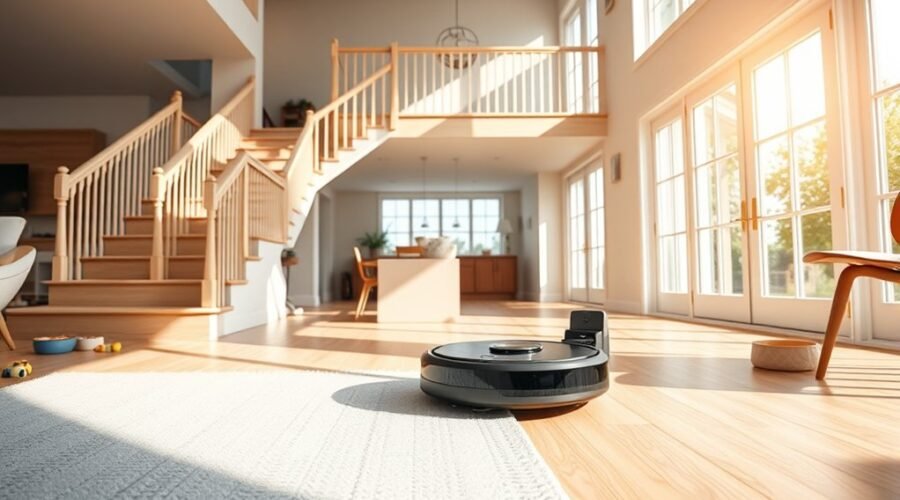
Robot vacuums can handle multi-story homes, but only if each floor is set up correctly. The process usually starts with separate maps, then moves to per-floor no-go zones and cleaning schedules. Dock placement, sensor checks, and map updates also affect daily reliability. Premium models like DEEBOT add stronger navigation and suction, yet common floor-switching issues still appear. The main question is which setup steps matter most for consistent performance.
Can a Robot Vacuum Clean Multiple Floors?
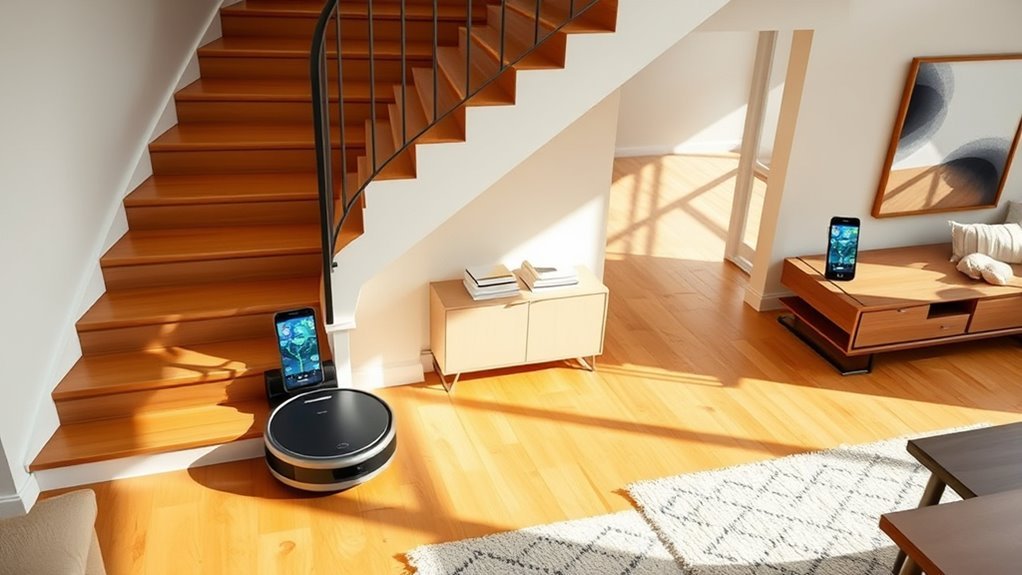
Yes—many robot vacuums can clean multiple floors by storing separate floor maps for each level. In practical use, the Robot performs mapping after being moved to each floor with its dock, then saves distinct floor plans for later cleaning cycles.
This setup supports efficient daily use in homes where movement should not be limited by stairs or layout. Premium models usually handle four or five floor plans, making them suitable for larger households with varied needs.
Once each level is learned, the vacuum can follow the correct map, apply no-go zones, and adjust coverage without repeated manual control. Strong suction remains important on carpets and hard surfaces alike, because each floor may require different pickup performance.
Regular maintenance, clean sensors, and stable Wi‑Fi help keep the system reliable. For users seeking practical autonomy, multi-floor mapping expands access and reduces repetitive labor.
Map Each Floor in the App
To store a usable map for each level, the robot and its dock should be moved to the new floor, then a fresh mapping cycle started in the app so the vacuum can complete a full run and recognize the layout accurately.
This multi-floor process depends on accurate positioning during the first cleaning cycle, because the app builds a separate map from that run. Enabling multi-map saving lets the system preserve each saved map and label it clearly for quick selection later.
Before any cleaning session, the correct floor map should be chosen in the app so navigation stays aligned with that level’s layout. Users may carry the robot only when changing floors, while the dock remains part of the setup needed for reliable mapping.
Regular app updates and map checks help capture changes in furniture or room shape, improving cleaning efficiency and preserving dependable, self-directed operation.
Move the Robot and Dock to the Right Floor
For initial setup on a new floor, both the robot vacuum and its dock should be carried to the target level before mapping begins. This lets the system learn the desired floor without dependency on other levels.
In the app, start initial mapping, enable multi-map saving, and run one full cleaning cycle so the robot can build a usable layout. After the cycle, save map and label it clearly for later selection.
For a cleaning session, the correct map must be chosen before the robot starts moving. During regular cleaning, only move the robot to the desired floor; the dock may stay on its original level, reducing handling and preserving convenience.
- move the robot only when a new floor is needed
- keep the dock with the robot for first-time setup
- use the app to save map data
- complete one cleaning cycle for layout capture
- select the stored floor map before each cleaning session
Set Per-Floor No-Go Zones and Schedules
Per-floor no-go zones can be defined in the app to block stairs, fragile furniture, and other restricted areas on each level.
Separate cleaning schedules should then be assigned by floor to match traffic patterns and daily routines.
App-based map customization keeps saved layouts current and helps the robot navigate each story accurately.
Floor-Specific No-Go Zones
When configuring a robot vacuum for a multi-story home, the app should be used to define floor-specific no-go zones that block access to hazards, delicate furniture, and tight or cluttered spaces.
In multi-story homes, separate floor maps support app management, letting each level carry a customized cleaning schedule and tailored routines. This structure improves effective cleaning performance by aligning cleaning cycles with household layouts and changing traffic patterns.
- Mark stairs, cords, and pet bowls
- Protect fragile furniture and low-clearance items
- Exclude tight spaces and cluttered corners
- Save separate floor maps for each level
- Review zones after layout changes
Separate Cleaning Schedules
Separate cleaning schedules let a robot vacuum adapt to each level of a multi-story home by assigning different routines, run times, and no-go zones through the app.
With multi-floor mapping, robot vacuums can store floor maps for 4-5 levels on premium units, supporting separate cleaning schedules and customized cleaning routines per floor.
App management allows set cleaning frequency for busy rooms, quieter zones, or high-traffic areas without manual intervention. This keeps stairs, pet bowls, and delicate furniture excluded while improving cleaning effectiveness.
A practical setup uses one map for each level, then assigns distinct schedules by time of day or usage pattern.
Updating the app and floor maps regularly helps preserve accuracy, so the system continues to operate smoothly and independently across the multi-story home.
App-Based Map Customization
Advanced robot vacuums often support app-based map customization, allowing each floor of a multi-story home to be mapped, edited, and managed separately for more precise navigation. This feature strengthens multi-floor cleaning by storing distinct floor plans, user preferences, and cleaning schedules for each level.
- No-go zones can block stairs, delicate rugs, or occupied rooms.
- Floor-specific edits improve efficient navigation and reduce missed coverage.
- Different schedules can target pet zones, entryways, or high-traffic areas.
- Saved maps let the robot switch levels without manual resets.
- Regular updates refine recognition, support automated cleaning, and maintain reliable performance.
For users seeking liberation from repetitive labor, app-based control limits oversight while preserving autonomy. Accurate maps and policy settings help the machine move independently, clean predictably, and respect household boundaries.
Best DEEBOT Robot Vacuums for Multi-Floor Homes
For multi-story homes, DEEBOT’s premium lineup offers strong options built for both power and floor-to-floor flexibility.
Among the best deebot robot vacuums, the DEEBOT X12 OmniCyclone stands out with 22,000 Pa suction power and FocusJet Technology, supporting high cleaning efficiency on varied surfaces.
DEEBOT X12 OmniCyclone delivers 22,000 Pa suction and FocusJet Technology for efficient cleaning across varied surfaces.
The DEEBOT X11 PRO OMNI adds AIVI 3D recognition for obstacle avoidance and PowerBoost Technology for quicker battery recovery, useful during extended multi-floor use.
The ultra-slim DEEBOT T80 OMNI measures 3.86 inches, making transfers between levels easier while still delivering 18,000 Pa suction power and Carpet First protection for rugs.
Premium models store separate floor maps and support customizable cleaning routines, so each level can be managed independently.
Regular app updates help maintain stable performance, while a fresh mapping run after layout changes keeps navigation precise.
Together, these features give households a practical, autonomous path to cleaner living across multiple floors.
Fix Common Multi-Floor Navigation Problems
Reliable multi-floor navigation depends on correct setup and a few routine checks. A robot vacuum should use multi-floor mapping for each level, with every mapped room saved and labeled in the app. This prevents common navigation problems when the unit is moved between floors.
Cliff sensors must be tested regularly, since advanced detection technology reduces fall risk near stairs and landings. If cleaning efficiency drops, the map may be outdated; remap after furniture shifts or layout changes.
No-go zones should block cords, pet bowls, and narrow passages that cause stalls. Strong Wi-Fi coverage on all floors keeps syncing stable, so the robot vacuum can update maps and recover routes without delay.
- Confirm each floor is set up separately
- Inspect cliff sensors before every run
- Update maps after moving furniture
- Draw no-go zones around hazards
- Improve Wi-Fi coverage in weak areas
Frequently Asked Questions
Can I Use a Robot Vacuum on Multiple Floors, and if So, How?
Yes; a robot vacuum can serve multiple floors through a multi floor setup. Its navigation technology and mapping features save separate plans, while app integration enables scheduling options, cleaning modes, and maintenance tips across floor types. User experiences vary.
Is It Okay to Use a Robot Vacuum Every Day?
Yes—using one daily is usually fine, because floor type compatibility, battery life considerations, and robot vacuum maintenance are designed for routine service. Smart home integration, scheduling features, pet hair efficiency, navigation technology, noise levels comparison, user reviews analysis support daily cleaning benefits.
What Is the Best Robot Vacuum for Cleaning Multiple Floors?
Dreame L40 Ultra appears best for multiple floors, balancing suction power, smart navigation, floor mapping, battery life, cleaning modes, and brand reliability. Price comparison, customer reviews, noise level, and maintenance tips favor practical, liberated users.
What Robot Vacuum and Mop Can I Use for Multiple Floors?
DEEBOT X12 OmniCyclone suits multiple floors; it stores 4 maps. Its 240-minute battery life supports varied floor types, while robot vacuum features, cleaning modes, scheduling options, smart home integration, dustbin capacity, maintenance tips, user reviews optimize use.
Conclusion
A robot vacuum can handle a multi-story home effectively when each floor is mapped separately and managed in the app. The dock should be moved to the active level, while no-go zones and schedules are set per floor to prevent falls and target traffic-heavy areas. Some users worry multi-floor cleaning is complicated, but with routine sensor checks and updated maps, the process becomes reliable. Premium DEEBOT models further improve daily convenience with stronger navigation and suction.