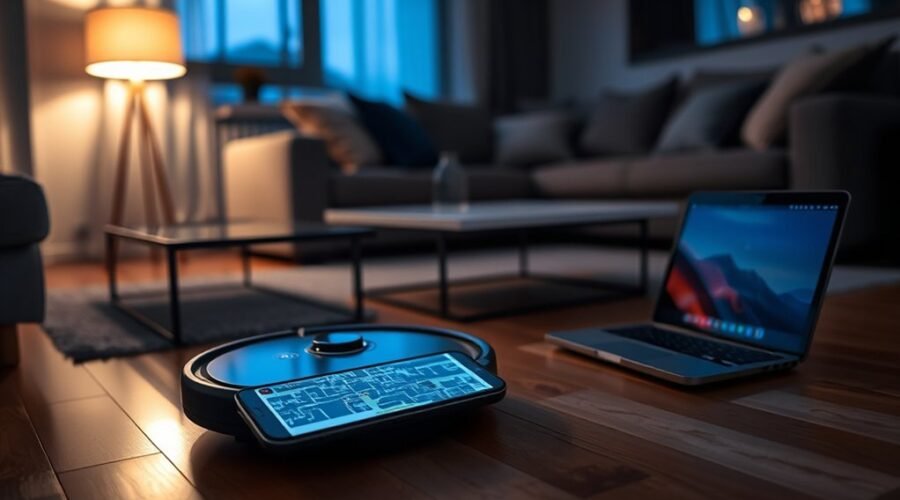
Robot vacuum maps are typically stored first in the device’s internal memory, then mirrored in the companion app for remote control and editing. That setup improves convenience, but it also creates a privacy surface that can reveal room layouts, routines, and household patterns. Cloud sync, shared accounts, and stale permissions can widen exposure. The next question is which settings actually limit that access without breaking normal use.
Where Robot Vacuum Maps Are Stored
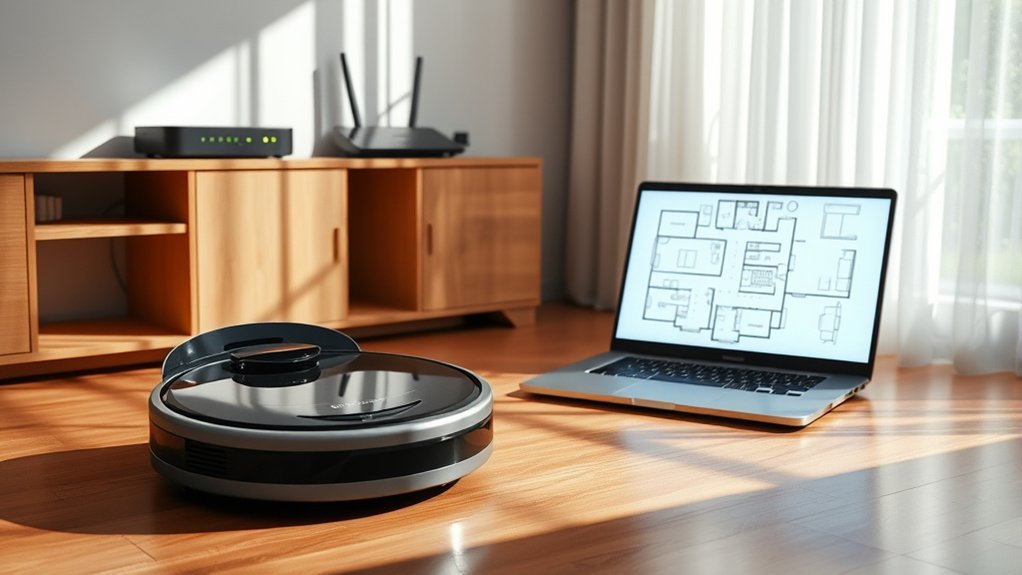
Robot vacuum maps are typically stored in the device’s internal memory for fast access during cleaning, with many models also syncing copies to a companion mobile app for viewing and editing from a smartphone.
In robot vacuums, this storage model supports efficient Map Management while limiting delays during navigation. The internal memory usually preserves environmental data such as room boundaries, no-go zones, and floor layouts.
Some systems also maintain multiple maps for different levels or configurations, and may overwrite earlier versions when storage limits are reached. A companion app can mirror these records for user review, but retention practices differ by manufacturer.
Data security depends on implementation; stronger products use encryption to reduce unauthorized access risk. Software updates may alter map retention or restore functionality after faults, so firmware maintenance remains relevant.
Data security depends on implementation, and stronger systems use encryption while firmware updates may affect map retention.
For users seeking autonomy over household data, practical privacy steps include checking map permissions, reviewing update policies, and confirming whether stored maps can be deleted or reset.
How Your Vacuum App Stores Maps
While vacuum maps are generated by the device itself, the companion app typically serves as the user-facing layer for storage, review, and control. In practice, the Robot Vacuums Map is mirrored in the app as stored data linked to the vacuum’s onboard memory. This arrangement supports mapping edits, layout review, and policy-aware management of privacy settings.
Many systems add cloud storage, allowing secure backup and retrieval across devices, which improves continuity but also extends control points. The app may present room boundaries, no-go zones, cleaning history, and multi-map saving for different floors or layouts.
Because these records update after each cleaning session, the app becomes the main interface for maintaining current maps. Users can usually delete, reset, or replace maps through the app, limiting retention and reducing unnecessary exposure.
For those seeking liberation from opaque defaults, review of app permissions and storage options is essential.
What Robot Vacuum Maps Can Expose?
Vacuum maps can expose far more than a floor plan, as they often capture the location of rooms, furniture, doorways, and movement pathways in a home. In practice, robot vacuum maps may also reveal high-traffic areas, suggesting routines that can aid unauthorized access or burglary.
Some models store multiple floor maps, extending exposure across the entire dwelling and, in a business context, across office layouts.
- Layout intelligence: rooms, corridors, and access points.
- Behavioral signals: high-traffic areas, saving schedules, and personal preferences.
- Connected exposure: smart home technology links, user-generated data, and possible data breaches.
These records are not neutral; they are user-generated data that can be analyzed to infer when spaces are occupied, which zones are avoided, and which devices may be reachable.
Effective privacy steps should treat robot vacuum maps as sensitive operational data, not convenience artifacts, because liberation from surveillance begins with minimizing what is stored, shared, and synchronized.
Privacy Risks of Shared Cleaning Maps
Shared cleaning maps can expose detailed home-layout data when they are stored in the cloud or transmitted through manufacturer services, increasing the risk of unauthorized access or breach.
If app access is broad or shared across multiple users, sensitive areas such as bedrooms or private offices may be revealed beyond the original household intent.
Policy controls, permission review, and limited sharing settings are thus essential to reduce map data exposure.
Map Data Exposure
Where robot vacuum maps are stored—whether in the cloud or locally on the device—matters because those files can reveal detailed home layouts if protections are weak.
Robot vacuum maps in cloud storage or onboard memory may expose room boundaries, paths, and private zones. Policy-aware security measures should treat stored maps as sensitive records, since privacy breaches can occur when data encryption is absent or misconfigured.
- Verify whether stored maps can be deleted or managed.
- Confirm software updates are installed to reduce vulnerabilities.
- Require encryption to limit unauthorized access.
Without these controls, unauthorized access to robot vacuum maps can disclose a home layout and weaken domestic autonomy.
Clear retention controls and regular updates help users manage saved maps and reduce exposure while preserving practical convenience.
Shared App Access
Even when cleaning maps are stored in the cloud or on a user’s device, app-level sharing can widen exposure if multiple accounts have access. Shared app access creates privacy concerns because detailed floor plans, room labels, and cleaning schedules may reveal sensitive mapping data.
| Risk | Effect | Control |
|---|---|---|
| Broad access | Personal privacy weakens | Limit user permissions |
| Weak authentication | Unauthorized access grows | Use strong passwords |
| Stale settings | Hidden sharing persists | Conduct regular reviews |
Policy-aware administration requires disabling sharing features when unnecessary and verifying who can view cleaning maps. App owners should inspect permissions after household changes, revoke unused accounts, and confirm that only trusted users retain access. Such controls preserve autonomy over domestic data and reduce exposure without impeding normal cleaning routines.
How to Keep Robot Vacuum Maps Private
Protecting robot vacuum maps starts with understanding where the data is stored and how it is shared: most models keep maps locally on the device for efficient navigation, while companion apps may still expose controls for deletion, modification, or cloud sync.
For privacy during cleaning, the user should review app permissions and user settings to limit data sharing and map saving. Stored maps can often be kept private by disabling cloud features, selecting local-only modes, and checking whether the robot vacuum offers anonymize options.
- Inspect the app for map saving, export, and sharing controls.
- Disconnect Wi-Fi when remote access is unnecessary.
- Prefer devices that allow anonymize or permanent deletion of stored maps.
Policy-aware use means treating the app as a control surface, not a neutral tool. The objective is liberation through restraint: keep the layout on-device, minimize telemetry, and constrain any pathway that could externalize home data beyond the household boundary.
When to Delete or Reset a Map
A robot vacuum map should be deleted or reset when the home layout changes materially, such as after furniture relocation or renovations, because stale spatial data can reduce cleaning efficiency and route accuracy.
In these cases, users should delete old maps and reset maps through the app to preserve peak cleaning efficiency and prevent confusion during cleaning sessions.
In a shared living space, map resets also support privacy when device control changes or ownership is transferred.
Most robot vacuums learn from accurate data collection, so dynamic layouts can produce outdated paths unless new maps are created.
If mapping errors, missed zones, or repeated inconsistencies appear, a reset can troubleshoot mapping errors and restore reliable navigation.
This practice gives users clearer control over stored spatial records, limits unnecessary retention, and keeps the system aligned with actual room conditions.
Frequently Asked Questions
Where Did My Roomba Map Go?
The Roomba map likely vanished after reset, Wi-Fi change, or app deletion. Roomba mapping technology, map storage security, robot vacuum privacy, user data management, and troubleshooting map loss reveal cloud storage concerns, app integration challenges, and user experience feedback.
Do All Robot Vacuums Map Your House?
No; basic models rely on navigation sensors and random paths. Advanced robot vacuum technology uses mapping accuracy, mapping updates, app connectivity, and smart home integration for cleaning efficiency and user customization, yet privacy concerns and data storage remain.
My Eufy Robovac Map Has Disappeared. How Can I Recover It?
Map recovery methods include checking eufy app settings, app synchronization, and Multi-Map Saving. Troubleshooting map issues, firmware updates, and user experiences suggest temporary map loss often resolves; verify mapping accuracy, then consult customer support options.
How Do I Delete a Map on a Robot Vacuum?
Delete the map through robot vacuum settings in the app: open map management, select the map, confirm deletion. These map deletion methods support data management, user interface tips, privacy concerns, troubleshooting steps, factory reset process, software updates, map storage options.
Conclusion
In the quiet archive of the home, the robot’s map remains both ledger and lantern: first held in the machine’s memory, then mirrored in the app for convenience. Yet every mirrored room can become a doorway if permissions, passwords, and cloud links are neglected. The prudent steward treats each map as a sensitive chart—reviewed, limited, and retired when stale. In this way, domestic automation serves the household without quietly charting its vulnerabilities.