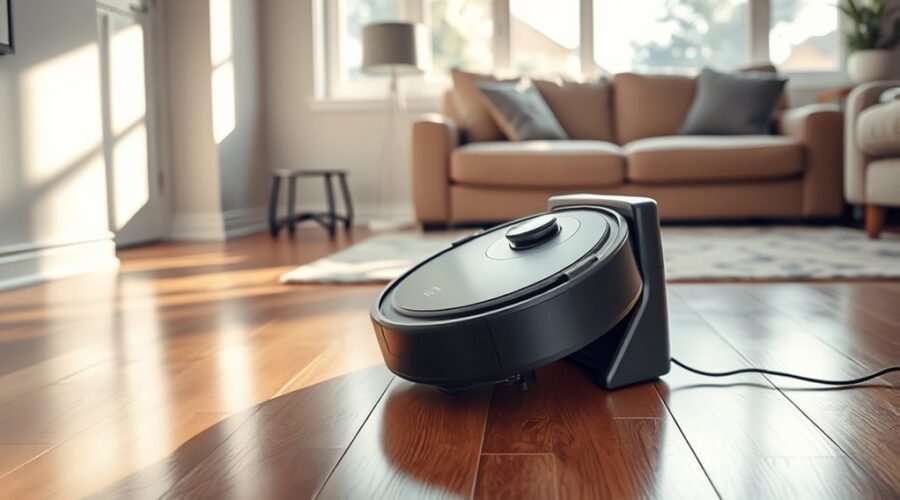
A robot vacuum that misses its dock often has a simple cause, but the failure can also point to a deeper fault. Obstructed sensors, poor dock placement, dirty charging contacts, weak battery performance, or map errors can all interfere with the return process. Basic checks usually narrow the problem quickly, yet some cases require a reset or brand-specific fix. What matters next is identifying which condition is actually blocking the dock.
Why Your Robot Vacuum Won’t Dock
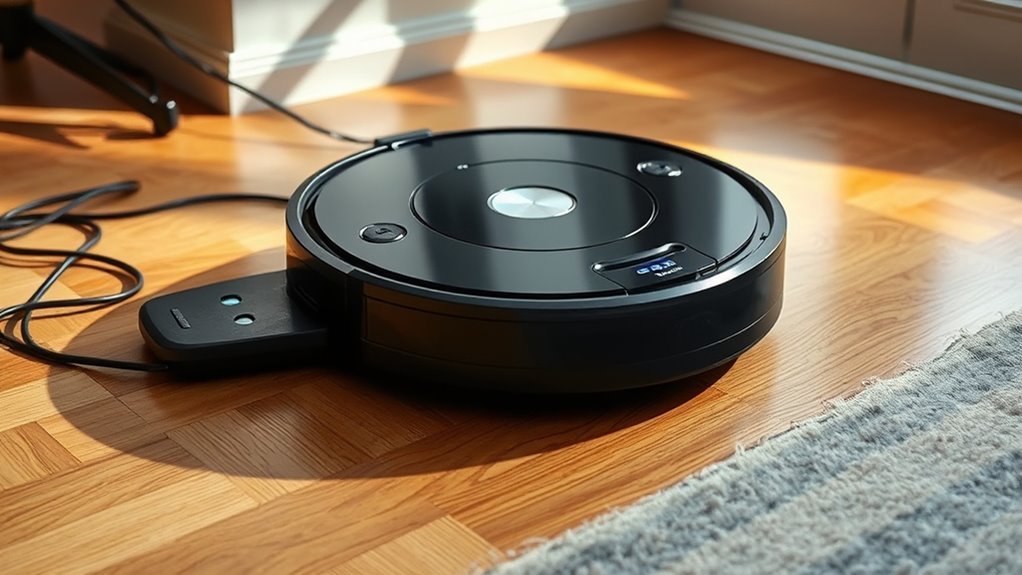
A robot vacuum may fail to dock because its sensors are obstructed, the dock is placed with insufficient clearance, the stored map is corrupted, the battery is too weak to complete the return, or nearby interference is disrupting the docking signal.
When a robot vacuum fails, the first checks should focus on obstructed sensors on the robot and dock, because dust or blockages often break alignment. Weak battery can also stop the return home sequence before contact is made.
Corrupted maps or software logic can send the unit off course, especially after layout changes. Signal interference from nearby electronics, thick walls, or metal furniture can further weaken dock detection.
Dock placement issues and poor dock placement may compound the problem by limiting approach space and signal reach.
The practical response is to check dock status, inspect cleaning sensors, and confirm the map is intact. These steps support reliable return home behavior without dependence on unnecessary control.
Check Dock Placement and Clearance
Once sensor checks and map verification have been ruled out, the next step is to examine dock placement and clearance. The docking station should sit against a flat wall, with ideal access: at least 3 feet of clearance on each side and 6 feet in front, or roughly 1.5 meters around the dock.
Examine dock placement and clearance: a flat wall, with ample space on each side and in front.
This spacing gives the navigation system a clean approach path and reduces misreads caused by corners or tight spaces. It is also important to check for obstacles such as furniture, cables, or toys within the docking area, since these can block alignment and stop successful docking.
The signal beacon must remain visible; any protective film covering it should be removed. Proper dock placement supports reliable homecoming and prevents needless retrials.
A clear, open zone around the dock is not a luxury but a technical requirement for consistent contact, stable re-entry, and dependable charging behavior in everyday use.
Clean Sensors, Wheels, and Contacts
Regular cleaning of the robot’s sensors and the dock’s infrared emitters with a microfiber cloth helps prevent dust and debris from disrupting docking signals.
The wheels and underside should be inspected for tangled hair or debris that can restrict movement and reduce alignment accuracy.
Metal charging contacts on both the robot and dock can be cleaned with isopropyl alcohol on a cotton swab to maintain reliable docking detection.
Cleaning Sensors
Keeping the robot vacuum’s sensors clean is essential for reliable docking, since dust and dirt can obstruct navigation signals and prevent accurate alignment with the dock. Regular cleaning sensors helps the robot vacuum avoid docking issues and maintain steady navigation.
A soft, dry cloth can keep sensors clean; if residue persists, clean the dock’s surface and charging contacts with isopropyl alcohol on a cotton swab. This reduces poor electrical connection and supports performance.
- Remove tangled hair and debris near sensor housings.
- Wipe exposed sensor windows and confirm no grime obstruct functionality.
- Recheck after each cycle to preserve efficient cleaning cycles.
Consistent care protects movement control, improves return-to-dock accuracy, and keeps automated cleaning dependable for users who want reliable, low-friction operation.
Inspect Wheels And Contacts
After the sensors are cleaned, the wheels and charging contacts should be inspected for obstructions and wear that can interfere with docking.
The technician should inspect wheels for hair, thread, or debris, since even small buildup can reduce traction and docking ability.
The charging contacts on both the robot and dock should be wiped with isopropyl alcohol on a cotton swab to remove stains or corrosion.
Any physical damage to the wheels should be noted, because misalignment can block successful docking.
The infrared sensors must remain clear, as dust or obstruction can disrupt navigation technology.
Maintenance should also include keeping the docking area in a clean environment, free of clutter and loose particles.
This disciplined check supports accurate approach, stable contact, and reliable return to charge.
Fix Battery and Charging Problems
A fully charged battery is necessary for reliable docking, since low or failed cells can prevent the robot vacuum from returning to the dock.
The charging contacts on both the robot and the dock should be inspected for dirt or corrosion and cleaned with isopropyl alcohol and a cotton swab if needed.
If the battery shows reduced capacity or the dock is not receiving power, the battery or dock power supply should be replaced or repaired.
Check Battery Health
Battery health and charging integrity should be checked first when a robot vacuum fails to dock reliably.
To check battery health, verify whether a low battery is ending runs early or causing docking failures. Inspect the pack for swelling, heat, or visible damage; abnormal signs justify battery replacement.
Confirm the docking station is connected to a stable power source and not interrupting charge cycles. Use the manufacturer’s app to review firmware updates, since outdated control logic can weaken battery management and docking behavior.
- Measure runtime decline against normal performance.
- Verify charging contacts remain aligned and functional.
- Assess whether cleaning sensors are reporting correct return-to-dock status.
Clean Charging Contacts
Dirty or oxidized charging contacts can mimic battery failure and prevent a robot vacuum from docking and charging properly. The robot and dock should be inspected for stains or corrosion, dirt, and other contamination on the charging contacts.
A moistened cloth with isopropyl alcohol should be used to wipe both surfaces until the metal is clean. If deposits remain dark or pitted, a pencil eraser can be used gently to restore proper conductivity without damaging the finish.
After cleaning, the contacts must be allowed to guarantee completely dry before another docking attempt. Moisture can interrupt electrical transfer and create docking failures.
Regular maintenance tips, including cleaning the sensors and checking contact condition, support ideal performance and reduce recurring battery and charging complaints.
Repair Map and App Errors
Keeping the robot vacuum’s app updated is a critical first step, since outdated software can trigger map corruption and docking failures.
A Robot Vacuum should then be checked for app errors that flag mapping issues or corrupted maps. When needed, update software, repair map data, and verify that the dock location is still valid.
- Inspect the app for warnings about map integrity, then clear or rebuild the repair map if corruption appears.
- Clean sensors and the dock’s emitters so navigation data remains accurate and the machine can return without interference.
- If docking failures persist, manually guide the Robot Vacuum to the dock and use the app to remap the home area.
A factory reset may be appropriate only when corrupted maps resist recovery and mapping issues continue after basic correction.
In that case, fresh mapping can restore predictable navigation and support reliable docking.
Reset the Vacuum and Dock
When app and map checks do not resolve docking failures, resetting both the vacuum and the dock can clear temporary communication and power faults.
To reset the vacuum, power it off, then hold the reset button, if available, for several seconds before turning it back on. This power cycle can remove transient glitches that block alignment.
Next, unplug the dock for about 10 seconds, then restore power to refresh its connection settings. After both devices restart, check for updates in the manufacturer’s app, because outdated firmware can create docking problems.
If the signal is weak, move the dock to an open area per the user manual and rerun a mapping run so the robot relearns the station location.
If faults persist, a factory reset may be necessary to restore original settings and eliminate stubborn docking errors. This sequence keeps the system free from lingering faults and restores controlled operation.
Try Brand-Specific Docking Fixes
Brand-specific docking problems often trace back to design limitations or model-dependent faults, so the fix should match the vacuum’s navigation system. For Robot Vacuum Docking, targeted Docking Checks reduce guesswork and restore control.
Brand-specific docking issues need targeted checks that match each vacuum’s navigation system.
- Shark robot vacuum: place the dock with 2-3 feet of clearance on both sides and 5-6 feet in front. Its basic infrared guidance fails when the path is crowded.
- Roborock Find: clean sensors, then remap if “positioning failed” appears. Dirty optics or a corrupted map can block precise return behavior.
- Narwal Flow: verify the beacon is unobstructed. Its advanced models depend on strong signal alignment, and a blocked beacon weakens guidance.
If docking still slips, confirm battery level is high and check for firmware updates in the app, especially on advanced models.
These troubleshooting steps keep the system aligned with its own logic, not with generic fixes, and support more reliable home base recovery.
When to Get Professional Help
If the robot vacuum still cannot dock after standard troubleshooting, professional diagnostics may be necessary to identify deeper hardware or navigation faults.
A robot vacuum not returning to the base may reflect a deeper issue beyond user access, especially when it should dock automatically but cannot. Unusual error messages, erratic movement, or repeated failures after updates often point to internal malfunctions or persistent software issues that resist normal fixes.
Physical damage to the vacuum, sensors, wheels, or dock should also prompt inspection by a technician, since cracks or broken contacts can block charging and alignment.
If a factory reset does not restore correct navigation, further self-service attempts may only obscure the fault. In these cases, users should seek professional help and allow expert intervention to isolate the failure, repair damaged components, and restore reliable docking without wasted effort or unnecessary risk.
Frequently Asked Questions
Why Won’t My Robot Vacuum Dock?
Obstructed sensors, poor clearance, dirty contacts, corrupted maps, or weak dock emitters usually prevent docking. Robot vacuum troubleshooting should prioritize docking station maintenance, sensor cleaning tips, charging port inspection, firmware update steps, and navigation issues solutions.
What Are the Most Common Problems With Robot Vacuums?
Common robot vacuum problems include weak suction power, poor battery life, navigation errors, app connectivity faults, and obstacle detection failures; performance also varies by floor types, cleaning modes, noise levels, maintenance tips, and brand comparisons.
Why Does My Roomba Keep Having Docking Issues?
Like a wary scout, the Roomba often misses its charging station due to docking alignment faults, sensor malfunction, dirt buildup, battery issues, floor obstacles, software updates, home base power supply problems, and navigation errors.
What Is the Average Lifespan of a Robot Vacuum?
A robot vacuum typically lasts 3–6 years; robot vacuum maintenance, battery longevity tips, cleaning schedule suggestions, troubleshooting battery issues, sensor calibration methods, floor type compatibility, app connectivity problems, firmware update importance, surface detection features, user reviews analysis matter.
Conclusion
When a robot vacuum misses its dock, the cause is often simple, like a compass spun by dust or a path blocked by clutter. The dock should sit flush against a wall with clear space around it, while clean sensors, wheels, and contacts keep the machine oriented and powered. If battery, map, or app faults persist, a reset or brand-specific fix may restore order. When hardware fails, professional service becomes the last reliable port.