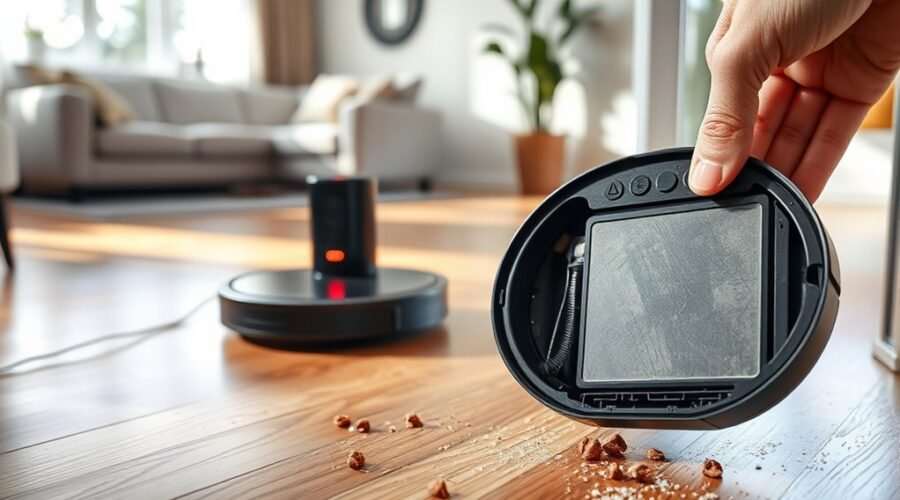
A robot vacuum battery usually needs replacement when runtime drops sharply, often below 60 minutes per charge, or when the unit needs frequent recharging to finish normal jobs. Sudden shutdowns, docking failures, low-battery warnings, and weaker cleaning performance can also point to battery decline. Battery type, charging habits, and storage conditions all affect lifespan, which makes timing less obvious than it first seems. The real question is which signs matter most.
What a Weak Battery Looks Like
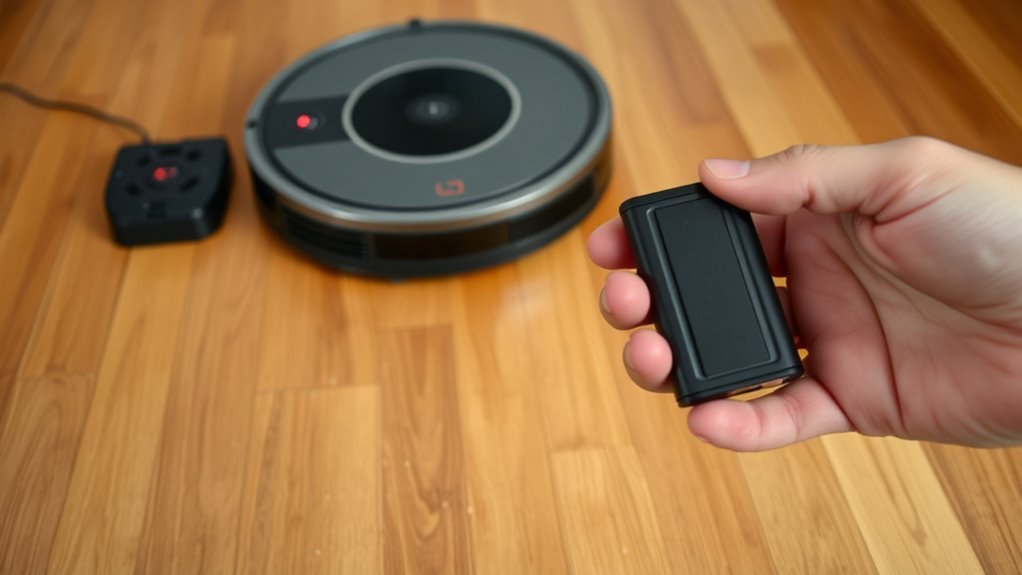
A weak robot vacuum battery typically shows up as a marked drop in runtime, often falling well below the expected 60 to 180 minutes on a full charge. The battery can no longer sustain normal cleaning cycles, so charging becomes more frequent and the unit may need a boost before finishing a room.
Performance may become uneven: the vacuum can shut down mid-task, miss its dock, or slow down under load. Low battery alerts and charging warnings often appear because the system detects declining capacity.
Over time, reduced suction power may also emerge, even after filters and brushes are maintained, since the battery cannot deliver stable output. In practical terms, the machine loses autonomy and efficiency.
That loss signals that replacement should be considered, especially when runtime keeps shrinking despite proper care and the robot can no longer complete cleaning without interruption.
Signs Your Battery Is Failing
A reduced runtime after a full charge is a primary sign that the battery’s capacity is declining.
More frequent charging to complete normal cleaning cycles further indicates battery deterioration.
Charging issues, sudden shutdowns, or failure to return to the dock can confirm that replacement may be necessary.
Reduced Runtime
When runtime drops noticeably, the battery is often beginning to fail. A reduced runtime, especially below 60 minutes on a full charge, points to battery deterioration and weaker battery health.
If the unit can no longer hold a charge through a normal cleaning session, its capacity is declining. Frequent recharging after limited use confirms the loss.
Inconsistent performance may also appear: the vacuum may stop mid-cleaning, lose suction, or fail to return to its dock because energy output is unstable. These symptoms reduce cleaning efficiency and constrain autonomous operation.
Battery warnings on the display or app strengthen the case for replacement. A timely swap restores predictable coverage, reduces interruptions, and lets the machine work with greater independence.
Charging Problems
Longer charging times or an inability to reach a full charge often indicate battery decline in a robot vacuum.
These charging problems usually appear after many charge cycles, when battery capacity falls and battery failure becomes more likely.
A unit may show a charging signal on the charging dock yet refuse to start, or it may return to the dock before cleaning ends.
That behavior often accompanies a decline in runtime and unexpected stops during operation.
Shorter cleaning sessions followed by frequent recharging also suggest the battery is losing its ability to hold power.
Once these signs become routine, the battery lifespan is nearing its end.
Replacing the pack restores reliable operation and reduces dependence on repeated dock visits, which supports cleaner floors with less interruption.
Battery Life by Type
Lithium-ion batteries, the standard in most modern robot vacuums, typically last 2 to 5 years and support about 300 to 500 charge cycles before replacement is needed. Their battery life is usually steadier than older chemistries, helping robot vacuum batteries deliver consistent power across mixed floor types and debris loads.
For these lithium-ion batteries, battery lifespan depends heavily on charging habits, temperature, and usage patterns. Daily cleaning can compress service life to about 1 to 1.5 years because each cycle counts toward wear. When the unit begins losing runtime, slowing under load, or requiring frequent recharge, owners may need to replace the battery.
Nickel-metal hydride packs, common in older models, generally age faster and store less energy, so they reach end of service sooner. Li-ion designs also hold voltage more evenly, which supports more predictable cleaning performance and gives users a practical path to maintain autonomy without unnecessary downtime.
How Long Robot Vacuum Batteries Last
Robot vacuum batteries typically provide 60 to over 180 minutes of runtime per charge, with older models often closer to the lower end and newer models performing longer.
Battery lifespan usually ranges from 2 to 5 years, though daily use, high suction settings, mopping functions, and cluttered layouts can shorten it to about 1 to 1.5 years.
As capacity declines, shorter runtime, more frequent recharging, and reduced cleaning coverage become common signs that the battery is aging.
Runtime Per Charge
Most robot vacuum batteries deliver about 60 to 180 minutes of runtime per charge, with some newer models exceeding 180 minutes under ideal conditions. Older units may stop near 60 minutes, while larger battery size can support more runtime on a single cleaning pass, especially in models built for open floor plans.
A battery in a robot that weakens before finishing routine coverage may be nearing battery replacement, particularly when lifespan compared against the usual 300 to 500 charge cycles shows clear decline. High-end units can clean up to 5,382 sqft, but demanding surfaces still shorten output.
Users can extend battery life by avoiding unnecessary deep discharges and minimizing repeated full runs. Most lithium-ion packs last 2 to 5 years, though daily use can compress that window.
Battery Lifespan Factors
Battery life depends on both age and operating conditions, with most robot vacuum batteries lasting about 2 to 5 years under normal use.
Key battery lifespan factors include robot vacuum models, Li-Ion batteries rated for roughly 300 to 500 charge cycles, and usage habits that increase strain. Frequent high-suction cleaning cycle settings, carpet cleaning, and cluttered rooms shorten service life.
Daily upkeep matters: clearing brushes, replacing filters, and keeping charging contacts clean support stable charging and lower heat buildup.
For long pauses, store the unit in a cool, dry place and recharge it periodically to preserve capacity.
Under daily use, some packs may need replacement in 1 to 1.5 years, while lighter schedules extend autonomy and keep the machine ready for liberated, routine cleaning.
Signs It’s Aging
A robot vacuum battery typically lasts 2 to 5 years, though daily use can shorten that window to about 1 to 1.5 years, especially after 300 to 500 charge cycles.
As aging advances, runtime drops after a full charge, and the unit may need to recharge more often during a cleaning run. Performance can become erratic, with sudden shutdowns or weak suction signaling limited power delivery.
- Reduced runtime after charging
- Frequent recharge pauses mid-cycle
- Inconsistent suction or shutdowns
Regular maintenance, including filter and brush cleaning, can help preserve battery health and delay replacement.
When these signs persist, the battery is likely nearing end of life and should be replaced to restore reliable operation and maintain user freedom.
What Drains Battery Life Faster
Higher suction settings, carpeted surfaces, and combined vacuum-mop operation all increase energy demand, so the robot vacuum will typically run down faster than it does on standard hard-floor cleaning. Battery life is thus shortened by workloads that force the motor to draw more current. In high suction modes, the unit can drain faster, especially during cleaning on plush carpet rather than hardwood floors. Cluttered layouts also matter: extra turns, pauses, and obstacle avoidance extend run time and consume reserve energy. Repeated deep discharges add another cost, because near-zero cycles accelerate wear and reduce usable capacity over time.
| Factor | Effect |
|---|---|
| High suction modes | Faster drain |
| Carpet cleaning | More resistance |
| Mopping + vacuuming | Lower runtime |
| Deep discharges | Faster aging |
The practical takeaway is simple: harder jobs demand more from the battery, and every added load shortens the window between charges.
Charging Habits That Help Battery Life
Proper charging habits can noticeably extend a robot vacuum’s service life. Consistent charging habits reduce stress on battery life and support predictable performance.
Proper charging habits can extend a robot vacuum’s service life and support predictable performance.
Promptly returning the unit to its dock after each job limits deep discharges, which can accelerate wear. A dock placed in an open area, away from heat sources, supports ideal charging and stable current delivery.
Regular cleaning contacts also matter; residue or oxidation increases resistance and slows power transfer. For models with recharge and resume, immediate docking preserves enough capacity to finish interrupted cycles efficiently.
- Wipe charging contacts with a dry cloth regularly.
- Dock the vacuum soon after use; avoid repeated deep discharges.
- Store in a cool, dry place and recharge it every three months.
For long-term storage, ship mode helps prevent over-discharging. These practices keep the pack healthier, reduce downtime, and preserve the freedom of unattended cleaning.
Cleaning and Storage Tips That Protect the Battery
Clean maintenance and storage conditions also play a direct role in battery performance. During cleaning time, brushes, filters, and charging contacts should be cleared regularly so clogs do not raise power draw or reduce battery life. The charging dock should stay in an open area at room temperature to support reliable docking and efficient charging. To store the robot safely, place it in a cool, dry location away from extreme heat or cold, which supports ideal battery health.
| Action | Result | Timing |
|---|---|---|
| Clean contacts | Better charging | Weekly |
| Clear filters | Lower strain | Weekly |
| Store the robot | Stable cells | Between uses |
| Recharge in storage | Prevent permanent damage | Every 3 months |
For long pauses, ship mode limits drain. Partial charging is preferable to deep discharge, especially for lithium-ion packs. This routine preserves battery life while keeping the system ready for independent cleaning.
When to Replace the Battery
A robot vacuum battery should be replaced when runtime drops noticeably, especially if a full charge no longer supports more than about 60 minutes of use. This decline in run time usually means the battery is nearing the end of its useful life.
When the vacuum needs frequent recharging after each cleaning session, or its performance becomes erratic, replacement is likely due. Sudden shutdowns, missed dock returns, and warning alerts are practical signs that capacity is fading.
Most lithium-ion packs last 2 to 5 years and tolerate about 300 to 500 charging cycles, so age matters as much as use.
- Shorter cleaning sessions indicate reduced battery capacity.
- Erratic movement or shutdowns point to battery wear.
- App alerts or dock errors help confirm when to replace.
Safe Battery Replacement Tips
Replacing a robot vacuum battery should begin with the user manual, since each model has specific removal and installation steps that help prevent damage or injury. The guide identifies the correct battery location, fastener type, and safely removing procedure, reducing guesswork.
During battery replacement, power should be disconnected fully, and the unit kept away from high temperatures and moisture to avoid leaks or fire risk. Only original equipment manufacturer parts or approved replacement batteries should be installed, because fit and electrical ratings affect safety and runtime.
Before assuming the battery failed, clogged filters, worn brushes, or debris should be checked, as these can also cause performance issues.
After installation, the vacuum should be monitored through several charge cycles. If charging, runtime, or docking problems persist, the fault may lie elsewhere.
Careful replacement supports reliable operation and preserves the user’s freedom from avoidable repair costs.
Frequently Asked Questions
How Many Years Does a Robot Vacuum Battery Last?
A robot vacuum battery usually lasts 2 to 5 years, depending on battery lifespan, charging cycles, usage frequency, model differences, and environmental factors. Performance decline appears sooner with heavy use; maintenance tips can slow wear.
How Do I Know When My Roomba Needs a New Battery?
A Roomba needs a new battery when runtime drops, charging issues persist, or shutdowns occur; one user saw a 40% performance decline after two years. Battery lifespan varies by battery types; follow maintenance tips, troubleshooting steps, and check warranty coverage.
How Can I Tell if My Roomba Battery Is Bad?
A Roomba battery appears bad when runtime drops sharply, charging issues persist, performance decline accelerates, unexpected shutdowns recur, or error messages appear. Battery lifespan varies; replacement tips and maintenance practices help preserve power and autonomy.
How Much Does It Cost to Replace the Battery in a Roomba?
How much? Usually $30–$100. What else matters? Battery types, brand differences, and warranty coverage shape the replacement process. A cost comparison shows DIY methods save labor, while performance impact improves with approved batteries.
Conclusion
A robot vacuum battery can seem healthy one day and unreliable the next: a full charge, then under an hour of runtime; steady cleaning, then sudden shutdowns. That contrast is the clearest replacement signal. Frequent recharging, failure to reach the dock, low-battery alerts, and weaker suction all point to aging cells. Timely replacement restores consistent cleaning and prevents interruptions. With proper charging and storage habits, the next battery should last longer and perform more predictably.