A robot vacuum that keeps circling usually has a navigation problem, not a random habit. Its sensors may misread reflective floors, bright sunlight, or clutter, while dirty lenses and wheel drag distort movement data. Software faults and outdated firmware can add another layer of error. The result is a loop of poor decisions that looks simple from outside, yet points to several possible failures worth separating.
Why Your Robot Vacuum Keeps Circling
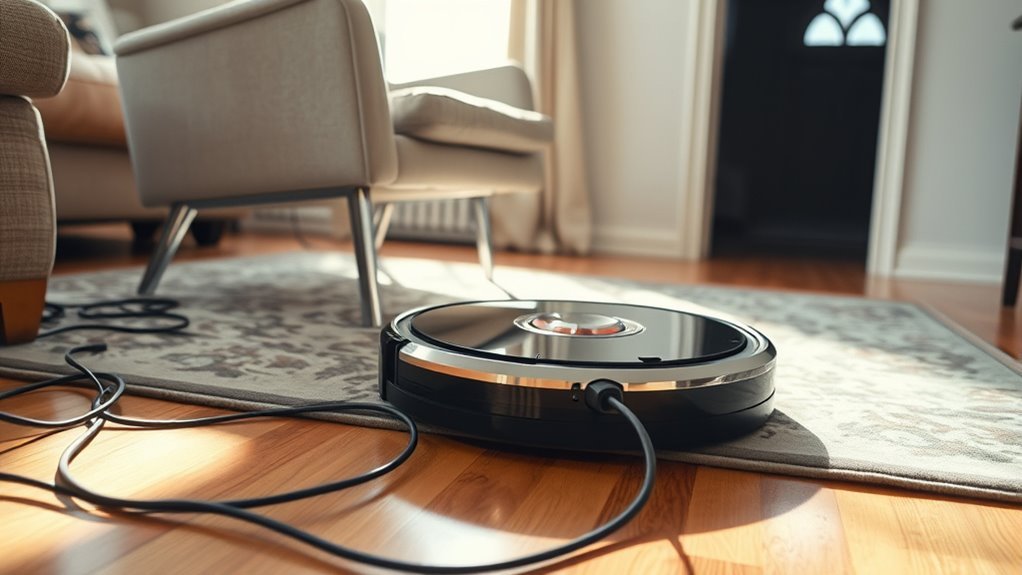
Robot vacuums often keep circling when their navigation inputs are compromised. In these cases, a robot vacuum keeps repeating its path because onboard sensors, mapping logic, or environmental cues no longer align.
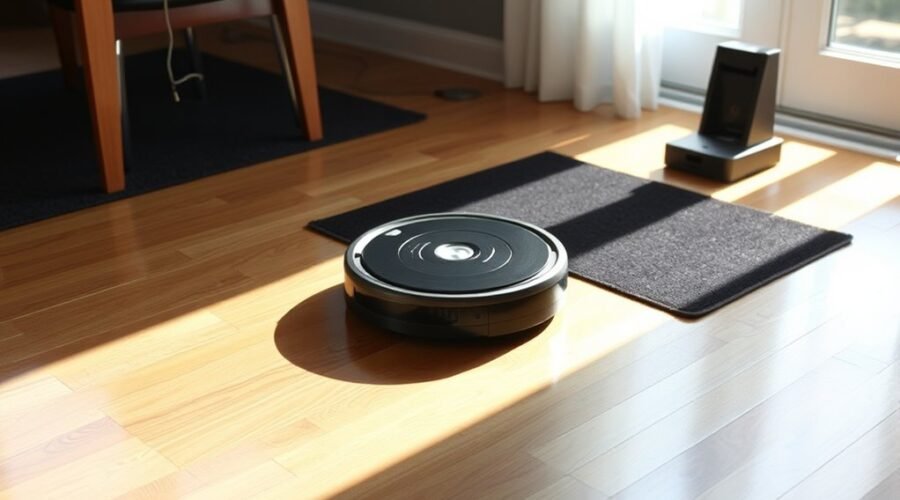
Infrared systems can misread reflective tile or laminate, producing false distance data and steering corrections that never resolve. Strong sunlight may cast high-contrast shadows that distort position estimates, while clutter and low-profile objects can block sensor views and force repeated avoidance loops.
Software faults add another layer of instability: outdated firmware or route-planning glitches can cause the unit to abandon its mapped route and revert to erratic motion. The result is not intentional obedience but degraded autonomy.
Liberation from this pattern requires restoring reliable perception and control so the machine can move with purpose rather than circle under confusion. When inputs stabilize, navigation becomes coherent, efficient, and far less captive to repeated turns.
Dirty Sensors and Bad Readings
Dirty sensors can distort a robot vacuum’s perception of its environment, causing it to misread open floor space as an obstacle or miss a barrier entirely. In such cases, dirty sensors produce inaccurate readings that can push the machine into looping paths rather than a direct route.
Optical and cliff sensors are especially vulnerable, because dust and debris interrupt their ability to register terrain and edges with precision. When those inputs degrade, the control system may infer false barriers, ignore clear passages, or alternate between both errors, creating erratic movement.
This is not a minor defect; it is a denial of spatial clarity, and it reduces navigation efficiency. Regular cleaning with a microfiber cloth restores sensor reliability and preserves stable mapping behavior. Keeping sensors unobstructed allows the vacuum to move with greater accuracy and less circling.
Wheel Problems That Throw Off Turns
Wheel-related obstructions can cause a robot vacuum to lose turning accuracy, especially when dirt or hair accumulates around the axles and restricts rotation. These wheel problems often force the unit into repeated arcs rather than straight, deliberate paths, reducing autonomy.
- Stiff wheels can scrape surfaces and slow pivots
- Debris around axles disrupts balanced motion
- Wheel sensors may read faulty rotation counts
- Obstruction can make one side lag behind the other
- Maintenance restores freer, more independent movement
When rotation is impeded, the chassis may tilt slightly, amplifying drift and producing erratic loops. Small sensors embedded in the wheels depend on uninterrupted motion; blockage can distort position estimates and turn execution.
Technical inspection should include clearing debris, checking axle freedom, and confirming that both wheels spin with equal resistance. Some models provide a hidden test mode that isolates wheel faults, helping identify the source of circular movement without guesswork.
Regular cleaning keeps navigation precise and preserves the machine’s ability to move with controlled, liberated intent.
Software Glitches in Robot Navigation
Navigation software errors can produce erratic pathing, including repeated circling, when firmware faults disrupt mapping and route planning.
A mapping refresh or system reset may correct stored inaccuracies and restore proper environmental recognition.
Regular firmware updates remain necessary to reduce bugs and improve navigation stability.
Navigation Software Errors
Software glitches in a robot vacuum’s navigation system can distort mapping data, causing the unit to stray from its intended cleaning path, circle repeatedly, or produce incomplete coverage.
These navigation software errors often impair obstacle recognition and route calculation, yielding erratic motion and reduced autonomy.
- Incorrect path planning
- Missed obstacle detection
- Drift during operation
- Incomplete room coverage
- Bug fixes via updates
Outdated firmware can intensify these faults, but regular updates typically restore algorithmic stability and improve movement logic.
A navigation reset may also clear inconsistent internal data, helping the machine regain a coherent route structure.
For users seeking freedom from manual correction, precise software maintenance is essential to preserve efficient, predictable cleaning behavior and minimize needless circling.
Mapping Refresh Needed
When map data becomes incomplete or inaccurate, a robot vacuum may lose positional reference, circle unnecessarily, or fail to follow a defined cleaning route. In such cases, a mapping refresh needed condition is indicated.
Software glitches can corrupt spatial data, leaving the machine unable to distinguish cleared zones from obstacles or to honor its programmed path. A reset of the navigation system, or recalibration through the manufacturer’s app, can restore coordinate accuracy and improve route fidelity.
When map refresh tools are used, the device often regains stable recognition of its environment and resumes systematic coverage. A reliable Wi-Fi connection is important during this process, because interrupted data transfers may preserve faults.
For users seeking autonomous convenience without constraint, refreshed mapping supports cleaner movement and more predictable navigation.
Update Firmware Regularly
Regular firmware updates are essential for maintaining navigation accuracy in a robot vacuum, as they correct known bugs and refine path-planning algorithms that can otherwise produce circling, drifting, or incomplete coverage.
To update firmware regularly is to reduce software-induced instability and preserve autonomous control.
- Fixes navigation bugs
- Improves mapping precision
- Enhances obstacle detection
- Resolves drift from outdated code
- Supports app-based alerts
Manufacturers often issue update notifications through companion apps, allowing rapid installation with minimal intervention.
Such maintenance can improve performance across mixed floor types and reduce inconsistent routes caused by obsolete software.
For users seeking autonomy without wasted motion, routine firmware checks are a practical safeguard.
How Floors Affect Vacuum Navigation
Reflective flooring, such as glossy tile or laminate, can distort infrared and visual sensor readings, causing the vacuum to misjudge obstacles and path boundaries.
Strong lighting and sharp shadows further interfere with surface detection, especially when reflections amplify false signals.
These combined effects can produce erratic motion, circular patterns, or failure to maintain a straight route.
Reflective Surfaces
Shiny tiles, laminate, and other glossy floor finishes can disrupt robot vacuum navigation by altering sensor readings in ways that mimic obstacles or open space. Reflective surfaces undermine autonomy by forcing the machine into corrective loops.
- IR sensors may register glare as a barrier.
- False blockage readings can trigger circling behavior.
- Floor texture shifts change distance estimates.
- Color variation can skew obstacle detection.
- Clean sensors reduce navigation errors.
These effects are mechanical, not random. When the vacuum cannot reliably interpret reflective surfaces, its path-planning logic loses confidence and repeats turns.
For users seeking liberation from manual sweeping, maintenance becomes a practical intervention: inspect sensors, remove residue, and minimize glossy interference where possible. The result is steadier mapping and fewer aimless loops.
Lighting And Shadows
Lighting and shadows can distort a robot vacuum’s environmental readings, especially when sunlight falls across shiny tile or high-gloss laminate. | Condition | Effect on navigation |
| — | — |
|---|---|
| Shiny tile | Infrared reflections trigger erratic circling |
| Laminate | Smoothness suggests false obstacles |
| Sunlit shadows | Mapping errors produce unstable paths |
These lighting shifts weaken sensor reliability and can redirect the machine into repetitive loops. Bright colors and glossy finishes amplify the issue by scattering light unpredictably, while clutter or low-profile objects further obscure readings. On floors that should enable freedom of movement, the vacuum instead confronts ambiguous data and reacts defensively. The result is not random failure but systematic misinterpretation of the surface environment, with shadows and reflected lighting repeatedly overriding navigation logic.
How Light and Reflections Confuse Sensors
When glossy surfaces or intense illumination are present, a robot vacuum’s infrared and optical sensors can register distorted returns that alter perceived distance and obstacle location. Such errors are common on glossy tiles, laminate, and furniture with reflective finishes, where mirrored light produces false contours and phantom openings. The machine may then veer, stall, or circle, because its sensors cannot reliably separate real barriers from optical noise.
- Reflective floors amplify misreads
- Sunlight creates bright spots
- Shadows disrupt obstacle mapping
- Cables trigger low-profile conflicts
- Narrow passages magnify ambiguity
These conditions reduce path stability and can trap the vacuum in repetitive loops. For users seeking practical autonomy, the remedy begins with recognizing that navigation depends on clean sensor input and controlled lighting.
Regular attention to ambient light and sensor condition preserves route accuracy, improves obstacle detection, and supports more liberated operation without constant supervision.
How to Clean Robot Vacuum Sensors
Robot vacuum sensors require routine inspection and cleaning to preserve navigation accuracy.
Optical, cliff, obstacle, and IR sensor surfaces should be cleared with a microfiber cloth, with a soft brush or compressed air used for stubborn debris and hair.
A weekly cleaning schedule reduces dust buildup and helps maintain reliable obstacle detection under varied lighting conditions.
Sensor Cleaning Basics
Regular maintenance of a robot vacuum’s optical, cliff, and obstacle sensors helps preserve navigation accuracy by preventing dust accumulation and physical interference.
In sensor cleaning basics, a microfiber cloth should be used on robot vacuums to reduce dust buildup without stressing delicate components.
- Inspect cliff sensors weekly
- Wipe obstacle sensors gently
- Remove hair and debris
- Follow manufacturer’s guidelines
- Prioritize peak performance in pet hair zones
These actions protect the navigation system from false readings that can trigger circling, hesitation, or missed coverage.
A slightly damp cloth is typically sufficient; harsh chemicals are unnecessary and may degrade sensor surfaces.
Consistent weekly cleaning supports reliable mapping, steadier movement, and greater operational independence.
Maintaining Clear Sensor Surfaces
Maintaining clear sensor surfaces is essential for reliable robot vacuum navigation, as optical, cliff, and obstacle sensors must remain free of dust, smudges, and fingerprints to interpret surroundings accurately.
A microfiber cloth should be used to wipe each sensor regularly, removing residue before it degrades positional judgment. Weekly cleaning is a practical baseline, preventing buildup that can distort readings and trap the machine in repetitive circling.
If contamination persists, a mild cleaning solution may be applied sparingly; harsh chemicals should be avoided because they can damage sensitive components.
Inspection should also include wear, scratches, or loosened mounts, since defective sensors reduce autonomy and constrain the vacuum’s ability to move freely through space.
Check Wheels, Brushes, and Axles
If navigation becomes erratic, the wheels, brushes, and axles should be inspected first. Hair, lint, and dust can bind the wheels, restricting rotation and forcing circling. Brushes also require scrutiny, because tangles increase drag and reduce directional control. Axles should turn freely; stiffness or trapped debris can interrupt wheel motion and prevent straight travel.
- Examine wheels for wrapped hair and compacted debris.
- Confirm brushes are clean, aligned, and untangled.
- Test axles for smooth, low-resistance rotation.
- Listen for scraping, grinding, or intermittent friction.
- Repeat this maintenance weekly to sustain performance.
Technical observation matters because mechanical obstruction is often a direct cause of unstable movement. A vacuum with clear wheels, clean brushes, and free axles moves with greater precision and fewer compensations.
Regular inspection preserves autonomy, reduces unnecessary wandering, and supports reliable coverage without dependence on repeated intervention.
Reset Maps and Update Firmware
Resetting the saved map can eliminate navigation errors caused by corrupted or outdated mapping data, allowing the robot vacuum to rebuild its route logic from a clean baseline.
When technicians reset maps, the unit discards obsolete spatial assumptions and generates a fresh cleaning model, which can restore orderly traversal.
After the reset, the vacuum should be permitted to complete two passes through the area so its sensors can identify obstacles and refine the new map with higher confidence.
Firmware updates should then be checked routinely, since manufacturers often release navigation fixes, mapping improvements, and bug corrections.
A stable Wi‑Fi connection is necessary during installation to maintain uninterrupted communication between the robot and its app.
This maintenance sequence frees the machine from legacy errors and reduces needless circling.
How to Stop Your Robot Vacuum From Circling
A robot vacuum that keeps circling often has a sensor or mapping fault rather than a drive-motor problem. To stop a vacuum going in circles, the operator should first clean all optical, cliff, and bumper sensors with a dry cloth. Dust films and debris can corrupt localization.
Next, the floor plan should be inspected for cables, low objects, and glossy surfaces that may reflect or distort readings.
- Remove obstructions from the cleaning path
- Eliminate mirrors, dark mats, and reflective tiles
- Reboot or refresh the navigation map after updates
- Test performance in bright sun and shadow
- Set no-go zones around problem areas
Frequent software updates are also essential, because firmware defects can degrade path planning.
If circling persists, the unit should be tested under different lighting conditions to identify sensor sensitivity. Virtual barriers can then constrain motion and restore predictable coverage, giving the machine a clearer route and the household greater operational freedom.
Frequently Asked Questions
Why Does My Robot Vacuum Keep Spinning in Circles?
It spins in circles because Navigation Issues often arise from dirty sensors, reflective flooring, sunlight interference, wheel blockages, or outdated firmware. These faults distort mapping, trap motion, and prevent accurate, autonomous route correction.
Why Is My DEEBOT Driving in Circles?
The DEEBOT is likely driving in circles because Sensor Issues disrupt obstacle detection and navigation. Dirt, glare, shadows, or outdated firmware can distort mapping; cleaning sensors and updating software restores autonomous, reliable movement.
Why Is My Roborock Going in Circles?
Navigation issues usually cause it: dirty sensors, reflective flooring, harsh sunlight, clutter, or outdated firmware can distort mapping and drive a Roborock into circles. Cleaning sensors and updating software often restores stable, autonomous pathfinding.
What Are the Most Common Problems With Robot Vacuums?
Common failures often arise like hidden gears seizing: sensor faults, wheel blockages, software glitches, reflective surfaces, and low-light confusion. Battery Issues also disrupt runtime and routing, demanding maintenance, updates, and inspection for reliable autonomous cleaning.
Conclusion
In the end, the circle is rarely random. It usually signals a conflict between sensor input, wheel motion, and mapping logic, hidden beneath reflective floors, dust, clutter, or outdated code. When those variables align poorly, navigation degrades fast. The next step is not guesswork, but systematic correction: clean the sensors, inspect the drive system, reset the map, and update firmware. Only then does the vacuum regain its path—and stop looping back again.