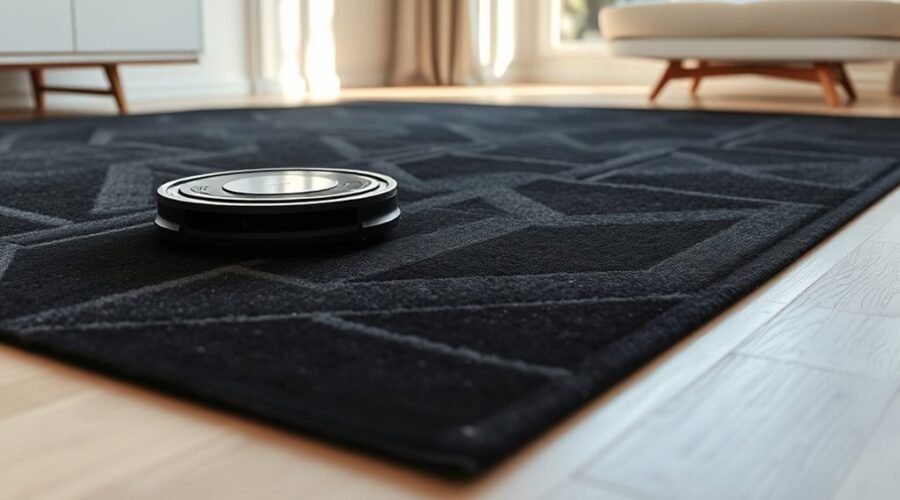
A robot vacuum that treats a rug as a cliff is usually reacting to its infrared drop sensors, not a real hazard. Dark fibers can absorb light and confuse the sensor array, especially when dust, smudges, or misalignment are present. The result is a repeated stop-and-turn pattern over otherwise safe flooring. A few targeted checks can often solve it, but the right fix depends on the cause.
Why Your Robot Vacuum Thinks a Rug Is a Cliff
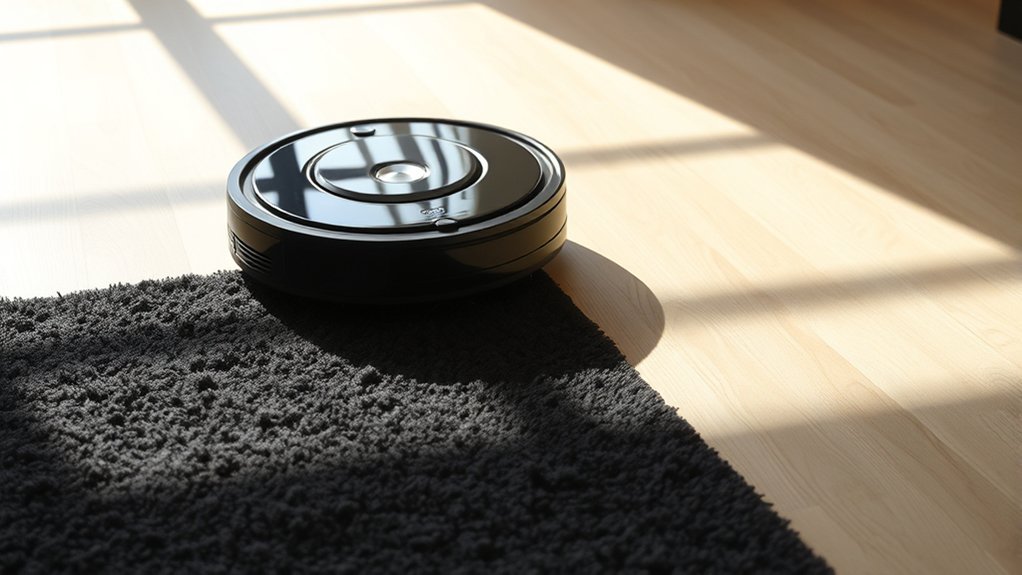
Robot vacuums often mistake dark rugs for drop-offs because their cliff sensors depend on infrared light reflection, and black surfaces absorb or scatter too little signal to register as safe flooring.
The result is a cliff sensor error that causes the machine to halt, retreat, or refuse entry. Dark borders, outlines, and patterned carpets can trigger the same response, especially when contrast is strong near the edge.
Dark rugs and sharp patterns can trigger cliff sensors, making robot vacuums stop, back away, or avoid the area altogether.
This issue appears across major brands, with Roomba units frequently reported to misread black carpets as voids. The fault is usually not the rug itself but the sensor’s limited ability to separate texture from absence.
Users seeking reliable automation often try white tape or aluminum foil to increase reflectivity, though newer models may ignore such fixes.
Persistent complaints point to a practical demand for better firmware and improved sensing hardware so cleaning robots move without unnecessary fear.
Check the Cliff Sensors First
Check the cliff sensors first, since they are the most common source of false drop-off readings on dark rugs and patterned carpet.
These cliff sensors use infrared reflection to estimate floor continuity; on dark surfaces, the return signal can be too weak, so the vacuum treats the area as unsafe and reroutes.
A practical inspection begins with cleaning each sensor window and checking for dust, scratches, or misalignment.
If the machine still halts at rug edges or dark borders, the issue is likely not the drive system but sensor interpretation.
Some users test temporary workarounds such as white electrical tape or small strips of aluminum foil over the sensor area, but these fixes are limited and should be treated as stopgaps, not repairs.
Persistent false detections point to a hardware or design limitation.
Better cliff sensors, with improved depth and color discrimination, remain the long-term answer for reliable movement and autonomous cleaning freedom.
Why Black Rugs Trigger Cliff Sensors
Black rugs often trigger cliff sensors because the sensors depend on infrared light, which dark surfaces absorb instead of reflecting.
Robot vacuums read low return signals as open space, so black rugs can look like a drop-off rather than a safe surface. This behavior appears across brands, including Roomba models that may oscillate at dark borders or stall on black carpets.
Patterns and outlines in dark fibers can worsen the problem, creating repeated false alarms and broken navigation. The limitation is technical, not behavioral: current cliff detection was designed for bright thresholds, not nuanced color or texture recognition.
Some users try white tape or foil on sensor windows, but newer units may defeat those workarounds.
The practical takeaway is clear: until sensor design improves, black rugs remain a common failure mode that demands smarter detection, not user compliance.
Clean Dust and Smudges Off the Sensors
Dust and smudges on cliff sensors can make an already sensitive detection system even less reliable, especially on dark flooring where the return signal is weak.
Robot vacuums depend on clean sensor windows to read infrared reflections correctly, so routine maintenance is essential. To clean dust and smudges off the sensors, power the unit down, then wipe each sensor gently with a soft, dry cloth. This removes film without scratching the lens.
Clean sensor windows regularly so infrared reflections stay accurate and your robot vacuum can navigate safely.
If residue remains, a small brush or brief compressed air burst can dislodge particles from the sensor edge and nearby recesses. Grime should be checked often, particularly after travel over low-pile black rugs, where false cliff readings are common.
Keeping these components clear improves navigation efficiency, reduces unnecessary stops, and helps robot vacuums move with more confidence across the home. A short cleaning interval preserves performance and prevents avoidable misclassification of safe surfaces as hazards.
Use Tape or Foil as a Temporary Fix
A temporary workaround involves applying narrow strips of white electrical tape or aluminum foil over the cliff sensor areas to alter the light input and reduce false cliff detection on dark rugs. This tape-based modification can help some robot vacuums cross dark surfaces that would otherwise trigger avoidance behavior.
Results vary by model; older Roomba units have shown better compatibility, while newer designs may reject the fix because of sensor or firmware differences. The method is not permanent and should be treated as a trial measure, not a liberation from hardware limits.
After installation, regular inspection is necessary because dust buildup can reduce performance and restore false readings. Careful handling is essential during application and removal to avoid damaging sensitive parts or disturbing reassembly.
If the vacuum still misreads the rug, the workaround has limited value and may need replacement with another solution.
Adjust the Sensor Position Inside the Vacuum
To correct persistent false cliff readings, the cliff sensors inside the robot vacuum may be repositioned so the transmitter and receiver face each other directly. Access begins with disassembly: remove the sweeper, battery, and required screws to reach the sensor bay.
A thin metallic tool can then release the cliff sensors from their housing without forcing the plastic frame. Once free, the sensor pair should be aligned so each element remains parallel and clearly opposed, preserving the optical path needed for accurate surface detection.
After alignment, shrink wrap can secure the assembly and prevent drift during operation. Reassembly should be methodical, with all parts returned in reverse order and fasteners tightened evenly.
Final validation is practical: run the vacuum across the rugs that previously triggered cliff behavior and confirm that navigation remains stable. This adjustment restores reliable sensing and reduces dependence on restrictive workarounds.
Use Virtual Walls and No-Go Zones
Virtual Walls can be set to create invisible barriers that block the robot from crossing into problem areas, such as rugs mistaken for drop-offs.
No-Go Zones can be marked in the app to keep the vacuum away from dark carpets or other surfaces that trigger cliff sensors.
These controls help reduce repeated stops and improve cleaning efficiency in complex layouts.
Set Virtual Walls
When a robot vacuum repeatedly misreads a dark rug or patterned carpet as a drop-off, setting Virtual Walls or app-based No-Go Zones can prevent the problem area from being entered at all. Virtual walls use infrared barriers to signal the unit to stay clear, preserving autonomy over cleaner routes. Their range is usually adjustable, letting the user shape boundaries to match room layout and free the machine from false cliff readings.
| Control | Effect | Use |
|---|---|---|
| Virtual walls | Block entry | Protect rugs |
| Adjustable range | Fit layout | Limit exposure |
| No-Go Zones | App-defined exclusion | Reduce errors |
This setup reduces stuck events, improves path planning, and keeps cleaning focused on safe, accessible floor.
Mark No-Go Zones
Marking no-go zones with Virtual Walls or app-based exclusion areas keeps the robot vacuum away from rugs, patterned carpet, and other surfaces that can trigger false cliff-sensor readings. This lets the machine move with fewer interruptions and gives users more control over cleaning paths.
- Place Virtual Walls around dark rugs.
- Block patterned zones that confuse sensors.
- Use app exclusions for temporary layouts.
- Keep barriers active in single-story homes.
Many users rely on these limits to avoid repeated errors and protect navigation. Physical barriers can serve the same purpose when app controls are basic.
For broader freedom, firmware updates could improve customization, making no-go zones fit complex home layouts more precisely.
See Whether a Firmware Update Helps
A firmware update can improve cliff sensor behavior by refining how the robot interprets dark rugs, patterned flooring, and other surfaces that may trigger false drop detections.
On many models, newer code adjusts threshold logic, sensor filtering, and navigation responses, which can reduce unnecessary stop-and-turn behavior around dark rugs. Users have reported smoother routes and better coverage after installing updates, especially in rooms where contrast previously confused the robot.
Newer firmware can reduce false cliff alerts, helping robots move smoothly over dark rugs and patterned floors.
Brands such as Roomba continue to release fixes in response to community reports, showing that the issue is often software, not failure. Keeping firmware current is a practical maintenance step, because it may deliver the latest cliff-detection improvements without hardware changes.
Some manufacturers also offer beta programs, allowing users to test emerging sensor refinements and provide feedback. Checking update status through the app or dock interface is usually sufficient.
If an update exists, applying it can be a low-effort way to regain reliable movement and reduce false cliff alerts.
Test Your Vacuum on Dark Rugs Safely
If firmware changes have not resolved false cliff detections, the next step is to test the robot vacuum on dark rugs in a controlled setting. This isolates sensor behavior without risking broad disruption and lets the operator observe how the machine reads dark rugs, borders, and patterns.
- Place the vacuum on a short test route.
- Add white electrical tape or aluminum foil near edges to create contrast.
- Watch for backtracking, pauses, or repeated cliff alerts.
- Use Virtual Wall barriers to contain the trial zone.
The goal is to see whether the cliff sensors misinterpret low-reflective surfaces as drop-offs. Dark borders often provoke the error, so close observation matters.
If the vacuum remains stable, broader testing can proceed. If it stalls, the data points to a sensor interpretation problem rather than a navigation fault. Community reports can also help compare outcomes across dark rugs and guide safer evaluation.
Prevent False Cliff Alerts on Dark Rugs
Dark rugs can trigger false cliff alerts when the vacuum’s infrared cliff sensors fail to detect reflected light, especially along dark borders or busy patterns. On a dark rug, the robot may slow, reverse, or stop, treating safe floor as a drop-off.
Practical mitigation starts with improving contrast: white electrical tape or narrow aluminum foil strips placed where sensors read can restore detection, though these are temporary workarounds. Users should also reduce clutter near rug edges and test routes after each change.
A better long-term fix is firmware that refines cliff-sensor logic so the machine can distinguish low-reflectance textiles from actual voids. A proposed green zone feature would let owners selectively disable cliff sensors in specific areas, giving the vacuum autonomy without forcing it into brittle safety rules.
For households seeking reliable coverage, this change would free navigation on dark rug surfaces while preserving protection elsewhere.
Frequently Asked Questions
My Shark Vacuum Robot Is Showing an Error Code “Cliff Sensor Error.” What Could Be Causing This and How Can I Fix It?
The Shark vacuum likely misreads dark rugs as drops because its cliff sensors reflect too little infrared light. Sensor Calibration, cleaning sensors, removing obstructions, and updating firmware can restore detection; tape tests may help temporarily.
What Does Cliff Fault Mean on a Robot Vacuum?
Cliff fault means the vacuum’s sensors think a drop-off exists. Like a hiker hesitating at a painted edge, it stops to avoid falling. Sensor Calibration may correct false triggers from rugs, dark floors, or dirt.
How to Fix Roborock Cliff Sensor Error?
Reset the robot, clean the cliff sensors, and run Sensor Calibration. If dark rugs trigger errors, test on lighter surfaces, adjust sensitivity in settings, and shield sensors with white tape or foil to restore reliable navigation.
Can I Disable the Cliff Sensors on My Roomba?
Usually no; Roomba cliff sensors are not meant for user disablement. Sensor Adjustment via firmware is the real liberation, not tape theatrics. Temporary tests exist, but permanent bypassing risks falls, voids support, and newer models resist tampering.
Conclusion
In conclusion, when a robot vacuum sees a dark rug as a cliff, the cause is usually infrared sensor misreading, not a real hazard. Clean the cliff sensors, verify alignment, and update firmware before using temporary fixes like white tape or foil. Virtual walls and no-go zones can also redirect the robot. With these steps, false stops fade like shadows lifting from a floor, restoring steadier navigation and safer cleaning on dark surfaces.