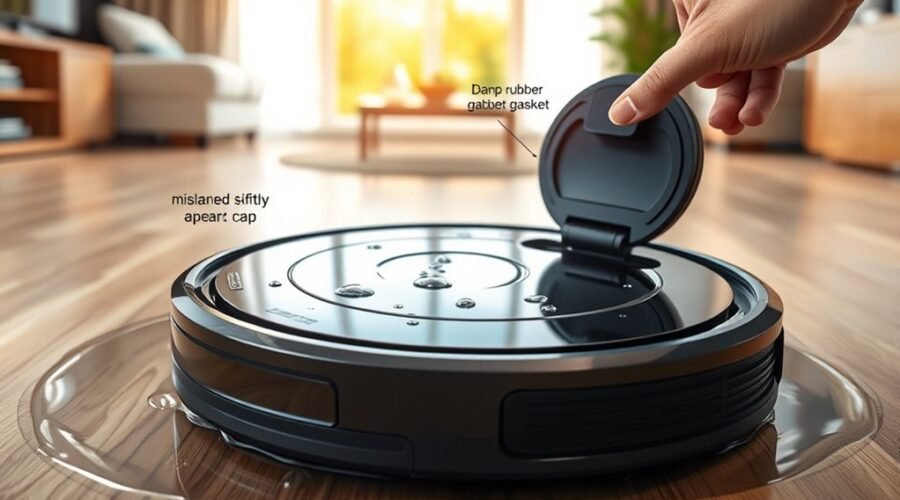
A robot vacuum that leaks water usually points to a fault in the tank, seal, or flow system. The first step is to locate the leak source before assuming a major failure. A loose tank fit, cracked seal, blocked nozzle, or incorrect app setting can change how water moves through the unit. Even the mop pad and plate can contribute. The next checks reveal which part is actually causing the problem.
Identify Where the Leak Is Coming From
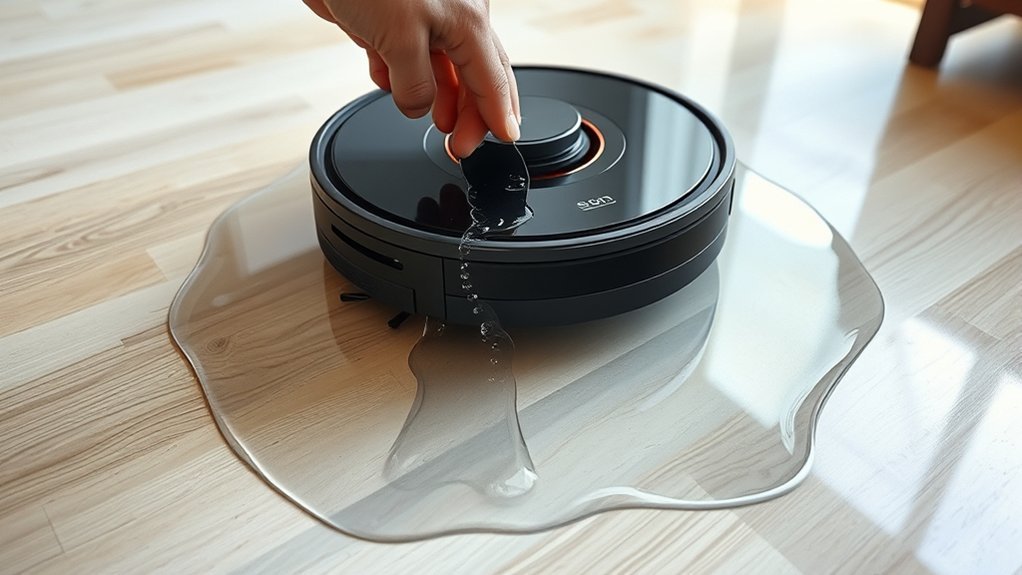
To identify where the leak is coming from, the water tank should be checked first for proper seating, as it must click securely into place to prevent seepage during operation. If the water tank is loose, leaks may appear beneath the unit or along its side.
Next, the clean water level should be verified; overfilling can force excess water past the tank housing. The valve mechanism should then be examined for blockage or irregular movement, since restricted water flow can create pressure and release fluid unpredictably.
Verify the clean water level first, as overfilling can force water past the tank housing.
Any accumulation of dirty water in the cleaning tray points to drainage or pump fault rather than surface spill. A detached method helps separate causes without confusion. Each symptom narrows the fault line and supports a direct repair path.
The system should be observed during a short run, with attention to fresh moisture, recurring drips, and changes in output. Precision in diagnosis protects autonomy and reduces avoidable maintenance.
Inspect the Tank Seal and Fit
The tank should be removed and reinstalled until it clicks firmly into place, confirming a secure fit. A loose water tank can shift during cleaning and create leaks at the seal.
Inspect the rubber seal for cracks, flattening, or distortion; any defect can disrupt water output control and allow escape. The seal should also be clean and free of debris, because residue can prevent a tight fit.
Confirm the tank is not overfilled, since excess water increases pressure and promotes leaking. Check model compatibility as well; an incompatible tank may appear seated yet still fail to lock correctly.
- Remove and reseat the water tank.
- Inspect the seal for damage.
- Clean the seal surface.
- Verify fill level before use.
- Confirm fit with the correct robot model.
If leaks persist, the tank assembly may need replacement.
Clear the Nozzles and Water Outlets
If the tank seal and fit are secure but water output remains low or uneven, the nozzles and water outlets should be checked next. A clog from limescale or dirt can restrict water flow and disrupt dispensing.
Each nozzle should be inspected closely, then cleared with a needle or toothpick to remove blockage without damaging the opening. The water outlet should also be clean; rinsing it under warm water can dislodge debris and restore consistent release.
The clean water tank must remain properly seated and locked, since misalignment can obstruct the outlet and mimic a supply fault. During operation, reduced water flow signals that nozzles or the outlet may need attention.
The clean water tank must stay seated and locked, as misalignment can restrict flow and mimic a supply fault.
After cleaning, all parts should be dry and free of solution residue. This keeps the water path open, supports stable dispensing, and lets the machine work with greater independence.
Adjust Water Flow in the App
Robot vacuum apps often include water flow controls that should be checked when mopping performance is weak or uneven. To adjust water flow, open the app and check whether the setting is low, medium, high, or minimum.
If the floor remains dry, increase the water level gradually until water dispensing matches the surface demand. Some models support fine-grained control, and advanced units may offer many levels for precise calibration. This can improve the action of the mop pad and help the mopping cloth maintain consistent contact without excess saturation.
If a compatible model uses Eufy cleaning solution, confirm that the app settings still allow normal output. During operation, monitor the stream and revise the setting if coverage looks limited or overly wet.
- Verify the current level before testing.
- Avoid the minimum setting unless required.
- Raise output in small steps.
- Observe water dispensing during a full cycle.
- Save the setting once the balance is stable.
Clean the Mop Pad and Mop Plate
After confirming the app’s water output, attention should shift to the mop hardware itself, since poor absorption or a contaminated mounting surface can cause leaks even when the setting is correct.
The mop pad should be clean, fully dried between uses, and washed at 60 °C without fabric softener so fibers continue to absorb water effectively. A worn pad should be replaced, because reduced absorption can force excess water onto the floor.
The mop plate should be inspected for dirt, residue, or mineral buildup that might hinder water flow; it must be clean and dry before reinstallation. During setup, the mop pad must sit properly on the mop plate, because poor seating can disrupt water dispensing and create leaks.
If water nozzles on the pad appear blocked, a needle or toothpick can be used to unclog them carefully. These checks restore controlled flow and keep the system working as intended.
Frequently Asked Questions
My Roomba Is Leaking Water. What Should I Do?
He should stop use, empty the tank, and inspect water leak causes: clean water tank seating, sensor issues, filter clogs, seals, and outlets. Apply troubleshooting tips, maintenance practices, then consult product warranty if leaks persist.
My Roborock Is Leaking Water. What Should I Do?
He should inspect water leakage causes: water tank inspection, seals, outlet, and mop pad. Apply robot maintenance tips, troubleshooting techniques, cleaning frequency recommendations, and user error prevention. If damaged, check replacement parts availability promptly.
What Are the Most Common Problems With Robot Vacuums?
Common robot vacuum faults include weak suction power, short battery life, navigation issues, app connectivity failures, brush maintenance neglect, poor mapping accuracy, and delayed filter replacement; each can reduce autonomy, efficiency, and household liberation.
My Dreame Robot Is Leaking Water. What Could Be Causing This?
Likely water leak causes include misseated tank, damaged seal, overfill, blockage, or ball valve fault. These robot maintenance tips address cleaning reservoir issues, sensor malfunction signs, troubleshooting steps, product warranty concerns, customer support options.
Conclusion
To sum up, diagnosing a robot vacuum leaking water requires a methodical check of the tank, seal, nozzles, app settings, and mop assembly. Each component should be seated correctly, free of debris, and set to an appropriate flow rate. When these parts are clean and aligned, the leak often stops before it spreads like a slow drip from a faulty valve. Consistent inspection helps preserve performance and prevent repeated water loss during cleaning cycles.