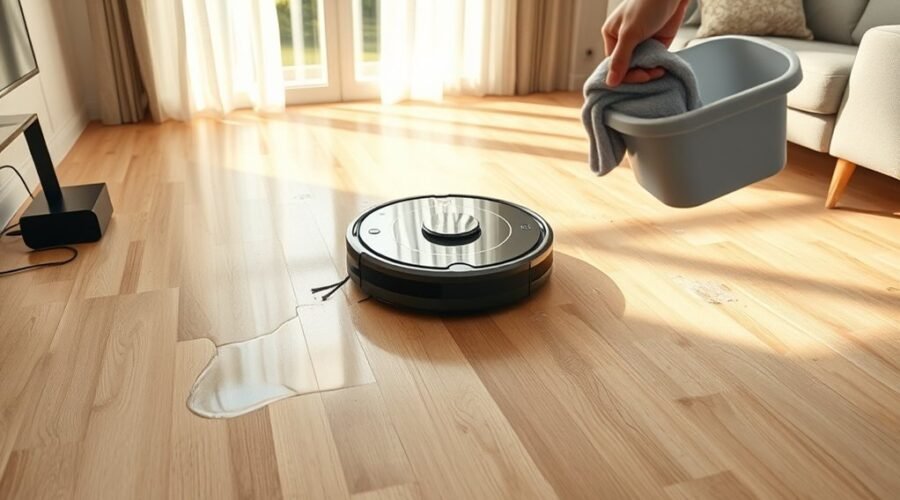
A robot vacuum that leaves floors too wet usually points to a controllable fault, not a random spill. The issue may come from water settings that are too high, a clogged mop pad, or a pump that is delivering more than it should. In some cases, the machine is simply not matched to the floor type. The next step is to isolate which part is overworking, because the fix is often simpler than expected.
Why Is Your Robot Vacuum Leaving Floors Wet?
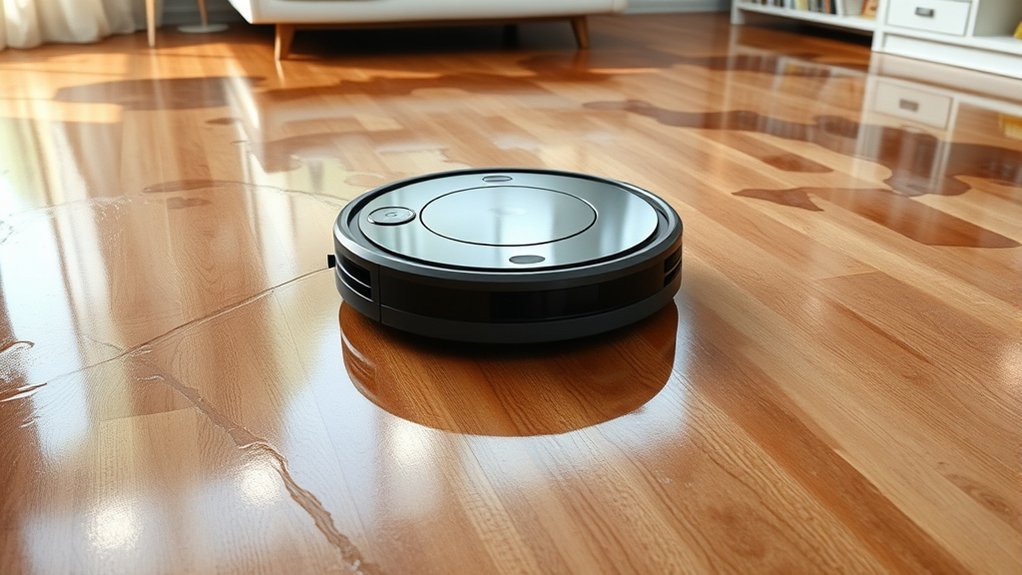
A robot vacuum may leave floors wet when its water delivery system is dispensing too much liquid, often because the pump is overactive or the water-flow setting is too high. Excess output saturates the mop pads, which then spread moisture instead of lifting it.
When pads are dirty or already loaded, they can smear dirty water across the surface and leave a damp finish. Non-approved cleaning solutions can also generate residue that disrupts absorption and increases retained moisture.
In some units, low water pressure is not the issue; the problem is excess delivery at the tank, valve, or pump stage. A clogged or poorly maintained water tank may further distort flow and worsen wetness.
Regular inspection of pad condition, water tank cleanliness, and fluid compatibility helps isolate the fault. The result is usually mechanical, not mysterious: too much liquid enters the cleaning path, and the floor remains wet after the cycle.
Check Your Robot Vacuum Water Settings
Check the robot vacuum’s water settings first, since incorrect flow control is a common cause of overly wet floors. The vacuum and mop system should match the surface: low water settings for hardwood, higher output for tile or laminate.
If the machine supports adjustable spray, reduce flow before increasing cleaning time. Higher suction can sometimes pull more liquid through the pad, so test combinations rather than assuming maximum power is better. If a wet and dry mode is available, confirm that mopping mode is active and dry mode is not limiting moisture.
- Verify the selected water settings in the app or on-device panel.
- Compare results with and without cleaning solution, since excess dilution can change runoff behavior.
- Consult the user manual for model-specific limits and controls.
When calibration is correct, the floor should be clean, controlled, and free from unnecessary residue.
Inspect the Mop Pad, Tank, and Nozzles
Examine the mop pad, water tank, and spray nozzles for signs of dirt, saturation, leaks, or blockage, since any of these faults can leave a robot vacuum dispensing too much moisture.
A dirty mop pad can hold excess water and redistribute it across the floor, producing a wet trail instead of controlled cleaning.
The water tank should be filled only to the marked level, with the cap sealed and the housing checked for seepage or debris that could restrict flow.
Nozzles and spray ports require frequent cleaning; mineral buildup or lint can disrupt atomization and create uneven discharge.
Proper cleaning solution matters, and harsh mixtures may worsen residue or clogging.
If the floor remains damp, the machine’s output may be too aggressive for the surface type.
A disciplined inspection routine preserves autonomy, reduces waste, and keeps floor care precise, controlled, and free from avoidable excess.
See If the Water Pump Is Failing
If the robot vacuum continues leaving the floor overly wet, the water pump may be failing to regulate flow correctly. A weakened water pump can spray excessive water onto the mop pad, creating over-saturation during a cleaning cycle. That condition often appears as streaks, pooling, or a damp trail after the machine passes.
Diagnostic attention should include checking whether the pump primes consistently, because repeated priming can signal drying out, restriction, or internal wear. Any unusual clicking, grinding, or uneven hum from the water pump during operation also points to declining function.
Regular maintenance of the pump and clean water tank helps preserve controlled flow and reduces moisture faults.
- Observe whether water output changes between cycles.
- Listen for abnormal pump sounds during dispensing.
- Inspect the pump and tank for routine maintenance needs.
Fix a Robot Vacuum That Leaves Floors Wet
A robot vacuum that leaves floors wet usually has an issue with moisture control rather than simple cleaning performance.
The first correction is to inspect the mop pads. If they are dirty or oversaturated, they can redistribute much water across the floor and make a robot vacuum leave a damp trail. Pads should be rinsed, dried, and replaced when worn.
Next, check the water level setting. A low output is often enough, and excessive flow only adds unnecessary moisture.
The tank and spray ports should then be examined for blockages; partial clogs can release water unevenly and create wet patches. Regular rinsing of the water tank and internal wet-path components helps restore normal delivery.
If the problem persists, the cleaning solution should be reviewed. Non-approved formulas may leave residue that traps moisture and defeats drying.
Prevent Wet Floors on Future Runs
Future runs can be stabilized by reducing water output to the minimum effective setting and verifying that the tank and pump deliver water without overfeed.
Clean mop pads should be maintained or replaced on a routine basis so absorbency remains consistent and surface saturation does not increase.
The water system should be primed only as needed, with clogs and leaks checked to prevent uneven distribution and wet floors.
Adjust Water Output
Reducing the robot vacuum’s water output is often the most direct way to prevent floors from staying too wet after mopping. A technician would first adjust water output to the lowest effective level on the vacuum cleaner, then test a short run on sealed flooring.
Many units expose multiple flow modes; lower settings usually leave a safer, controlled film rather than saturation. If moisture remains excessive, the issue may also involve pad drag or distribution, but the primary control remains flow selection.
- Check the user manual for model-specific limits.
- Confirm mop pads are seated evenly.
- Retest after each setting change.
This measured approach preserves cleaning performance while reducing residue, enabling more independent, less restricted floor care.
Clean Mop Pads
Clean mop pads should be washed regularly to remove grime that can trap and redistribute moisture, causing floors to stay too wet during mopping cycles.
Dirty pads undermine the best robot by lowering absorbency and leaving streaks or saturation near hard floors and area rugs.
Fabric softeners should be avoided, since they coat fibers and reduce water uptake.
Worn pads should be replaced when fibers flatten, fray, or no longer wick evenly.
After each run, pads should dry fully in a clean, dry location to prevent damp storage, odor, and mold.
A maintenance routine that includes inspection, washing, and timely replacement keeps clean mop pads effective, supports controlled drying, and preserves a more independent, less wasteful cleaning process.
Prime Water System
When clean mop pads still leave floors overly saturated, the next diagnostic step is to prime the water system so the robot delivers a controlled, even flow on later runs.
To prime the water system, remove the pads, inject hot water into the water port, and make sure liquid exits each spray port. This confirms the pump is moving fluid instead of air.
If a dock is used, fill the clean-water tank and cycle the robot up and down on the station several times to restore flow.
- Use a plastic syringe or turkey baster for controlled filling.
- Re-prime after long storage or first use.
- Verify the pump and ports are unobstructed.
Frequently Asked Questions
Is a Vacuum Ruined if It Gets Wet?
Not necessarily; water damage may be reversible if power is disconnected immediately and the unit dries fully. Proper vacuum maintenance includes seal inspection and troubleshooting tips. Persistent corrosion or malfunctions may still require replacement.
What Is the Average Lifespan of a Robot Vacuum?
A robot vacuum typically lasts 3–5 years. With disciplined robot vacuum maintenance, careful cleaning schedules, and attention to battery lifespan, higher-end units may exceed five years, especially under lighter use and stable flooring conditions.
Why Is My Robot Vacuum Mop Leaving Streaks on the Floor?
It leaves streaks because the mop pad is dirty, oversaturated, or reacting with improper cleaner. Effective streak removal techniques, floor drying methods, and mop maintenance tips reduce residue, mineral buildup, and grime redistribution.
What Is a Good Floor Cleaning Solution for Robot Vacuums?
A low-foam, robot-approved cleaner liberates floor surfaces from residue, unlike dish soap. He recommends cleaning agents engineered for robot compatibility, ideally diluted with distilled water, to preserve performance, reduce streaking, and protect internal systems.
Conclusion
To conclude, a robot vacuum that leaves floors too wet usually points to one of a few faults: excessive water flow, clogged pads or nozzles, or a weak pump. Checking settings first, then cleaning the tank, mop pads, and spray path, resolves most cases. If the issue persists, hardware inspection is warranted. With correct calibration and regular maintenance, the machine should run like clockwork and deliver clean, evenly damp floors rather than soggy surfaces.