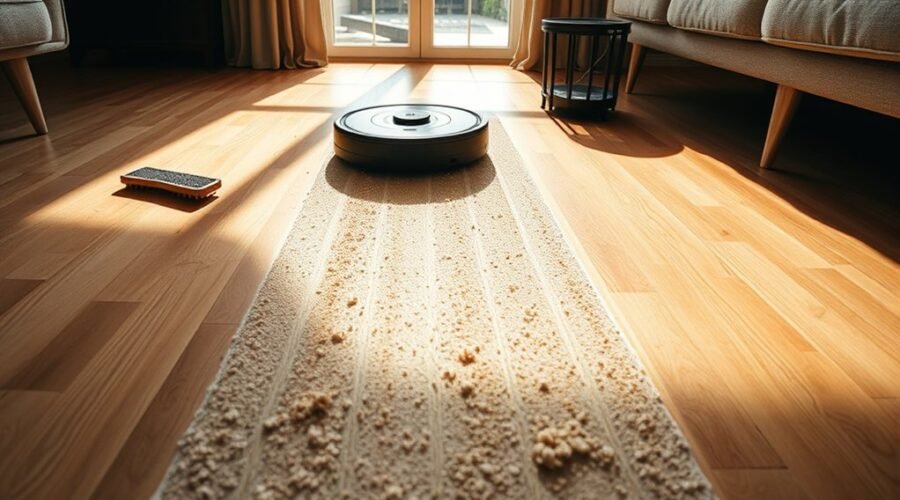
A robot vacuum that leaves lines of debris usually has a basic fault rather than a major failure. Worn side brushes, a clogged filter, a full bin, or reduced airflow can all limit pickup. Dirt may also collect on sensors, wheels, and the main roller, disrupting coverage and cleaning paths. Small mechanical issues often create the same pattern. The causes are specific, and the fixes are usually straightforward.
Common Reasons Your Robot Vacuum Leaves Dirt Lines
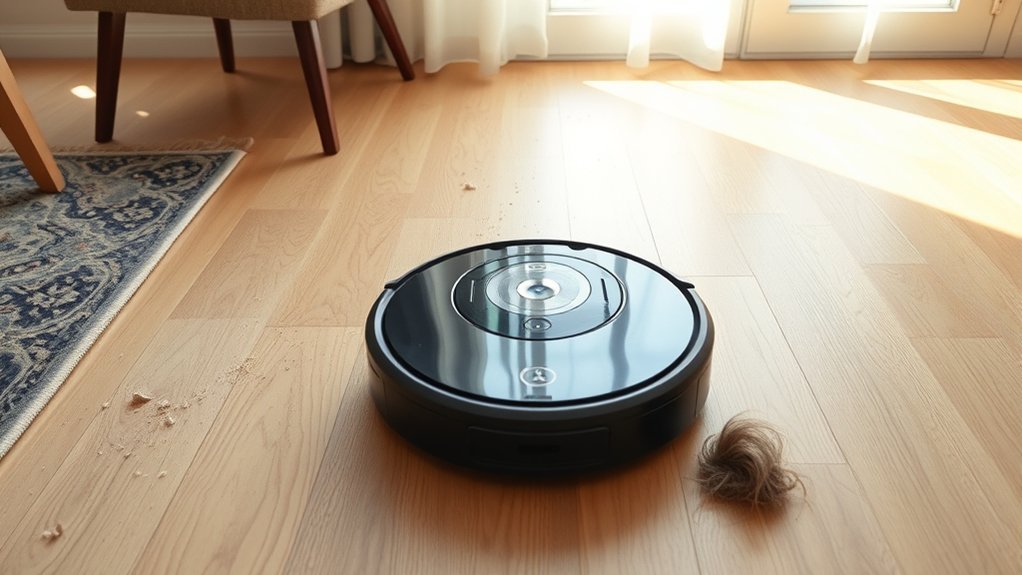
Dirt lines often indicate a mechanical or airflow problem within the robot vacuum rather than a single isolated fault. A worn or flattened main rubber roller may stop agitating carpet fibers, leaving dirt along the travel path.
Hair and debris wrapped around the roller can also block pickup and create repeated streaks. Reduced suction is another common cause: a full dustbin or clogged HEPA filter limits airflow, so loose debris remains on the floor instead of entering the system.
In some cases, deformed side brushes fail to sweep particles inward, especially in corners, allowing buildup that later appears as visible lines.
Regular cleaning of the brush assembly, bin, filter, and sensors helps restore performance and prevents recurring residue. For users seeking reliable, self-directed cleaning, disciplined maintenance keeps the Robot Vacuum working as a practical tool rather than a source of unfinished work.
Check the Side Brushes for Damage
Side brushes should be inspected for wear because bent or frayed bristle arms can reduce their ability to pull debris from edges into the cleaning path.
When the brushes show visible damage, they may scatter dirt instead of collecting it, weakening overall performance.
Replacing worn side brushes with intact parts restores proper edge cleaning and helps maintain vacuum efficiency.
Side Brush Wear
Worn or damaged side brushes can reduce a robot vacuum’s ability to sweep debris from corners into the main brush path, which lowers edge-cleaning efficiency and can leave dirt behind.
Because side brushes are the first contact at walls and edges, any wear diminishes their reach and weakens collection of dust and grit. Bent, frayed, or missing arms may also scatter debris instead of directing it inward, making the machine work less effectively.
Routine inspection helps identify wear before performance drops further. Replacement brushes typically snap on quickly and restore edge-cleaning accuracy with minimal effort.
Regular checks preserve suction power by keeping debris moving toward the intake, supporting consistent cleaning and reducing the need for repeated passes.
Bent Bristle Arms
Bent bristle arms on the side brushes can reduce a robot vacuum’s ability to sweep debris from corners and along edges into the main brush path. When bent bristle arms, frayed tips, or missing segments appear, edge cleaning becomes inconsistent and debris may be pushed aside instead of collected.
Regular inspection preserves autonomous performance and reduces dependence on repeated passes.
- Check each arm for curl, fracture, or stiffness loss.
- Confirm the brush reaches walls and furniture without scattering dirt.
- If damage is visible, fit fresh side brushes to restore sweep coverage.
Fresh brushes snap on quickly and renew contact with tight spaces. This simple maintenance step supports cleaner borders, steadier pickup, and a more liberated, efficient cleaning routine.
Replace When Damaged
Deformed side brushes should be replaced when curled, frayed, or missing arms are found, since even minor damage can prevent debris from being swept from corners into the main brush path. Routine inspection should consequently focus on edge condition and shape retention, with replace when damaged as the operating rule.
| Condition | Action |
|---|---|
| Curled arms | Replace |
| Frayed arms | Replace |
| Missing arms | Replace |
Fresh brushes snap on easily and restore edge pickup, helping the machine work without dragging dirt back into open space. Ignoring deformation can leave missed debris, lower effective suction, and scatter particles across the room. Regular replacement preserves performance, keeps corners clear, and supports cleaner, more autonomous floor care.
Inspect the Main Brush Roller for Wear
The main brush roller should be examined for signs of wear, including flattened rubber blades, smooth surfaces, or uneven edges that reduce debris pickup.
Any buildup of hair, dust, or compacted material around the roller should be cleared during the inspection, since contamination can mask wear and limit rotation.
If the roller shows visible deterioration, replacement is warranted to restore cleaning performance across floor types.
Roller Wear Signs
A worn main brush roller can flatten over time from friction, reducing its ability to agitate carpet fibers and lift debris effectively. These roller wear signs are straightforward to verify and should guide timely replacement.
- Run fingers along the rubber blades; smooth, rounded, or hardened sections indicate wear.
- Inspect the roller profile; flat spots reduce contact with flooring and leave lines of dirt in the cleaning path.
- Replace the roller when degradation is visible, since a fresh part restores suction transfer and improves pickup.
Routine monitoring prevents loss of cleaning efficiency and keeps the machine operating with greater autonomy. A degraded roller does not support free, dependable debris removal; it limits performance until corrected.
Brush Cleaning Check
Inspection of the main brush roller should focus on blade condition, surface texture, and contact profile.
In a brush cleaning check, the rubber roller is examined for flat spots, glazing, or rough blades that no longer flex against carpet fibers. When the roller has worn smooth, it loses agitation and leaves lines of dirt in the vacuum’s path.
Debris wrapped around the shaft can also reduce effective contact, so the brush should be cleared and rotated by hand to confirm uniform movement.
If wear is visible, replacement is the practical fix. A new roller restores pickup efficiency, improves suction transfer, and helps the machine reclaim its full cleaning range.
Regular inspection preserves performance and extends service life, keeping maintenance aligned with user control.
Empty the Bin and Clean the Filter
Emptying the dustbin after each cleaning cycle helps prevent airflow restriction, which is essential for preserving suction power and consistent debris pickup.
To empty the bin is not a minor task; it is a control point that keeps the machine effective and autonomous. When the bin stays full, suction drops, debris lines appear, and the floor is left partially cleaned.
- Empty the bin immediately after use to keep airflow open and dust capture stable.
- Clean the HEPA filter weekly, since clogging can block airflow and reduce motor efficiency.
- Replace the filter if it turns dark grey or black, indicating loss of usable filtration capacity.
A clean dustbin and filter support stronger pickup, reduce strain on internal components, and extend service life.
This routine preserves performance without dependence on repeated manual intervention, allowing the robot to work with greater freedom and reliability.
Clean the Sensors and Wheels
Sensors and wheels require regular cleaning to preserve navigation accuracy and stable movement. Dust on optical sensors, including dToF and LiDAR modules, can distort detection, so routine cleaning helps the vacuum interpret rooms correctly and avoid leaving lines of debris. A soft, dry cloth or manufacturer-approved tool is usually sufficient for this maintenance.
Wheel assemblies also need periodic inspection. When movement surfaces are obstructed, the machine may track unevenly, reducing coverage and weakening cleaning results. Clearing these points supports smooth travel and more consistent passes across open floor areas.
The dock area should remain unobstructed as well, since reliable charging keeps the unit ready for scheduled operation and sustained cleaning performance. A simple cleaning routine restores control to the device, reduces avoidable errors, and protects the user’s time from wasted repetition.
Consistent upkeep of sensors, wheels, and docking access creates a more independent, efficient system with fewer interruptions and less residual dirt.
Remove Hair, String, and Grit Buildup
Hair and string often wrap around the roller brush, reducing suction and limiting how effectively the vacuum lifts debris from the floor. To remove hair, string, and grit buildup, the roller brush should be inspected regularly and cleared of wrapped fibers before they compact into a dense mass.
Hair and string can wrap the roller brush, reducing suction and trapping debris before it compacts.
Grit on the rubber flap covering the brush should also be wiped away, because sand and dirt can block debris transfer and leave visible lines behind.
- Disconnect power and open the brush housing.
- Cut away hair and string, then clean the brush and rubber flap.
- Recheck the assembly every few weeks to prevent recurrence.
This routine maintenance restores airflow, improves pickup, and keeps the machine working with greater autonomy. A clean brush path allows the vacuum to move freely, reducing residual streaks and supporting more consistent floor coverage without unnecessary intervention.
Handle Thresholds and Floor Transitions
Even with a clean brush assembly, robot vacuums may still leave debris behind when moving over thresholds or between flooring types, such as hardwood to carpet. These changes can interrupt suction, reduce brush contact, and expose weak points in the dust path.
Thresholds also force the machine to adjust traction and airflow at the same moment, which can let loose dirt remain in the seam.
A practical check is to confirm the rubber seal around the dustbin is seated fully and that the foam seal remains intact. If either seal shifts, debris can escape during floor changes.
Cleaning the roller brush before use helps preserve pickup at thresholds, where hair and grit often accumulate. For better coverage, run the vacuum over the change more than once, or select a pattern that gives the area extra passes.
Small adjustments restore reliable cleaning and reduce dependence on manual follow-up.
Reset the App and Navigation
Navigation glitches can leave a robot vacuum tracking debris in straight lines or missing sections of floor, so resetting the app is a practical troubleshooting step.
From the settings menu, select the reset option and follow the prompts to restore default settings. This clears corrupted navigation data and can restore disciplined movement across the home.
Select reset from settings to clear corrupted navigation data and restore disciplined movement across the home.
After the reset, the robot should re-map the space to improve path accuracy and cleaning efficiency.
App updates should also be checked immediately, because current firmware can strengthen navigation performance and reduce repeat errors.
If the machine still leaves debris lines, recreating the cleaning map may further refine route planning and remove outdated boundaries.
- Reset the app to eliminate software-induced routing faults.
- Remap the home so the robot navigates with current spatial data.
- Update the app to support stable, efficient cleaning behavior.
When to Replace Robot Vacuum Parts
Worn robot vacuum parts should be replaced as soon as performance indicators begin to decline. Determining when to replace robot vacuum parts requires close inspection of wear patterns and cleaning results.
Side brushes with bent, split, or frayed arms no longer sweep debris reliably and should be changed. The main rubber roller needs replacement when its blades are worn flat, because pickup efficiency drops and debris remains in the path.
A dustbin that fills too quickly, or a HEPA filter that appears dark, signals restricted airflow; both parts should be renewed to restore suction. Routine replacement of brushes and filters preserves cleaning performance, extends service life, and reduces breakdown risk.
Keeping spare parts on hand enables immediate action, limiting downtime and maintaining a dependable, self-directed cleaning routine. This practical maintenance approach supports efficient operation without unnecessary interruption or dependence.
Frequently Asked Questions
What Are the Most Common Problems With Robot Vacuums?
Common problems include reduced Suction Power from clogged filters or full bins, worn rollers, damaged side brushes, wheel faults, and navigation errors. These failures reduce coverage, trapping users in repetitive maintenance instead of freedom.
What Is the Average Lifespan of a Robot Vacuum?
A robot vacuum typically lasts 3 to 5 years, with Battery Longevity and maintenance determining performance. Regular brush and filter cleaning, plus prudent use on suitable floors, can extend service life and preserve operational independence.
Why Is My Robot Vacuum Mop Leaving Streaks on the Floor?
It is usually caused by unapproved solution, dirty or worn pads, or poor floor prep. Streak Solutions: use compatible cleaner, replace pads, sweep first, then run a dry cycle to remove residual moisture and debris.
Why Does My Vacuum Spit Out Debris?
It often spits out debris because airflow is compromised, not because it is “broken.” Debris Management fails when rollers clog, seals wear, bins overfill, filters block, or cleaning order pushes dirt back out.
Conclusion
In the end, a robot vacuum that leaves lines of debris is often tracing a path through a small storm of wear, blockage, or misalignment. Worn brushes, a crowded bin, and a clogged filter can narrow airflow like a pinched hose, while dirty sensors and wheels dull navigation. With regular inspection, cleaning, and timely part replacement, the machine regains its course, sweeping floors with the steadiness of a well-tuned instrument.