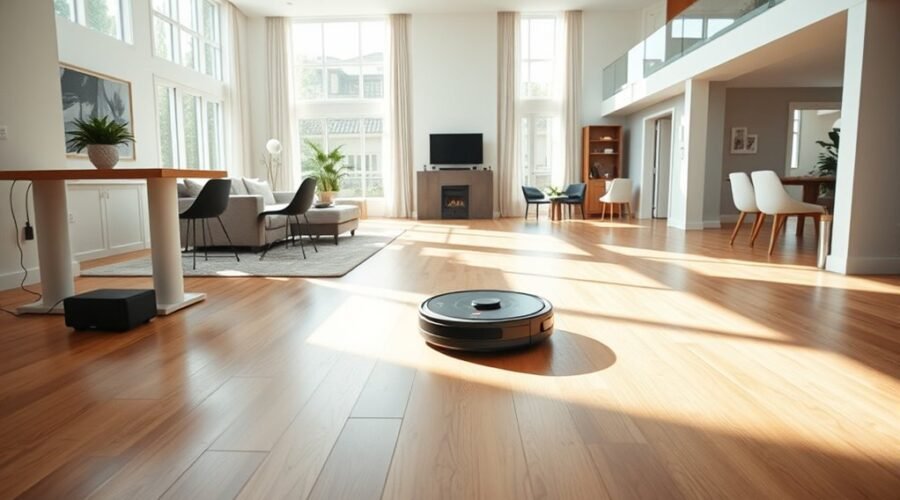
A robot vacuum can handle a large home well, but only if it is set up with care. The dock should sit on a hard, level surface with enough open space around it, and the first maps should be created floor by floor. Strong Wi-Fi, clear paths, and routine maintenance all matter. The details are simple, but the difference in daily performance can be substantial.
Choose a Robot Vacuum for Multi-Floor Homes
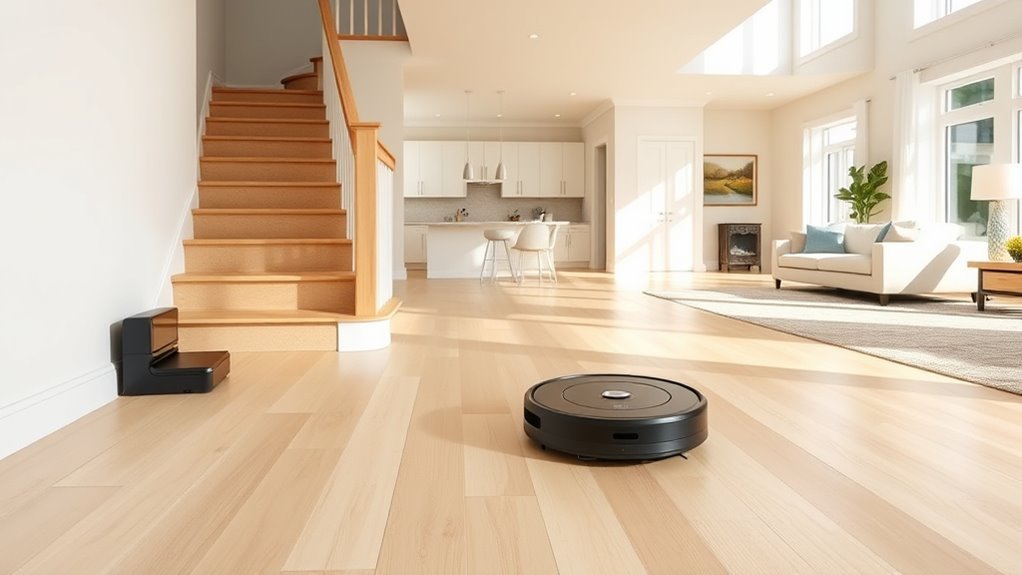
For multi-floor homes, the best robot vacuum is one that can store separate floor maps and switch between them without confusion. Multi-floor mapping lets each level stay organized, so cleaning remains efficient without constant reset.
A model with advanced navigation, such as premium DEEBOT systems, can recognize obstacles and move with precision across varied layouts. The app should allow the user to select the correct map, set custom cleaning routines, and define no-go zones for stairs, fragile spaces, or cluttered rooms.
Strong Wi-Fi supports smooth syncing and reliable updates, which helps the robot vacuum stay ready for use. For first-time setup on a new level, the robot and docking station should be moved together so the map is learned correctly. This approach reduces manual effort and gives the household more control over clean floors and time saved.
Place the Dock for Reliable Returns
A robot vacuum returns more reliably when its dock sits on a hard, level surface with a direct connection to a stable power outlet. For large homes, this setup tip reduces wasted motion and supports reliable charging after each run. The docking station should have unobstructed access, with 3 to 5 feet of clear space on the front and sides so the vacuum can align without friction. Keep the dock within 1 meter, or about 3 feet, of the main cleaning area to strengthen navigation and shorten the return path. Avoid thick rugs and uneven surfaces, which can disrupt contact and delay charging.
| Setup point | Target | Result |
|---|---|---|
| Surface | Hard, level | Stable dock |
| Clearance | 3–5 ft | Unobstructed access |
| Distance | ≤1 m | Better navigation |
| Power | Stable outlet | Reliable charging |
| Placement | Near cleaning area | Faster returns |
These setup tips help preserve autonomy and keep the dock ready.
Map Each Floor Before Cleaning
Before cleaning, the robot vacuum and dock should be placed on each floor to complete an initial mapping run.
The app should then be set to create a new map and save separate floor plans for each level.
Multi-map saving and clear labels make it easy to select the correct floor and clean with accurate navigation.
Floor Mapping Setup
To set up reliable floor mapping, the robot vacuum and its dock should be moved together to each new level and started on a full mapping run through the app. This floor mapping process lets the robot vacuum learn the layout, strengthen mapping capabilities, and improve obstacle avoidance before any cleaning run begins.
The charging dock should remain on that floor during setup so the machine can orient itself correctly. Multi-map saving should be enabled, with each level labeled clearly for quick selection.
The app should then be used to customize cleaning rules and define no-go zones for stairs, cords, and fragile areas. Saved maps should be reviewed regularly and updated when furniture shifts or new obstacles appear, preserving practical freedom across every level.
Save Separate Floor Plans
Separate floor plans should be created and saved in the robot vacuum’s app for each level of a large home. For large homes, this mapping step gives the Robot vacuum clear navigation and reduces missed areas.
The Robot should be placed with its dock on each floor and allowed to run a full mapping cycle before any cleaning begins. Each floor plan should be labeled in the app so the correct map can be selected fast.
When moving between levels, the Robot must be carried manually to the target floor, then matched to the saved plan. This save routine protects independence from repeated setup.
As furnishings change, the app map should be updated to preserve accurate navigation, reliable cleaning, and efficient coverage.
Save and Switch Between Floor Maps
A robot vacuum for a large home should support multi-floor mapping so each level can be mapped and saved separately in the app.
When cleaning different floors, the saved map for the correct level should be selected manually, with clear labels used to prevent errors.
Floor-specific rules can then be set in the app to control where and how the vacuum operates on each level.
Map Each Floor
For large homes with multiple floors, the most effective setup is to map each level individually in the app and label each map clearly for quick recognition.
During setup, the robot and dock should be moved to the target floor so the map in the app captures accurate boundaries, avoids navigation issues, and supports efficient use. This approach helps premium robots handle daily cleaning without confusion.
Each saved map can then hold distinct cleaning routines and no-go zones, letting the system adapt to each level’s layout.
Regular checks are essential when furniture shifts or rooms are rearranged, since updated maps preserve coverage and limit wasted passes.
These setup tips give users more control, reduce manual correction, and create a cleaner routine across multiple floors.
Switch Saved Maps
When a robot vacuum supports multi-floor mapping, each level can be saved as a separate map in the app and labeled clearly for easy selection. A robot vacuum with mapping gives large homes a practical setup that reduces repeated setup and guesswork.
To create saved maps, move the robot and dock to the next floor, then run a full cleaning cycle so the app can store the layout. After that, carry the unit to the chosen level and select the matching map before starting work.
This simple switch supports efficient cleaning and a clear cleaning schedule across floors. Regular app updates help preserve accuracy and keep control simple.
For large homes, these practical setup tips make multi-floor mapping feel organized, flexible, and freeing.
Set Floor Rules
After each floor map is saved, the next step is setting floor-specific rules that keep cleaning organized across a large home.
With robot vacuums, multi-floor mapping should be verified first in the app, along with the ability to save maps for each level.
Then carry the unit and dock to the new floor and run a full mapping cycle to build the layout.
Label each map clearly so the correct floor is easy to select.
- Choose the matching map before cleaning.
- Customize settings for that floor.
- Set cleaning schedules independently.
- Draw no-go zones where needed.
These controls let the app direct the vacuum with precision, improve cleaning efficiency, and reduce manual oversight.
The result is a freer, more orderly routine across every level.
Keep Wi-Fi Strong and Paths Clear
A robot vacuum in a large home performs best on a strong 2.4-GHz Wi-Fi network, which helps guarantee reliable control and mapping as signal strength varies across greater distances.
For vacuums in a home with multiple rooms and wide floor space, keep in mind that a robotic vacuum depends on steady connectivity during each mapping run.
Clear pathways through halls, thresholds, and around the base station to reduce getting stuck and preserve efficient routing. This setup helps the machine move freely, return to dock without delay, and cover more area with less intervention.
In large homes, new obstacles appear often, so the route should stay open and the environment should remain consistent. That stability gives the vacuum better conditions to learn the layout and clean with less friction.
Clear pathways also support a more reliable handoff to the base station after each session.
Maintain Your Robot Vacuum Regularly
Regular maintenance keeps a robot vacuum performing well in a large home. For the Best Robot Vacuum, a disciplined routine helps preserve suction power, battery life, and navigation. Pet owners should be especially alert to hair and debris.
- Empty the dustbin after each cleaning cycle so airflow stays strong and pickup remains consistent.
- Clean brushes and filters monthly to maintain performance and extend service life.
- Wipe sensors weekly; accurate mapping prevents missed rooms and wasted movement.
- Keep the charging dock clear of dust and obstructions so recharging stays reliable.
Manufacturer guidance should always govern cleaning solutions and service intervals. Harsh chemicals can damage internal components and shorten longevity.
Follow manufacturer guidance for cleaning and service; harsh chemicals can damage components and reduce longevity.
A well-maintained unit works with less intervention, giving households more time back and fewer chores to manage. In large homes, small upkeep tasks protect efficiency, reduce breakdowns, and support smooth, autonomous operation across every floor.
Frequently Asked Questions
What Is the Best Robot Vacuum for Large Houses?
For large houses, the Roborock Saros 20 appears strongest; its Best features, Battery life, Mapping technology, Dustbin capacity, Smart home integration, Noise levels, Maintenance tips, Cost comparison, Customer reviews favor efficient, liberated cleaning.
What Are the Most Common Problems With Robot Vacuums?
Common problems include weak suction power, short battery life, mapping technology errors, navigation issues, poor obstacle avoidance, pet hair buildup, high noise levels, and reduced cleaning efficiency; regular maintenance tips help restore performance.
Should You Run Your Robot Vacuum Every Day?
Yes—daily use can pay off, gradually. Daily cleaning benefits, scheduling tips, maintenance routine, floor type considerations, pet hair management, battery life impact, navigation efficiency, noise levels comparison, and user experience feedback all favor it.
Where to Hide Your Robot Vacuum?
Ideal hiding spots include under furniture, inside closet solutions, or behind room dividers, provided the charging station keeps clearance. Thoughtful furniture arrangement, cord management, pet areas, and aesthetic integration preserve access, function, and freedom.
Conclusion
In large homes, the right setup can make a robot vacuum feel almost like an invisible housekeeper, gliding from room to room with quiet purpose. A stable dock, clear paths, separate floor maps, and steady maintenance form the blueprint for dependable cleaning. Like a well-charted voyage, success depends on preparation and consistency. When each floor is mapped and each sensor kept clean, the machine can navigate expansive spaces with far greater efficiency and reliability.