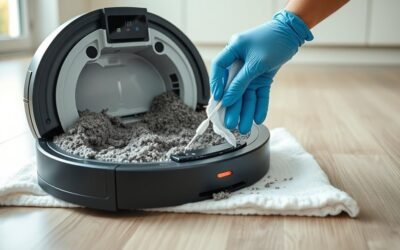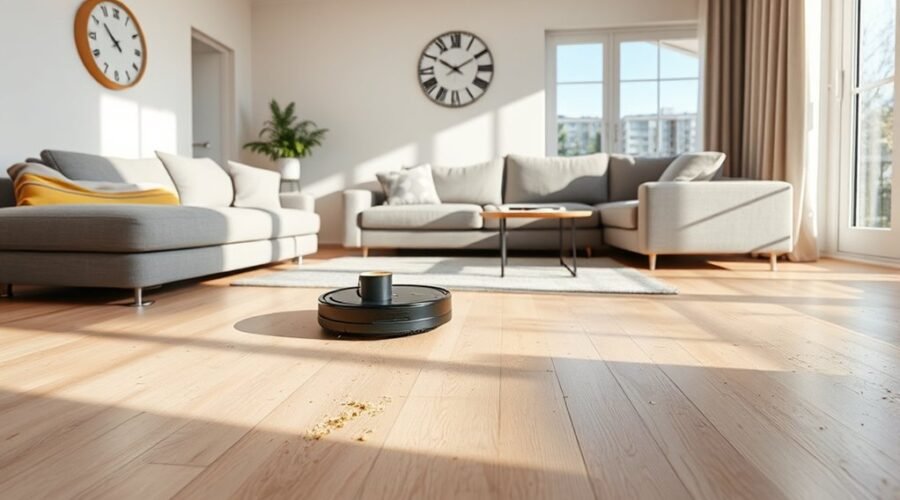
A robot vacuum usually needs 15 to 45 minutes for a small to medium room, and longer for larger or cluttered spaces. Runtime depends on floor type, layout, cleaning mode, and battery capacity. Navigation quality and room changes also affect total time. Some units finish quickly but miss spots, while others trade speed for coverage. The real difference often shows up in how they handle obstacles and recharge cycles.
How Long Does a Robot Vacuum Take?
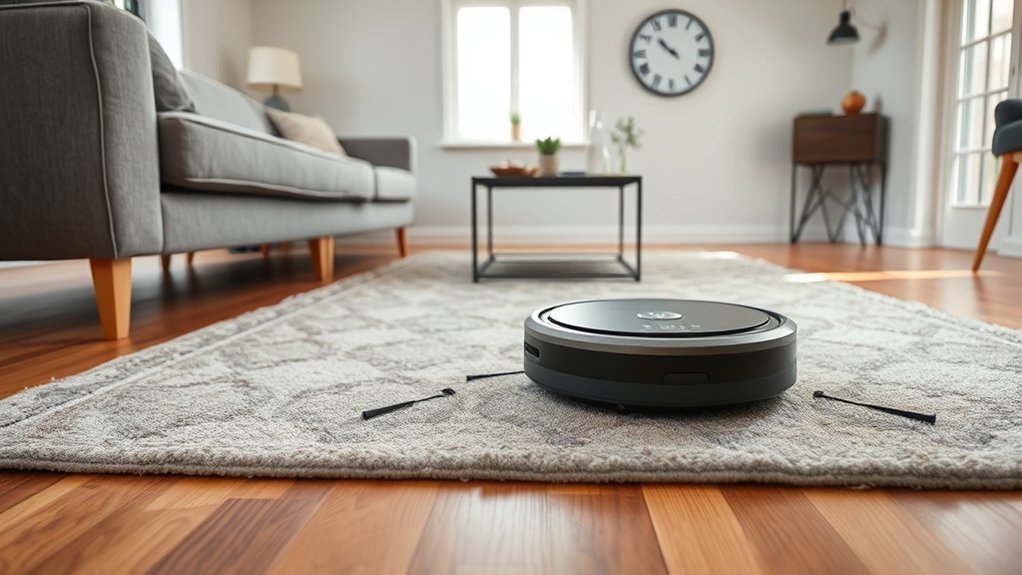
A robot vacuum typically takes 30 to 45 minutes to clean an average 250-square-foot room, though actual runtime varies by model, floor type, and layout. For a standard room size, this cleaning time is generally enough to achieve clean floors without manual labor.
Smaller spaces may finish in 15 to 25 minutes, while larger areas can extend past an hour. In practice, the vacuum’s overall cleaning pace depends on route efficiency and coverage.
Systems with advanced navigation, including LiDAR, can shorten passes by planning direct paths and improving obstacle avoidance. Battery life also sets the ceiling on how long the machine can operate before returning to charge.
Hard surfaces usually allow faster runs than denser surfaces, but the goal remains the same: efficient, repeatable cleaning that reduces dependence on human oversight.
Regular upkeep supports consistent performance and steadier runtime, helping the vacuum complete its assigned area with fewer interruptions.
What Affects Robot Vacuum Cleaning Time?
Robot vacuum cleaning time is shaped by several practical variables, including room size, floor type, layout complexity, navigation system, and selected cleaning mode.
In a typical 250 sqft area, cleaning duration often falls between 30 and 45 minutes, though the exact result varies by model and surface. A robot vacuum can clean faster on hard floors than on carpet, where deeper suction and repeated passes are needed.
Advanced models with a mapping system and obstacle detection reduce wasted motion, making movement room to room more efficient. Cleaning mode matters as well: auto settings prioritize balance, while turbo settings increase power and lengthen runtime.
Larger spaces or irregular layouts can push the task beyond an hour, especially when route planning is less efficient.
- Hard floors: smooth, direct, and swift.
- Carpeted areas: dense, slower, and more demanding.
- LiDAR-equipped systems: precise, efficient, and less repetitive.
Room Size, Layout, and Obstacles
Room size is one of the clearest predictors of robot vacuum cleaning time: small bedrooms of 100 to 200 sq. ft. often take 15 to 25 minutes, while larger spaces of 600 sq. ft. or more can run past an hour. In practice, cleaning duration scales with room size and layout, not just square footage. Open plans support direct paths, while narrow corridors and many corners force detours.
| Condition | Effect |
|---|---|
| Open layout | Faster cleaning session |
| Cluttered layout | Longer navigation |
| Obstacles present | Reduced efficiency |
Cables, toys, and furniture can interrupt motion, increase overlaps, and extend the run. Advanced mapping and navigation systems help the robot chart routes, avoid repeated passes, and keep the cleaning session more efficient. For users seeking liberation from manual sweeping, a simpler layout and fewer obstacles deliver the quickest results. In complex rooms, the machine must spend more time correcting its path, which raises total runtime.
Floor Type and Cleaning Mode
Floor surface has a direct effect on cleaning time, with hard floors such as tile or wood often requiring about 30 to 45 minutes per 250 square feet.
Carpets usually take longer because deeper suction and multiple passes are often needed to remove embedded debris.
Cleaning mode also changes duration, as auto, turbo, and dirt-responsive settings adjust power output and runtime based on surface type and mess level.
Floor Surface Impact
Hard surfaces such as wood and tile are usually cleaned faster than carpet because they require less suction, with a 250-square-foot room often taking about 20 to 30 minutes versus 30 to 45 minutes on carpet.
This floor difference shapes cleaning efficiency, as hard floors allow steady movement with lower cleaning power, while carpet demands more effort from the robot.
- Smooth wood: quick passes, less drag.
- Dense carpet: slower travel, deeper extraction.
- Mixed floor layouts: brief pauses, path changes.
Advanced models can adjust cleaning modes and cleaning power through DirtSense-style detection, helping release time from unnecessary passes.
Regular filter and sensor maintenance keeps performance stable, especially across hard floors and carpet.
Cleaning Mode Differences
Cleaning time also depends on the mode a robot vacuum uses, not just the surface it crosses. These cleaning mode differences affect the average cleaning time more than many users expect.
Standard or quick settings let a robotic vacuum finish hard floors faster, while deep-cleaning modes slow the cycle by increasing suction and repeat passes. Carpets usually demand more power, so runtime rises when the machine shifts from light pickup to intensive agitation.
In a 250 sqft room, 30 to 45 minutes is common, but mixed areas extend that window. Advanced models improve control with DirtSense™-style adjustment, and customizable modes let operators choose auto for routine work or turbo for heavier soil.
That flexibility supports efficient, independent cleaning without wasted energy.
Carpet Vs Hard Floors
Carpeted surfaces usually add time to a robot vacuum’s cycle because the brushes and suction must work harder to lift debris from fibers, often requiring multiple passes for adequate pickup.
On carpet, cleaning time commonly reaches 30 to 60 minutes per room, while hard floors often finish in 15 to 30 minutes. Higher suction power improves effectiveness on textile piles, but it also draws more energy and shortens battery life.
Mixed flooring can extend a session as the robot shifts settings between surfaces. Customizable cleaning modes help users choose turbo on carpet and standard on hard floors, balancing performance and autonomy.
- Dense carpet: slower, deeper passes.
- Smooth hard floors: faster, lighter coverage.
- Mixed flooring: variable rhythm, adaptive control.
Battery Life, Recharging, and Runtime
Battery life is a key factor in how long a robot vacuum can run before stopping to recharge, with older models often lasting about 60 minutes and newer, higher-end units reaching up to 2 hours.
In practice, battery life determines runtime and total cleaning time, especially when a full charge must cover an average-sized room. A typical cycle can clean about 250 square feet in 30 to 45 minutes, though results vary by mode and floor type.
Carpet generally draws more power than hard floors, shortening runtime and increasing the chance of recharging mid-job. Most robots return to the base station automatically when power drops, which can extend cleaning time if the battery is depleted before the task is complete.
Carpet uses more battery than hard floors, and low power usually sends the robot back to its base.
Advanced models improve energy management by adjusting power use to the surface and route, helping preserve battery life and reduce energy costs while keeping cleaning sessions more efficient and predictable for users.
Do Robot Vacuums Move Between Rooms?
Robot vacuums can often move between rooms on their own, using mapping and navigation systems to identify doorways, room boundaries, and obstacles. For anyone asking do robot vacuums move between rooms, the answer is usually yes, especially with advanced mapping and LiDAR technology. These systems let the machine shift smoothly and autonomously from a hallway into a bedroom or kitchen, reducing manual effort.
- A mapped floor plan appears like a quiet grid, with each room clearly outlined.
- A vacuum glides past an open doorway, then transitions into the next space without hesitation.
- Virtual no-go zones mark off pet bowls, cables, or other restricted areas.
Some models can clean multiple rooms in one session, while others cover less area before pausing. If the battery runs low, the unit may return to its dock and resume later, which can lengthen total cleaning time.
Performance depends on the model, layout, and room access.
How to Speed Up Robot Vacuum Cleaning
Speed can be improved by reducing the vacuum’s workload before each run: moving small objects out of the path, setting virtual no-go zones, and using zone cleaning to target only the areas that need attention. A Robot vacuum automatically returns to base faster when routes are shorter and clear. These are key factors that influence clean time.
| Action | Effect | Result |
|---|---|---|
| Clear floors | Fewer detours | Faster map completion |
| Zone clean specific zones | Less coverage | Shorter run |
| Maintain dustbin and brushes | Better suction | Stable navigation |
To optimize cleaning speed, choose the right mode for debris: turbo for heavy dirt, eco for light dust. Keep sensors, brushes, and firmware updated so pathing remains accurate. When planning, choose the right settings for the room, then let the unit clean only where needed. That approach saves time, reduces wear, and supports controlled autonomy.
Frequently Asked Questions
Is It Okay to Run My Robot Vacuum Every Day?
Yes—daily cleaning is generally acceptable. It can improve cleaning efficiency, especially with pet hair and varied floor types. Adequate scheduling options, managed noise levels, and routine robot maintenance help preserve battery life and performance.
What Are the Downsides of Robot Vacuums?
No free lunch: robot vacuum limitations include navigation challenges, battery life limits, noise levels, and maintenance requirements. Cleaning performance varies on carpets and pet hair. Price range can be high, and occasional manual intervention remains necessary.
How Big of a House Can a Robot Vacuum Clean?
A robot vacuum typically cleans homes up to 2,500 square feet, depending on robot vacuum size, cleaning efficiency, battery life, floor types, navigation technology, maintenance tips, scheduling options, and dirt detection.
What Is the Average Life of a Robot Vacuum?
The average lifespan is 3–5 years. Maintenance tips, battery performance, and sensor technology strongly affect cleaning efficiency. Model comparisons and user reviews help judge durability, while cost considerations reflect replacement frequency and firmware support.
Conclusion
In practice, a robot vacuum’s cleaning cycle is a measured sweep, not a rush. A compact room may be finished in a brief pass, while larger, cluttered spaces can stretch the task into a longer orbit of motion and recharge. Floor type, navigation, and battery endurance shape the pace, like gears in a precise machine. With clear pathways and maintained brushes, the vacuum moves more efficiently, leaving a cleaner room in less time.