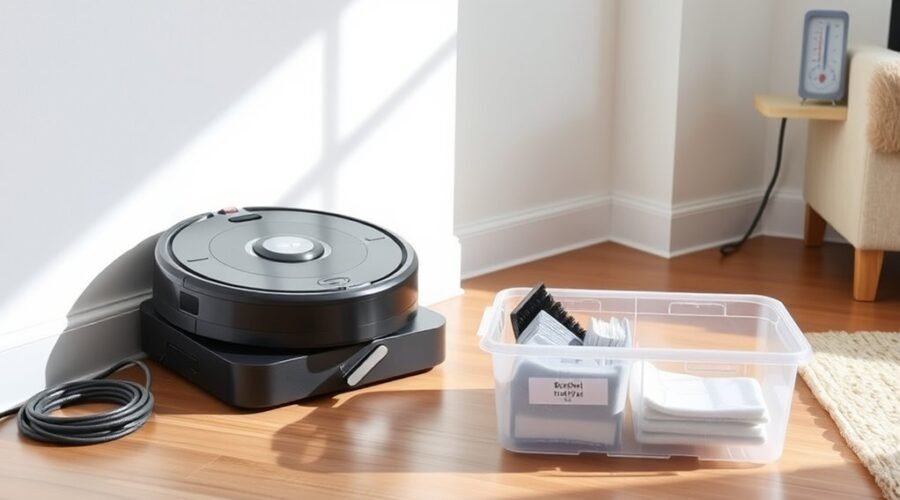
Long-term robot vacuum storage starts with a full charge, a complete shutdown, and removal of all power sources. The dust bin and roller should be cleaned and dried to prevent odor and mold. It then needs a cool, dry location with no direct sunlight or moisture. Battery care matters next, because months of inactivity can reduce performance. A few simple checks before reuse can prevent a costly mistake.
Prep Your Robot Vacuum for Storage
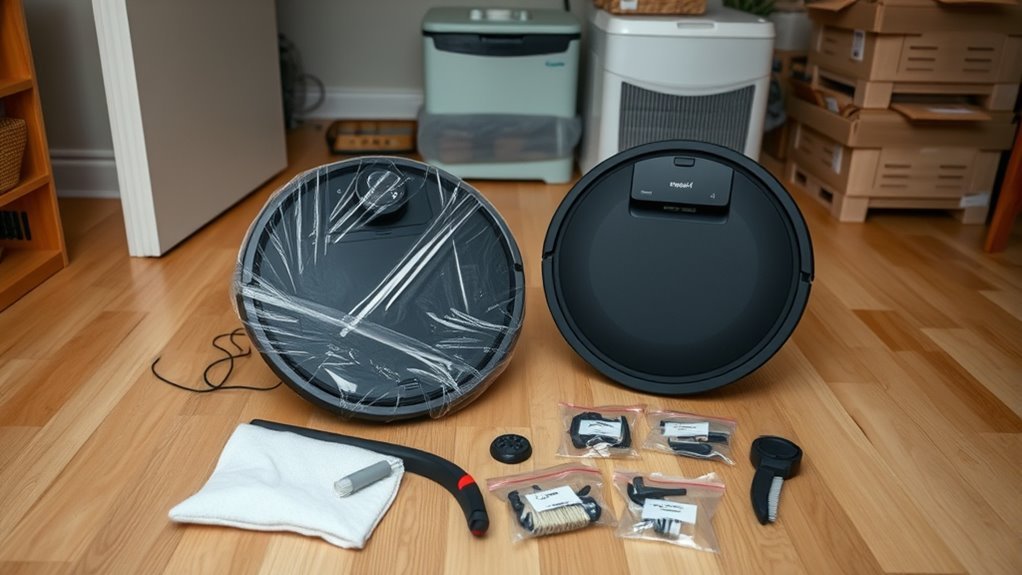
Before placing a robot vacuum into long-term storage, it should be fully charged, then powered off completely with the switch light confirmed off to minimize battery drain.
After that, the dock and all power sources should be disconnected. The dust bin should be emptied and removed, and the roller should be cleaned thoroughly so mold, odor, and debris do not accumulate during idle weeks. This regular maintenance step preserves cleaner internals and reduces the labor required when service resumes.
Disconnect the dock and power sources, then empty and clean the dust bin and roller thoroughly.
The unit should then be stored in a cool, dry place with good ventilation, away from humidity and heat that can degrade components. If the battery type is labeled LiPo, storage requirements may be more specific, so the specification should be checked before sealing the unit away.
A prepared robot vacuum remains ready for return to use, with less strain on battery life and fewer problems after storage.
Keep the Battery Healthy in Storage
To preserve battery health during long-term storage, the robot vacuum should remain powered off and disconnected from its dock so it does not continue drawing unnecessary power. This simple step limits parasitic drain and helps the battery stay within safe limits during storage.
If the dustbin is installed, remove it first; some models keep checking for bin presence, which can waste charge over time. For lithium polymer packs, controlled storage conditions support longevity, but the key maintenance task is periodic recharge.
A full recharge should be performed at least once a month to prevent deep discharge, a state that can permanently damage the battery. After the storage period, the robot vacuum should be tested and its battery performance monitored before regular use resumes.
Any decline in runtime or charging response should be treated as a sign that the battery has aged during inactivity and may need replacement.
Store It in a Cool, Dry Place
A robot vacuum should be stored in a cool, dry, and well-ventilated location to reduce the risk of moisture damage and preserve battery condition during long-term inactivity. The robot vacuum benefits from a stable environment between 50°F and 86°F (10°C to 30°C), where battery health is less exposed to thermal stress. A dry place also limits corrosion, mold, and mildew, helping the machine remain ready for future service. Direct sunlight should be avoided because UV exposure can degrade plastics and seals over time.
| Condition | Risk | Practical effect |
|---|---|---|
| Cool, dry place | Low humidity | Less moisture damage |
| Well-ventilated area | Air exchange | Fewer mold issues |
| No direct sunlight | UV exposure | Better material life |
Basements and garages are poor choices when damp or humid. A controlled storage zone protects performance and supports a more independent, durable appliance life.
Reduce Battery Drain During Storage
During long-term storage, the robot vacuum should be fully disconnected from its power source, with the switch light off, to prevent slow battery drain and standby losses. The unit should then be placed in long-term storage with minimal electronic activity, preserving freedom from needless energy use.
- Remove the dustbin to reduce background checks that consume power.
- For LiPo packs, set the recharge battery level near 50%.
- Keep the robot vacuum in a cool, dry location.
- Avoid extreme heat or cold, which increases battery drain.
- Recharge battery capacity at least once a month.
These steps limit parasitic loads and protect cell health while the machine remains idle. A disciplined storage routine keeps the system ready without excessive wear.
Check Your Robot Vacuum Before Reusing It
Before returning a robot vacuum to service after long-term storage, a full inspection helps prevent damage and poor cleaning performance. The user should check the exterior, battery contacts, brushes, and housing for cracks, swelling, or wear.
The dustbin should be emptied and washed, then dried completely so debris and odor do not spread. Battery charge should be verified; if it has fallen low, a full recharge is recommended before the first run to protect capacity.
Empty and wash the dustbin, dry it fully, and recharge a low battery before the first run.
Sensors, wheels, and intake paths should be cleared of dust, hair, and obstructions so navigation remains precise and efficient. The manual to see any model-specific pre-use steps should be reviewed, because some units require calibration or dock resets.
If available, firmware updates should be installed before cleaning begins. A brief test cycle can confirm suction, mapping, and mobility.
This disciplined check restores the machine to reliable service and preserves user freedom from avoidable repairs.
Frequently Asked Questions
What’s the Average Lifespan of a Robot Vacuum?
A robot vacuum typically lasts 4–6 years. Battery maintenance tips, cleaning frequency recommendations, performance longevity factors, and usage environment impacts strongly affect durability, especially where pet hair, dust, and navigation stress accelerate wear.
Where Is the Best Place to Store a Robot Vacuum?
An insulated closet, like a ship’s dry hold preserving cargo, is the best location. It offers ideal storage conditions, humidity control, stable temperature range, and dust protection, keeping the robot vacuum safe, powered off, and ready.
Should You Leave Your Robot Vacuum Plugged in All the Time?
No; it should not remain plugged in constantly. Battery maintenance tips favor periodic charging, charging habits explained reduce float stress, unplugging benefits preserve lifespan, and power management strategies keep lithium packs cooler, freer, and healthier.
How Many Days a Week Should I Run My Roomba?
Three to seven days weekly suits most homes; Odysseus would approve of steady voyages. A Roomba cleaning schedule should match debris load. Ideal run frequency improves cleanliness, while Maintenance tips and Battery lifespan management protect performance.
Conclusion
In long-term storage, the robot vacuum should be fully charged, fully powered down, and fully cleaned. The dust bin should be emptied, the roller should be cleared, and the battery should be checked monthly. The unit should be kept in a cool, dry, ventilated location, away from sunlight and moisture. Before reuse, it should be inspected, recharged, and tested. Proper preparation, proper storage, and proper maintenance help preserve performance and battery life.