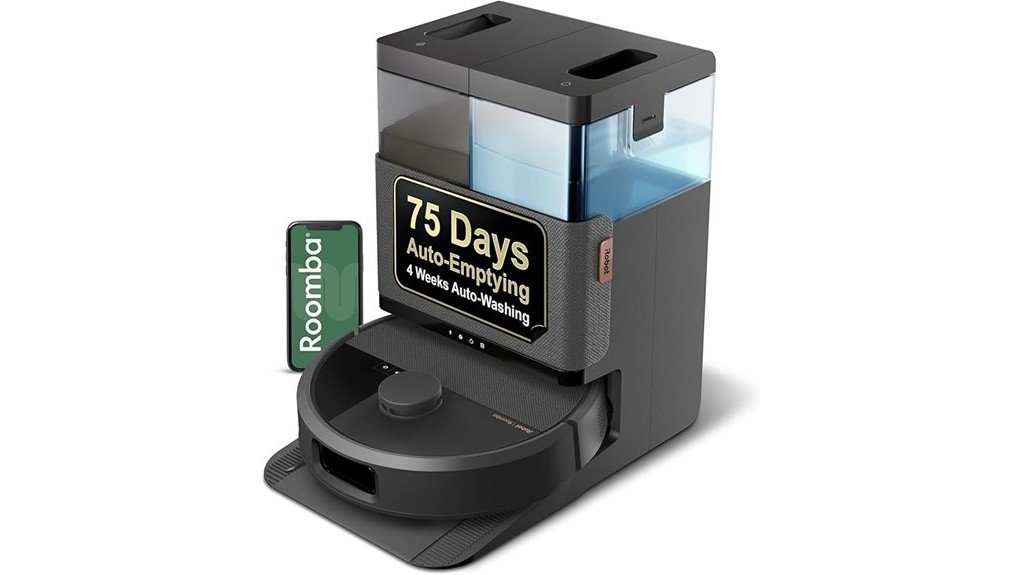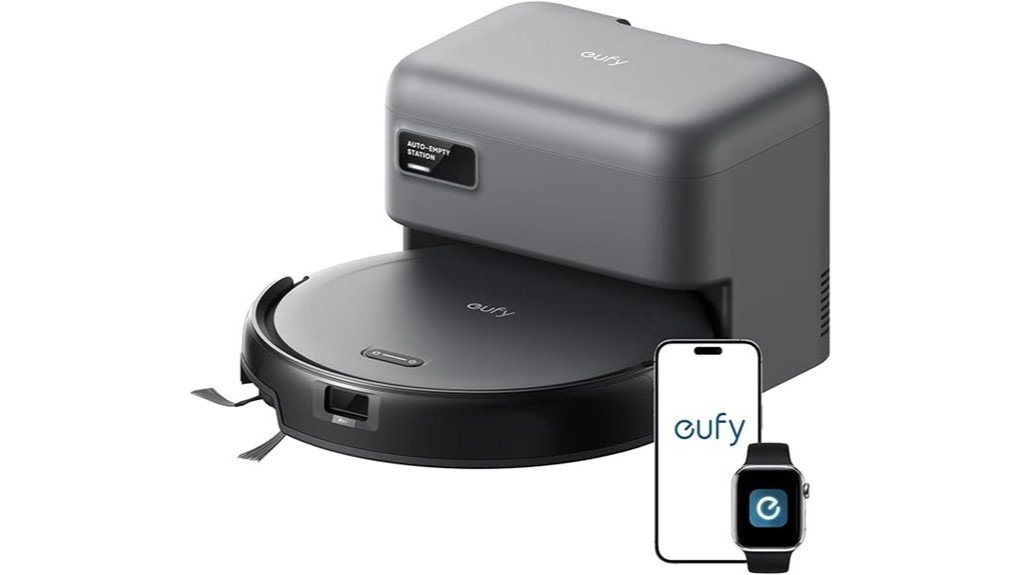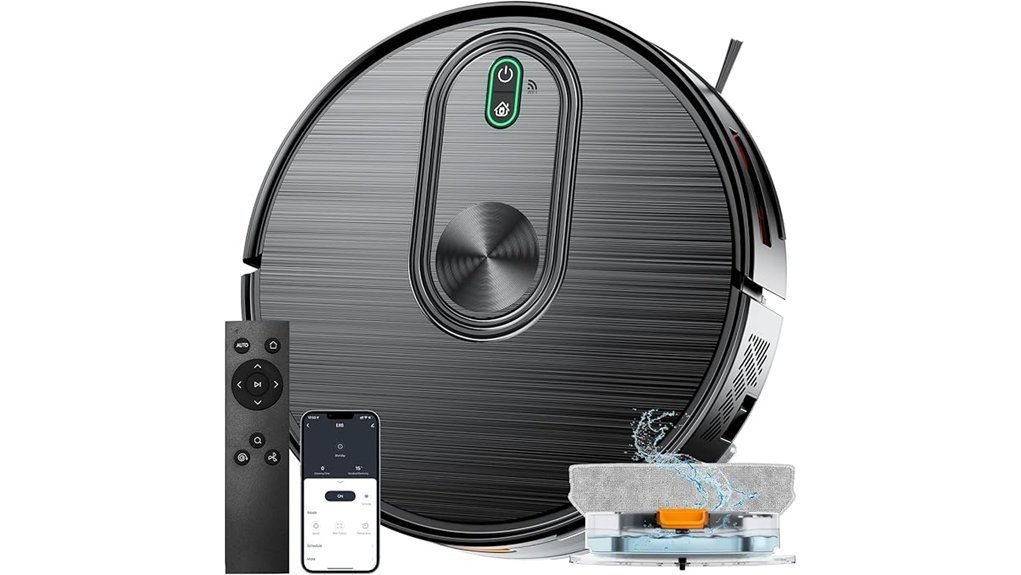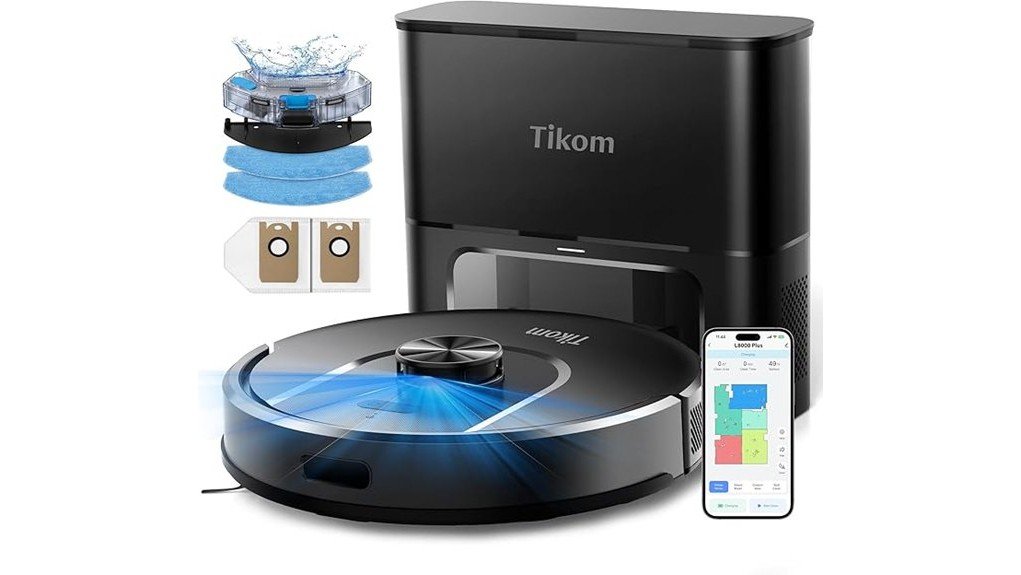
Disclosure: As an Amazon Associate, we earn from qualifying purchases. If you click a link on this page and make a purchase, we may receive a small commission at no extra cost to you.
Pet hair, crumbs, and dirty footprints can build up faster than you want to vacuum and mop them by hand. The iRobot Roomba 105 Combo Robot combines vacuuming, mopping, ClearView LiDAR navigation, and app-based scheduling in one compact machine. Its biggest strengths are automated everyday floor care and flexible cleaning modes, but this standard Y314020 version uses a charge-only dock rather than a self-emptying base. This review explains where the Roomba 105 Combo performs well, what maintenance it still requires, and which buyers should consider a more automated model.
Quick Verdict
Rating: 8/10
Best For: Pet owners, mixed hard-floor and carpet homes, and buyers who want LiDAR mapping without paying for a more complex cleaning dock.
Bottom Line: The Roomba 105 Combo gives you strong everyday vacuuming, controlled mopping, carpet detection, and useful room-based scheduling. Its main tradeoff is that the standard Y314020 package does not self-empty, so routine bin and mop maintenance still belongs to you.
Key Specifications
| Specification | Detail |
|---|---|
| Brand | iRobot |
| Model | Roomba 105 Combo, Y314020 |
| Product type | Robot vacuum and mop |
| Cleaning system | 4-stage system with suction, Multi-Surface bristle brush, Edge-Sweeping brush, and microfiber mop pad |
| Suction claim | 70X more power-lifting suction compared with Roomba 600-series robots |
| Navigation | ClearView LiDAR smart mapping |
| Cleaning modes | Vacuum only, mop only, and combination vacuum + mop |
| Carpet protection | Automatic carpet detection during mopping |
| Robot dimensions | 13.23 L × 13.19 W × 4.09 H inches |
| Robot weight | 6.27 lb |
| Battery | 3000 mAh LFP |
| Wi-Fi | 2.4 GHz required for robot setup and operation |
| Controls | Roomba Home App, robot buttons, and compatible voice-assistant devices |
| Included dock | Charge-Only Dock |
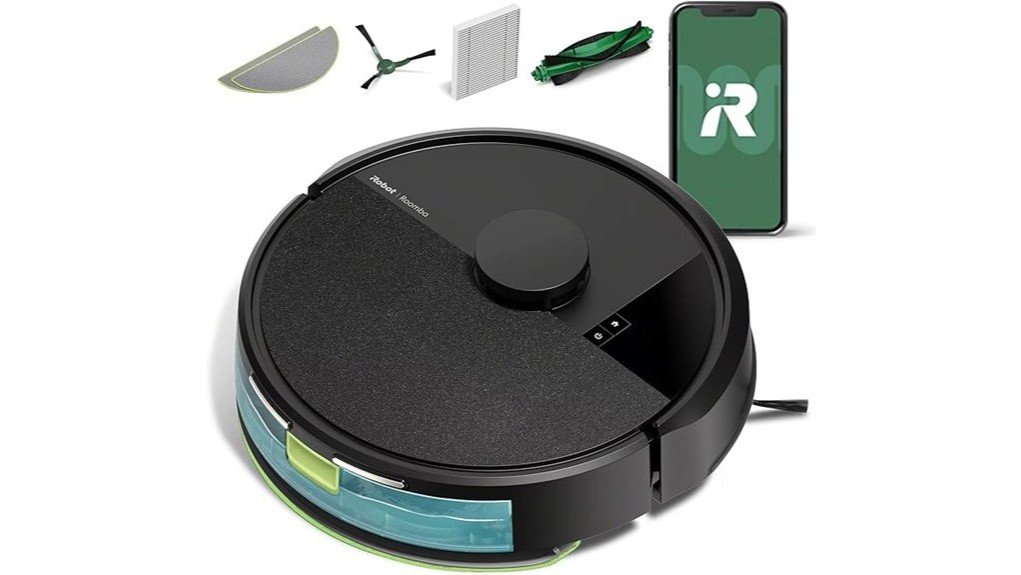
| In the box | Roomba 105 Combo, Charge-Only Dock, extra mop pad, line cord, and hair cutting tool |
| Warranty | One-year limited manufacturer warranty, subject to iRobot terms |
Key Takeaways
- The Roomba 105 Combo uses a 4-stage cleaning system and iRobot rates its suction at 70X the power-lifting suction of Roomba 600-series robots.
- ClearView LiDAR creates smart maps, supports room targeting, and lets the robot clean in organized rows, including in low-light areas.
- You can choose vacuum-only, mop-only, or combination cleaning and adjust cleaning passes, suction, and liquid settings.
- Automatic carpet detection helps prevent the mop from wetting rugs during mop-only or combination cleaning.
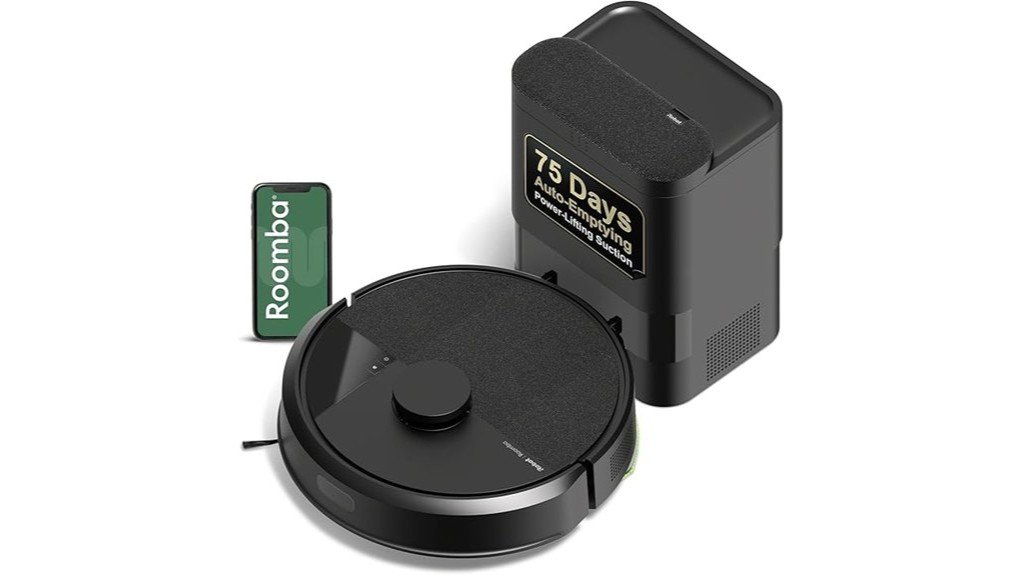
- The standard Y314020 model includes a Charge-Only Dock, not the AutoEmpty dock included with some Roomba 105 bundles.
What Is the iRobot Roomba 105 Combo?
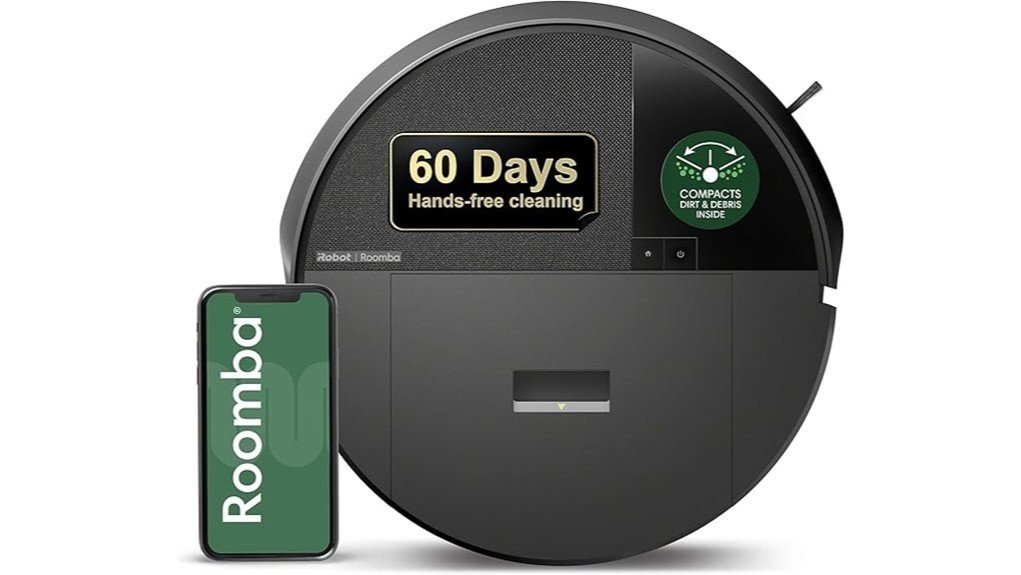
The Roomba 105 Combo is iRobot’s compact robot for routine vacuuming and hard-floor mopping. Model Y314020 combines a powered vacuum system, Multi-Surface bristle brush, Edge-Sweeping brush, and reusable microfiber mop pad in a robot measuring about 13.2 inches across and just over 4 inches high.
Its main advantage over a basic random-navigation robot is ClearView LiDAR. The sensor scans your rooms to build maps that you can use for targeted cleaning, schedules, and keep-out areas in the Roomba Home App. The robot can also clean in organized rows rather than wandering around the floor without a mapped route.
The mop uses a built-in micro-pump to control water flow. You can run the robot as a vacuum, as a mop, or in combined vacuum-and-mop mode, which makes it more flexible for homes with a mix of hard flooring and rugs.
Who Should Buy It?
Best For
- Pet owners who want frequent automated pickup of loose hair, crumbs, and tracked-in dirt.
- Homes with both hard floors and carpets that benefit from automatic carpet detection while mopping.
- Buyers who want LiDAR mapping and app scheduling but are comfortable emptying the robot’s bin themselves.
Skip If
- You specifically want a self-emptying dock with minimal day-to-day dustbin handling.
- Your main priority is handling large debris or replacing a full-size vacuum for deep cleaning.
- You do not have a usable 2.4 GHz Wi-Fi network for setup and connected features.
Before You Buy: ASIN B0DWG2BB7X is the standard Y314020 Roomba 105 Combo with a Charge-Only Dock. Do not confuse it with the Roomba 105 Combo + AutoEmpty Dock bundle if self-emptying is an important feature for you.
Cleaning Power for Pet Hair and Everyday Debris
The Roomba 105 Combo’s 4-stage system combines suction with two types of brushes and a microfiber mop pad. iRobot describes its suction as 70X more power-lifting suction than Roomba 600-series robots, which gives you a more useful comparison than treating “70X” as an absolute measure of cleaning power.
The Multi-Surface bristle brush handles the main cleaning path, while the Edge-Sweeping brush reaches along walls and into corners. For pet owners, this setup is most useful when the robot runs frequently. Scheduled cleaning can collect loose hair and light debris before it builds into heavier piles.
You should still expect some manual maintenance. Hair can collect around brushes and moving parts, so periodic inspection and brush cleaning remain important, especially in homes with long-haired pets.
Mopping and Carpet Protection
The built-in mop uses a micro-pump to keep its microfiber pad moist instead of simply dragging a soaked cloth across the floor. You can use water or a cleaning solution approved by iRobot, and the Roomba Home App lets you control the amount of liquid used for different cleaning jobs.
The optional SmartScrub setting is rated by iRobot for 2X deeper scrubbing compared with its standard vacuum-and-mop mode in the company’s coffee testing. That feature is useful for dried footprints and everyday hard-floor marks, but it should not be treated as a replacement for manual scrubbing of heavy or sticky spills.
Automatic carpet detection is one of the more practical features in a mixed-floor home. In mop-only and combination modes, the robot recognizes carpet and avoids mopping it, reducing the need to create a separate no-mop zone around every rug.
What Makes Roomba 105’s Navigation Stand Out?
ClearView LiDAR scans your home and creates maps that the robot uses for organized navigation. It can clean in neat rows, work in low-light rooms, and identify mapped areas that you can later target from the app.
iRobot states that the 105 series can create up to three maps, which is useful if you plan to move the robot between different floors. The company also states that mapping a 1,000-square-foot test space can take about 10 minutes, although actual mapping time will depend on your floor plan and obstacles.
LiDAR helps with route planning and general obstacle avoidance, but you should still pick up loose cords, small toys, and fragile floor-level items before scheduled cleaning. A clear route gives any robot vacuum a better chance of completing the job without interruptions.
Tailor Your Cleaning: Choose Options That Fit Your Lifestyle
You can choose the cleaning behavior that matches the room instead of using the same setting everywhere. Vacuum-only mode works for carpets or quick debris pickup. Mop-only mode focuses on hard floors, while combination mode handles vacuuming and mopping during the same cleaning job.
| Cleaning Mode | Ideal For | Useful Controls |
|---|---|---|
| Vacuum Only | Carpets, pet hair, crumbs, daily debris | Suction level, cleaning passes, room targeting |
| Mop Only | Sealed hard-floor maintenance | Liquid level, room targeting, SmartScrub |
| Vacuum + Mop | Mixed everyday hard-floor messes | Cleaning passes, suction, liquid level, carpet detection |
The app also lets you schedule specific rooms around your routine. For example, you can target the kitchen after dinner or send the robot through a pet-heavy living area more often than a low-traffic guest room.
Control Your Roomba: App, Buttons, and Voice
The Roomba Home App is the main control center for mapping, room selection, cleaning schedules, keep-out zones, cleaning estimates, and filter-life information. You can also start a basic cleaning job directly from the robot’s controls.
Voice control is supported through compatible Alexa, Siri, and Google Assistant-enabled devices. This gives you a convenient way to start a cleaning job without opening the app when your hands are busy.
For setup and robot operation, the Roomba 105 uses a 2.4 GHz Wi-Fi network. After setup, your phone can return to a 5 GHz connection, but the robot itself remains on 2.4 GHz.
Design, Battery, and Docking
At 13.23 inches long, 13.19 inches wide, and 4.09 inches high, the Roomba 105 Combo has a fairly typical round robot-vacuum footprint. It weighs 6.27 pounds, so carrying it between mapped floors is manageable for most users.
The verified Y314020 specification lists a 3000 mAh LFP battery. Rather than relying on a fixed runtime estimate, plan around the robot’s mapped cleaning behavior and charging routine, since actual operating time can vary with suction level, floor type, mopping, and cleaning settings.
This package includes the robot, a Charge-Only Dock, extra mop pad, line cord, and hair cutting tool. The dock recharges the robot, but it does not automatically remove dirt from the onboard bin.
Setup Tips Before First Use
Place the charging dock where the robot has a clear approach, plug it in, and complete setup through the Roomba Home App. You will need a 2.4 GHz Wi-Fi network during the setup process.
Before the first mapping run, clear loose cables, clothing, small toys, and lightweight objects from the floor. A cleaner first map gives you a better base for room labels, targeted cleaning, and keep-out zones.
For mopping, fill the tank only with water or a cleaning solution listed as compatible by iRobot. Do not assume that a general household floor cleaner is safe for the robot’s internal fluid system.
Pro Tip: Run an uncluttered mapping pass before creating detailed schedules. Once room boundaries look correct in the app, schedule high-traffic areas such as the kitchen, entryway, and pet zones more often than low-use rooms.
What to Expect in Everyday Use
For Daily Pet Hair
Frequent scheduled vacuuming is where the Roomba 105 Combo makes the most sense for pet owners. The Multi-Surface brush, Edge-Sweeping brush, and stronger suction can collect loose hair before it gathers along baseboards or under furniture. You will still need to inspect and clean the brush area periodically.
For Kitchens and Hard Floors
Combination vacuum-and-mop mode is useful after meals because the robot can collect crumbs before passing the damp microfiber pad over the floor. SmartScrub gives you an extra mopping option for areas that need more attention, although dried or heavy spills may still require manual cleaning.
For Mixed Carpet and Hard Flooring
Automatic carpet detection reduces one common concern with combo robots. The Roomba can vacuum carpet in the appropriate mode and avoid applying mop moisture to carpet when mopping is active. This is especially useful when rugs sit directly beside tile, vinyl, or other hard flooring.
For Larger Messes
This robot is better viewed as an everyday maintenance cleaner than a complete replacement for a full-size vacuum. Independent hands-on testing has found the Roomba 105 Combo easy to use and effective for regular upkeep and light cleaning, while also noting noticeable operating noise and weaker performance with larger messes. Keeping a conventional vacuum available for deep cleaning is sensible.
Cleaning and Maintenance
Routine maintenance includes emptying and wiping the bin, removing hair and debris from the brushes, checking the wheels, and wiping the charging contacts. iRobot recommends replacing the filter periodically, with its 105-series guidance listing a general interval of about three to six months.
The microfiber mop pad is reusable. Wash or replace it when it becomes heavily soiled, and avoid leaving a dirty wet pad attached to the robot for long periods. Proper pad and brush care helps maintain consistent floor contact and debris pickup.
iRobot backs qualifying new robots with a one-year limited warranty against covered defects, subject to the company’s warranty terms and purchase from an authorized seller.
Pros and Cons
Pros
- 70X power-lifting suction claim compared with Roomba 600-series robots.
- ClearView LiDAR mapping supports organized room-by-room cleaning.
- Vacuum-only, mop-only, and combined cleaning modes provide useful flexibility.
- Automatic carpet detection helps keep rugs dry during mopping.
- App scheduling, keep-out zones, adjustable cleaning settings, and voice control improve everyday convenience.
Cons
- The standard Y314020 model uses a charge-only dock, so you must empty the onboard bin yourself.
- Brushes, filter, charging contacts, and mop pad still need routine hands-on maintenance.
- It is designed more for regular floor upkeep than for replacing a powerful full-size vacuum on large or difficult messes.
Is It Worth the Price?
The Roomba 105 Combo makes the most sense as an entry-to-mid-level smart cleaning option for buyers who care more about LiDAR navigation, flexible vacuum-and-mop modes, and room scheduling than full dock automation. You get many of the everyday smart features associated with more elaborate robot systems without requiring a large self-emptying or mop-washing base.
The value is less compelling if your main reason for buying a robot is to avoid touching dust and debris between cleanings. Because this Y314020 version has a Charge-Only Dock, the onboard bin still needs manual emptying. Buyers who want fewer hands-on chores should compare the self-emptying version before deciding.
How It Compares to Alternatives
The closest alternative is the Roomba 105 Combo + AutoEmpty Dock. It uses the same basic 105-series cleaning approach but adds automatic dirt disposal, making it a better choice if reducing bin-emptying is worth the larger dock.
If you want more dock automation, models higher in iRobot’s Combo lineup, such as the Roomba Plus 405 Combo with AutoWash Dock, are worth comparing. The standard Roomba 105 Combo makes more sense when you want smart navigation and dual vacuum-mop capability without paying for extensive dock-based maintenance features.
Frequently Asked Questions
Does ASIN B0DWG2BB7X include a self-emptying dock?
No. ASIN B0DWG2BB7X corresponds to the standard Roomba 105 Combo model Y314020 with a Charge-Only Dock. iRobot sells separate Roomba 105 bundles that include an AutoEmpty Dock.
Can the Roomba 105 Combo vacuum and mop at the same time?
Yes. You can select vacuum-only, mop-only, or combination vacuum-and-mop cleaning. This lets you choose a different cleaning approach for carpets, hard floors, and mixed spaces.
Will it mop over carpets or rugs?
The Roomba 105 Combo has automatic carpet detection. When mopping is active, the robot is designed to recognize and avoid carpet so the mop pad does not intentionally travel across the rug.
Does the Roomba 105 Combo require 2.4 GHz Wi-Fi?
Yes. The robot uses a 2.4 GHz network for setup and operation. After setup is complete, your phone can return to a 5 GHz network while the Roomba remains connected to 2.4 GHz.
How long does the Roomba 105 Combo battery last?
iRobot’s verified product specifications identify a 3000 mAh LFP battery but do not provide a fixed runtime figure on the product page. Actual operating time can vary with suction, floor type, mopping, and cleaning settings, so a universal 90-minute estimate should not be assumed.
Can it save maps for more than one floor?
Yes. iRobot states that ClearView LiDAR on the 105 series can create up to three maps. That can be useful when you carry the robot between different levels of your home.
What maintenance does the Roomba 105 Combo require?
You should empty and clean the bin as needed, remove hair from the brushes, wipe the charging contacts, clean the mop pad, and replace the filter when required. iRobot’s maintenance guidance lists filter replacement at roughly three to six months, depending on use and condition.
What warranty does the Roomba 105 Combo have?
iRobot provides a one-year limited manufacturer warranty for qualifying products, including the robot battery where applicable. Coverage is subject to iRobot’s warranty terms and purchase through iRobot or an authorized seller.
The Bottom Line
The iRobot Roomba 105 Combo is a strong fit when you want LiDAR mapping, regular pet-hair pickup, hard-floor mopping, carpet detection, and flexible app scheduling in one compact robot. Skip the standard Y314020 version if self-emptying is a must-have, because its Charge-Only Dock leaves bin emptying and routine maintenance to you.