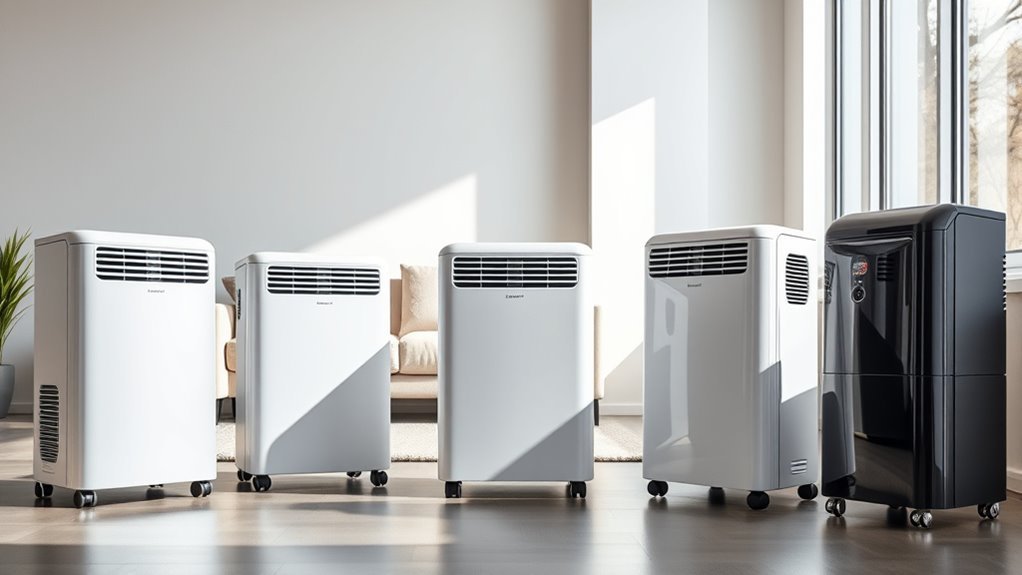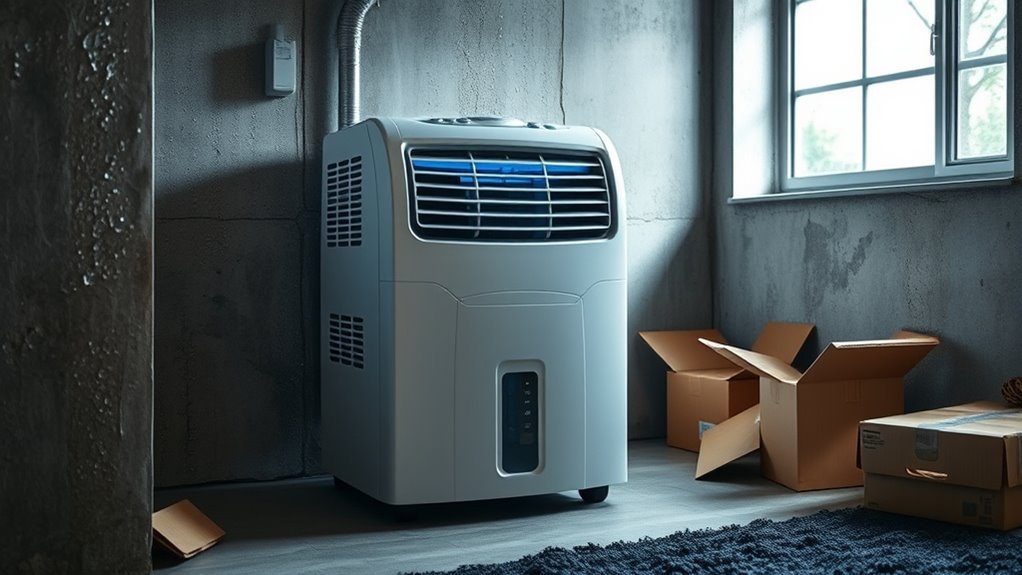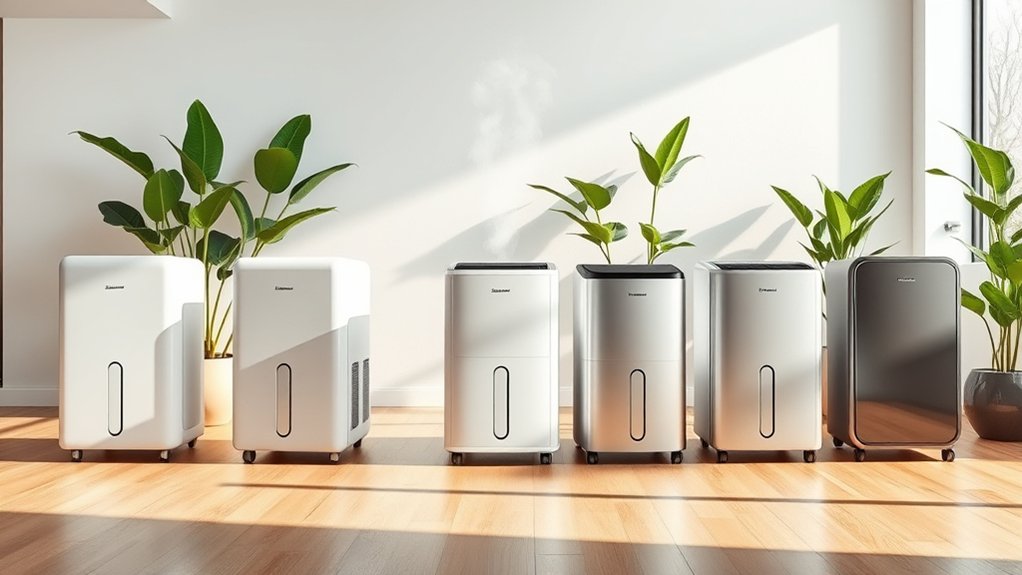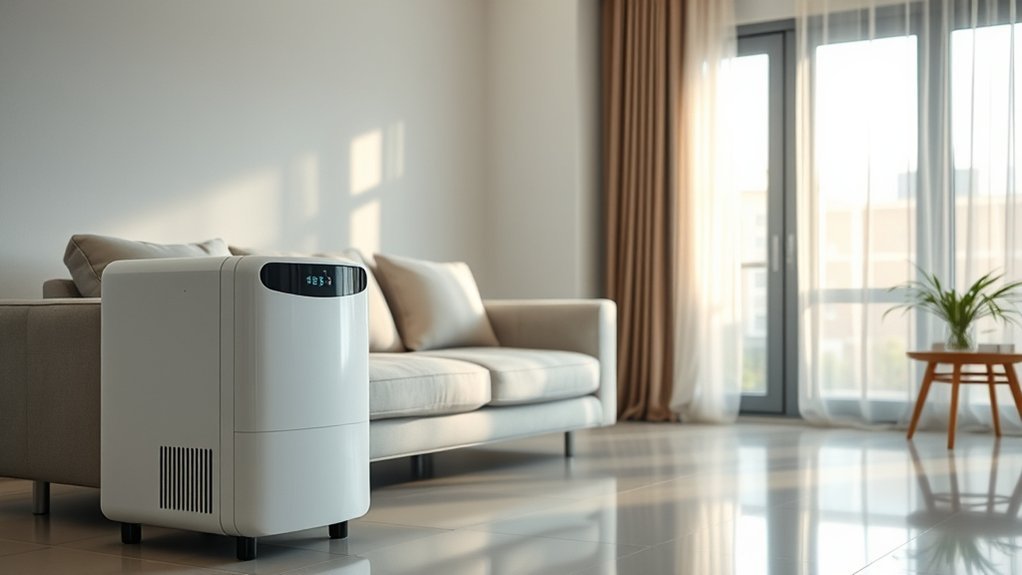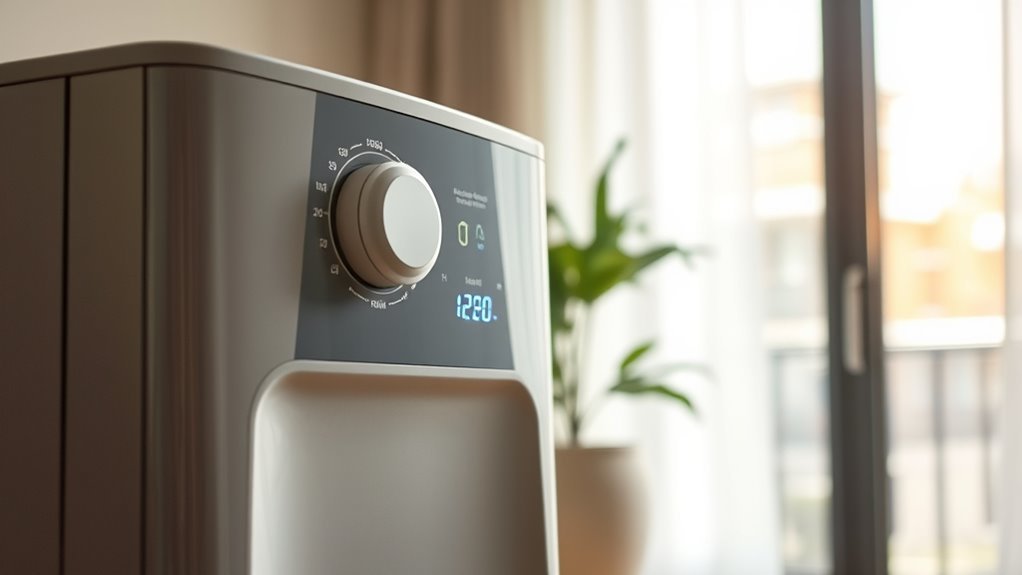
RH on a dehumidifier means relative humidity: the percentage of moisture in the air compared with saturation at the same temperature. On the control panel, the RH setting is the humidity target the unit tries to maintain. For most homes, start around 45% RH, keep the room roughly in the 30% to 50% RH range, and lower the target only when condensation, musty odor, or mold risk remains.
Quick Answer
RH on a dehumidifier stands for relative humidity. It tells the unit what indoor moisture level to maintain. For most homes, set the humidistat around 40% to 50%; use 30% to 40% in cold weather or condensation-prone rooms, and avoid staying above 50% when mold is a concern.
Key Takeaways
- RH means relative humidity, not a fan speed or drying mode.
- A good starting setting is usually 45% RH, then adjust up or down by room conditions.
- The EPA recommends keeping indoor humidity below 60%, ideally between 30% and 50% where possible.
- If the unit runs constantly, the setting may be too low, the room may be too damp, or the dehumidifier may be undersized.
At a Glance
| Time Required | 5 to 10 minutes to choose a setting and check the room with a hygrometer |
| Difficulty | Easy |
| Tools Needed | Dehumidifier, built-in humidistat or separate hygrometer, clean filter, optional drain hose |
| Cost | Usually $0 if your unit has a humidistat; about $10 to $50 for a separate humidity meter |
What RH Setting Is Best for Your Home?
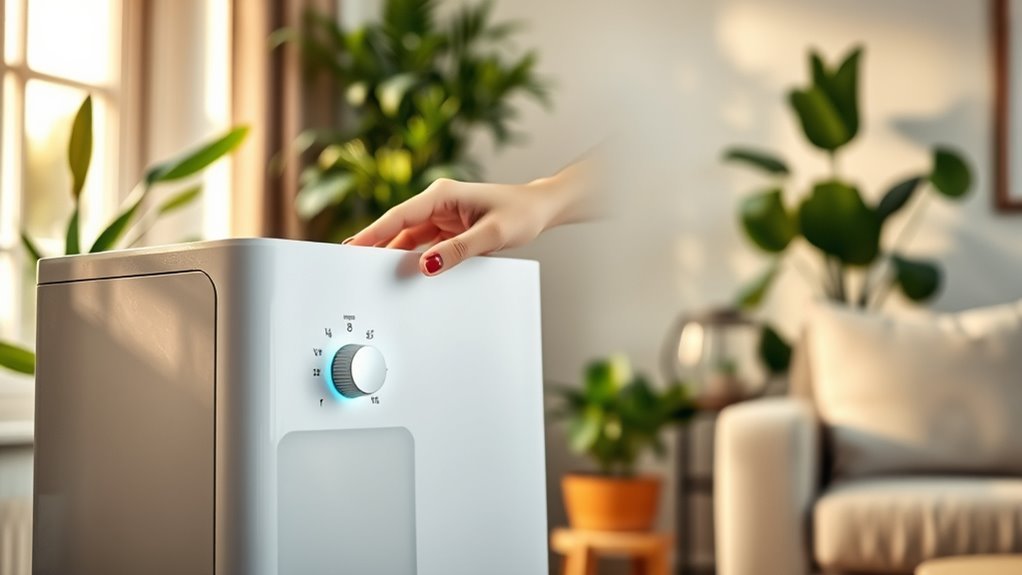
For most homes, set your dehumidifier to keep indoor RH between 30% and 50%. That range supports comfort, reduces musty air, and helps limit the damp conditions that encourage mold and dust mites. The CDC advises keeping home humidity no higher than 50% all day when preventing mold is the goal, while the EPA says indoor RH should stay below 60% and ideally between 30% and 50% where possible.
A practical starting point is 45% RH. If the room still smells musty, feels damp, or shows condensation, lower the setting by 5%. If the air feels too dry, your skin feels irritated, or wood furniture begins to shrink or crack, raise it slightly.
| Room or Situation | Good RH Target | Why It Works |
| Basement | 45% to 50% | Controls dampness without over-drying stored items. |
| Bathroom or laundry area | 40% to 50% | Helps clear moisture after showers, washing, or drying clothes. |
| Bedroom or living room | 40% to 50% | Comfortable for most people and less likely to feel overly dry. |
| Cold-weather window condensation | 30% to 40% | Lower RH helps reduce condensation on cold glass and walls. |
| Storage, electronics, or wood items | 40% to 50% | Balances moisture control with protection from very dry air. |
Warning: A dehumidifier is an electrical appliance that collects water. Keep the cord dry, do not use a damaged plug, follow your model’s manual, and check the CPSC dehumidifier recall page if your unit is older or secondhand.
Recommended Products

2500 Sq. Ft Dehumidifier - SEMKAP dehumidifier for basement features a quiet, high-performance compressor that removes up to 32 pints of moisture per day (at 95°F, 90% RH). Ideal for basements, offices, bathrooms, bedrooms, kitchens, stockrooms, living rooms, laundry rooms, garages, crawlspaces, or RVs. It helps maintain optimal humidity between 40%–60%RH for healthier, more comfortable living

2500 Sq. Ft High-Efficiency Dehumidifier – The KNKA basement dehumidifier features a quiet, high-performance compressor that removes up to 34 pints of moisture per day (at 95°F, 90% RH). Ideal for basements, offices, bathrooms, bedrooms, kitchens, stockrooms, living rooms, laundry rooms, garages, crawlspaces, or RVs. It helps maintain optimal humidity between 50%–70% for healthier, more comfortable living

World's Most Recognized 2-Way Moisture Control
What Does RH Mean on a Dehumidifier?
RH stands for relative humidity. It measures how close the air is to being saturated with water vapor at its current temperature. A reading of 50% RH means the air contains about half the moisture it could hold at that temperature before reaching saturation.
RH Meaning Explained
On your dehumidifier, RH is the number you use to control how dry the room gets. When you set the unit to 45% RH, you are telling it to remove moisture until the air near the unit reaches that target. Once the target is reached, the machine should cycle off or slow down, depending on the model.
RH is useful because it turns a vague feeling such as “the room feels damp” into a measurable setting. Instead of running the unit nonstop, you can choose a target, check the actual room humidity, and adjust only when needed.
What the Humidistat Does
Most modern dehumidifiers use a humidistat, which is a humidity control sensor. ENERGY STAR explains that dehumidifiers with built-in humidistats cycle on and off automatically to maintain the RH level you set.
For best results, compare the built-in display with a separate hygrometer placed a few feet away from the machine. A dehumidifier measures the air close to its intake, so a separate meter can give you a better sense of the whole room.
How to Read the RH Number on Your Dehumidifier
Most dehumidifier displays show either the current room RH, your target RH setting, or both. The exact labels vary by model, so use your manual when the panel shows an unfamiliar code or mode.
| Display or Setting | What It Means | Best Use |
| Current RH | The moisture level the sensor reads near the unit. | Compare it with a separate hygrometer across the room. |
| Set RH or Target RH | The humidity level you want the room to reach. | Start at 45%, then adjust by 5% after several hours. |
| 30% to 40% | A drier target, often useful for cold-window condensation. | Use only when dampness or condensation justifies it. |
| 40% to 50% | The usual comfort and moisture-control range for living areas. | Use this as your normal everyday range. |
| Continuous mode | The unit runs without stopping at a target RH. | Use short term for very damp rooms, then return to a target setting. |
Why RH Changes With Temperature
RH changes with temperature because warmer air can contain more water vapor before it reaches saturation, while cooler air reaches saturation sooner. That means RH can rise even when no new moisture is added to the room.
For example, a basement may feel damp at night because the air cools and the same moisture load takes up a larger share of the air’s capacity. This is why a room can show a higher RH reading after the temperature drops, even if the actual amount of water vapor has not changed much.
Cooling Raises Relative Humidity
| What Happens | Effect on RH | What You May Notice |
| Air cools but moisture stays the same | RH rises | Condensation, damp smell, or clammy surfaces |
| Air warms but moisture stays the same | RH falls | Air may feel drier, even without removing water |
| Dehumidifier removes water vapor | RH drops | Room feels less sticky and musty odors fade |
Note: RH is not the same as total moisture. Dew point is often better for comparing actual moisture in air, but RH is the setting most home dehumidifiers use.
How Dehumidifiers Lower Indoor Humidity
Most household dehumidifiers pull damp air into the unit, cool it so water vapor condenses on cold coils, collect that water in a tank or drain, and push drier air back into the room. The humidistat watches the RH level and tells the unit when to run.
- The fan pulls in humid air. Air moves through the intake and across the cooling coil.
- Moisture condenses. Water vapor turns into liquid water and drips into a tank or drain line.
- Drier air returns to the room. The room RH gradually drops toward your chosen setting.
- The humidistat cycles the unit. Once the target RH is reached, the unit should pause or reduce operation.
A dehumidifier works best when it removes moisture from the room faster than new moisture enters from leaks, open windows, wet laundry, showers, or poor drainage.
Pro Tip: Start at 45% RH for 24 hours, then adjust by 5% at a time. This is easier on the unit and helps you avoid making the room too dry.
How to Set Your Dehumidifier RH
Use this simple setup process when you are not sure where to start:
- Place the unit correctly. Put it on a level surface with clear airflow around the intake and outlet.
- Close outside doors and windows. A dehumidifier cannot keep up if humid outdoor air keeps entering the room.
- Set the target to 45% RH. This is a balanced starting point for most damp rooms.
- Wait several hours. Large basements or very damp rooms may need a full day to stabilize.
- Check a separate hygrometer. If the whole-room reading is still high, lower the setting by 5%.
- Watch for comfort signs. Raise the setting if the room feels too dry or the unit runs constantly without a real moisture problem.
If your dehumidifier has a continuous drain option, make sure the hose slopes downward, is not kinked, and is secured over the drain. If the unit uses a bucket, empty it before it shuts off automatically.
Signs Your RH Setting Is Too High or Too Low
If your RH setting is too high, you may notice condensation on windows, damp walls, a musty smell, or visible mildew in corners. These signs often mean the room is staying above the ideal range or has a moisture source the dehumidifier cannot overcome.
If your RH setting is too low, the air may feel harsh or dry. You may notice dry skin, irritated breathing, static shocks, or small cracks in wood furniture. In most living spaces, avoid pushing the setting below 30% unless you have a specific short-term moisture problem.
Troubleshooting Common RH Problems
| Problem | Likely Cause | What to Do |
| Unit runs constantly | Target is too low, room is very damp, or unit is undersized | Raise the target by 5%, close windows, check for leaks, or use a larger unit. |
| RH does not drop | Dirty filter, blocked airflow, open door, or active moisture source | Clean the filter, improve airflow, seal the room, and stop moisture at the source. |
| Water appears on the floor | Bucket misaligned, hose loose, or drain hose kinked | Reseat the bucket, tighten the hose, and make sure the drain line slopes downward. |
| Frost forms on coils | Room may be too cold for that model | Turn the unit off, let it defrost, and check your manual’s operating temperature range. |
| Musty smell returns quickly | Moisture source remains | Inspect for leaks, poor drainage, wet materials, or inadequate ventilation. |
Recommended Products

Multi-Purpose Hose, 6ft Cut-to-Fit:This 6-foot hose is designed for various applications, including dehumidifier drainage and gardening tasks. It can be easily cut to the desired length for flexible use. Please confirm the required length before purchase.

[Convenient] This drain hose automatically drains water from the dehumidifier to the drain for uninterrupted use.

𝐎𝐧𝐞 𝐇𝐨𝐬𝐞 𝐟𝐨𝐫 𝐌𝐮𝐥𝐭𝐢𝐩𝐥𝐞 𝐔𝐬𝐞𝐬 : The 5.25 ft dehumidifier hose is versatile with a soft rubber adapter and connecting clamp, strong elasticity, tight seal, and not easy to leak. It is arbitrary extension docking and compatible with most dehumidifiers, semi-automatic washing machines, dishwashers, and portable air conditioners. It also can be used as a faucet extended hose for watering plants or washing cars
How to Keep Humidity in the Ideal Range
To keep indoor humidity in the ideal range, measure it regularly and reduce moisture at the source. A dehumidifier helps, but it should not be the only fix for leaks, standing water, poor drainage, or unvented appliances.
- Measure daily during damp weather. Use a separate hygrometer in basements, bathrooms, and storage areas.
- Run exhaust fans. Vent showers, cooking, dishwashing, and laundry moisture outdoors when possible.
- Fix leaks quickly. Roof, wall, foundation, and plumbing leaks can keep RH high no matter how hard the unit runs.
- Improve drainage. Keep gutters clear, extend downspouts, and slope soil away from the foundation.
- Clean the filter. Clean or check the filter on the schedule in your manual; a clogged filter slows airflow and moisture removal.
- Empty the tank or maintain the hose. A full bucket or blocked drain hose stops moisture removal.
If RH stays above 60% despite running the dehumidifier, look for a moisture source before lowering the setting further. The machine may be doing its job, but the room may be receiving more moisture than it can remove.
Recommended Products

Wellness Indicator: This humidity meter with humidity level icon indicates air conditions - DRY/COMFORT/WET, allowing this humidity sensor to ensure you’re always aware of changes to your home/household with just a quick glance

Face Icon Comfort Indicator: Humidity temperature gauge features face icons to indicate DRY/COMFORT/WET air conditions, quickly informs you how to adjust your humidifier or dehumidifier to achieve optimal comfort.

Real-Time Precision Monitoring with High Accuracy Sensors: Built with high-precision sensors, this indoor thermometer hygrometer delivers real-time temperature and humidity monitoring with reliable accuracy. It features a wide measuring range from -58°F to 158°F (±1.8°F accuracy) and 10%–99% RH humidity range (±5% RH accuracy). Providing stable data for daily home monitoring.
Frequently Asked Questions
What is a good RH setting for a dehumidifier?
A good RH setting for most homes is 40% to 50%. If you are dealing with window condensation, a damp basement, or mold concerns, start around 45% and adjust by 5% after checking the room with a hygrometer.
What happens if RH is too high?
If RH is too high, the room may feel sticky or smell musty. You may also see condensation, mildew, or mold on damp surfaces. Long-term high humidity can damage wood, fabrics, stored items, and some building materials.
Is 30% RH good for a room?
Yes, 30% RH can be acceptable, especially in cold weather when you are trying to reduce condensation. However, it is the dry end of the usual comfort range, so many living spaces feel better closer to 40% to 50% RH.
What should your RH be?
For most homes, aim for 30% to 50% RH. A practical everyday target is 45%. In winter or in rooms with condensation, 30% to 40% may work better. If RH rises above 60%, look for moisture sources and run a dehumidifier.
Why does my dehumidifier never reach the RH setting?
The setting may be too low, the room may be too large, the filter may be dirty, or new moisture may be entering from leaks, open windows, wet laundry, or poor ventilation. Raise the target slightly and check for moisture sources.
Should I trust the RH number on the dehumidifier?
Use it as a guide, but confirm with a separate hygrometer if accuracy matters. The built-in sensor reads air near the machine, while the far side of the room may be more humid.
Conclusion
Your dehumidifier’s RH setting is the target humidity level you want the room to maintain. For most homes, 40% to 50% is a comfortable starting point, while 30% to 40% can help in cold weather or condensation-prone rooms. Check the actual room reading with a hygrometer, then adjust in 5% steps instead of forcing the lowest setting. When you pair the right RH target with ventilation, leak control, clean filters, and safe operation, your home stays drier, fresher, and easier to manage.
Sources
- U.S. Environmental Protection Agency: A Brief Guide to Mold, Moisture and Your Home — supports the below-60% and ideal 30% to 50% indoor humidity guidance.
- U.S. Environmental Protection Agency: Mold Course, Chapter 2 — supports the link between humidity, mold, pests, dust mites, condensation, and moisture control.
- Centers for Disease Control and Prevention: Mold — supports keeping home humidity no higher than 50% all day to help prevent mold growth.
- ENERGY STAR: Dehumidifiers — supports humidistat operation, the 30% to 50% optimum building RH range, and the use of a separate hygrometer.
- NOAA National Weather Service: Relative Humidity Glossary — supports the definition of RH and its relationship to temperature.
- U.S. Consumer Product Safety Commission: Dehumidifier Recalls — supports the safety warning about recalled dehumidifiers and fire hazards.