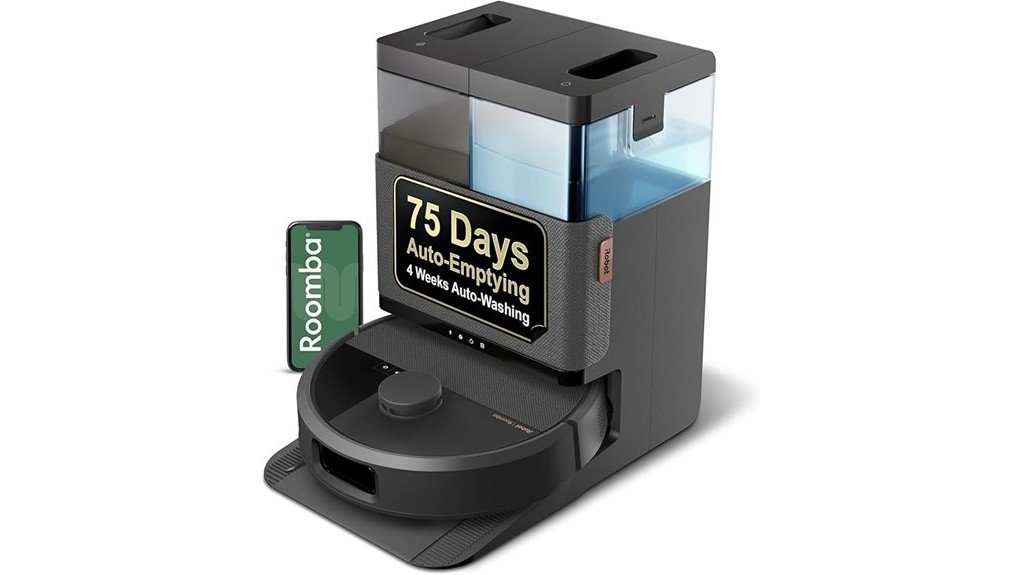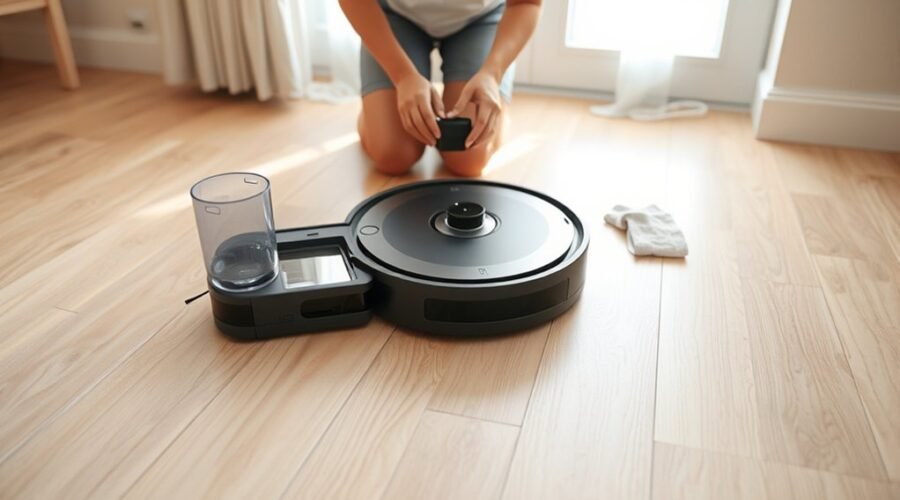
A robot vacuum mop that stops dispensing water often points to a simple fault in the water path, not a full system failure. The tank may be empty, misaligned, or blocked, while nozzles and channels can clog with residue or limescale. In some cases, the pump loses prime or an airlock forms. The real issue is usually easy to isolate, but the next step depends on where the flow breaks down.
Why Your Robot Mop Isn’t Dispensing Water
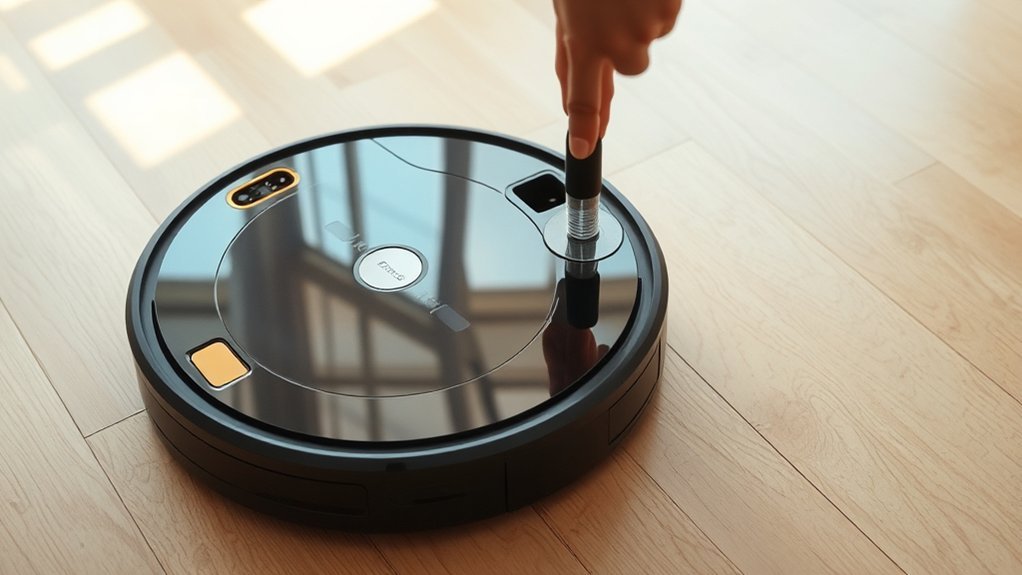
When a robot mop stops dispensing water, the cause is often mechanical or procedural rather than a full system failure. Clogged outlets can interrupt water dispensing, while a tank fitted incorrectly may prevent proper sealing and reduce water flow.
Dirty mop pads can also act against absorption, making the unit seem inactive even when the system is operational. If the tank was recently refilled, trapped air in the pump can block water flow until the line is primed.
Residue from incompatible cleaning solutions may narrow passages inside the water dispensing path and cause intermittent faults. Practical maintenance lowers these risks: rinsing the tank, using clean water, and avoiding additives that leave deposits.
If the model supports it, adjusting water flow settings in the app can restore adequate output during mopping. These steps return control to the user and reduce dependence on trial and error.
Check the Robot Mop Water Tank
The water tank should be checked first, since an empty, misaligned, or poorly seated reservoir can interrupt dispensing entirely. A technician should remove the water tank, verify it is fully filled, and reinstall it until a secure click is felt. That click confirms correct alignment and supports reliable dispensing water.
The tank should then be inspected for cracks, warped edges, or other visible damage that could prevent a proper seal. A clean tank also matters; residue buildup inside the water tank can restrict flow and reduce performance. Compatibility must be confirmed as well, because an incorrect reservoir may fit loosely or fail to function with the robot vacuum model.
- Fill the water tank before use
- Reinsert until the latch clicks
- Check for damage or misalignment
- Clean the tank to remove residue
- Verify model compatibility for proper fit
Clean the Nozzles and Water Channels
Nozzles and water channels should be cleaned regularly to prevent dirt and mineral buildup from restricting flow. A technician should inspect the nozzles for limescale, debris, and partial blockages, then clear the openings with a soft brush or a needle. This keeps the dispensing system free and restores dependable water delivery.
The water channels should also be examined for visible obstructions, then flushed with warm water to dislodge sediment and loosen residue. If cleaning solution has been used, the water tank should be rinsed with warm water afterward so no remaining chemicals harden inside the system.
Clean passages allow water to move without resistance, which supports consistent mopping performance and reduces avoidable downtime. When the nozzles remain unobstructed and the water channels stay open, the machine can operate with greater independence from maintenance burdens and with less risk of drying out mid-cycle.
Make Sure the Mop Pad Is Installed Correctly
Once the nozzles and water channels are clear, attention should shift to the mop pad assembly, since an incorrect installation can interrupt water delivery and reduce absorption.
The mop pad must sit firmly on the mop plate, with no gaps or loose edges that could impair water dispensing. Alignment is equally important: the pad should meet the dispensing nozzle in the intended position so moisture spreads evenly across the surface.
If the pad appears frayed, compressed, or stained beyond cleaning, replacement is the practical choice. A damp mop pad can also help prime the system before a cycle begins. Regular washing preserves absorbency and prevents residue from blocking performance.
- Confirm secure attachment
- Verify nozzle alignment
- Inspect for wear or damage
- Lightly dampen before use
- Clean or replace routinely
Check for Airlocks or Pump Failure
A robot vacuum mop that is not dispensing water may have an airlock in the water line or a failing pump.
During operation, a clicking sound from the solenoid pump indicates normal function, while silence can point to pump failure.
If air is suspected, a slight tilt during a test cycle may release trapped air; persistent issues warrant direct pump testing.
Listen For Pump Clicks
The pump should produce a distinct click-click-click during operation, indicating that it is cycling properly and dispensing water. A steady rhythm confirms the water pump is moving fluid through the system; silence points to a fault.
- Verify the reservoir is filled and seated correctly.
- Inspect electrical connections for looseness or corrosion.
- Listen at start-up for any brief pump activity.
- Note whether water delivery stops after a short run.
- Test the solenoid pump directly if clicks never appear.
No audible clicks usually indicate solenoid pump malfunction or a blocked circuit. In some cases, a slight tilt can help free trapped air, restoring flow and preserving user independence.
If the pump remains inactive after basic checks, replacement or bench testing is warranted.
Clear Trapped Air
Trapped air in the water dispensing system can block flow after refilling or long periods of inactivity, so the robot may need priming before normal operation resumes.
To clear airlocks, the unit can be tilted slightly, allowing trapped air to move toward the water outlet and escape. Afterward, a short cleaning cycle should be run to reestablish liquid flow through the lines.
The response should be observed closely: steady discharge indicates recovery, while silence or weak output suggests persistent blockage.
The pump inlet should also be checked for debris, since even minor obstructions can prevent pressure buildup.
If the condition remains unchanged, the fault may lie in the solenoid pump itself, and further diagnosis is justified.
Test Pump Directly
To isolate pump faults, the solenoid pump should be disconnected from the robot vacuum and powered directly to confirm whether it activates. This test pump directly method verifies whether the unit can generate water output without control-board interference.
A healthy pump usually emits a clear click and moves fluid; silence often points to failure or blockage. Visual inspection should follow, checking for cracks, debris, or kinked tubing that could restrict flow.
If an airlock remains possible, tilt the robot slightly during a test cycle to free trapped air.
- Disconnect power before handling
- Apply the rated voltage briefly
- Listen for the clicking sound
- Inspect for clogs and damage
- Maintain the pump regularly
Adjust Water Output in the App
The app’s water level settings should be verified first, since many robot vacuum mops use selectable low, medium, and high outputs to match floor type and debris load.
If dispensing appears weak or absent, the setting should not be left at minimum; a medium output test is a practical baseline for confirming normal flow.
Models with finer control may offer many levels, but regular adjustment of the app remains essential for stable mopping performance.
Water Level Settings
Water output settings in the companion app often control how much liquid a robot vacuum mop dispenses during cleaning, with common options such as low, medium, and high for different floor types and soil levels.
A correct water level prevents under-dispensing and supports effective cleaning solution delivery.
- Verify the app is not set to minimum.
- Choose a higher level for stubborn debris.
- Match output to sealed hard floors.
- Review settings after app updates or resets.
- Use advanced level controls when available.
Some models provide fine-grained control, including up to 50 steps, enabling precise tuning without constraint.
Regular inspection of the app preserves reliable flow and helps maintain independent, efficient floor care.
Test Medium Output
Testing a medium water output setting in the companion app often provides a practical baseline for robot vacuum mop performance, especially when the default minimum level appears too sparse for effective mopping.
Many models allow direct control of water output, and medium usually restores a balanced flow across the mop plate. If stains remain or coverage is broad, high output may be justified.
Minimum settings should be avoided when water release is weak, because they can leave the floor undercleaned. The app should be checked regularly, since settings can drift after updates or resets.
Keeping the companion app current also preserves access to the latest water flow controls and refinements. This approach supports reliable dispensing and gives the user clear control.
Check for Bad Solution or Limescale
A poor cleaning solution or mineral buildup can interrupt the robot mop’s water flow and reduce cleaning performance. A bad solution may leave residue in pumps, valves, and lines, while limescale narrows passages and weakens dispensing. The first corrective step is to confirm that only manufacturer-recommended fluid is in the tank. Any off-spec detergent should be removed, and the tank should be rinsed thoroughly to restore clean operation.
Use only manufacturer-recommended fluid and rinse the tank thoroughly to clear residue and restore proper water flow.
- Inspect the tank for cloudy residue or sediment.
- Check outlet holes for white limescale deposits.
- Clean dispensing channels with fresh water.
- Use a needle or toothpick to clear blocked nozzles.
- Repeat maintenance regularly to prevent recurrence.
Routine cleaning limits buildup and keeps the system free enough for independent, reliable motion. Where hard water is used, limescale can reappear quickly, so disciplined upkeep is essential.
Prime the Mop System
Priming the mop system can restore proper water flow when air pockets prevent the pump from drawing fluid. To prime the mop system, the robot should be powered off first, then the mop pad dampened before a short cleaning cycle is started. This helps the pump pull water from the dispensing tank and clear trapped air from the line.
The method is simple, controlled, and often sufficient when water delivery has stalled after refilling or maintenance. Regular rinsing of the water tank and cleaning the pump inlet reduces debris buildup and keeps flow pathways open, supporting consistent dispensing during cleaning.
If the robot still needs frequent priming, the system likely has a blockage or a damaged component that is limiting flow. In that case, the machine is no longer operating freely, and the fault deserves closer inspection.
Replace Worn Parts or Contact Service
When water delivery remains stalled after cleaning and priming, worn components should be replaced, with the solenoid pump being a common failure point and typically a low-cost part around RM20.
To replace worn parts, verify the replacement matches the exact robot model, because incompatible valves, seals, or pump assemblies can recreate the fault. Inspect the water tank for cracks, warped fittings, and blocked outlets before reassembly.
Verify exact model compatibility before replacing parts, and inspect the tank for cracks, warped fittings, or blocked outlets.
- Confirm model compatibility before ordering parts.
- Replace the solenoid pump if voltage reaches it but flow fails.
- Check seals and tubing for leaks or air ingress.
- Test the water tank outlet after each repair step.
- Contact manufacturer support if symptoms persist.
If troubleshooting does not restore flow, manufacturer service should be contacted for diagnostic repair or warranty claims. Keeping purchase records and warranty documents speeds approval.
Routine inspection of the water tank, seals, and pump helps preserve performance and reduce future dispensing failures.
Frequently Asked Questions
What Are the Most Common Problems With Robot Vacuums?
Common robot vacuum problems include clogged nozzles, misaligned tanks, dirty mop pads, trapped air, and residue from nonapproved solutions. Effective robot vacuum maintenance and troubleshooting tips improve flow, suction, reliability, and cleaning autonomy.
What Is the Average Lifespan of a Robot Vacuum?
The average lifespan of a robot vacuum is 5 to 7 years; premium models may reach 10 with proper robot vacuum maintenance. Battery replacement often occurs at 2 to 3 years, depending on robot vacuum features and use.
My Roborock Mop Isn’t Getting Wet. What Can I Do to Fix It?
Check the water reservoir, check the mop maintenance, and check the app setting first. He should reseat the tank, clear outlet clogs, clean the pad, and verify pump clicks; otherwise, direct pump testing follows.
Why Isn’t My Roomba Mop Getting Wet?
A clogged outlet, misseated tank, dirty pad, low app water setting, or trapped air often prevents wetting. These robot maintenance tips and troubleshooting techniques support practical, user-controlled repair and reliable, liberated floor cleaning.
Conclusion
In most cases, a robot vacuum mop that stops dispensing water is signaling a simple fault, not a terminal failure. A depleted tank, blocked channel, airlock, or misaligned pad can interrupt flow with little warning. If cleaning, priming, and app settings do not restore output, the problem is likely mechanical: a failing pump, worn valve, or internal buildup. At that point, the next step is not guesswork, but service, because the hidden fault is already beginning to declare itself.