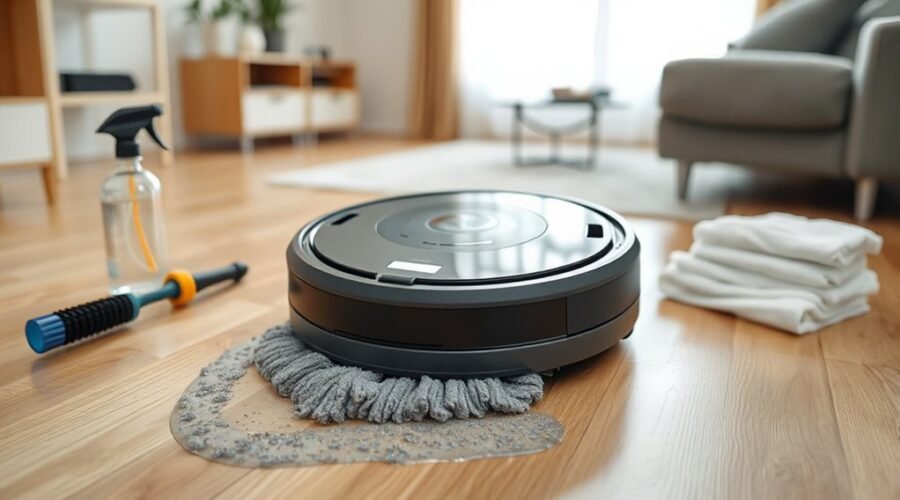
Robot vacuum mop pads often remain damp when drying cycles are too short, airflow is restricted, or residue builds up in the wash tray and channels. In some cases, excess water output or a poorly seated tank can keep pads saturated. The issue is usually mechanical or maintenance-related, and the remedy is often simple. What matters is identifying where the drying process is breaking down.
Why Mop Pads Stay Wet
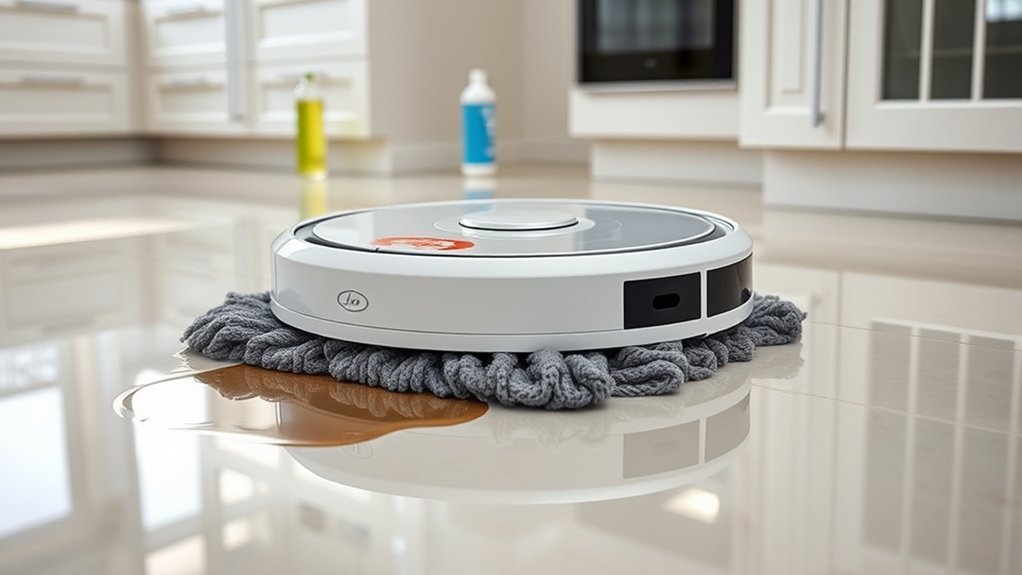
Mop pads often stay wet when the drying duration is too short or the auto-dry function is disabled during the wash cycle. In that condition, the system cannot complete moisture removal, and pads dry slowly or not at all.
A second cause is grey biofilm in the washing tray; this residue blocks airflow and leaves damp surfaces that retain odor. If Mop not Dispensing occurs alongside incomplete drying, the fault may lie in the selected cleaning solution, since plain water or other incompatible fluids can weaken sanitization and leave pads saturated.
Damp pads remaining on the robot for long intervals create a stable environment for mildew and persistent smell. Regular emptying and rinsing of the dirty-water tank supports proper drying conditions and reduces residue buildup.
The result is a constrained maintenance loop that limits clean, dry operation and delays restored performance.
Check the Mop Pad and Tray
Once drying issues are ruled out, the mop pad and washing tray should be inspected directly. Dirty mop pads can hold moisture, trap grime, and keep odors active; they should be cleaned after each use and then air-dried in a ventilated space. The washing tray should be checked for grey biofilm, residue, or staining that can reduce drying efficiency and signal poor sanitation. The recommended cleaning solution should be used instead of clean water alone, because it helps sanitize fibers and lowers moisture retention. Drying duration settings should also be verified so the self-cleaning cycle has enough time to complete evaporation.
| Component | Check |
|---|---|
| Mop pads | Grime, odor, dampness |
| Washing tray | Biofilm, residue, staining |
| Cleaning method | Recommended solution, not clean water |
| Drying setting | Adequate time selected |
| Post-cleaning care | Air-dry fully, prevent mildew |
This inspection restores control over maintenance and supports cleaner, freer operation.
Clear Nozzles and Water Channels
Clear nozzles and water channels are essential for consistent water delivery to the mop pads, and any blockage can prevent proper dispensing. Regular inspection should focus on dirt and mineral buildup, since both can restrict water flow and weaken cleaning performance.
Clear nozzles with a soft tool and flush the water channels as part of routine cleaning fixes. Clean water in the tank lowers residue formation and helps preserve open passages. If water flow remains inconsistent, air trapped in the pump may be obstructing the channels; this condition can halt dispensing without visible damage.
The water outlet should be maintained free of sediment, and the tank should be installed correctly to support stable operation. When these pathways are clean and unobstructed, the robot can distribute moisture evenly, allowing the mop pads to function as intended.
Check Tank and Dock Placement
The water tank should be checked for correct alignment and full seating within the robot, since any misfit can interrupt water delivery to the mop system.
The charging dock should also be verified for proper seating, with no obstructions and sufficient clearance for airflow around the unit.
Correct tank and dock placement supports consistent mopping and effective pad drying after each cycle.
Tank Alignment Check
A quick alignment check can restore normal water dispensing when a robot vacuum mop stops wetting the pads properly. During this tank alignment check, the unit should remain powered off before any adjustment.
The water tank must sit fully and squarely in its housing; even slight misalignment can interrupt flow and leave robot vacuum mop pads dry. The mop plate should also lock in firmly, since a loose interface can weaken release.
The dock should rest on a flat surface so the mechanism operates without tilt-related strain. Open channels should be clear of dust, scale, or debris, because blockages can restrict delivery.
When each contact point is secure and unobstructed, the system can dispense water consistently, allowing the machine to work with greater autonomy and less interruption.
Dock Seating Verification
Dock seating verification should follow any tank alignment check when water delivery remains inconsistent.
During dock seating verification, the tank must sit fully and squarely in the dock; even slight displacement can interrupt water dispensing and leave mop pads insufficiently wet or dry.
The mop pad should also be secured to the cleaning unit without gap or twist, since poor attachment disrupts distribution and drying efficiency.
The docking station should be inspected for debris, packaging, or residue that blocks contact or alignment.
Cleaning the docking contacts restores communication between robot and dock, reducing flow errors.
Manufacturer placement guidance should be followed exactly, because correct dock seating governs both mopping performance and pad drying.
Precise fit supports dependable operation and preserves user control.
Lower Water Output and Drying Time
Lowering water output reduces residual moisture on the mop pads and can shorten the required drying load.
Increasing drying duration, or confirming that the auto-dry function is enabled, helps prevent damp pads from remaining on the robot after a cycle.
If drying remains ineffective, the tray should be inspected for residue or biofilm that may be impairing airflow and drying performance.
Reduce Water Output
Reducing water output on a robot vacuum mop can shorten drying time, helping prevent damp mop pads and related odor buildup.
To reduce water output, the user should select a lower water level when the floor surface does not require heavy saturation. This adjustment supports ideal absorption in the mop pads, limiting streaks and wet patches.
Many models, including the DEEBOT X9 PRO OMNI, allow water control through an app, giving precise management of moisture delivery. Lower output also reduces excess wear on mop pads and can improve long-term function.
The setting should be reviewed regularly and matched to floor type, soil load, and cleaning frequency. Proper calibration maintains efficient mopping while preserving a dry, controlled finish.
Increase Drying Duration
Increasing the drying duration in the self-cleaning cycle helps mop pads dry more thoroughly, reducing the likelihood of mildew and odor formation. To increase drying duration, the operator should adjust the unit’s drying settings and pair them with lower water output during mopping. This limits retained moisture and supports faster evaporation.
- Extend the dry cycle to match local humidity.
- Reduce water output to prevent saturation.
- Inspect mop pads after each run for residual dampness.
Longer drying cycles improve pad hygiene, preserve cleaning efficiency, and support better robot mop performance.
Regular monitoring of drying settings allows precise correction as conditions change. For users seeking liberation from maintenance failures, this method reduces manual intervention while extending mop pad lifespan and sustaining reliable cleaning results.
Check Auto-Dry Setting
The auto-dry setting should be confirmed as active so the mop pads receive adequate post-cycle drying time and are less likely to develop mildew.
In self-cleaning menus, the drying duration should be checked and extended if the cycle ends too soon.
If water output is set too high during mopping, the mop pads may stay saturated and resist efficient drying; reducing flow can improve balance.
The washing tray should be inspected and cleaned regularly, since biofilm can obstruct airflow and trap moisture.
A manufacturer-recommended cleaning solution should be used to limit residue that slows evaporation.
When the auto-dry setting, drying duration, and water level are aligned, the system can restore dry, serviceable mop pads with minimal intervention and greater operational independence.
Prime the Pump After Refilling
After refilling the water tank, the pump should be primed to eliminate trapped air that can interrupt water delivery to the mop pads. To prime the pump, the operator should dampen the pad manually and run a short cleaning cycle. This restores flow and reduces water dispensing issues.
Prime the pump after refilling to clear trapped air and restore steady water flow to the mop pads.
The tank must be seated securely, since a loose fit can admit air and weaken circulation. If the system still fails, the user should inspect for persistent air pockets and clean or replace worn components that no longer maintain pressure.
- Prime the pump after every refill.
- Confirm the tank is fully locked in place.
- Repeat a short cycle after long idle periods.
A consistent priming routine keeps the mop mechanism responsive and supports cleaner, more liberated operation.
Clean the Dirty-Water Tank and Sensors
Rinse and clean the dirty-water tank after each use to reduce residue, prevent odors, and preserve drying performance. A maintained dirty-water tank limits grime buildup that can obstruct airflow and slow pad drying.
The tank should be emptied, flushed, and checked for clogs or sediment that may restrict water movement. Any blockage can reduce cleaning efficiency and keep moisture trapped in the system.
Sensors also require attention. Dust or debris on these sensors can disrupt detection of pad status and interfere with the command to begin drying. Wiping sensor surfaces with a clean, dry cloth supports accurate readings and stable operation.
Together, a clean dirty-water tank and unobstructed sensors sustain reliable drying behavior, reduce odor formation, and preserve the machine’s ability to function without unnecessary dependence on manual intervention.
Routine inspection protects performance and maintains the system’s full capacity for cleaning efficiency.
Replace Worn Pads or Contact Support
Worn mop pads can trap moisture and odors, reducing drying performance and leaving residue on floors. Replace the mop pads with warm-water compatible alternatives when absorption drops, fibers fray, or odors persist after washing. Regular inspection preserves autonomy over cleaning quality and prevents avoidable downtime.
Worn mop pads trap moisture and odors, so replace them when absorption fades or fibers fray.
- Inspect pads after each cycle for thinning, curling, or discoloration.
- Replace them every few months, or sooner if drying becomes slow.
- Verify the cleaning solution is compatible; residues can impair drying and pad function.
If fresh pads do not restore normal drying, contact customer support for model-specific troubleshooting. Support can confirm whether the issue involves firmware, airflow, docking faults, or sensor errors.
A maintained robot mop, with timely replacement and correct care, delivers cleaner floors, less odor, and longer device life.
Frequently Asked Questions
My Roborock Mop Isn’t Getting Wet. What Can I Do to Fix It?
Check the water tank fully seated, clear nozzle clogs, verify app water level, and prime trapped air with a dampened pad. Proper mop pad maintenance, water tank issues, and cleaning solution choices determine wetting.
What Are the Most Common Problems With Robot Vacuums?
Common robot vacuum problems include reduced suction power from clogged filters or dustbins, navigation issues from dirty sensors, and poor battery life from aging cells. Water-flow faults, improper attachment, and irregular maintenance also limit autonomous cleaning.
How Often Should I Replace Roborock Mop Pads?
Roborock mop pads should be replaced every 2–6 months, depending on cleaning frequency and mop pad maintenance. Wear, reduced absorption, and odor are replacement indicators. App alerts and residue from non-official solutions signal earlier change.
What Is the Average Lifespan of a Robot Vacuum?
A robot vacuum typically lasts 3 to 5 years. Robot technology, vacuum maintenance, and cleaning efficiency determine durability; premium units often exceed this range, while batteries usually require replacement after 2 to 3 years.
Conclusion
In conclusion, robot vacuum mop pads that do not dry usually point to restricted airflow, residue in the washing tray, excessive water output, or a weak drying cycle. Routine cleaning of pads, nozzles, channels, tanks, and sensors restores normal performance and reduces mildew risk. If issues persist, worn pads or misalignment may be the cause. Addressed early, these faults can be a small leak becoming a flood. Regular maintenance remains the most reliable fix.