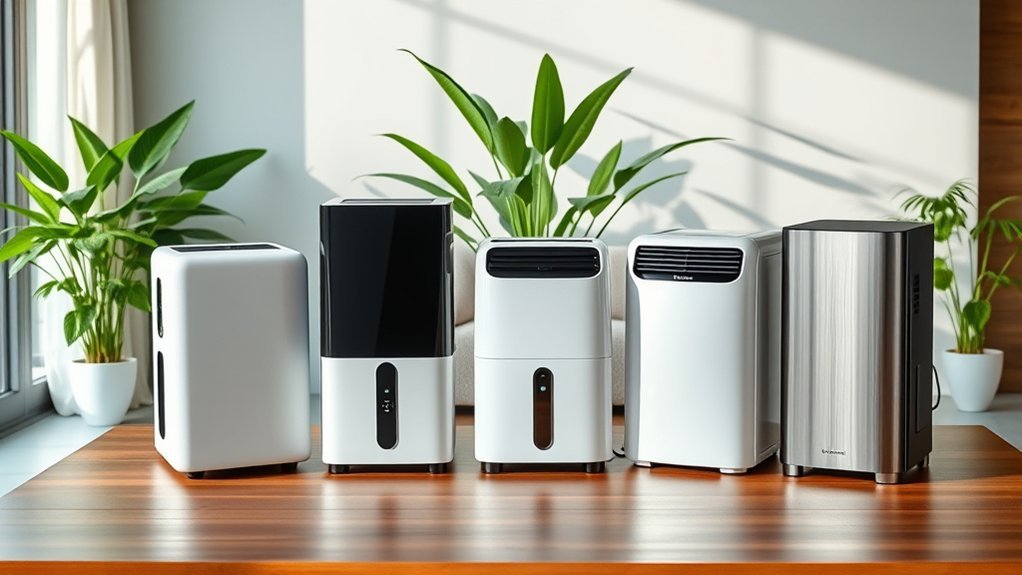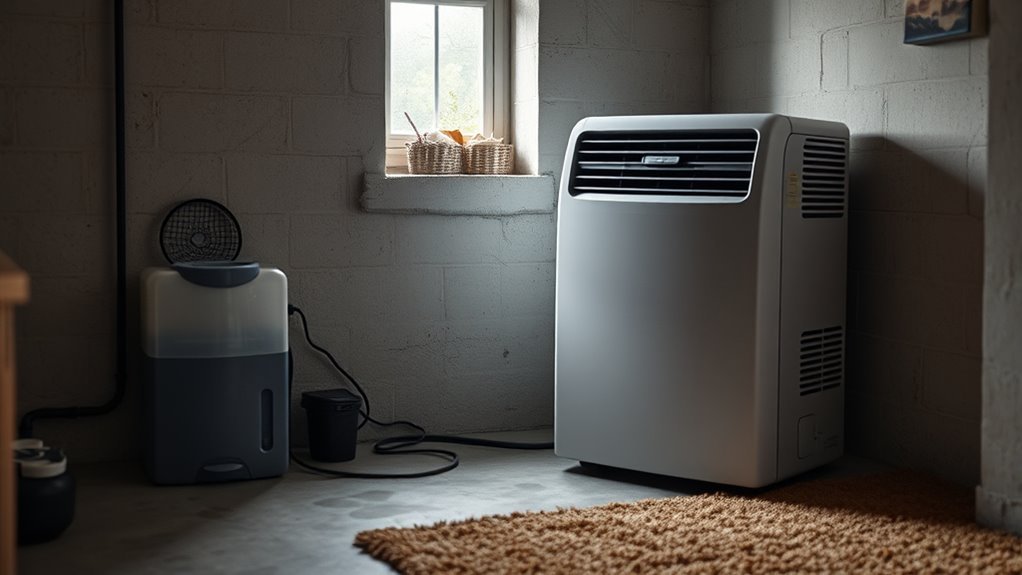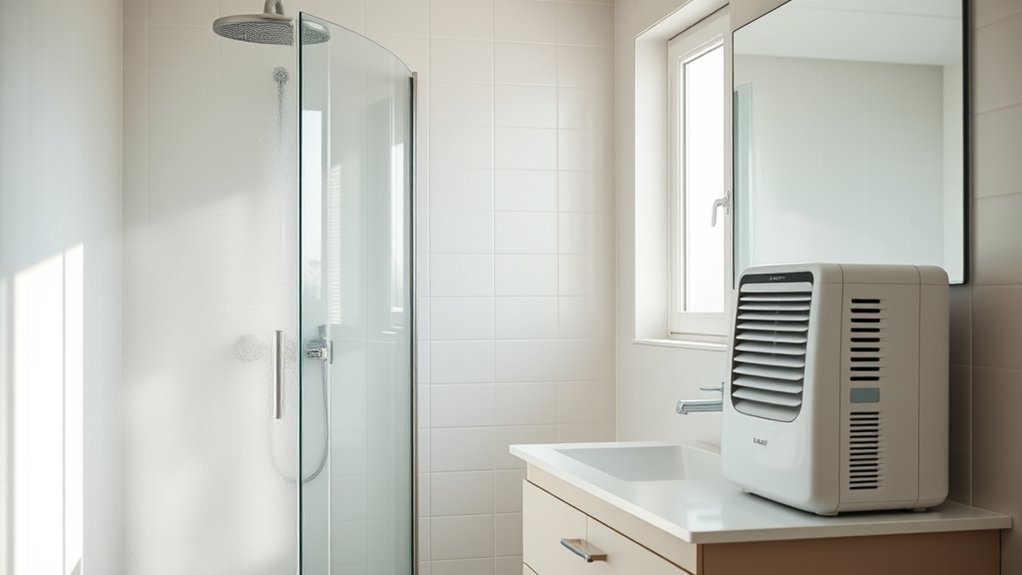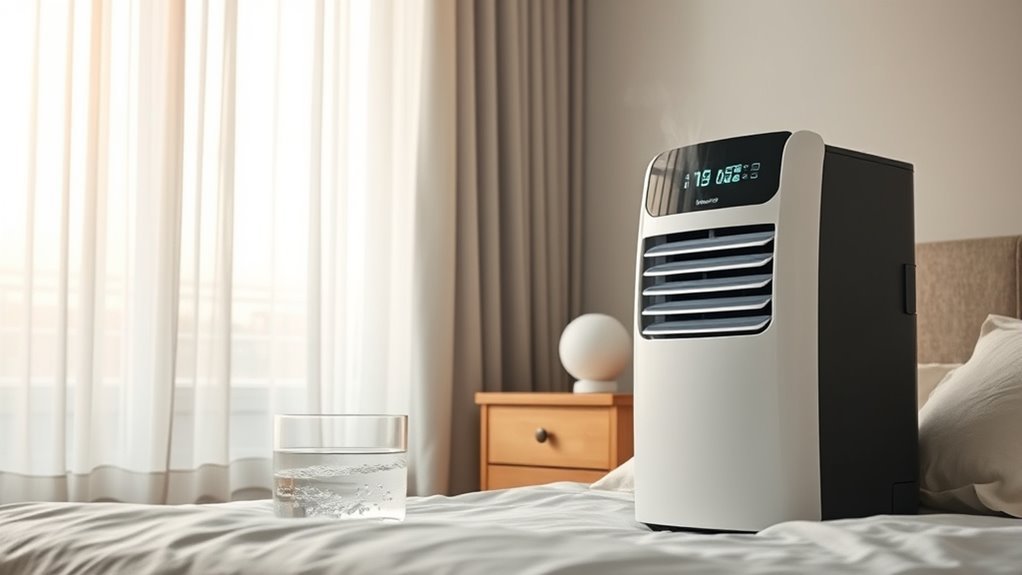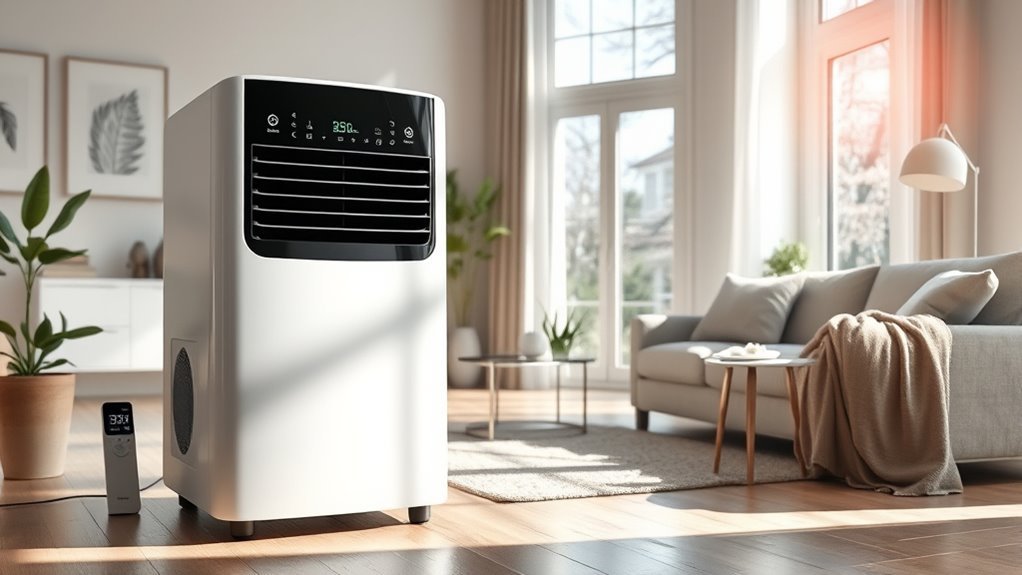
Smart Dry on a dehumidifier is an automatic humidity-control feature that lets the unit respond to room moisture instead of running at one fixed fan speed all day. It works like a thermostat for damp air: a built-in sensor reads the room’s relative humidity, scales fan speed or compressor activity up or down as moisture changes, and keeps your space comfortable with less manual tuning.
Quick Answer
Smart Dry is an automated dehumidifier mode that uses an internal humidistat to compare actual room moisture against a target level, typically 45%–50% relative humidity (RH). As humidity rises or falls, the unit automatically adjusts fan speed and compressor runtime, preventing over-drying and cutting wasted electricity compared with fixed manual settings.
Last checked: October 19, 2026. Dates and figures were verified against official sources.
Key Takeaways
- Brand mechanics differ: GE and Haier Smart Dry modes adjust fan speed around your chosen 30%–70% RH setpoint, while Midea SmartDry units use a temperature-sensing Comfort mode that holds 45%–55% RH automatically.
- Health and mold target: Keep indoor humidity between 30% and 50% RH (and always below 60% RH) to help prevent mold growth and dust mites.
- Airborne moisture only: Smart Dry trims wasted runtime, but it cannot fix plumbing leaks, dry flooded drywall, or remove existing mold.
- Size by DOE pint ratings: Match capacity (20–22, 35, or 50 pints per day under current 65°F test standards) to both square footage and dampness severity.
What Is Smart Dry on a Dehumidifier?
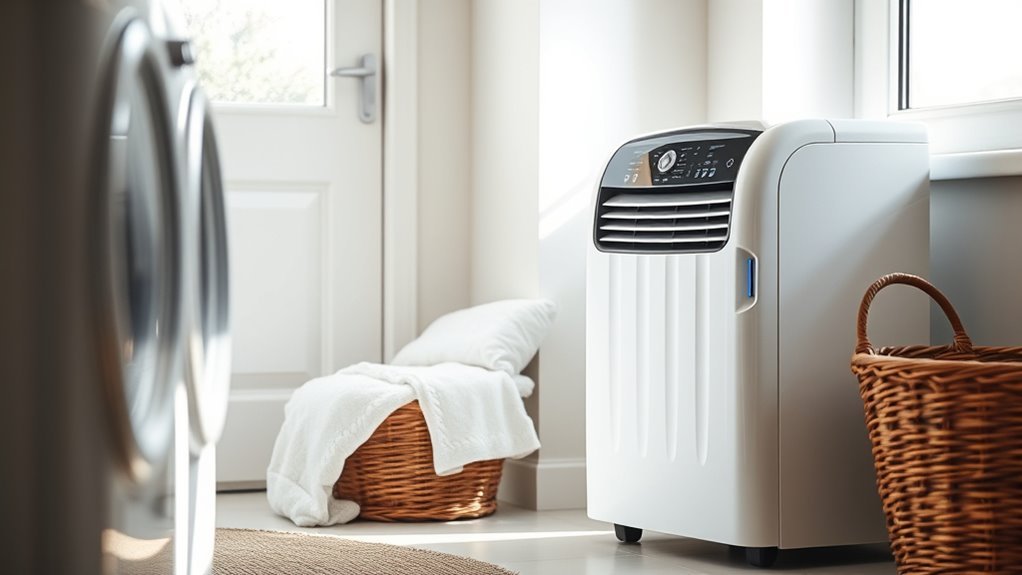
Smart Dry on a dehumidifier is a sensor-driven operating mode that monitors indoor air moisture and adjusts how hard the appliance works in real time. Instead of locking the fan on high or forcing you to change settings by hand, Smart Dry matches moisture removal to actual room conditions.
The healthiest target for most homes is not “as dry as possible.” The U.S. Environmental Protection Agency recommends keeping indoor relative humidity below 60% and ideally between 30% and 50% RH. CDC mold-prevention guidance advises keeping home humidity no higher than 50% RH all day long whenever possible.
Because indoor moisture swings throughout the day, Smart Dry is especially practical in basements, bathrooms, laundry rooms, and garages. It helps prevent condensation on cool walls, windows, and pipes while eliminating the constant drone of a high-speed fan once the air dries out.
Warning: Smart Dry controls airborne humidity, but it cannot repair foundation leaks, dry soaked carpet or drywall, or kill existing mold. Wet building materials must be dried within 24 to 48 hours to prevent mold growth—always fix active water intrusion first.
How Smart Dry Adjusts Humidity Automatically
Smart Dry works by pairing an internal electronic humidistat with the dehumidifier’s fan and compressor control board. Every few seconds, the sensor samples incoming air, compares the room’s relative humidity to the target level, and steps operation up or down.
According to Haier and GE Appliances Smart Dry support guidance, the system compares your set humidity level with actual room humidity and switches the fan speed automatically between High, Medium, and Low (or High and Low on two-speed units). On temperature-sensing models such as Midea’s Comfort mode, the control board also calculates the target humidity between 45% and 55% RH based on room temperature.
| Room Condition | Smart Dry Sensor Response | Noise and Energy Impact |
|---|---|---|
| Humidity is well above target (e.g., 10%+ higher) | Runs compressor with High fan speed for maximum moisture extraction | Full wattage draw and highest airflow noise |
| Humidity falls near target (within ~5% RH) | Steps fan down to Medium or Low to finish drying gently | Quieter operation and lower fan power draw |
| Humidity reaches or drops below target | Cycles compressor off; fan either stops or runs briefly to sample air | Near-zero standby power until moisture rises again |
| Water bucket fills or is unseated | Triggers float switch, stops compressor and fan, and sounds alert or shows code (such as P2 or Empty) |
Operation pauses until emptied; continuous drain prevents stops |
This automatic scaling removes the need to check the display every few hours. Once the room reaches your desired dryness, the machine backs off automatically.
Note: Built-in dehumidifier humidistats typically carry a manufacturing tolerance of ±5% RH and read air right at the intake grille. It is normal for a standalone room hygrometer placed across the room to read 3% to 5% different.
Smart Dry vs. Manual Dehumidifier Settings
The main difference between Smart Dry, manual setpoint mode, and continuous (or Nonstop) mode is how much control the dehumidifier keeps over fan speed and shutoff timing. Smart Dry adapts airflow automatically, manual mode locks in a fixed fan speed until your humidity percentage is met, and continuous mode runs non-stop regardless of room humidity.
| Feature | Smart Dry (Auto Mode) | Manual Setpoint Mode | Continuous / Nonstop Mode |
|---|---|---|---|
| Humidity target | User-set (30%–70% RH on GE) or auto temperature-based (45%–55% RH on Midea Comfort) | User-selected in 5% increments (typically 30%–85% RH) | Ignores humidity setpoint; runs until bucket fills or turned off |
| Fan speed behavior | Automatically shifts between High, Medium, and Low based on moisture gap | Stays fixed at the Low, Medium, or High speed you pick | Fixed (usually High or user-selected) for maximum water extraction |
| Energy use | Lowest everyday power draw; prevents unnecessary high-speed runtime | Moderate; depends on how low you set the RH target | Highest; compressor runs continuously and can over-dry air |
| Best use case | Daily moisture control in basements, living areas, and laundry rooms | Holding a strict RH percentage (such as 45% RH for musical instruments) or keeping fan speed on Low in bedrooms | First 24 hours in a very wet basement, drying hang-dried laundry, or post-spill cleanup |
Use manual or continuous mode when you need a short burst of aggressive drying—such as during the first 24 hours of setting up a dehumidifier in a damp basement or right after hanging wet clothes indoors. Once the room stabilizes near 45%–50% RH, switch to Smart Dry for quieter, hands-off maintenance.
How Smart Dry Improves Energy Efficiency
Smart Dry cuts electricity use by preventing the compressor and fan from running at peak wattage once room air is already dry enough. Because a portable dehumidifier draws between 200 and 600 watts when the compressor is active, trimming just 3 to 4 hours of unnecessary daily runtime saves 30 to 70 kWh per month.
For the largest reduction in power bills, pair Smart Dry with an ENERGY STAR certified dehumidifier. ENERGY STAR models use higher-efficiency refrigeration coils, compressors, and fans to remove the same amount of moisture while using about 13% to 15% less electricity than standard units.
Under the ENERGY STAR Version 6.0 efficiency criteria (effective October 1, 2025), portable dehumidifiers are rated by their Integrated Energy Factor (IEF), which measures liters of water removed per kilowatt-hour (L/kWh):
- Portable units up to 25 pints/day: Minimum IEF of 1.70 L/kWh.
- Portable units from 25.01 to 50 pints/day: Minimum IEF of 2.01 L/kWh.
- Portable units over 50 pints/day: Minimum IEF of 3.30 L/kWh.
Smart Dry saves the most energy when the unit is properly sized for the room, the air filter is washed every 250 hours of runtime, and the target humidity is set between 45% and 50% RH.
Avoid setting your target down to 30% or 35% RH unless you have a specialized storage need. In most climates, a 35% RH target forces the compressor to run nearly non-stop with very little comfort benefit.
Best Rooms for Smart Dry Dehumidifiers
Smart Dry works best in enclosed rooms where moisture spikes periodically or dampness seeps in through below-grade walls. Because humidity fluctuates throughout the day in these areas, an automatic sensor responds much faster than manual adjustments.
- Basements and crawl spaces: Manages groundwater vapor, cool concrete condensation, and seasonal summer humidity swings.
- Laundry rooms: Captures moisture spikes from washing machines and indoor drying racks, then powers down when clothes are dry.
- Bathrooms without strong exhaust fans: Clears heavy steam after showers and stops running once mirrors and tile dry off.
- Kitchens: Controls humidity surges from boiling pots, dishwashers, and Mop-dried floors.
- Garages and workshops: Protects hand tools, power equipment, cardboard boxes, and stored vehicles from rust and mildew when garage doors stay closed.
- Home offices, libraries, and music rooms: Keeps relative humidity near a steady 45%–50% RH so acoustic guitars, pianos, books, and camera gear do not warp or develop mold.
Smart Dry is ineffective in rooms where windows or exterior doors stay open during humid weather, since outdoor moisture will pour in as fast as the coils extract it.
Recommended Products

✔ EASY TO USE: This mini dehumidifier is spill and mess free. Just hang and go! Non-toxic, child and pet safe! Your small rooms will be dry and odor free. Works for areas up to 333 cubic feet.
Do You Need Smart Dry?
You benefit most from Smart Dry if you run a dehumidifier daily in a space where moisture rises and falls, and you want lower noise and electricity bills without babysitting the controls.
Smart Dry is worth prioritizing when you:
- Run a dehumidifier all season in a basement, laundry room, or damp ground-floor living area.
- Want the fan to drop to Low automatically once the room approaches your target humidity.
- Want to prevent over-drying that causes static electricity, dry skin, or cracked wood furniture.
- Protect moisture-sensitive items such as paper archives, musical instruments, or electronics.
- Want smartphone alerts for full water buckets or dirty filters on Wi-Fi-connected models.
You can skip Smart Dry if you only run a dehumidifier for occasional 2-hour bursts in a small bathroom, or if your existing unit already has a basic adjustable humidistat that cycles off cleanly at 50% RH.
Pro Tip: Place an inexpensive digital hygrometer on the far side of the room for the first 48 hours. If the dehumidifier display reads 50% RH but the far corner reads 62% RH, pull the unit at least 12 to 18 inches away from walls or run a small circulation fan before lowering the setpoint.
How to Choose a Smart Dry Model
Choosing the right Smart Dry dehumidifier starts with matching pint capacity to your room’s square footage and dampness level. Capacity measures how many pints of water a unit removes in 24 hours under standard U.S. Department of Energy (DOE) test conditions.
As explained in the ENERGY STAR dehumidifier testing and capacity guide, the DOE updated its test procedure in June 2019 to test portable units at a cooler basement temperature of 65°F (18.3°C) instead of the older 80°F standard. Because cooler air holds less water vapor, current pint ratings look lower on paper even though drying performance is unchanged:
| Room Condition Without Dehumidification | Typical Starting Humidity | Small to Medium Space (Under 2,000 sq. ft.) | Large Space (Over 2,000 sq. ft.) | Pre-2019 Equivalent Rating |
|---|---|---|---|---|
| Slightly to Moderately Damp (feels damp; intermittent musty odor) | 50%–75% RH | 20–30 pints/day (e.g., 22-pint class) | 30+ pints/day (e.g., 35-pint class) | 30–50 pints/day |
| Very Damp (consistently smells damp; damp spots on walls or floor) | 75%–90% RH | 25–40 pints/day (e.g., 35-pint class) | 40+ pints/day (e.g., 50-pint class) | 40–70 pints/day |
| Wet (walls or floor sweat; seepage or heavy laundry drying load) | 90%–100% RH | 30–50 pints/day (e.g., 50-pint class) | 50+ pints/day (or whole-home unit) | 50–90 pints/day |
Once you know the pint size your room needs, compare these eight features before buying:
- Adjustable humidistat range: Look for 5% adjustment steps between 30% and 70% RH (or 35% to 85% RH) so you can fine-tune the target around 45%–50% RH.
- Smart Dry logic: Check whether the auto mode adjusts fan speed around your custom setpoint (GE/Haier style) or locks into a preset 45%–55% RH band (Midea Comfort style).
- Gravity drain and built-in condensate pump: Every portable model includes a rear garden-hose port for gravity drainage into a floor drain, while pump models can push water vertically up to a utility sink or basement window.
- ENERGY STAR certification: Verify the IEF rating (1.70 to 3.30+ L/kWh depending on capacity) and look for lower-GWP refrigerants such as R-32 or R-454B.
- 250-hour filter reminder: An automatic indicator light reminds you to rinse the washable mesh filter before dust restricts airflow.
- Noise rating (dBA): Look for units rated around 46–50 dBA on Low if the dehumidifier will sit near a bedroom, living room, or home office.
- Low-temperature operation and auto-defrost: Standard compressor models operate down to 41°F (5°C) and use auto-defrost to melt coil frost when basement air drops below 65°F.
- Wi-Fi app monitoring: Helpful for checking basement humidity and receiving full-bucket notifications on your phone.
Recommended Products

LARGE DEHUMIDIFIER: Effectively removes up to 50 pints of moisture daily, perfect for whole home moisture control including basements, garages, bedrooms, bathrooms, and high-humidity spaces up to 5000 sq ft.

EASY TO CLEAN WASHABLE FILTER: Capture dust from the air and keep your dehumidifier working efficiently with our easy-to-clean washable filter.

Smart Functions: Dehumidifier for home with smart APP/voice/touch control brings a more convenient living experience, such as setting up the dehumidifier in basement at your fingertips with the APP, even when away. Compatible with Alexa, Google Assistant, and IFTTT. (Support 2.4Ghz WiFi and Bluetooth, need to enable mobile phone positioning.)
Smart Dry on Midea vs. GE Models
While both Midea and GE market “Smart Dry” dehumidifiers, the two brands use the name differently. On GE (and sister brand Haier) units, Smart Dry is a dedicated button on the control panel that automates fan speed. On Midea units, SmartDry is the product line name for Wi-Fi-enabled dehumidifiers, while the on-board automatic humidity setting is typically labeled Comfort mode (or Smart mode).
Recommended Products

2500 Sq. Ft Dehumidifier - SEMKAP dehumidifier for basement features a quiet, high-performance compressor that removes up to 32 pints of moisture per day (at 95°F, 90% RH). Ideal for basements, offices, bathrooms, bedrooms, kitchens, stockrooms, living rooms, laundry rooms, garages, crawlspaces, or RVs. It helps maintain optimal humidity between 40%–60%RH for healthier, more comfortable living

【𝐄𝐍𝐄𝐑𝐆𝐘 𝐒𝐓𝐀𝐑 𝐂𝐞𝐫𝐭𝐢𝐟𝐢𝐞𝐝 𝐟𝐨𝐫 𝐄𝐟𝐟𝐢𝐜𝐢𝐞𝐧𝐭 𝐏𝐞𝐫𝐟𝐨𝐫𝐦𝐚𝐧𝐜𝐞】Delivers consistent dehumidification across a variety of real-life conditions. Designed for energy-efficient operation, helping reduce excess power consumption and lower long-term energy costs without sacrificing performance
Midea SmartDry Features
Midea SmartDry dehumidifiers combine digital humidity control with Wi-Fi connectivity through the Midea SmartHome app (iOS and Android) plus Amazon Alexa and Google Assistant voice commands. Depending on the model (22-, 35-, or 50-pint capacities), you can choose between manual Set mode (35%–85% RH in 5% increments), Continuous mode, Turbo fan mode, and automatic Comfort mode.
When you press the Comfort button on a Midea dehumidifier, manual humidity percentage buttons are disabled and the unit automatically regulates humidity between 45% and 55% RH based on room temperature:
- Room temperature below 64.4°F (18°C): Holds target humidity at 55% RH.
- Room temperature between 64.4°F and 77°F (18°C–25°C): Holds target humidity at 50% RH.
- Room temperature above 77°F (25°C): Holds target humidity at 45% RH.
Midea models also trigger a clean-filter reminder light after 250 hours of operation, restart automatically with your last settings after a power outage, and display diagnostic codes such as P2 when the water tank is full.
GE Smart Dry Features
GE Appliances dehumidifiers use Smart Dry as an automatic fan-speed setting rather than a locked humidity preset. You set your own target humidity between 30% and 70% RH (in 5% steps), and Smart Dry continuously compares the room’s actual humidity against your setpoint—running the fan on High when the room is very damp and stepping down to Medium or Low as humidity nears your target.
GE portable dehumidifiers (commonly sold in 22-, 25-, 35-, and 50-pint sizes, with and without built-in condensate pumps) also include a Nonstop mode for continuous drying, a 10-second Empty Bucket alarm when the tank is full or unseated, a 250-hour filter timer (reset by holding the Filter button for 3 seconds), a 1-to-24-hour Delay On/Off timer, and auto-defrost operation down to 41°F (5°C).
Setup Tips for Best Results
Proper placement and room preparation determine how accurately the Smart Dry sensor reads the air and how quickly the unit reaches its setpoint. Follow these steps when setting up your dehumidifier:
- Let a new unit sit upright for 2 hours: If the dehumidifier was tilted or laid on its side during delivery, stand it upright on a level floor for at least 2 hours before plugging it into a grounded 115V 3-prong outlet (never use an extension cord).
- Leave 8 to 18 inches of airflow clearance: Keep at least 8 to 18 inches of open space around the intake grilles and at least 16 to 18 inches above or behind the exhaust louver so dry air circulates across the room instead of short-cycling back into the sensor.
- Close windows and exterior doors: Seal the room when outdoor air is humid so the unit isn’t fighting an endless supply of outside moisture.
- Run Continuous or 45%–50% RH for the first 24 hours: GE recommends running a new dehumidifier continuously for the first 24 hours in a damp space, then switching to Smart Dry at 45% or 50% RH for everyday maintenance.
- Connect a continuous drain hose in basements: Attach a standard garden hose to the rear drain outlet and slope it steadily downward to a floor drain so a full bucket never interrupts Smart Dry.
- Wash the air filter every 250 hours: When the filter light glows, unplug the unit, rinse the mesh screen in warm, soapy water, let it air-dry completely, reinsert it, and hold the Filter button for 3 seconds to reset the timer.
Troubleshooting Smart Dry Problems
When Smart Dry runs non-stop, shuts off unexpectedly, or disagrees with a separate room thermometer/hygrometer, the cause is usually airflow restriction, cold room temperatures, or a triggered float switch.
| Problem or Error Code | Likely Cause and Fix |
|---|---|
| Unit runs constantly without shutting off | Make sure the unit is not in Continuous/Nonstop mode. Raise the target to 45%–50% RH, wash the air filter, close windows, and verify the pint capacity matches your room size. |
| Cannot change humidity % buttons | On Midea models, Comfort (Smart) mode locks the target between 45% and 55% RH automatically. Press Mode to switch to Set mode if you want a custom percentage. |
Bucket-full alert (P2, Eb, or blinking Empty light) |
Empty the bucket, check that the internal styrofoam float moves freely, and slide the tank straight back until it clicks flush. If using a gravity hose, inspect for kinks or upward loops. |
| Display reading differs from room hygrometer | A ±5% RH variance is within factory specification. Pull the dehumidifier at least 12–18 inches away from walls and furniture so air circulates past the sensor. |
| Frost on coils or frequent compressor pauses | Frost can form whenever room air drops below 65°F, and standard compressor units struggle below 41°F (5°C). Let Auto Defrost complete its cycle, clean the filter, or use a desiccant dehumidifier in unheated winter spaces. |
Sensor or system codes (AS, ES, or EC) |
AS and ES indicate a humidity or evaporator temperature sensor fault; EC indicates a refrigerant system error. Unplug the unit for 10 minutes to reset; if the code returns, contact manufacturer warranty support. |
Frequently Asked Questions
What is the Smart Dry setting on a dehumidifier?
Smart Dry is an automatic humidity-control setting that uses the dehumidifier’s built-in sensor to monitor indoor moisture and adjust operation automatically. As room humidity approaches your target range, Smart Dry steps down fan speed or cycles off the compressor so the unit does not run harder than necessary.
What is the best setting on a dehumidifier?
Set your dehumidifier between 45% and 50% relative humidity for the best balance of comfort, mold prevention, and energy efficiency. U.S. EPA guidance recommends keeping indoor humidity below 60% and ideally between 30% and 50% RH, while the CDC recommends staying at or below 50% RH all day.
How much does it cost to run a dehumidifier 12 hours a day?
Running a 500-watt dehumidifier for 12 hours uses 6 kWh of electricity, which costs about $1.10 per day at the U.S. Energy Information Administration (EIA) July 2026 national residential average of 18.31 cents per kWh (or $1.20 per day at $0.20 per kWh). Use the formula watts × hours ÷ 1,000 × your local kWh rate to calculate your exact cost.
Is it okay to use dry mode all night?
Yes, it is safe to run Smart Dry or dry mode overnight as long as the dehumidifier is plugged directly into a grounded wall outlet, has automatic full-bucket shutoff, and is set to a target of 45%–50% RH. Connect a continuous drain hose if you want to avoid the bucket filling and beeping overnight.
Is Smart Dry the same as continuous mode?
No, Smart Dry is not the same as continuous mode. Smart Dry adjusts fan speed and compressor runtime based on live humidity readings, whereas continuous (or Nonstop) mode ignores the humidistat and runs non-stop until the tank fills or you turn the machine off.
Can Smart Dry prevent mold?
Smart Dry helps prevent new mold growth by keeping indoor air below the 50%–60% RH moisture threshold that mold spores need to thrive. However, it cannot kill or remove existing mold, dry waterlogged drywall or carpet, or fix plumbing and foundation leaks.
Conclusion
Smart Dry takes the daily guesswork out of managing indoor moisture by matching fan speed and compressor runtime to real-time room humidity. For most households, setting the unit to 45%–50% relative humidity keeps basements, laundry rooms, bathrooms, and storage areas comfortable without wasting electricity.
Start by checking your room humidity with a standalone hygrometer, cleaning your air filter every 250 hours of runtime, and sealing obvious moisture sources such as open basement windows or plumbing drips. Once active leaks are fixed, switch on Smart Dry to keep your indoor air balanced automatically.
Sources
- U.S. Environmental Protection Agency: A Brief Guide to Mold, Moisture and Your Home: Supports 30%–50% RH ideal indoor humidity targets, keeping humidity below 60% RH, and drying wet materials within 24–48 hours.
- CDC: You Can Control Mold: Supports keeping home relative humidity no higher than 50% all day when possible.
- Haier / GE Appliances Support: Dehumidifier Smart Dry Setting: Supports how Smart Dry compares set humidity with actual room humidity to adjust fan speed automatically.
- ENERGY STAR: Dehumidifiers: Supports ENERGY STAR energy savings, portable room sizing by square footage and dampness, and 65°F coil frost guidance.
- ENERGY STAR: Dehumidifiers Key Efficiency Criteria (Version 6.0): Supports Integrated Energy Factor (IEF) minimum thresholds in L/kWh effective October 1, 2025.
- ENERGY STAR: Dehumidifier Testing and Capacity: Supports DOE 65°F test conditions and pre-2019 vs. current pint capacity equivalencies.
- GE Appliances: Dehumidifiers: Supports GE Smart Dry fan-speed control, 30%–70% RH range, 250-hour filter reminder, and 10-second empty-bucket alarm specs.
- Midea: SmartDry Dehumidifier: Supports Midea SmartDry product features, SmartHome app control, and Comfort mode behavior.
- U.S. Energy Information Administration (EIA): Electric Power Monthly: Supports the July 2026 U.S. average residential electricity rate of 18.31 cents per kWh.