
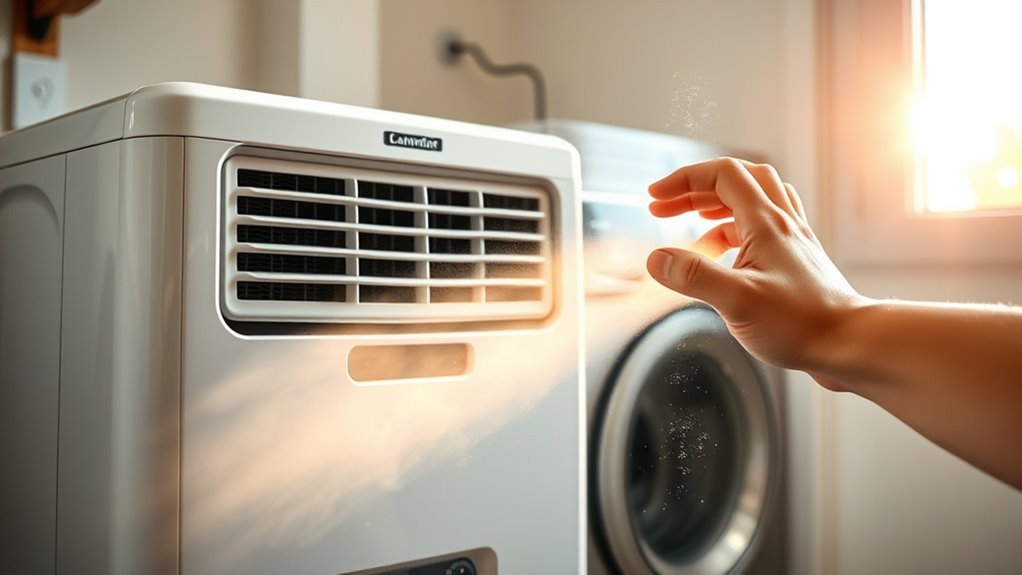
Yes. A dehumidifier blowing hot air is usually normal during active moisture removal. A compressor model cools humid air to condense water, passes the drier air over a warm condenser, and returns that air to the room. Warm output alone does not prove anything is wrong. Check whether relative humidity is falling, water is being collected, airflow is strong, and the unit is operating without burning smells, smoke, sparks, error codes, repeated shutdowns, or unusually hot electrical connections.
Last updated: October 13, 2026
Quick Answer
Warm or hot-feeling exhaust from a working dehumidifier is usually normal. Check the filter, vents, humidity setting, bucket, room temperature, frost, and water collection if the heat seems unusual. Unplug the unit immediately if you notice smoke, a burning smell, melting, sparking, a very hot cord or plug, or repeated breaker trips.
Key Takeaways
- A compressor dehumidifier normally returns warm, dry air to the room.
- There is no universal outlet-temperature rise that separates every healthy unit from every faulty one.
- Judge performance by humidity reduction, water collection, airflow, sounds, smells, frost, and error codes.
- Desiccant dehumidifiers can discharge even warmer air because they use heat to regenerate the moisture-absorbing material.
- Do not open the sealed refrigerant circuit or attempt to add refrigerant yourself.
- Check the exact model number and date code against current safety recalls if the appliance is older or its history is unknown.
At a Glance
| Time Required | 10–20 minutes for basic checks; longer if the unit must thaw |
| Difficulty | Easy for external checks; professional service for electrical or sealed-system faults |
| Tools Needed | Hygrometer, household thermometer, soft brush or vacuum attachment, and the owner’s manual |
| Cost | Usually $0 for setup and cleaning checks; low-cost hygrometers and household thermometers vary by retailer |
Warning: Turn the dehumidifier off, unplug it, and stop using it if you see smoke, sparks, melted plastic, scorch marks, or a leaking electrical component; smell burning insulation; feel excessive heat at the plug or cord; or experience repeated breaker trips. Do not repeatedly reset a unit showing these symptoms.
Why Is Your Dehumidifier Blowing Hot Air?
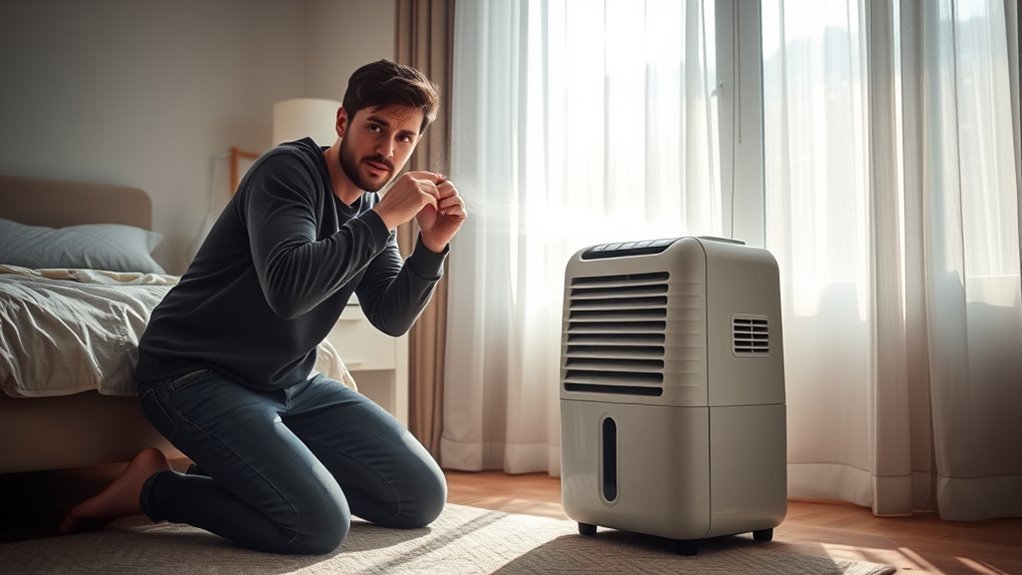
If your appliance is a compressor dehumidifier, warm exhaust is part of normal operation. The fan draws humid room air across a cold evaporator coil. Water vapor condenses on that coil and drains into the bucket or through a hose. The air then passes across the warmer condenser coil before returning to the room.
The condenser returns the heat removed at the evaporator, while the compressor and fan add heat from the electricity they consume. Because a portable unit completes this process inside the room, it normally warms the surrounding space slightly. ENERGY STAR specifically advises that the area around an operating dehumidifier can be warmer while the appliance removes moisture.
A small room, closed basement, laundry area, or other space with limited air exchange may warm more noticeably. The effect can also become more obvious when the unit runs continuously because the room is very humid, the selected humidity is unusually low, doors or windows are open, or the dehumidifier is undersized for the moisture load. If your main concern is the temperature of the whole space rather than the appliance itself, see why a dehumidifier makes the room warmer.
Compressor Versus Desiccant Heat
Both main types of portable dehumidifier can release warm air, but they produce that warmth differently:
- Compressor or refrigerant models cool air below its dew point, collect condensed water, and reheat the air across a condenser.
- Desiccant models pass air across a moisture-absorbing material and use heat to regenerate that material. The regeneration process can make their discharge air noticeably warmer.
Therefore, warm output is not limited to compressor units. For a quick yes-or-no answer on normal exhaust warmth, see does a dehumidifier blow hot air. Meaco’s desiccant-dehumidifier guidance confirms that its desiccant designs use an internal heater as part of the regeneration process.
Note: A portable dehumidifier is not an air conditioner. It removes moisture, but it does not send its condenser heat outdoors. The room may feel more comfortable as humidity falls even though the measured temperature rises slightly.
How Hot Should Dehumidifier Air Be?
There is no manufacturer-wide outlet-temperature rise that separates normal dehumidifier operation from a fault. Manufacturer guidance commonly describes the discharge as warm or hot during active dehumidification, but the actual temperature depends on model design, fan speed, room temperature, humidity, compressor run time, and where you place the thermometer.
A better diagnosis combines temperature with performance. Warm outlet air is usually normal when:
- The bucket is collecting water or the drain is carrying water away.
- Relative humidity gradually moves toward the selected setpoint.
- Airflow from the outlet remains strong and steady.
- No warning light or error code is displayed.
- The unit does not smell burned, make new electrical noises, or shut down unexpectedly.
What Counts as Normal Warm Air?
The outlet should commonly feel warmer during an active compressor cycle, but touch alone is not a precise test. Air movement and lower humidity can also change how the exhaust feels on your skin. Use a thermometer and hygrometer when you need a repeatable comparison.
How to Measure Inlet and Outlet Temperature
- Place the dehumidifier according to the clearance instructions in its manual.
- Close nearby doors and windows and allow the unit to run in dehumidify mode for 10–15 minutes.
- Measure room or inlet-air temperature away from direct outlet airflow.
- Measure the outlet air at a consistent point without inserting the thermometer through the grille.
- Record relative humidity at the start and again after 30–60 minutes.
- Confirm that water is entering the bucket or drain when the room is humid enough for condensation.
Pro Tip: A standalone hygrometer is often more useful than chasing an exact outlet-temperature number. Built-in humidity sensors sit close to the machine and may not match conditions across the entire room.
When Is Dehumidifier Heat Too Much?
Heat deserves attention when it appears with another abnormal symptom. Do not use a single temperature difference as the only test.
| What You Observe | Likely Meaning | Next Step |
|---|---|---|
| Warm air, steady airflow, water collected, humidity falling | Usually normal operation | Continue monitoring and use a reasonable humidity setpoint |
| Warm air but little or no water | Room may already be dry, setpoint may be too high, or active moisture removal may not be occurring | Check room humidity, setpoint, bucket, frost, airflow, and compressor operation |
| Very hot casing with weak airflow | Blocked intake, dirty filter, poor clearance, or fan problem | Turn off the unit, unplug it, and restore airflow |
| Heat with clicking, rapid cycling, or an overload code | Compressor overload, temperature problem, or another internal fault | Let the unit cool and follow the manual; arrange service if the symptom returns |
| Burning smell, smoke, melting, sparks, or hot plug | Possible fire or electrical hazard | Unplug immediately when safe and stop using the unit |
Factors That Raise Temperature
Outlet or room temperature may become more noticeable when:
- The room starts very humid and the compressor runs for long periods.
- Continuous mode is selected.
- The unit is too small for the room or moisture source.
- Doors and windows allow humid outdoor air to enter.
- The filter, intake grille, or outlet is restricted.
- The appliance lacks the clearance required by its manual.
- The room is near or outside the model’s approved operating-temperature range.
- A desiccant model is using its internal regeneration heater.
A dirty filter or obstructed grille does not simply make the outlet warmer. It can reduce airflow, lower water-removal performance, promote icing on some compressor models, and trigger overload protection.
How Compressor Dehumidifiers Work
A compressor dehumidifier contains both the cold and warm sides of a refrigeration system inside the same room. The evaporator cools incoming air enough for moisture to condense, while the condenser reheats the drier air before it leaves the appliance.
Cooling and Reheating Cycle
- Air intake: The fan pulls humid room air through the filter.
- Cooling: The evaporator cools the air below its dew point.
- Condensation: Water forms on the coil and flows into the collection system.
- Reheating: The dried air passes across the condenser coil.
- Discharge: Warm, lower-humidity air returns to the room.
This sequence is why a machine with a cold evaporator can still release warm air at its outlet.
Why Warm Air Happens
The heat removed from the incoming air is transferred through the refrigeration circuit and returned at the condenser. The compressor and fan also consume electricity, and that energy ultimately contributes additional heat to the room.
The result is a room that can become slightly warmer while its relative humidity falls. Lower humidity may still reduce condensation, musty conditions, and moisture available for mold growth.
For most homes, a practical target is about 30%–50% relative humidity. The appropriate setting may be lower during cold weather if condensation forms on windows or other cold surfaces.
The U.S. Environmental Protection Agency recommends controlling indoor moisture and keeping indoor relative humidity around 30% to 50%.
Signs Your Dehumidifier Is Overheating
A unit may be overheating or operating under excessive strain when heat is paired with one or more of these symptoms:
- Weak or uneven airflow: The fan sounds normal, but little air leaves the outlet.
- Repeated clicking: The compressor attempts to start and stops again.
- Rapid cycling: The compressor repeatedly turns on and off before the room reaches the selected humidity.
- Overload or temperature error: The display shows a model-specific protection code.
- Unexpected shutdown: The unit stops even though the bucket is empty and the humidity remains high.
- Hot plug, cord, or receptacle: Electrical connections become unusually warm.
- Burning or melting odor: The smell differs from ordinary warm appliance air.
- Smoke, sparks, or discoloration: Any visible electrical-damage sign requires immediate shutdown.
Fan-only mode should not normally create compressor heat because the compressor is off. GE’s dehumidifier exhaust-temperature guidance says the compressor shuts off during fan or defrost operation. During defrost, the outlet may temporarily feel cold. If cool exhaust persists and moisture removal stops, see why a dehumidifier blows cold air.
For a broader electrical and recall checklist, see whether dehumidifiers can be a fire risk.
Recommended Products

Product Specifications: 120V(with power plug), 50CFM, 0.6A, 3000Rpm , 60Hz. Precision-balanced 5/8 coil pack and aerodynamic blade keep noise below 1.5 sones, so quiet you'll forget it's running

UNIVERSAL BATHROOM FAN MOTOR - High quality universal bathroom exhaust fan motor SM550 with blower wheel, 120V(with plug), 60Hz, 0.29A, 3000 Rpm, 50CFM
Dirty Filters and Coils
A clogged filter limits the air that can pass through the appliance. Restricted airflow may reduce water collection, make the casing feel hotter, cause coil frost, or trigger compressor protection.
- Turn the dehumidifier off and unplug it.
- Remove the filter according to the owner’s manual.
- Vacuum it or wash it only if the manufacturer identifies it as washable.
- Allow a washed filter to dry completely before reinstalling it.
- Use a soft brush or vacuum attachment to remove loose dust from accessible external grilles.
- Do not bend the coil fins, spray liquid through the grille, or open the cabinet unless the manual specifically provides a consumer procedure.
Cleaning frequency depends on dust, pets, smoke, and operating hours. Follow the model’s manual rather than applying one schedule to every appliance. Danby recommends cleaning its dehumidifier air filter every two weeks for efficient performance, while also directing owners to their specific manual.
Recommended Products

BUY WITH CONFIDENCE Genuine AprilAire MERV 8 Replacement Filter for your AprilAire Whole Home Dehumidifier Models E080 or E100 or Dehumidifying Ventilator 8192A (and all variations of these models)
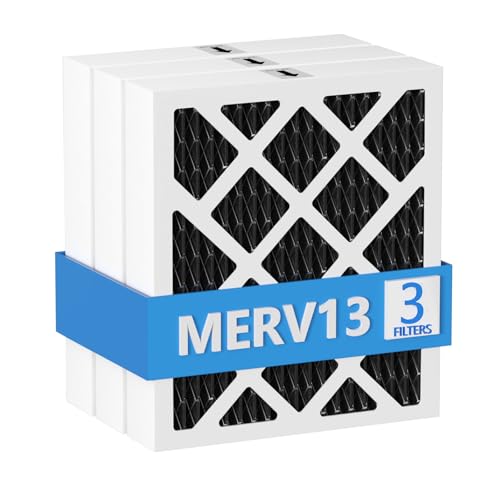
【Compatibility】 Our MERV 13 PN07126 Replacement Carbon Dehumidifier Filter Media is Compatible with Sanidry Sedona Dehumidifier PN07126 Replacement Filter.

【Compatibility】 Our 9 x 11 x 1 MERV 13 Replacement Dehumidifier Filter Media is Compatible with Santa Fe Compact70, Ultra70, Element, Compact2, UA 65H dehumidifier models.
When the Room Is Too Warm
Every dehumidifier has an approved operating-temperature range. A hot room can increase compressor load and may trigger overload protection, while a cold room can cause frost on a compressor model’s evaporator coil.
Do not assume one operating range applies to all units. Check the rating label and manual. Frigidaire support guidance for applicable models identifies an operating range of 41°F to 89°F, but your appliance may have different limits.
- Measure room temperature away from the dehumidifier outlet.
- Compare the reading with the model’s approved range.
- Keep the intake and discharge clear.
- Close doors and windows to prevent a continuous humid-air load.
- Move the unit away from furnaces, dryers, direct sunlight, and other heat sources when the manual allows it.
- Do not cover the unit or place objects on its outlet.
If the room remains uncomfortable after humidity reaches the target, use ventilation or air conditioning as appropriate. A portable dehumidifier removes moisture but is not designed to cool the room. For more detail about whole-room temperature effects, see why a dehumidifier can make a room warmer.
Continuous Run Mode and Heat
Continuous mode tells the dehumidifier to keep drying instead of cycling according to a normal humidity setpoint. This can be useful during a short period of heavy moisture, but it also keeps the compressor operating longer, so the appliance and room may feel warmer.
| Setting | What It Does | Best Use |
|---|---|---|
| Target humidity | Cycles the compressor as needed | Normal day-to-day humidity control |
| Continuous | Runs without using a normal humidity stopping point | Short-term heavy moisture removal when permitted by the manual |
| Fan only | Moves air without active compressor dehumidification | Air circulation or model-specific fan operation |
Frigidaire advises that Continuous Run mode on applicable models makes the compressor run continuously and recommends it for short high-humidity periods of about one or two days before returning to a desired humidity setpoint. Follow your own manual because control labels and operating logic differ.
How to Fix Hot Air Problems
Use this sequence when a dehumidifier feels hotter than expected. Stop as soon as you encounter an electrical hazard, a sealed-system problem, or a step not authorized by the manual.
- Confirm the operating mode. Select dehumidify or a normal humidity setting. Fan-only mode moves air but does not actively remove moisture.
- Check room humidity. If the room is already near or below the selected setpoint, little or no water may be collected.
- Check the setpoint. The selected percentage must be below the current room humidity for active dehumidification to continue.
- Inspect the bucket. Empty it, reinstall it fully, and make sure the float moves freely. A full or poorly seated bucket can stop compressor operation.
- Inspect the drain setup. Confirm that a gravity-drain hose is not kinked, blocked, raised above the outlet, or incorrectly connected. If drainage is the main problem, see why a dehumidifier may not drain through its hose.
- Clean the filter. Restore airflow using the procedure in the manual.
- Clear the grilles. Remove curtains, furniture, boxes, and dust that obstruct the intake or discharge.
- Verify clearance. Use the exact distance specified by the manufacturer rather than assuming every unit needs one or two feet on every side.
- Check room temperature. Move the unit only when needed and only to a location within its approved operating range.
- Look for frost. If ice is visible, turn the unit off and let it thaw completely. Clean the filter and confirm the room is warm enough before restarting.
- Read error codes. Consult the owner’s manual or manufacturer support page for the exact code.
- Test performance. Run the unit for 30–60 minutes in a humid enclosed room and confirm that humidity falls or water is collected.
If you are unsure whether the amount of collected water is normal, see how much water a dehumidifier should collect per day. If the room stays humid despite correct setup, use the dedicated guide to troubleshoot a dehumidifier that is not lowering humidity.
Warning: Do not attach gauges, add refrigerant, cut tubing, or open the sealed refrigeration circuit. EPA regulations require technicians who maintain, service, or repair equipment in ways that could release refrigerant to hold Section 608 Technician Certification; Type I certification covers servicing small appliances.
Recommended Products

【Compatibility】 Our 9 x 11 x 1 MERV 13 Replacement Dehumidifier Filter Media is Compatible with Santa Fe Compact70, Ultra70, Element, Compact2, UA 65H dehumidifier models.

【Compatibility】 Our 9 x 11 x 1 MERV 13 Replacement Dehumidifier Filter Media is Compatible with Santa Fe Compact70, Ultra70, Element, Compact2, UA 65H dehumidifier models.
When to Call for Dehumidifier Service
Arrange professional service when the external checks do not restore normal moisture removal or when the symptoms point to an internal fault. Do not wait a fixed number of days.
| Symptom | Recommended Action |
|---|---|
| No water collection while room humidity remains above the setpoint | Check setup, bucket, temperature, frost, and airflow; request service if the compressor still does not dehumidify |
| Repeated overload or sealed-system error | Stop repeated resets and contact the manufacturer or a qualified technician |
| Clicking compressor, rapid cycling, or fan that does not turn correctly | Unplug the unit and arrange diagnosis |
| Heavy frost returns in an approved room temperature | Request service after checking the filter and airflow |
| Burning smell, smoke, melting, sparking, or hot electrical connection | Unplug immediately when safe and stop using the appliance |
Check for a Dehumidifier Recall
Before paying for a repair, record the brand, model number, serial number, and date code from the appliance label. Search the U.S. Consumer Product Safety Commission dehumidifier recall page.
CPSC reports more than 2,000 overheating incidents and about 450 fires involving one older group of recalled Gree-manufactured dehumidifiers, with more than $19 million in reported property damage. CPSC also says four deaths may be associated with those recalled units and separately lists a 2023 recall covering about 1.56 million additional Gree-manufactured dehumidifiers.
If your exact model and date code are recalled, follow the recall instructions and stop using the appliance. Do not continue operating it merely because it still collects water or appears to function normally.
Repair or Replace?
Repair may make sense for a newer, higher-capacity, or whole-home unit when parts and qualified service are available. Replacement may be more practical for an older portable model with a failed compressor, leaking sealed system, heat-damaged wiring, unavailable parts, or a repair estimate close to the price of a suitable replacement.
When replacing a unit, compare capacity, operating-temperature range, noise, drainage method, and efficiency. Current ENERGY STAR-certified dehumidifiers use more efficient refrigeration coils, compressors, and fans and are rated to use about 20% less energy than comparable non-certified models while removing the same amount of moisture.
Frequently Asked Questions
Should the air coming out of a dehumidifier be hot or cold?
During active dehumidification, a compressor unit normally releases air that feels warmer than the room. A desiccant unit may feel warmer still. Fan or defrost operation may produce room-temperature or temporarily cooler air because the compressor is off. Judge the unit by moisture removal, airflow, and safety symptoms rather than touch alone.
Why is my dehumidifier making my room so hot?
A portable dehumidifier releases its operating heat into the same room. Warming becomes more noticeable in a small closed space, during continuous operation, or when high humidity keeps the compressor running for long periods. After the target humidity is reached, use the humidistat so the compressor can cycle. See why a dehumidifier makes the room warmer for the full room-temperature explanation.
How hot is too hot for a dehumidifier?
There is no universal outlet-temperature cutoff for every model. Heat becomes concerning when it appears with weak airflow, repeated shutdowns, overload codes, unusual clicking, a hot plug or cord, burning odors, melting plastic, smoke, or sparks. Unplug the appliance immediately when safe if electrical danger signs appear.
Are dehumidifiers a fire hazard?
A properly functioning, correctly used dehumidifier should not smoke, melt, spark, or overheat its plug. However, defective and recalled models have caused fires. Keep airflow clear, follow the manual’s electrical instructions, check recall status, and immediately stop using a unit with burning smells or electrical damage. See the full guide to dehumidifier fire risks and safety checks.
Why is my dehumidifier blowing warm air but collecting no water?
The room may already be dry, the humidity setting may be above the current room humidity, the bucket may not be seated correctly, the room may be too cold, the coil may be frozen, or the fan may be running without the compressor. If humidity remains high after these checks, the compressor, sensor, controls, or sealed system may need professional diagnosis. You can also follow the dedicated guide for a dehumidifier that is not lowering humidity.
Can you run a dehumidifier continuously or overnight?
Use only the modes and unattended-operation options permitted by the owner’s manual. A humidistat-controlled setting is usually preferable for routine use because it lets the compressor cycle after reaching the target. Continuous mode may be useful for a short heavy-moisture period, but it increases run time, electricity use, and room heat. Never operate a recalled, damaged, or overheating appliance unattended.
Conclusion
A dehumidifier blowing warm or hot-feeling air is usually operating normally when humidity is falling, water is being collected, and airflow remains strong. The evaporator condenses moisture, the condenser reheats the air, and the compressor and fan add operating heat. There is no universal temperature cutoff that can diagnose every model.
If the unit is warm but working normally, continue monitoring it and use a reasonable humidity setpoint. If it is unusually hot, check the mode, setpoint, bucket, drain, filter, clearance, room temperature, frost, and recall status. If you notice smoke, melting, sparking, a burning smell, a hot plug or cord, or repeated breaker trips, unplug the appliance when safe and stop using it. Leave sealed-refrigerant and internal electrical repairs to qualified technicians.
Sources
- ENERGY STAR: Dehumidifiers — normal room warming, humidity targets, placement, operating temperature, capacity, and current efficiency guidance.
- GE Appliances: Dehumidifier Exhaust Air Temperature — warm exhaust and compressor behavior during fan or defrost operation.
- Frigidaire: Dehumidifier Putting Out Hot Air — normal operating warmth, cooldown, and continuous-run guidance.
- U.S. EPA: Improving Your Indoor Environment and Section 608 Technician Certification Requirements — indoor humidity and refrigerant-service requirements.
- U.S. Consumer Product Safety Commission: Dehumidifier Recalls — model-specific fire and overheating recalls and incident data.
- Danby: Dehumidifier Air Filter Cleaning — manufacturer filter-maintenance interval guidance.
- Meaco: Desiccant Dehumidifier Guidance — heater use during the desiccant regeneration process.

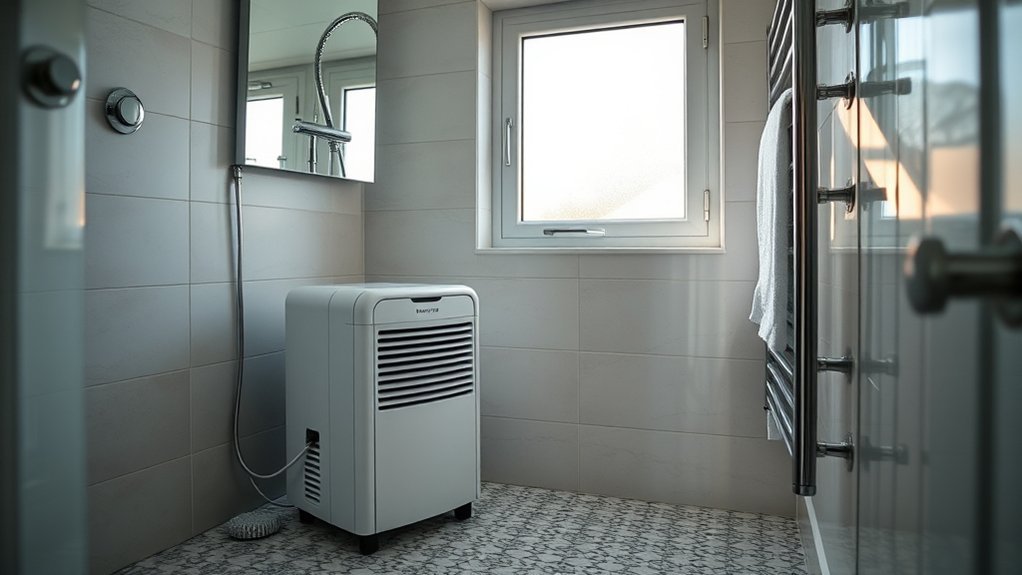
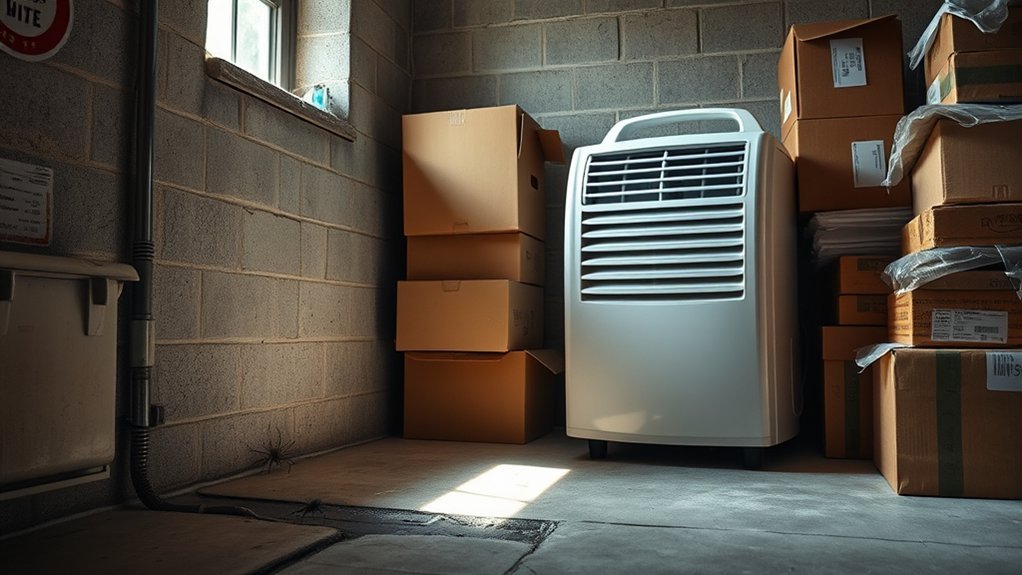


[…] release some operating heat into the room. If you want a fuller explanation of that effect, see why a dehumidifier releases warm air. In a small enclosed space, the unit’s own heat may be enough to avoid using a separate […]
[…] a compressor dehumidifier is a normal operating result. If the air feels hot rather than warm, see why a dehumidifier blows hot air. GE Appliances explains that its dehumidifiers release warm or hot exhaust while actively removing […]
[…] If the exhaust feels excessively hot rather than mildly warm, see our guide on why a dehumidifier blows hot air. […]