
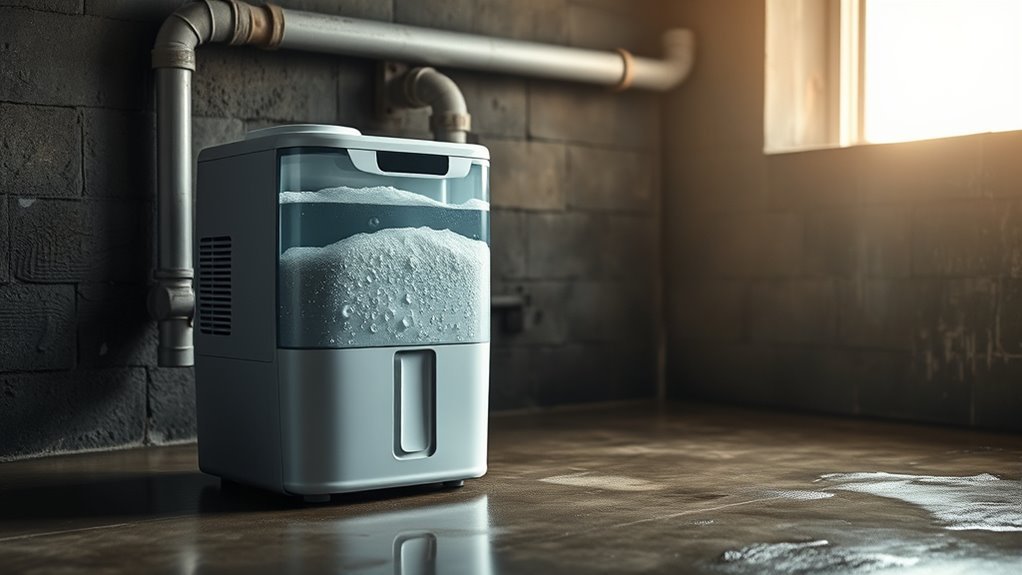
A dehumidifier that fills quickly is often doing exactly what it was designed to do: removing a large amount of moisture from damp air. Frequent filling can also point to a low humidity setting, an undersized bucket, a plumbing or building leak, or a continuous-drain hose that is not working correctly. The best test is not the clock alone. Check the room’s measured humidity, the unit’s capacity, and whether the humidity level is falling.
Quick Answer
Your dehumidifier may fill every few hours when the room is very damp, the bucket is small, or the unit is running continuously. It becomes a problem when the room humidity does not fall, water overflows, the full-bucket switch fails, or an attached drain hose does not carry water away.
Key Takeaways
- A fast-filling bucket can be normal in a wet room, especially during the first day or two of operation.
- A lower humidity setting or continuous mode increases runtime and water collection.
- Gravity-drain hoses must slope downward without kinks, high spots, clogs, or a submerged outlet.
- Use a separate hygrometer to confirm that the room humidity is actually decreasing.
- Overflow, failure to shut off, internal leaks, or no reduction in humidity can indicate a fault that needs service.
At a Glance
| Time Required | 15–30 minutes for basic checks; longer if you must monitor humidity |
| Difficulty | Easy for cleaning and hose checks; professional service for internal faults |
| Tools Needed | Hygrometer, flashlight, clean cloth, soft brush, and a container for flushing the hose |
| Cost | Usually free for cleaning and adjustment; possible cost for a hygrometer, hose, pump, or professional repair |
Why Is My Dehumidifier Filling So Fast?

The most common reason is a high indoor moisture load. Wet weather, a damp basement, showering, cooking, indoor laundry drying, plumbing leaks, foundation seepage, and humid outdoor air entering through open doors or windows can all make the unit collect water rapidly.
A dehumidifier’s capacity and its bucket size are different measurements. Capacity is normally listed in pints of water removed over 24 hours under specified test conditions. The bucket may hold only a fraction of that amount, so a high-capacity unit can require several bucket empties per day. Current ENERGY STAR dehumidifier guidance recommends choosing capacity according to the room size and how damp the space is.
There is no universal “normal” fill time. Estimate it by dividing the bucket capacity by the unit’s actual hourly water collection.
For example, if a bucket holds 10 pints and the unit is collecting about 20 pints per day in the room, it may fill in roughly 12 hours. If it is collecting 40 pints per day, the same bucket may fill in about six hours. Actual collection can be lower than the rated capacity because room temperature, humidity, airflow, and test conditions differ.
How to Tell Whether Fast Filling Is Normal
Use a separate hygrometer and record the room humidity before turning the unit on. Check it again after several hours with the doors and windows closed.
| What You Observe | Likely Meaning |
|---|---|
| The bucket fills quickly and room RH steadily falls | Usually normal moisture removal |
| The bucket fills quickly only after rain, showers, or laundry drying | Temporary high moisture load |
| The unit runs continuously because continuous mode is selected | Normal for that mode until the bucket fills or a protection cycle starts |
| The bucket fills, but RH remains high for a full day | Possible undersizing, ongoing leak, open space, or inaccurate humidity reading |
| Water overflows or the unit does not stop at “full” | Safety-switch, bucket-position, or internal fault |
Pro Tip: Compare the built-in display with a separate hygrometer placed away from the unit’s warm exhaust. A large, persistent difference can indicate poor placement or an inaccurate humidistat.
Why Does the Bucket Overflow on Drain Mode?
A bucket that actually overflows is different from one that simply continues to collect some water. Most portable units are designed to stop when the bucket reaches its full level. If water spills onto the floor or the appliance keeps operating with a full bucket, unplug it and inspect the bucket position and full-bucket mechanism before using it again.
Warning: Unplug the dehumidifier before cleaning the drain port, removing panels, or inspecting the float mechanism. Do not bypass or hold down a full-bucket safety switch, and do not operate a unit that is leaking near its cord, plug, outlet, or electrical parts.
Drain Hose Blockages
A gravity-drain hose can send water back toward the bucket when it is kinked, clogged, too long, or routed through a high spot. Inspect the entire line and confirm that:
- The hose slopes continuously downward from the drain port.
- No furniture or sharp bend is pinching the hose.
- The hose contains no sediment, slime, or debris.
- The outlet is lower than the dehumidifier’s drain connection.
- The hose end is not submerged in standing water.
- The washer, adapter, cap, and drain fitting are installed as the owner’s manual specifies.
- The hose is not cracked, crushed, or excessively long.
Manufacturer instructions differ, so follow the manual for your model. GE Appliances’ drain-hose troubleshooting guidance, for example, recommends a secure connection, a short and straight route, a clean drain, and a downward-sloping hose.
Float Switch Problems
The float or bucket switch normally tells the dehumidifier that the bucket is full or incorrectly seated. It does not usually direct water into the drain hose. If the switch sticks or the bucket is misaligned, the appliance may fail to start, stop too early, or continue operating when the bucket is full.
- Unplug the dehumidifier.
- Remove and empty the bucket.
- Clean slime, dust, or mineral residue from the float and its guide.
- Confirm that the float moves freely without binding.
- Reinstall the bucket fully and make sure the unit is level.
- Stop using the appliance and request service if it still fails to shut off at the full level.
Gravity Drain Versus Pump Drain
A gravity-drain model cannot push water uphill. Its hose must lead downward to a floor drain, sump, or condensate pump. A model with a built-in pump can move water to a higher drain, but the pump setting may need to be activated and the supplied pump hose may be required.
Some pump models intentionally allow water to collect in the bucket before the pump starts. A small amount remaining after a pump cycle may also be normal. Check the owner’s manual before treating that behavior as a fault.
Why Does My Dehumidifier Fill Up With a Hose Attached?
If a hose is attached but the bucket keeps filling, first confirm that your model supports continuous drainage and that the hose is connected to the correct port. A hose that is merely placed near an opening will not necessarily activate or route the drain.
| Check | What to Look For | Action |
|---|---|---|
| Hose route | Kinks, loops, high spots, excess length | Shorten and create a continuous downward slope |
| Connection | Loose fitting, missing washer, cross-threading | Reconnect according to the manual |
| Drain outlet | Hose end underwater or pushed too far into a standpipe | Keep the outlet above standing water |
| Drain port | Slime, mineral buildup, debris, shipping plug | Unplug the unit and clean the port safely |
| Pump mode | Pump disabled, wrong hose, pump error | Activate the pump or follow the pump troubleshooting procedure |
| Internal system | Water inside cabinet, recurring error code, failed pump | Stop operation and arrange service |
How Humidity Levels Affect Fill Time
The wetter the air and building materials are, the more water the dehumidifier may collect. The U.S. Environmental Protection Agency recommends controlling moisture and generally keeping indoor humidity between 30% and 50% RH.
Relative humidity must be interpreted together with temperature. According to the National Oceanic and Atmospheric Administration, RH compares the water vapor present with the maximum possible at the current temperature. Warmer air can contain more water vapor before reaching saturation, so two rooms with the same RH can contain different amounts of moisture if their temperatures differ.
Watch for these signs of a continuing high moisture load:
- Humidity remains above 50% despite extended operation.
- Condensation repeatedly forms on windows, pipes, or walls.
- The room smells musty or surfaces feel damp.
- The bucket fills faster after rain, showering, cooking, or laundry drying.
- The humidity rises quickly whenever the dehumidifier stops.
Note: Opening windows is not always helpful. Ventilation can lower indoor moisture when outdoor air is drier, but open windows can add moisture during hot, humid, or rainy weather.
Common Moisture Sources to Check
A dehumidifier cannot permanently correct an active water problem. Inspect the room and nearby areas for:
- Leaking supply pipes, drainpipes, faucets, toilets, or water heaters
- Foundation cracks, wet crawlspaces, or basement seepage
- Roof leaks, damaged flashing, or overflowing gutters
- Air-conditioner or furnace condensate leaks
- A clothes dryer that vents indoors or has a disconnected duct
- Bathroom and kitchen fans that do not vent outdoors
- Indoor clothes drying, aquariums, or frequent cooking without exhaust
- Open exterior doors, windows, crawlspace vents, or major air leaks
Fix visible leaks promptly. A dehumidifier can control airborne moisture, but it should not be used as a substitute for repairing water intrusion.
How to Stop Fast Filling
- Measure the humidity. Use a separate hygrometer instead of judging only by how the room feels.
- Select a reasonable target. Start around 45–50% RH. Lower settings make the unit run longer and collect more water.
- Turn off continuous mode when it is unnecessary. Use humidistat-controlled operation after the room reaches the desired range.
- Close doors and windows. Keep humid outdoor air from continuously entering the space while the unit runs.
- Reduce moisture at the source. Run bathroom and kitchen exhaust fans, vent the dryer outdoors, and repair leaks.
- Clean the filter and air openings. Restricted airflow can reduce performance and contribute to frost formation.
- Use continuous drainage correctly. Route a gravity hose downhill or activate the pump system specified for your model.
- Check the unit’s size. Compare its rated capacity with the room size and dampness level using current ENERGY STAR guidance.
Do not raise the humidity setting solely to avoid emptying the bucket if the room remains excessively damp. Correct drainage or add a suitable drain pump instead.
Recommended Products

AUTOMATIC CONDENSATE PUMP: features a vertical-type switch to reduce footprint and is designed to automatically remove condensate produced by boilers, furnaces, air conditioners and de-humidifiers

Efficient 70 GPH Flow Rate: The condensate pump can handle up to 70 GPH, with a vertical lift of up to 16 feet. The condensate pump for hvac offers quick drainage and quiet operation, making it the ideal choice for removing condensate from AC units, furnaces, and dehumidifiers

AUTOMATIC CONDENSATE PUMP: features a vertical-type switch to reduce footprint and is designed to automatically remove condensate produced by boilers, furnaces, air conditioners and de-humidifiers
What Maintenance Stops Overflow?
- Empty and rinse the bucket before slime or residue accumulates.
- Clean or replace the air filter according to the owner’s manual.
- Inspect the drain port and hose for debris and mineral deposits.
- Confirm that the bucket is fully seated and the float moves freely.
- Keep the unit level on a firm surface.
- Maintain the clearance around the intake and exhaust specified by the manufacturer.
- Check for coil frost when the room is cool.
ENERGY STAR notes that frost may form on some dehumidifiers when the temperature falls below approximately 65°F, reducing effective moisture removal. Use a model rated for lower temperatures when necessary, and allow an iced unit to defrost according to its manual.
A dirty filter usually makes moisture removal slower rather than causing unusually rapid extraction. It may also increase runtime, reduce airflow, or contribute to icing.
Recommended Products
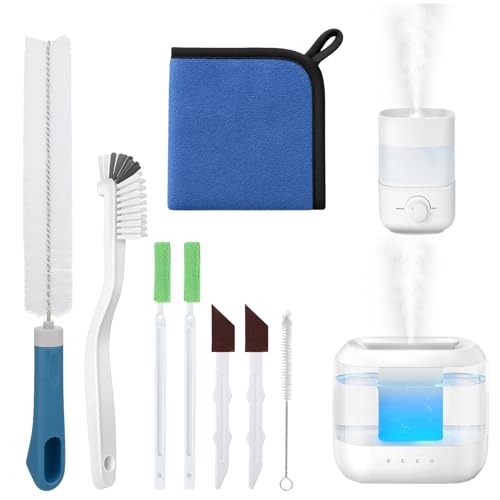
Humidifier Cleaning Solution:Still looking for a cleaning tool that can thoroughly clean your humidifier? Come and try our humidifier cleaning brush set!The nylon brush cleans the stains on the base, the sandpaper brush powerfully removes the severe scale at the bottom, and the long brush can easily reach the air outlet and the interior of the water storage tank, thoroughly cleaning every corner of the humidifier in all aspects, making your humidifier look brand new and more reassuring to use.
WORLD'S FASTEST, EASIEST HEARING AID DRYER - Open lid. Close lid. Wait 45 minutes. It's THAT simple! Most hearing aid dryers take HOURS to complete a cycle. Ours takes a fraction of that time & automatically shuts off at the end of the cycle, so you never have to worry about leaving your devices in too long.

4 UV Lamp: Regardless of cost,equiped with 4 UV lamps in both directions, higher efficiency and more time-saving.
When to Call for Dehumidifier Repair
Frequent bucket filling alone does not prove that the unit needs repair. Arrange professional service when you observe one or more of these faults:
- The bucket overflows or the unit fails to stop at the full level.
- Water leaks inside the cabinet or near electrical components.
- The drain pump repeatedly fails despite correct setup and a clean hose.
- The compressor or fan does not start, makes abnormal noises, or repeatedly trips protection.
- The coils remain heavily iced after the filter, airflow, and room temperature have been checked.
- The displayed humidity differs greatly from a reliable hygrometer.
- The unit runs continuously for a day or more without lowering humidity in a closed, properly sized space.
- A recurring fault code remains after the manual’s reset procedure.
Before paying for repair, compare the age and condition of the appliance with the cost of a current, correctly sized replacement. Do not open the sealed refrigerant system yourself.
Recommended Products

【Compatible Models】Our replacement filters are fully compatible with Tenergy Sorbi DH02 1000ml Dehumidifier &Purifier, Afloia AQ8 Q8, Honati, Hysure Q7 Air Purifi-ers.Please make sure your device model number before placing an order

【𝐂𝐨𝐦𝐩𝐚𝐭𝐢𝐛𝐥𝐞 𝐌𝐨𝐝𝐞𝐥𝐬】This 9 x 11 x 1 MERV 13 Replacement Dehumidifier Filter is compatible with Santa Fe Compact70, Ultra70, Element, Compact2, UA 65H. Not compatible with Santa Fe other models, please check your model before ordering.

【Compatibility】 Our MERV 13 Replacement Dehumidifier Filter Media is Compatible with Honeywell TrueDRY DH65 DR65, Part 50049537-002/U, 50049537-005.
Related Guides
Frequently Asked Questions
How quickly should a dehumidifier fill up?
There is no fixed fill time. It depends on the bucket size, room temperature, humidity, moisture sources, and the unit’s actual removal rate. Filling in six to twelve hours can be normal in a very damp room if the measured humidity is steadily falling.
Should you use a dehumidifier if you have COPD?
A dehumidifier may help when high humidity or mold is one of your COPD triggers, but it is not a treatment for COPD. Monitor the room humidity and your symptoms, avoid making the air uncomfortably dry, and follow your clinician’s personalized advice. The American Lung Association notes that high humidity can trigger symptoms for some people and recommends working with a healthcare provider to identify individual triggers.
How much water is normal for a dehumidifier to collect in a day?
Use the unit’s rated pints-per-day capacity as a reference, not a universal gallon figure. Actual home collection may be lower than the laboratory rating and changes with humidity, temperature, room size, and moisture sources. A smaller bucket may need to be emptied several times even when the appliance is operating normally.
Is 70% humidity too high for a house?
Yes. A sustained indoor RH of 70% is above the EPA’s generally recommended 30–50% range and can support condensation, mold, dust mites, and material damage. Look for leaks and moisture sources while using ventilation, air conditioning, or dehumidification as appropriate.
Why does my dehumidifier fill when the room does not feel humid?
Human comfort is not a reliable humidity measurement. The unit may be drying damp building materials, drawing air from another area, or responding to a humidistat that reads differently from the center of the room. Check with a separate hygrometer and confirm that doors and windows are closed.
Why is the bucket not completely dry in pump mode?
Some pump-equipped models wait until the water reaches a set level before activating, and they may leave a small amount in the bucket after pumping. Consult the model’s manual to confirm normal pump behavior.
Conclusion
A dehumidifier that fills quickly is not automatically broken. It may be removing a large moisture load, running at a low setpoint, or operating in continuous mode. Confirm the room humidity with a hygrometer, compare the bucket size with the unit’s rated capacity, inspect the building for moisture sources, and check every part of the drain route.
Stop using the appliance if it overflows, fails to shut off, leaks near electrical parts, or develops an unresolved pump or control fault. Those symptoms indicate a safety or mechanical problem rather than normal water collection.
Sources
- U.S. Environmental Protection Agency: Improving Your Indoor Environment — recommended indoor humidity and moisture control.
- ENERGY STAR: Dehumidifiers — capacity, sizing, operating temperature, drainage, placement, and humidistat guidance.
- ENERGY STAR: Dehumidifier Testing and Capacity — current water-removal ratings and test-procedure changes.
- GE Appliances: Dehumidifier Drain Hose Issues — gravity-hose connection, cleaning, slope, and outlet checks.
- NOAA NESDIS: What Is Humidity? — relative humidity, temperature, and actual water-vapor concepts.
- American Lung Association: Prevent a COPD Exacerbation or Flare Up — humidity as an individual COPD trigger and personalized trigger management.

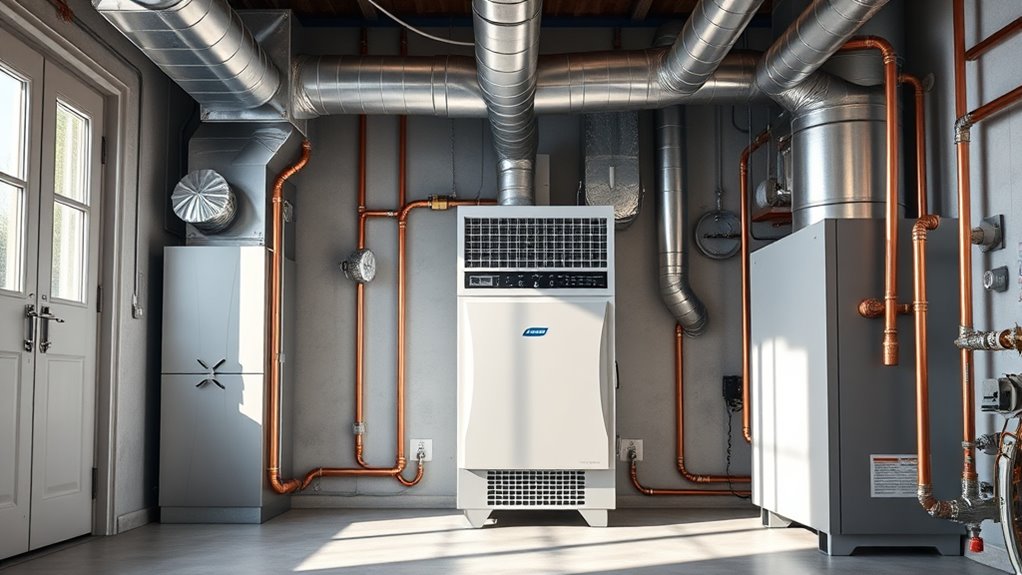



[…] wash the air filter per your manual. If airflow feels weak or the bucket still fills rapidly, see why a dehumidifier fills up so fast for model-specific […]